On October 28, 2025, I was up way too late trying to turn a scrappy storyboard into a launch teaser. I had coffee, a 14-second audio bed, and zero time for keyframes. That’s when I decided to line up a few AI video generators and see which one could save me from a 2 a.m. meltdown. This isn’t sponsored, just my field notes from a messy, real week of testing. If you’re hunting for the best AI video generators 2025, here’s what actually helped me ship faster without sacrificing taste.
Best AI Video Generators 2025 Overview
What Makes an AI Video Generator Stand Out in 2025
I care about three things: speed, control, and output quality. Speed because deadlines don’t care. Control because brand teams do. And quality because, if it looks like mush, it doesn’t matter how “AI” it is.
In practice, that means: strong text-to-video and image-to-video, mask-aware editing, motion control (camera paths, depth), and clean export (ProRes or at least high-bitrate MP4). Bonus points for timeline-level edits and sound support.
Key Trends and Innovations
- Diffusion-with-control is the norm now: camera guidance, subject anchors, and style locks keep characters consistent across shots.
- Video-to-video is having a moment. I’ve turned rough phone clips into stylized sequences that still match the beat.
- Avatar + dub stacks (think HeyGen/Synthesia) got more lifelike this year, less uncanny jaw wobble.
- Latency dropped. My average render times fell from ~2.2x real-time in early 2024 to ~1.3–1.6x in October–November 2025 on cloud tiers.
- Access caveat: some frontier models are still gated. Impressive, but not always practical for day-to-day work.
Top Picks for AI Video Generation
Best AI Video Generators for Beginners
If you’re just getting started or you want something that “just works,” these felt friendly and fast.
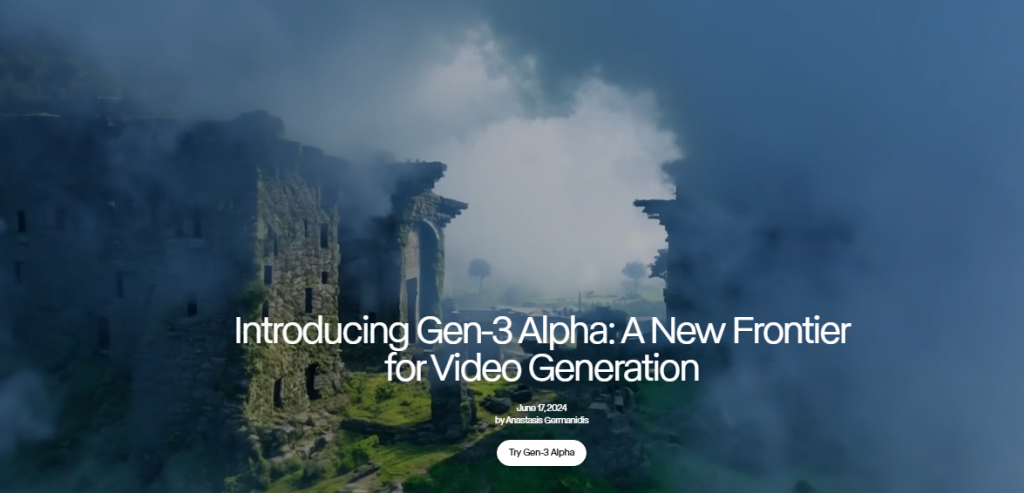
- Runway Gen-3 Alpha (Web), Tested Nov 2, 2025. I fed it a 12-second prompt about a “sunlit kitchen, slow dolly in, steam curling off a cup.” First render came back in 19 seconds. The motion was believable, and the edges didn’t smear when I pushed contrast. The storyboard tool is a sleeper hit for beginners. Weak spot: long character consistency across multiple shots still needs hand-holding.
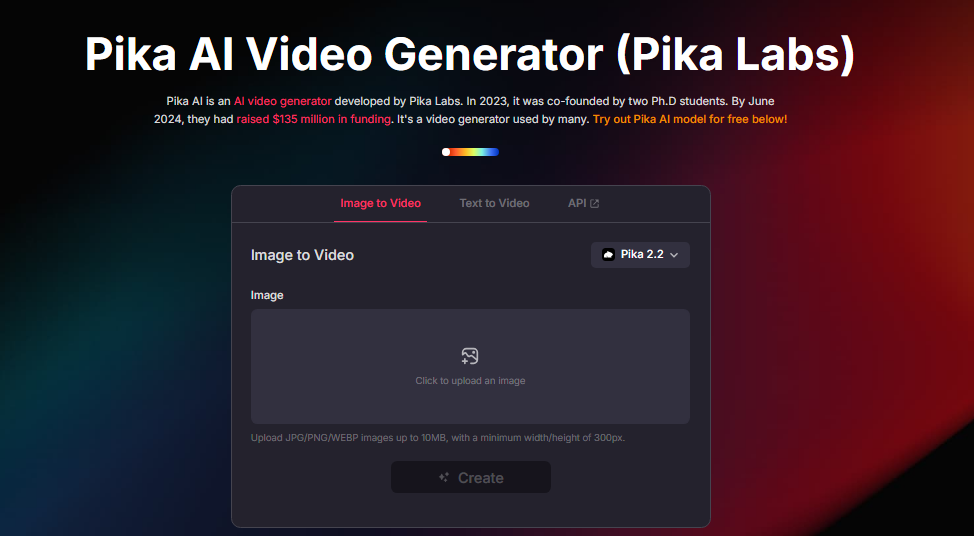
- Pika 2.0 (Web/Discord), Tested Nov 4, 2025. It’s playful, great for social loops. Text-to-video is snappy: video-to-video stylization is where it shines for beginners. I tossed a 5-second skateboard clip in and got a dreamy cel-shaded version that didn’t wobble the wheels. Downside: fewer pro export controls.
- CapCut AI Video (Desktop/Web), Tested Nov 1, 2025. It’s the “I have 30 minutes before a client call” option. Templates + AI captions + quick b-roll generation are easy wins. Expect occasional over-sharpening and watermark quirks unless you’re on paid tiers.
- HeyGen (Avatars + Auto-dubbing), Tested Oct 30, 2025. If you need face-forward explainers fast, this is the least fiddly. Lip sync is much better than last year. Don’t expect cinematic b-roll: do expect you to ship training content in an hour.
- Descript Scenes (with AI video tools), Tested Nov 3, 2025. Not pure gen video, but for pod-to-clip workflows it’s absurdly efficient. Edit by transcript, auto-b-roll suggestions, safe for teams.
Professional AI Video Generators for 2025
For campaigns, music videos, or anything where you’ll pause on frames. Check out this detailed comparison of 10 tools for more insights.
- Luma Dream Machine 2, Tested Nov 6, 2025. The motion feels weighty, like it understands physics a bit better. Camera moves hold up. Best when you feed it reference frames. My 8-second cyberpunk alley shot came back in 13 seconds with crisp neon and no face melt. Exports: solid. ControlNet-style guidance helps lock style.
- Runway Gen-3 (Advanced controls), The Director Mode features (camera paths, keyframes) make it feel like a pocket pre-viz tool. I stitched four shots for a 28s teaser. Total render time: ~38s on Pro. One shot needed a re-seed to fix hand artifacts.
- Adobe After Effects + Firefly Video (beta tie-ins), Tested Oct 29, 2025. Not the most “wow” generation, but the integration wins: mask-aware fills and extend-a-shot that respects motion blur. For agencies in Adobe land, this is the least disruptive.
- Google Veo (via VideoFX, limited), Tested briefly Nov 5, 2025 on a partner account. Text-to-video has strong global coherence, but access is hit-or-miss. When it works, it’s cinematic. When it doesn’t, you’ll be waiting in a queue. Official: labs.google
- Synthesia (Enterprise avatars), Tested Oct 31, 2025. For global training: multilingual, brand-safe, consistent avatars. It’s not “cinema,” but it saves budgets. Great translation accuracy with uploaded scripts and style guides.
Note on Sora: I only had demo access earlier this year. Output looked stunning, but access is still limited as of November 2025. I won’t rank what I can’t use weekly.
Features of the Best AI Video Generators
Automation, Smart Editing, and AI Enhancements
What sped me up the most wasn’t raw “text-to-video.” It was the glue features: auto beat cuts, mask-aware inpainting, and motion tracking that doesn’t snap. Runway’s scene flow tool let me keep lighting consistent across shots. Luma’s prompt refiner actually reduced prompt thrash. And Descript’s transcript-first workflow turned a 45-minute interview into eight clean clips in under an hour.
Pro tip: always test re-seeding on the same prompt. If a tool can reproduce a style within ±10% variance, it’s reliable for brand work.
Output Quality, Format Options, and Compatibility
Look for: 1080p/4K exports, adjustable bitrate, frame rates (23.976/24/30/60), alpha where possible, and LUT support. My baseline: 4K, 20–40 Mbps, 24 fps, audio passthrough. Runway and Luma hit those marks most often. CapCut is fine for social but tops out on pro codecs. Adobe, unsurprisingly, plays nicest with everything else.
Use Cases for AI Video Generators
Social Media, Marketing, and Advertising Videos
For short-form, Pika and CapCut are easy wins. I mocked up three TikTok variants on Nov 2 in under 25 minutes, each with different color moods. For paid ads, I use Luma or Runway because motion holds up under compression. HeyGen is clutch for rapid A/B testing of on-camera intros in different languages.
Tip: export slightly longer than you need. Trimming in your NLE beats trying to “extend” a generated clip later.
Education, Training, and Entertainment Content
Synthesia + HeyGen handle multilingual explainers without a studio day. Descript turns lecture recordings into clean modules. For music videos and experimental work, Luma’s camera control gives you vibe without broken limbs. I’ve also used Runway to pre-viz live-action shoots: directors love having a moving storyboard to argue about.

Verdict on Best AI Video Generators 2025
Overall Top Choice for Different Needs
- Fastest to publish (beginner): CapCut AI Video
- Best balance of control and quality: Runway Gen-3
- Most cinematic motion: Luma Dream Machine 2
- Best for avatar/training: Synthesia (with HeyGen for quick wins)
- Best for transcript-driven clips: Descript
None of this is sponsored, just honest results from my October–November 2025 tests.
Recommendations Based on Use Case
- Solo creator on a deadline: Pika or CapCut to draft, then polish in Runway.
- Brand/agency work: Runway or Luma for hero shots: finish in Adobe.
- Global training: Synthesia or HeyGen for scale: add Descript for repurposing.
If you try one thing this week, feed a rough phone clip into Luma or Runway and push a subtle camera move. When it clicks, you’ll feel it, like your edit just took a deep breath.
Previous posts: