Hello, Dora is here. I was editing a short, staring at a messy transcript and a silent Premiere timeline, when I saw Anthropic’s “Skills” announcement roll across my feed. I didn’t need another shiny feature. I needed clean chapter markers, a tight hook, and a b‑roll list I could trust. So I opened Claude, and tried to see if Skills were hype or actually useful for my video workflow.
What Anthropic actually announced (the short version)
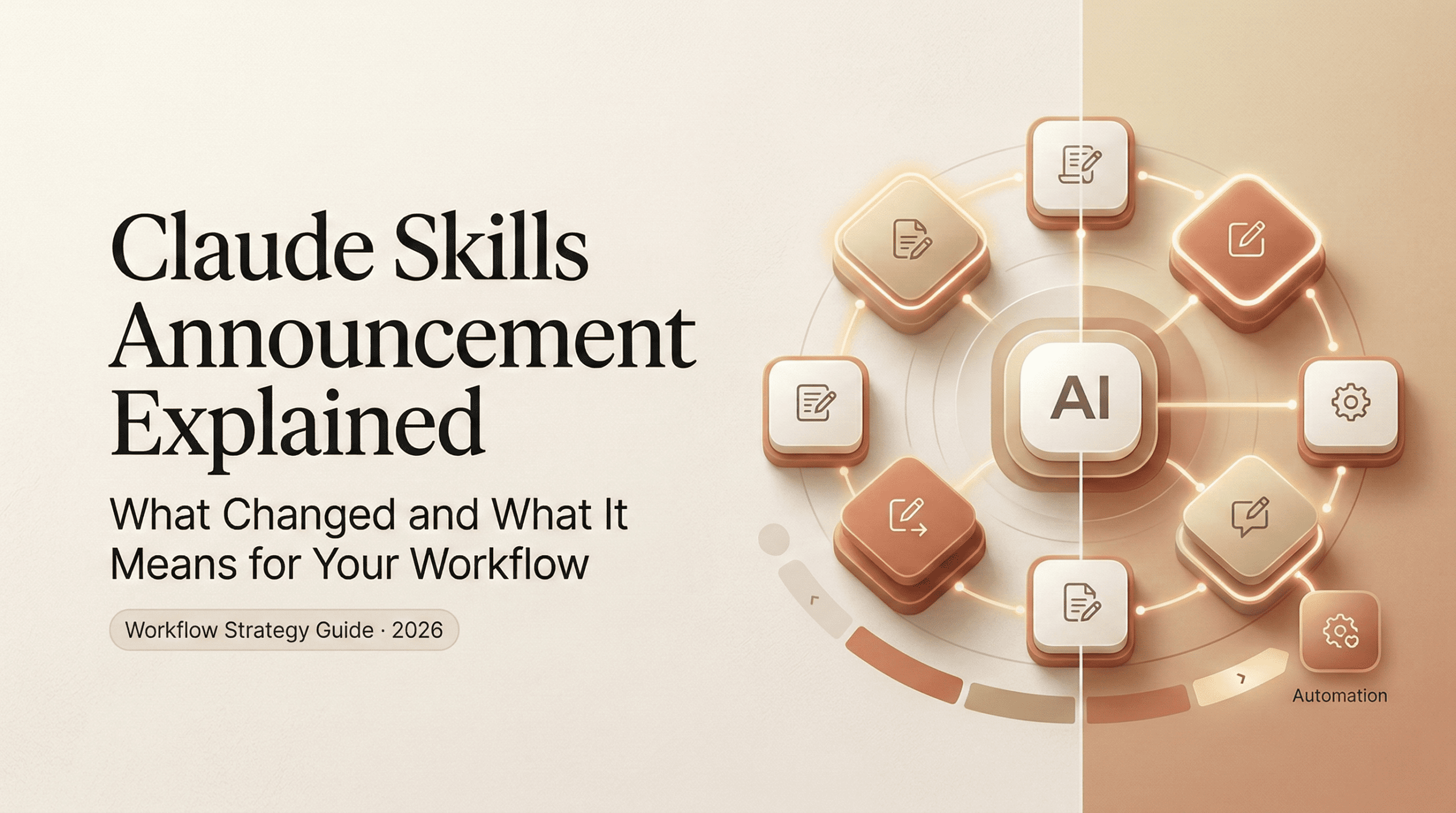
Skills are reusable, named behaviors you attach to Claude. Think of them like small, permissioned routines you can call in any chat or via the API: “Summarize a long transcript into a 7‑beat outline,” “Generate SEO metadata from a draft,” “Draft a YouTube description in my brand voice.” You set the steps once, give Claude limited access to tools or files, and then invoke the Skill by name instead of rewriting a giant prompt every time.
In other words: less copy‑paste prompt spaghetti, more consistent outputs across your team and projects.
I skimmed the official notes and examples here: Anthropic news and the core Claude docs. My access was through the regular Claude interface plus the early Skills toggle in Settings for my org workspace: API hooks are rolling out region by region (expect some waitlists).
Key capability upgrades in plain language
- Reusable instructions with a name: You create a Skill once (e.g., “Transcript→Chapters v1”). You can update versions without losing history.
- Scoped permissions: Each Skill can see only what you allow (a folder, a tool, an API key). No broad, spooky access.
- Parameterized inputs: Pass variables at run time, title, target audience, tone, platform. No more editing the base prompt every launch.
- Tool and data access: Hook Skills to file sources (Drive, Dropbox), basic web fetch, or your own API endpoints. You decide the guardrails.
- Shareable across your team: Colleagues can run the same Skill and get predictable results. Helpful for brand voice and compliance.
- Logs you can actually read: Runs show what was used, which steps executed, and any failures. Not perfect observability, but better than black‑box chat.
If you’ve used “Projects,” “Workflows,” or “GPTs” elsewhere, this will feel familiar, but more lightweight. If you’re comparing where Skills fit in the broader ecosystem, I also mapped out the current landscape of free AI video tools and how they differ in control vs automation. Skills are small on purpose. They don’t try to be autonomous agents: they’re repeatable plays you can trust.
What changed for everyday AI video creators
I care about what cuts my edit time without wrecking quality. Over three late‑night tests, I ran the same 4–6 minute talking‑head clip through my old flow and a Skills‑based flow. No fancy automation server, just Claude + a Drive folder + my usual NLE.
What got better:
- Consistency. My “YouTube description” stopped swinging wildly from quirky to corporate. The Skill locked my style.
- Less prompting. I stopped babysitting outputs. I clicked the Skill, passed the video title, dropped the transcript, and moved on.
- Faster first pass. Not magical, but enough to save me from the 1 a.m. spiral.
What didn’t: You still need taste. Skills won’t guess your pacing or your punchlines. And if your transcript is chaos, you’ll still clean it.
Before vs after, 3 concrete workflow differences
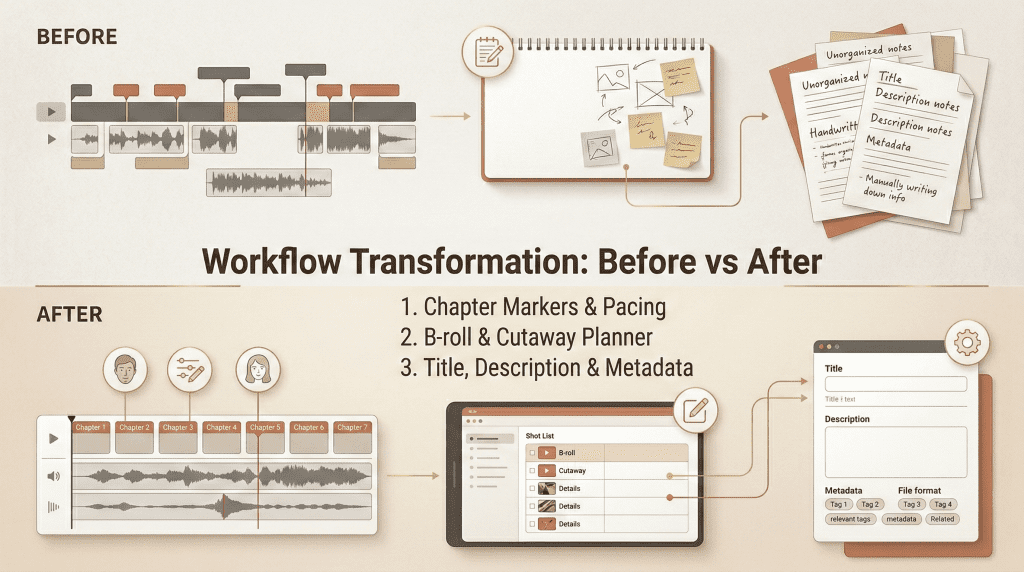
- Chapter markers and beats
- Before: I pasted a transcript, begged for “natural chapter breaks,” then corrected awkward titles. It took me ~15–20 minutes for a 6‑minute clip.
- After: I run a Skill called “Chapters‑7Beat” that expects a transcript and a target length. It returns timestamps, beat names, and a one‑line takeaway for each section. I still tweak phrasing, but I’m starting from 80% done rather than 40%.
- Why it matters: Drop those into your NLE’s markers and your edit finds its spine faster.
- B‑roll and cutaway planner
- Before: I’d rewatch to catch visual gaps and draft a quick b‑roll list in Notes: “typing hands,” “analytics dashboard,” “street b‑roll nighttime,” etc.
- After: My “B‑roll Planner” Skill scans the transcript and outputs: a) a 2‑column table with beat → suggested visuals, b) stock‑safe prompts, and c) flags for shots I already have in my library. I still decide what’s tasteful, but I stop forgetting obvious inserts.
- Why it matters: You line up assets earlier, so you’re not hunting for footage at the eleventh hour.
- Titles, descriptions, and metadata
- Before: I Frankenstein’d titles from three prompts, then manually filled tags and a short description. Boring and inconsistent.
- After: The “YT Metadata” Skill takes a working title + video summary and returns 6 titles in my voice (with character counts), a tight 2‑paragraph description, and 15 tags sorted by intent (broad vs. niche). I run this once, pick what I like, and ship.
- Why it matters: You get publish‑ready text without the endless rewrite loop.
Bonus: Shorts repurposing
- I tried a tiny “Clip Ideas” Skill that asks for a transcript and outputs 5 hook‑first shorts ideas with start–end timestamps. It’s not flawless, but two of the five were strong enough to cut immediately.
One practical note: I saw better results when I fed clean transcripts (no speaker labels, fixed punctuation). Garbage in, garbage out still applies.
The one thing most people misread about this announcement
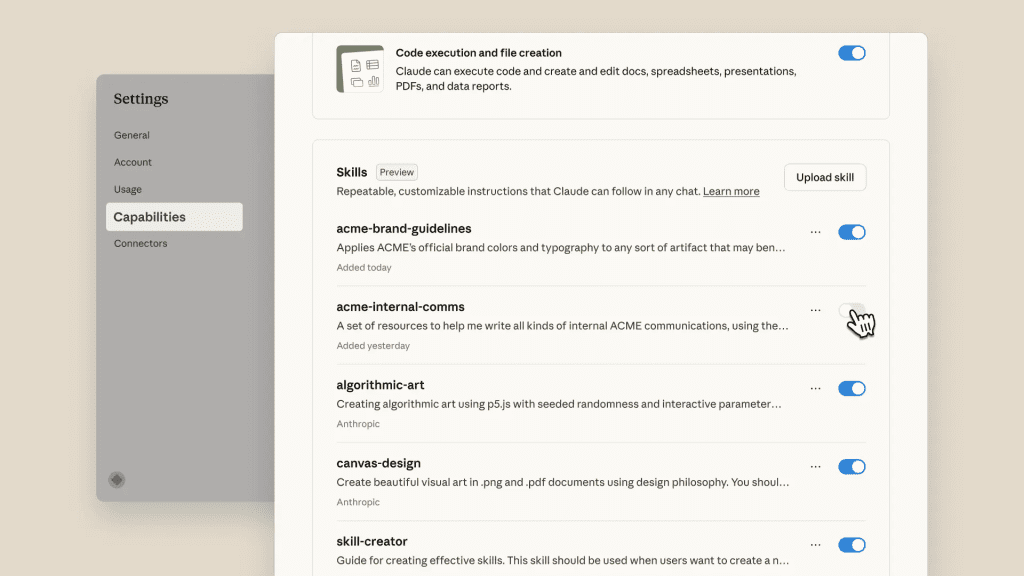
Skills don’t turn Claude into a self‑driving editor. I’ve seen folks assume this means “hands‑off agents” that fetch files, glue timelines, and publish to YouTube while you nap. That’s not what Anthropic shipped.
Skills are guardrailed, reusable instructions that reduce friction. You still:
- Provide inputs (transcripts, goals, references).
- Review outputs for taste and accuracy.
- Make final calls in your editor.
And that’s good. Repeatable structure beats fragile autonomy for most creators. I’d rather click a reliable Skill than debug an agent at 2 a.m. because it hallucinated my brand voice into a tech‑bro manifesto.
How to start using the new Skills today
You don’t need a backend to see value. If you can upload a transcript and run Claude, you can start.
Quick-start checklist (5 steps)
- Pick one tiny outcome
- Choose something you do every time: “7 chapter markers,” “b‑roll list,” or “YouTube metadata.” Small beats compound.
- Draft the Skill like a recipe
- Write the inputs you’ll provide (title, transcript, audience) and the exact outputs you expect (format, examples, constraints). Keep it boring and specific: “Return JSON with keys: start_time, end_time, beat_name, takeaway.”
- Add your references
- Paste 2–3 examples of your past titles/descriptions that you actually like. Tell the Skill to match tone and avoid clichés you hate. References anchor style better than adjectives.
- Wire light permissions
- If you’re on a team plan, scope access to a single Drive folder or a read‑only data source. No broad keys. If you’re solo, just keep assets in a clean folder and pass files manually for now.
- Test on a short clip, then version up
- Run the Skill on a 3–4 minute video first. Tweak instructions. Save as v1.1, v1.2, etc. When it feels stable, share with your team and document when to use it.
What’s still missing (honest take)
A few gaps showed up in my week‑one testing. None are deal‑breakers, but they matter if you’re serious about video.
- Better scheduling and batch: I want to queue 10 transcripts overnight and wake up to organized outputs. Right now, I trigger runs manually.
- Tighter NLE hooks: Direct bridges to Premiere Pro/Final Cut would be huge, even basic marker import/export as first‑class citizens. You can hack it with CSV/JSON, but a native handoff would save time.
- Stronger observability: Logs are decent, but I’d love step‑by‑step diffs when I update a Skill version. “What changed between v1.2 and v1.3?”
- Cost and latency visibility: When chained with tools, it’s easy to lose track of token spend and wait times. A simple “estimated cost/time” preview would help.
- Team governance: Permissions exist, but larger teams will want approval flows (e.g., who can publish org‑wide Skills?) and audit trails you can export.
- Media‑native inputs: Feeding a transcript works. Letting a Skill sample audio/video directly for beats (even just silence detection) would reduce prep time. We’re starting to see early signs of deeper timeline control in tools experimenting with motion-level inputs, like Veo motion controls AI, but it’s not fully integrated into structured workflow systems yet.
Even with those caveats, I’m keeping three Skills pinned because they actually save me effort: Chapters‑7Beat, B‑roll Planner, and YT Metadata. They’re not flashy. They’re just reliable. And on a Tuesday night deadline, that’s all I want.
If you’re trying to systemize your own AI video workflow instead of just testing features one by one,
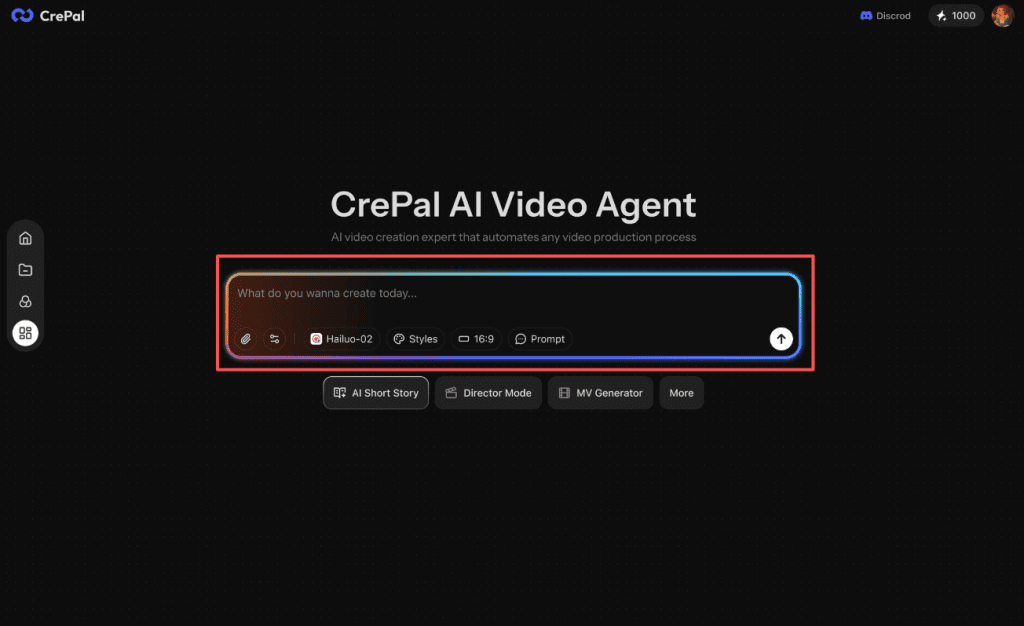
At Crepal, we’re focused on helping creators structure repeatable AI workflows — not just prompts, but clean, reusable processes that reduce chaos and decision fatigue. It’s not about replacing your editor. It’s about making the messy parts (transcripts, chapters, metadata, repurposing) feel predictable.
If Skills resonated with you, you’ll probably enjoy building your own workflow stack inside Crepal too.
If you try Skills this week, start small. Pick one pain point, make a tiny Skill, and see if it sticks. If it does, clone it across your projects and never look back. And if it doesn’t? Toss it. No guilt. We’re all just tuning our rigs to make room for the fun parts again.
Previous posts: