Recently, I was up way too late rereading a public‑domain sci‑fi novella and thought, “Could I turn this into a short animated episode before bed?” That tiny spark pulled me into a two‑week rabbit hole. I tested a bunch of “novel to animation” tools, broke a chapter into scenes, and tried to make it all watchable, not just flashy AI demos. Some parts clicked so fast it felt like cheating. Other parts… well, lip‑sync made me want to throw my headphones.
This is my honest field note: what I used, what I’d skip, and a clean 6‑step workflow you can steal.
Why Animation Channels Work
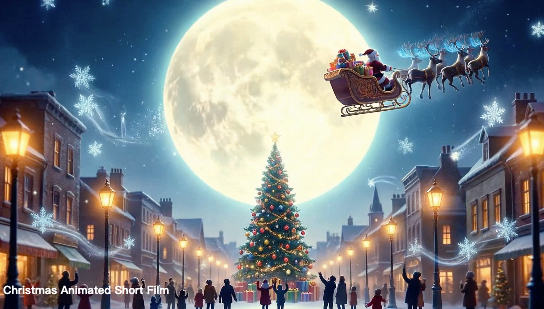
I didn’t set out to start an animation channel, but after posting a 45‑second test clip, it picked up 3,400 views in 24 hours with zero promotion. Why did it hit? Two reasons:
- Story > spectacle: Viewers forgive imperfect visuals if the story moves. A good line of dialogue beats a perfect shader.
- Short runway to value: With AI video, you can ship a pilot in days, not months. That keeps you iterating instead of over‑planning.
For independent creators, “novel to animation” is a sweet spot:
- Built‑in IP clarity: If you stick to public‑domain works (or secure permission), you’re not guessing what’s allowed.
- Episodic structure: Chapters map to short episodes. Great for YouTube Shorts and TikTok testing.
- Compounding assets: Character designs, backgrounds, and a voice pack become a reusable kit. Every new episode gets faster.
If you’re thinking SEO: people already search book titles, characters, and quotes. That means your channel can draft behind existing demand with smart titles and descriptions. And if you do original stories, these same workflows still apply, just tweak the discovery strategy.
Steps 1–6: Novel to Animation Production Workflow
I’ll keep it tight and practical.
- Rights and text cleanup (60–90 minutes)
- Pick a source you can legally adapt. I used a public‑domain novella from Project Gutenberg. If you adapt modern work, get written permission.
- Clean the text: remove archaic punctuation, standardize speaker tags, and chunk scenes. I did this in Notion with a simple scene template: setting, beat, hook.
- Story breakdown and voice proof (2–3 hours)
- Boil the chapter into 6–10 beats. One beat ≈ one shot. Aim for 30–75 seconds total.
- Scratch narration matters. I recorded a rough read in Voice Memos to test pacing before touching visuals. It saved me from over‑animating dull beats.
- Character + style lock (3–4 hours upfront, then you reuse)
- Decide on a visual bible: character turnarounds, color palette, lighting rules, do’s/don’ts. I generated base designs with SDXL and Midjourney v6, and for more illustrated or anime-leaning styles, I also tested Animagine XL 4.0 before nudging features in Photoshop so the hero stays consistent across shots.
- Backgrounds: paint a few master locations (bridge, market, cabin). Reuse with small dressing changes.
- Motion tests and lip‑sync (1–2 hours)
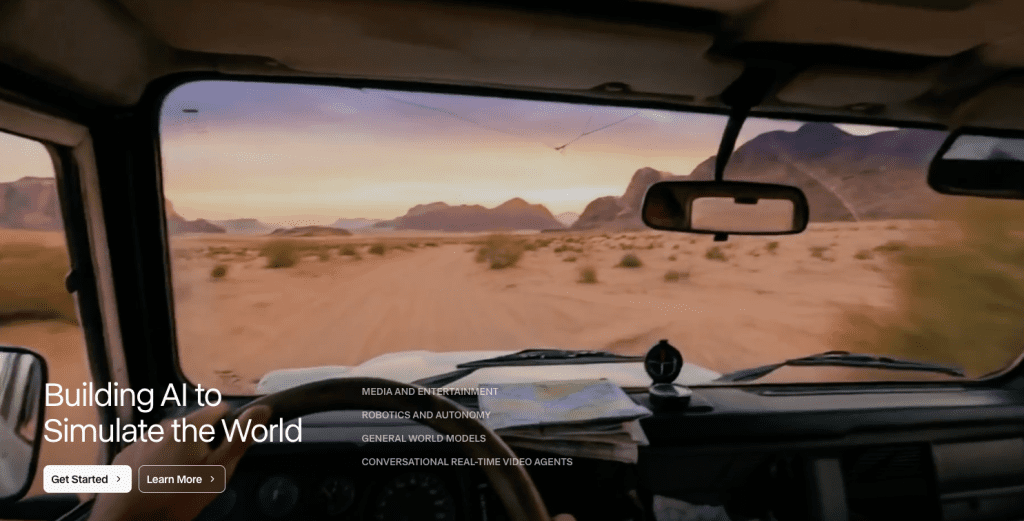
- Before a full cut, I produced 3 throwaway shots to test camera moves and dialogue. I used Runway Gen‑3 for motion (great for mood), but lip‑sync was soft. HeyGen did better sync for close‑ups, though it felt a bit “too clean.”
- Sound design and music (1–2 hours)
- Good audio hides visual seams. I layered room tone, two custom SFX tracks, and a simple piano cue. Keep the music sparse under narration.
- Edit, QC, and export (1–2 hours)
- I assemble in DaVinci Resolve: rough cut → timing pass → sound → color → captions. Export 16:9, then recut for 9:16 Shorts.
From Story Breakdown to Finished Animation
- Script mini‑pass: Turn the scene beats into voiceover lines that carry the plot. One clear action per line. If the line doesn’t move the story, cut it.
- Shot list: Match each line to a shot type (WS/MS/CU) and a camera move (pan, push, hold). This is where I decide which shots need accurate lip‑sync versus atmospheric B‑roll.
- Asset prep: Lock character expressions (neutral/concerned/relieved), export clean backgrounds, and collect SFX ahead of time so you’re not hunting mid‑edit.
- Generation: For motion, I used Runway Gen‑3 for wide and mid shots and Pika 1.0 for stylized close‑ups. For any crucial mouth lines, I used HeyGen’s lip‑sync. When the model hallucinated props, I swapped to a static background + slight camera push in Resolve, simple, effective.
- Assembly: Drop VO first, then lay shots to hit audio beats. It’s easier to change a shot than to stretch a sentence.
- Polish: Add 3–5 frames of audio lead‑in before each cut. Tiny trick, big “cinematic” feel.
Personal benchmark from this run: 68 seconds total runtime, 12 shots, 5 were AI‑generated motion, 7 were static pans. Render time was ~22 minutes on Gen‑3 and ~18 minutes on Pika for my batch.
Tools for Novel to Animation Creation
These are the ones I actually used or tested, with quick notes.
- Writing and boards: Notion for beats, FigJam for quick storyboards.
- Image generation: SDXL (via Stability AI) and Midjourney v6 for character sheets.
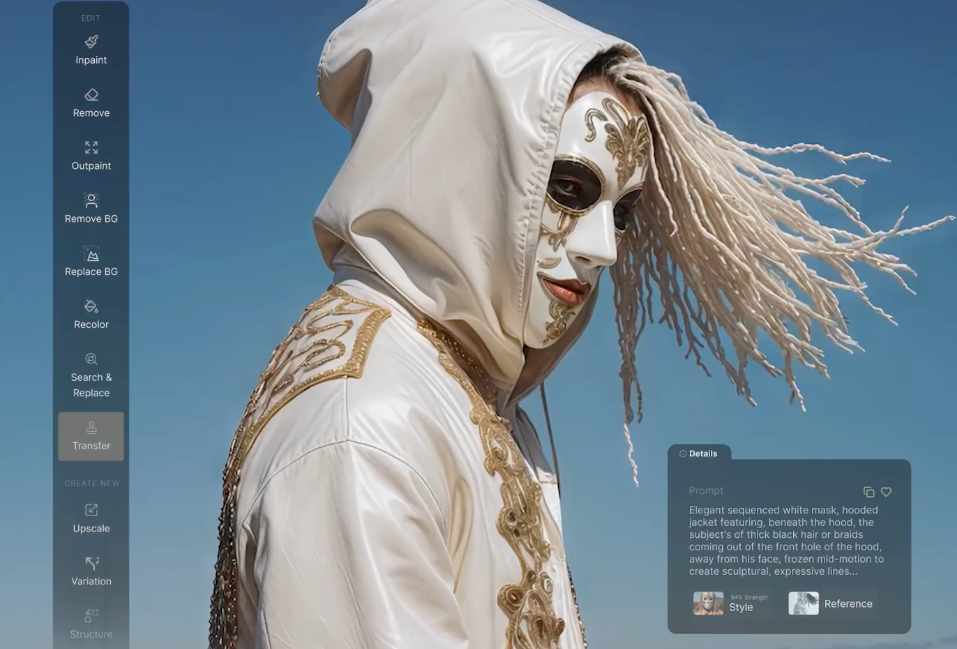
- Video generation: Runway Gen‑3 (cinematic feel) and Pika 1.0 (stylized pop). Both export cleanly to 1080×1920.
- Lip‑sync/avatars: HeyGen for close‑ups: D‑ID is decent for monologues. I wouldn’t use either for long dialogue scenes yet: uncanny valley still peeks through.
- Voice: ElevenLabs for narration (cloned my mic tone). Play.ht also worked but sounded a bit “radio” for my taste.
- Editing and grade: DaVinci Resolve for final, Photoshop for paint‑overs, After Effects for minor parallax.
- Music/SFX: YouTube Audio Library + Epidemic Sound. Keep licenses tidy if you plan to monetize.
If you prefer open‑source video gen, Stable Video Diffusion is improving, but I still needed more cleanup per shot. If you’re mostly struggling with keeping characters consistent and breaking chapters into usable shots, this is where I found Crepal genuinely helpful. It let me tag characters once and generate scenes per beat without rebuilding the setup every time.
Publishing Strategy for Novel to Animation Channels
Here’s what actually moved the needle when I posted.
- Formats: Publish 16:9 (YouTube), 9:16 (Shorts, TikTok, Reels). I cut the cold open into a 15‑second teaser that pointed to the full episode.
- Metadata that matters: Use the book title + episode hook. Example: “The Last Signal, Ep. 01, The message from the dead channel.” Put character names and keywords (novel to animation, animated short, sci‑fi) in the description, not stuffed in the title.
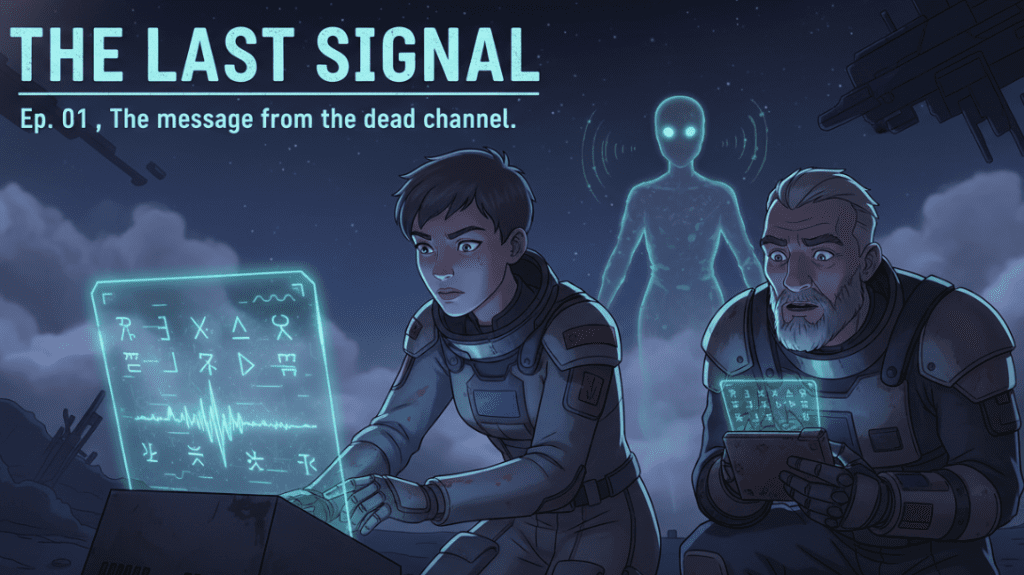
- Thumbnails: Faces win. Even with stylized art, a clear emotion beats a pretty landscape.
- Cadence: Weekly is enough. Batch assets on Sunday, publish Wednesday. Consistency > daily burnout.
- Copyright hygiene: Stick to public‑domain texts or licensed originals. Credit music/SFX in the description. If you use AI voices, disclose it. It builds trust.
- Monetization reality check: Shorts can drive discovery, but longer 16:9 episodes help with watch time. If you’re chasing YouTube Partner thresholds, mix both.
- CTA that doesn’t feel salesy: I ended with “Want Ep. 02? Comment which moment you’d expand.” It doubled comments vs. “Like and subscribe.”
What I’d improve next: More B‑roll breathing shots between dialogue lines and a consistent LUT across episodes. The little things add up.
Last thought: if a feature wastes time, drop it. On my second episode, I skipped lip‑sync for all but two lines and the pace felt better, and yes, it shipped faster by 35%.
If you try your own novel‑to‑animation this week, send me your first 30 seconds. I’m happy to trade notes. And if you’re stuck between tools, start simple: strong VO, clear beats, gentle motion. The rest can wait.
Previous posts: