Hey everyone! This is Dora. It was 1 AM on a Tuesday and I was staring at a half-finished short film project — three tools open, two browser tabs of Reddit threads, and zero idea which AI video generator was actually going to give me consistent characters from shot to shot. I’d been at it for four hours. The clips looked incredible individually. Together? They looked like three different movies shot on three different planets.
That night broke something in me — in a good way. I spent the next three weeks systematically testing every major AI filmmaking tool I could get my hands on, timing generations, comparing outputs, and tracking actual costs. This article is the result of that obsession.
Let me save you the 1 AM spiral.
What “AI Filmmaking Tools” Actually Covers
Before we get into recommendations, let’s get one thing straight: “AI filmmaking” is not one thing. It’s a pipeline. And the tools you need depend entirely on where you are in that pipeline.
Script → Storyboard → Video Generation → Editing → Export
Here’s how a realistic AI-assisted short film workflow actually breaks down in 2026:
- Script & Idea — You need a story. AI can help draft it, but you still steer it.
- Storyboard & Shot Planning — Translating script beats into visual shot lists.
- Video Generation — The glamorous part. Also the most expensive part.
- Editing & Post — Stitching clips, adding audio, color grading, pacing.
- Export & Distribution — Formatting for YouTube, social, or festival submissions.
No Single Tool Does Everything: The Realistic Workflow
I want to be honest here because a lot of articles won’t be: no single tool does all of this well for now. Melies and LTX Studio come closest to end-to-end platforms, but even they have gaps — particularly in audio quality and timeline editing depth. Most indie filmmakers I know (myself included) are running a 3–4 tool stack, matching each tool to the stage it genuinely excels at.
How We Evaluated These Tools
I evaluated every tool in this guide using the same five criteria:
- Output quality — actual visual fidelity, not marketing demos
- Character/shot consistency — can the same character appear in consecutive shots?
- Real pricing — what I actually spent per minute of usable footage
- Learning curve — time from signup to first usable output
- Workflow fit — does it integrate or is it an island?
Best AI Filmmaking Tools by Stage
Script & Idea Generation
Top Pick: ChatGPT (GPT-4o) + Claude
For script generation, I use both. ChatGPT is faster for raw brainstorming — I give it a logline and ask for three scene-by-scene breakdowns. Claude handles nuance better for dialogue rewrites and character consistency in longer scripts. Neither replaces your creative judgment, but they dramatically compress the “blank page” phase.
Typical time savings: What used to take me 3–4 hours of outlining now takes 45 minutes with AI assistance.
Storyboarding & Shot Planning
Top Pick: Midjourney v7 + LTX Studio
For storyboards, I generate reference frames in Midjourney using a consistent character seed, then bring them into LTX Studio for shot planning. LTX Studio’s script-to-screen workflow is genuinely useful here — you paste your script, and it generates a shot-by-shot visual breakdown you can edit before you ever spend a credit on video generation.
Also solid: Boords (with AI storyboard generation) — good if you’re working with a team and need shareable, comment-able storyboards.
AI Video Generation
This is where most of the money, time, and frustration live. Here’s my honest breakdown as of recent days:
Runway Gen-4.5 — Still the benchmark for professional output quality. Runway Gen-4.5 delivers the best temporal consistency and motion control of any currently available AI video generator, making it the top choice for professional advertising and narrative content. The Motion Brush feature — where you literally paint movement paths onto elements in your frame — is something I use on almost every product shot. Downside: it’s the most expensive option in this list when you do the math per second of usable footage.
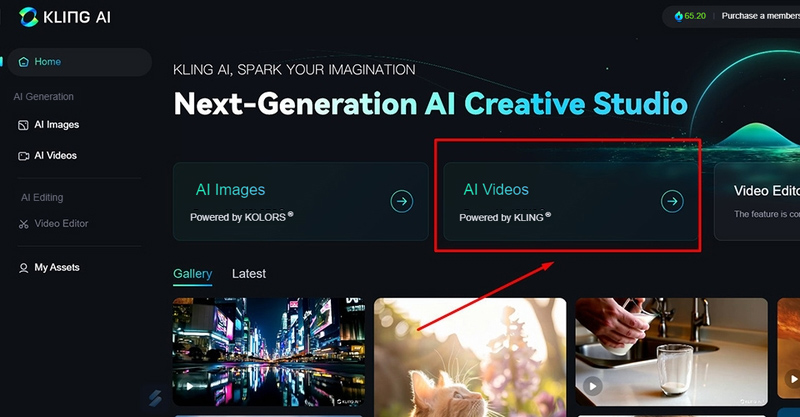
Kling v3 (Kuaishou) — My current go-to for high-volume projects. Kling 3.0, released this year, introduces multi-shot sequences of 3–15 seconds that maintain subject consistency across different camera angles — a significant technical breakthrough. For indie filmmakers struggling with character continuity (which, honestly, all of us are), this is a meaningful upgrade. Kling generates equivalent quality at roughly 40% of the cost per second of video compared to Runway Gen-4, making it dominant for high-volume social media production.
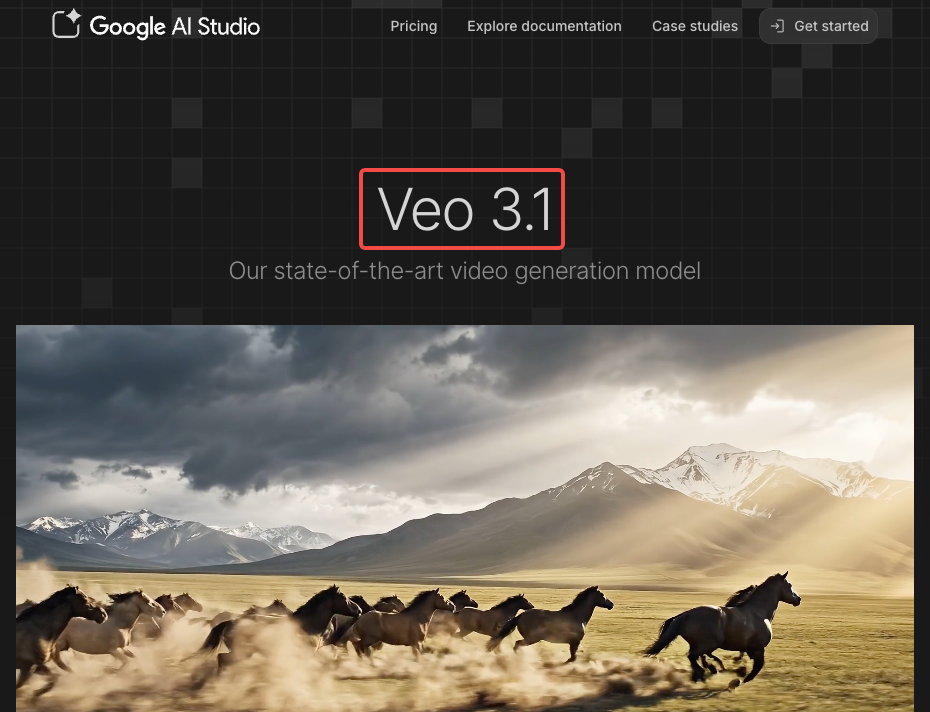
Veo 3.1 (Google DeepMind) — The only model that generates native audio alongside video. Google’s Veo 3.1 offers the most versatile options with per-second pricing starting at $0.15/second in fast mode, supporting native 4K resolution and transparent per-second API pricing. For dialogue scenes where you need lip-sync to feel real, Veo 3.1 is genuinely in a different category. The catch: it’s priced through Google Cloud’s Vertex AI, which adds complexity if you’re not already in that ecosystem.
Pika 2.2 — Fast, social-first, and genuinely fun. If you’re making short-form content for TikTok or Reels, Pika’s generation speed is hard to beat. I use it for quick concept tests before committing credits to Runway or Kling.
Editing & Post-Production
Top Pick: Runway (editing suite) + Descript
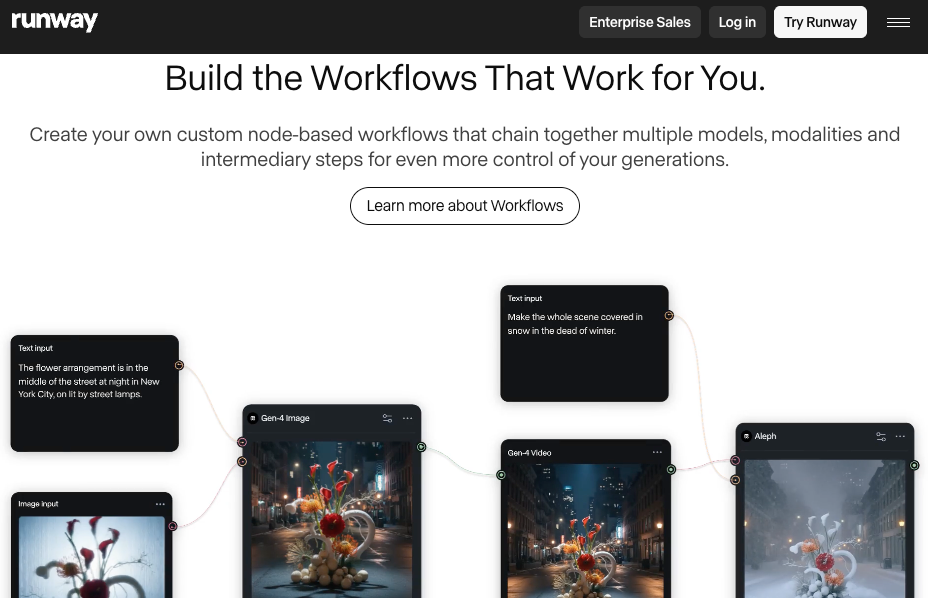
Here’s something I didn’t expect: Runway’s editing tools are almost as valuable as its generation capabilities. The Aleph model lets you adjust camera angles, remove backgrounds, and make targeted edits to generated footage — without regenerating the whole clip. That alone has saved me hours of wasted credits.
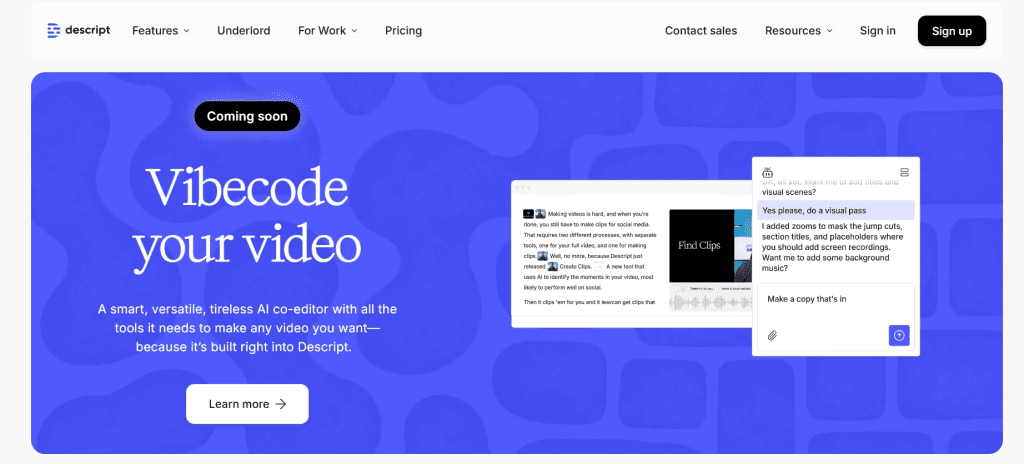
For dialogue-heavy cuts, Descript remains unbeatable. You edit the transcript, and the video cuts follow. Adobe Firefly integrates directly into Premiere Pro (currently in beta), which is becoming my preferred route for color grading and generative fill on post-production fixes.
All-in-One / Orchestration Platforms
Top Pick: Melies
If you want a single platform that handles the full filmmaking pipeline — Melies combines 16 image models, 8 video models from six providers, AI actors for character consistency, and a timeline editor for assembling scenes with audio, transitions, and effects. It’s the closest thing to a real AI film studio I’ve tested. The AI actors feature is what makes it genuinely different: you cast a character once, and it maintains their appearance across generated scenes.
Also strong: LTX Studio — particularly for teams that work heavily in pre-production and need shareable project spaces.
Feature Comparison Table (Stage Coverage / Free Tier / Output Quality / Learning Curve / Best For)
| Tool | Stage Coverage | Free Tier | Output Quality | Learning Curve | Best For |
| Runway Gen-4 | Video gen + editing | 125 credits (one-time) | ⭐⭐⭐⭐⭐ | Medium | Pro narrative content |
| Kling v3 | Video gen | Yes (monthly refresh) | ⭐⭐⭐⭐½ | Low | High-volume, budget-conscious |
| Veo 3.1 | Video gen | Via Google AI | ⭐⭐⭐⭐⭐ | High | Dialogue scenes, audio-critical |
| Melies | Full pipeline | Limited | ⭐⭐⭐⭐ | Medium | End-to-end short films |
| LTX Studio | Script → storyboard → video | Yes | ⭐⭐⭐⭐ | Low | Pre-production heavy workflows |
| Descript | Editing | Yes | N/A | Low | Dialogue editing |
| Pika 2.2 | Video gen | Yes | ⭐⭐⭐½ | Very Low | Social-first, fast iteration |
| ChatGPT / Claude | Script & ideation | Yes | N/A | Very Low | Script development |
Honest Limitations of Current AI Filmmaking Tools
I’m going to say the thing most tool reviews won’t: AI filmmaking in 2026 is genuinely impressive and genuinely frustrating in equal measure.
Consistency Across Shots, Character Continuity, Audio Sync
This is the big one. Even with Kling v3’s multi-shot breakthrough and Runway’s world consistency features, maintaining the exact same character across 20+ shots in a short film is still hard. You’ll get close. You won’t get perfect — not without significant prompt engineering and reference image discipline.
Neither Runway Gen-4 nor Veo 3 is perfect at maintaining character consistency across shots. This is still an evolving challenge for all AI video tools — you need to be careful with prompts and sometimes use image references.
Audio sync is better than it was last year, largely because of Veo 3.1’s native audio generation. But for complex dialogue scenes with multiple speakers, you’ll still be doing manual sync work in post. The average cost per minute of AI-generated video has dropped 65% from 2024 to 2025, which is genuinely exciting — but the quality ceiling on long-form character-consistent narratives is still lower than what you’d get from skilled human production.
Recommended Workflow for Independent Filmmakers
After testing everything, here’s the actual stack I’m using for short film projects:
Budget tier (~$30–50/month total):
- ChatGPT (free/Plus) → Script outline and scene breakdown
- Midjourney (~$10/month) → Character reference sheets and storyboard frames
- Kling Standard (~$7/month) → Primary video generation
- CapCut (free) → Editing, basic audio, export
Mid-tier (~$80–120/month):
- Claude (Pro) → Script refinement and dialogue polish
- LTX Studio (~$49/month) → Pre-production planning + some video generation
- Runway Standard (~$15/month) → Hero shots that need premium quality
- Descript (~$24/month) → Dialogue-first editing workflow
Pro tip I learned the hard way: Generate all your character reference images before you start video generation. Build a reference sheet with your main character in 4–6 poses and lighting conditions. Feed that reference consistently across every video generation prompt. It won’t guarantee perfect continuity, but it dramatically improves the consistency floor.
FAQ
Q: Can AI replace a film director or cinematographer?
A: No — and I think the framing of this question misses what’s actually useful about these tools. AI is not replacing filmmakers; it is changing how they work. The creative decisions — pacing, emotional resonance, visual metaphor, what story is worth telling — still come entirely from you. What AI does is compress the execution gap between your idea and a watchable output. Think of it as an infinitely available second unit crew that doesn’t require craft services.
Q: What is the best AI tool for making a short film?
A: For most indie creators nowadays, a Kling v3 + Runway + Descript stack gives you the best balance of quality, cost, and workflow flexibility. If budget is tight, Kling Standard + CapCut gets you surprisingly far. If quality is the absolute priority and budget is flexible, Melies for end-to-end workflow or a Runway Pro + Veo 3.1 combination for production quality.
Q: How much does it cost to make a short film using only AI tools?
A: Based on my actual testing: a 3–5 minute short film with consistent characters, voice-over, and basic music runs roughly $40–120 in generation costs depending on how many iterations you need. AI video generation costs range from approximately $0.05/second for budget models up to $0.20/second for premium models like Veo 3.1 with audio included. The biggest variable is how many failed generations you discard — which is why building good reference materials and prompting discipline early saves real money.
Verdict: Best Tool by Goal
| Your Goal | Best Tool |
| Lowest cost per minute of video | Kling v3 Standard |
| Best cinematic quality | Runway Gen-4 |
| Native audio + dialogue sync | Veo 3.1 |
| End-to-end platform (no tool-switching) | Melies |
| Script-to-storyboard pipeline | LTX Studio |
| Dialogue-first editing | Descript |
| Best free starting point | Pika 2.2 or LTX Studio free tier |
| Script development | ChatGPT + Claude |
The honest truth? I still have nights where three tools are open and nothing looks quite right. But I’m making films I couldn’t have made two years ago, on a budget I couldn’t have imagined two years ago. That’s not nothing.
Start with one tool. Get one short clip you’re proud of. Then add to the stack.
Previous posts: