Hey guys, it’s Dora! If you’re new here — I test AI video and image tools as soon as they drop, sharing real, unfiltered results — no hype, no fluff.
This roundup started when a friend dropped an AI-generated music video in our group chat. I had no idea what tool made it, so I stayed up testing until 2 AM. Weeks later, I’ve compared lyric timing, broken workflows, and found the best AI music video generators for 2026.
If you’re a musician, content creator, or just want to turn a song into a shareable video easily, you’re in the right place!
What Makes a Good AI Music Video Generator
Before the rankings, let me be real about what I actually evaluated — because “best” means different things depending on who’s asking.
I looked at four things specifically:
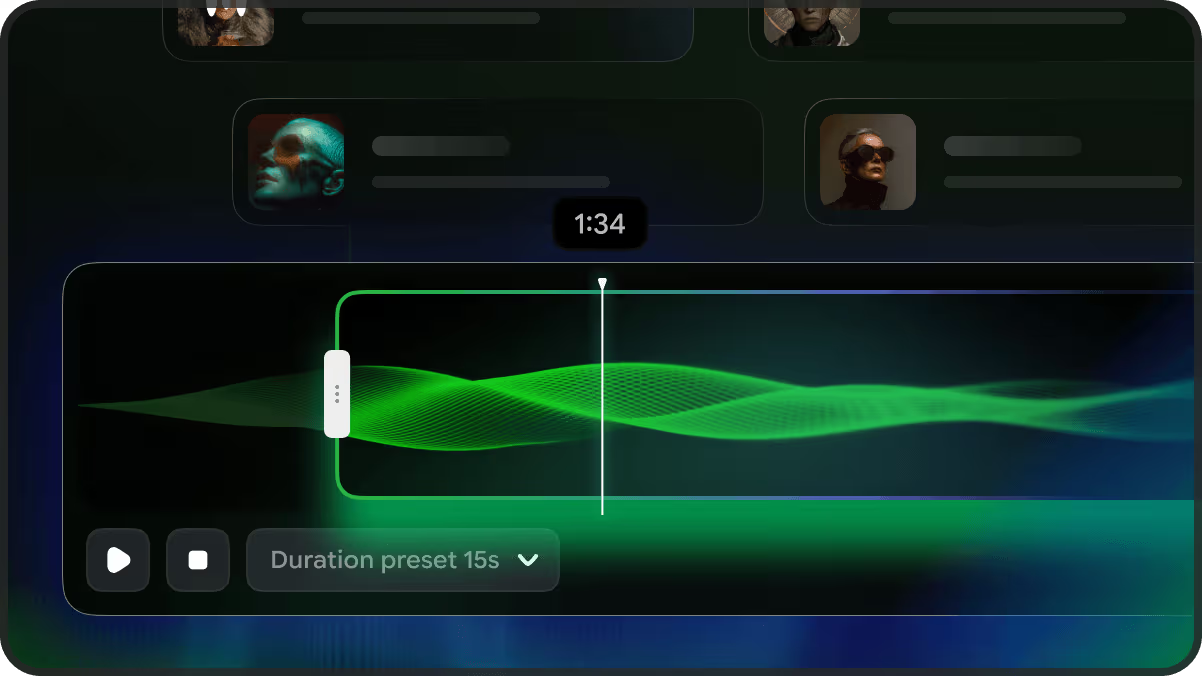
Beat sync accuracy. Does the tool actually hear music, or is it just slapping random clips over a waveform? There’s a huge difference. A tool that cuts on the actual drop versus one that cuts every 3 seconds on a timer — you feel it immediately.
Lyric video quality. A lot of people land on this article specifically searching for free AI lyric video tools — and that’s its own evaluation. Karaoke-style timing, font control, motion. Some tools nail it; others make you wish you’d just used CapCut.
Free tier viability. Not “does a free plan exist” but “can you actually make something useful on it.” Big difference.
Output you can actually post. Vertical format for Reels, horizontal for YouTube, no weird watermarks blocking the actual content.
With that said — here’s what I found.
Best AI Music Video Generators Ranked
Best Overall: Freebeat
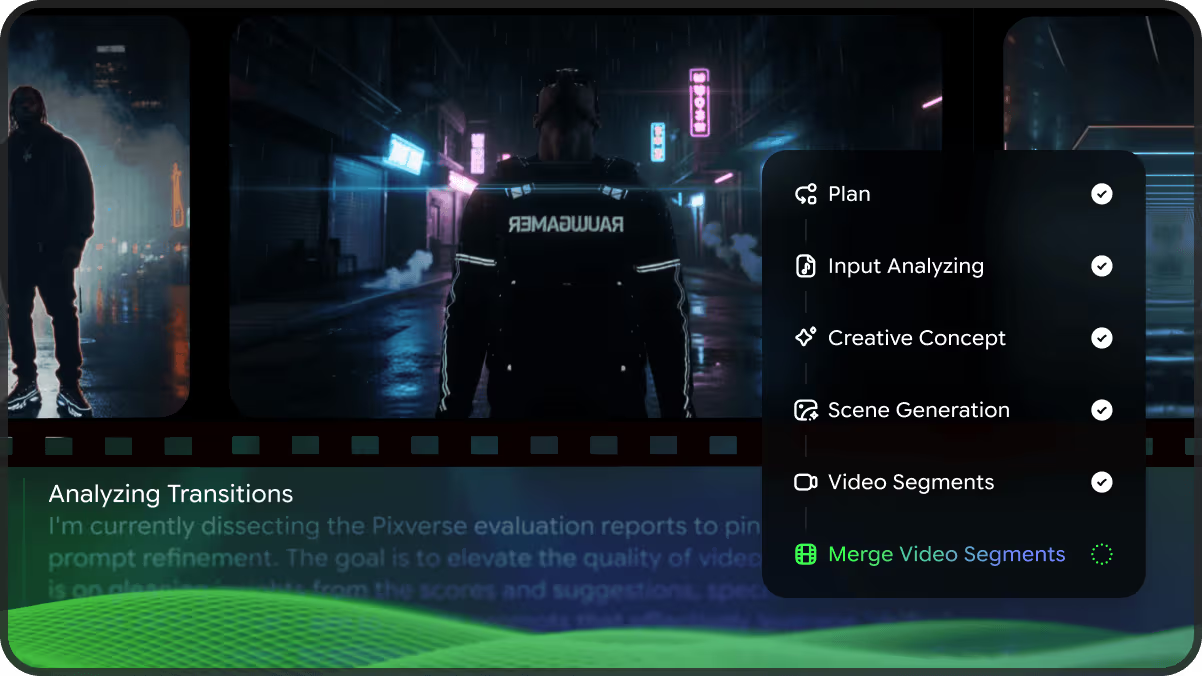
I’ll be honest — I was skeptical at first. Freebeat’s name and homepage made it seem like a budget app. But after uploading my first track, I got why it’s being called the most complete music-first AI video platform in 2026.
Freebeat’s music video generator analyzes BPM, beats, bars, and full song structure before generating any frames, ensuring cuts land on beats and drops hit perfectly. I was particularly impressed by the lyric video feature, which syncs lyrics tightly even with fast verses, and it also supports .LRC export for streaming platforms.
The free plan gives you 500 one‑time credits for 30‑second videos. Paid plans start at around $4.99/week for the Basic tier, with monthly options at $9.99/month or a Pro plan around $24.99/month for more credits, higher resolution, faster processing, and fewer limits. The free credits don’t renew, which is frustrating if you’re experimenting heavily — I burned through about half of mine in the first session just trying different style prompts.
Best for: independent musicians, Suno/Udio users, anyone who wants a complete release visual package without switching platforms.
Best for Pure Audio-Reactive Visuals: Neural Frames
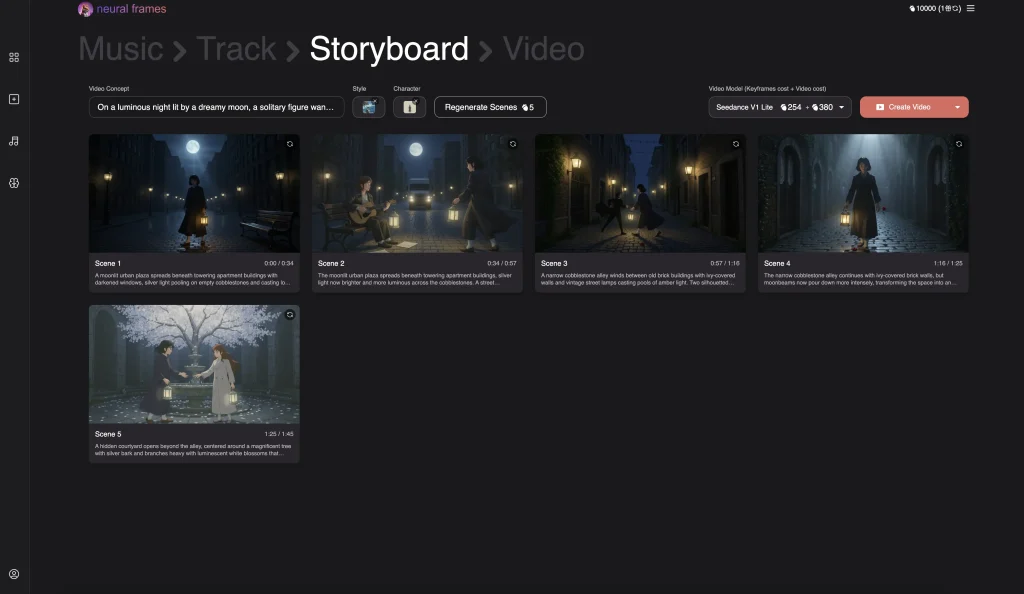
If Freebeat is the all-in-one, Neural Frames is the specialist. It’s perfect for electronic artists and experimental producers who prioritize mood over narrative.
Neural Frames analyzes 8 stems from your audio, including drums, bass, and vocals, and drives visual animation independently from each frequency signal. The Neural Frames product page describes it well: colors pulse with the bass, transitions follow the drums, effects react to vocals. It’s not cinematic, but great for fluid, abstract visuals.
Paid plans start at $19/month. Some creators report receiving a small number of free credits at signup — enough to test a few short clips and evaluate the visual style, but not enough for a full lyric video. The free output has watermarks and caps at 720p, but it’s enough to know whether the tool fits your style before committing.
The rendering speed is the consistent complaint from users, and I felt it too. During peak hours, waiting 4–5 minutes for a clip that might not be what you wanted gets old fast.
Best for: electronic, experimental, and ambient artists who want visuals that feel reactive and abstract rather than narrative.
Best Free Lyric Video Tool: Freebeat (Free Tier)
Yes, Freebeat shows up twice. Hear me out.
For generating lyric videos without paying, Freebeat’s free plan gives you 500 one‑time credits for 30‑second clips, which is great for social media. Most free-tier tools either watermark content heavily or lock lyric sync behind a paywall, but Freebeat lets you test karaoke‑style timing on real audio. For more details, see the Freebeat pricing guide.
Some creators report receiving free credits with Neural Frames, but they’re not enough for a full lyric video. If you want a complete lyric video for free, no tool fully delivers it right now — these are freemium products.
Best for Sync Accuracy: Freebeat (Singing Performance Mode)
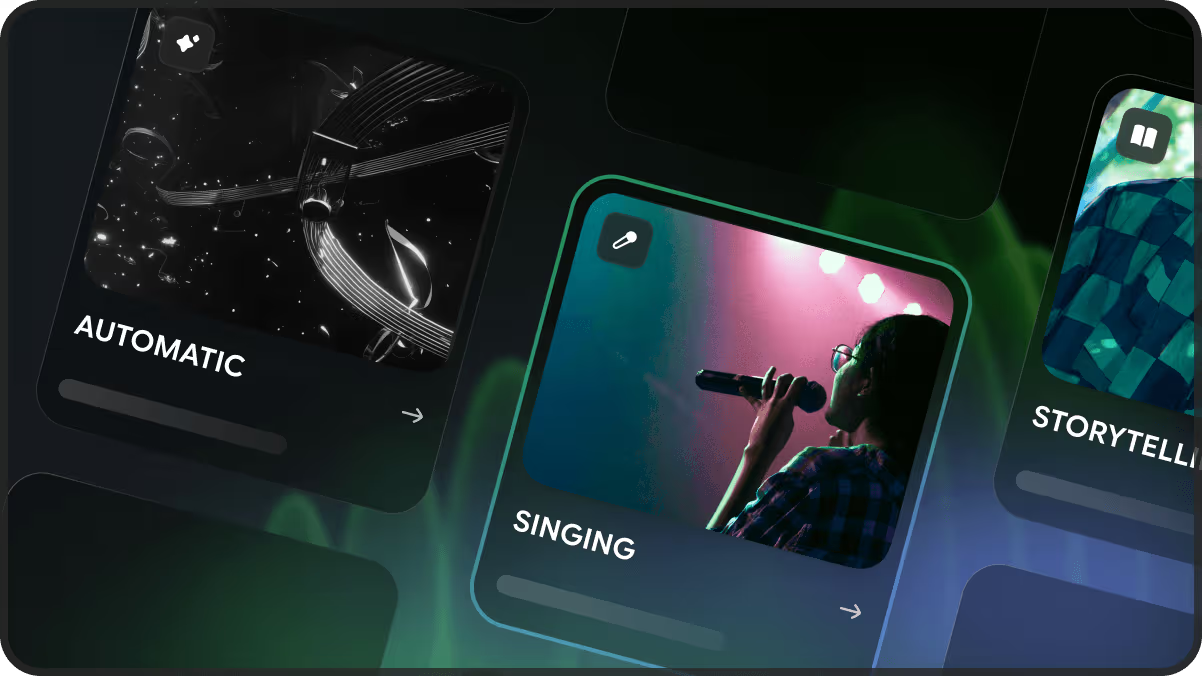
Freebeat’s lip sync achieves over 90% accuracy via vocal phoneme analysis, which is measurably different from the mouth-animation approach most tools use. I tested this on a track with rapid lyrical delivery — the kind where other tools just give up and show a blur. Freebeat held alignment noticeably better. Characters stay visually consistent across scene cuts through a dedicated avatar system — upload your own image or use presets, with up to two characters per video.
Best for: musicians who want a character or avatar performing the song on screen, not just abstract visuals running alongside audio.
Worth Knowing About: Kaiber
Kaiber didn’t make my top picks for music video creation, but it’s worth mentioning. Think of it less as a music video generator and more as a dynamic visual canvas. Its Superstudio lets you layer AI‑generated images and animations non‑linearly, like a moving mood board. The Beat Sync detects BPM but is less advanced than Freebeat or Neural Frames. There’s no lyric video tool.
Where Kaiber genuinely shines: if you already have a strong visual concept and want to experiment with style-transferred, animated, or stylized footage around your music, the sandbox is interesting. For electronic and experimental artists who think visually first, it’s worth a trial. Just know that the credit costs burn fast — users consistently report needing 150–200 credits of experimentation to land one result they’re happy with.
Kaiber doesn’t offer a free plan, but there’s limited trial access. Paid plans typically start around mid‑$20s/month for individual creators.
Best for: visual artists and experimental creators who want to build around existing footage or imagery, not generate from scratch.
Pricing Comparison Table
| Tool | Free Tier | Paid Starts At | Watermark-Free | Beat Sync | Lyric Video |
| Freebeat | Yes (short clips) | $9.99/month | Paid only | ✅ Native | ✅ Built-in |
| Neural Frames | Limited credits, 720p$ | $19/month | Paid only | ✅ 8-stem | Partial |
| Kaiber | No free plan | ~$29/month (Creator) | Paid only | Basic BPM | ❌ |
| Runway | Free (limited) | $12/month | Paid only | ❌ Manual | ❌ |
Free Lyric Video Tools Worth Trying
I spent a day testing free lyric video generators without requiring a credit card. Here’s what I found:
- Freebeat Free Tier: ~500 credits for short clips (~30 s), watermarked. Best free lyric timing I tested.
- Neural Frames Free Tier: Small number of free credits reported at signup, enough for short experiments but not a full lyric video.
- Canva + Manual Sync: Not AI, but Canva’s lyric templates work well if you already know the timing.
- CapCut Auto-Caption: Free, decent on‑beat subtitle syncing, though not a full music video generator.
The reality is: truly free, professional AI lyric video generation isn’t fully available yet. For zero budget, use Freebeat’s free tier and CapCut for post-editing.
Limitations: What AI Still Gets Wrong with Music Video
After weeks of testing, here are the main issues with AI music video tools:
- Character consistency: Faces hold up well for 30-60 seconds but degrade in longer clips. Freebeat is better but not perfect.
- Scene logic: AI nails rhythm, but not meaning. For example, a road trip song led to beat-synced but random visuals—energy matched, not narrative.
- Abstract vs realistic visuals: Abstract looks better across all tools. Neural Frames’ abstract visuals are strong, but realistic human actions (like walking or playing instruments) still feel off.
- Credits burn quickly: Experimenting eats through credits fast. Most tools charge for previews and regenerations, not just final exports, so budget accordingly.
Decision Guide
- Complete Visual Package (MV + lyric video + Spotify Canvas + album art): Freebeat. All-in-one platform for a full release workflow.
- Reactive Abstract Visuals (Electronic/Experimental music): Neural Frames. 8-stem audio reactivity sets it apart.
- Lyric Video with Zero Budget: Freebeat free tier for short clips, CapCut for longer videos.
- High Raw Clip Quality (Manual Editing): Runway. Best visual fidelity, but requires manual editing for music sync.
- Stylized Mood-Board Style Visuals: Kaiber. Superstudio’s infinite canvas is perfect for visual-first creators, but be aware of high credit costs.
Conclusion
After all my testing, it’s clear: there’s a real difference between “AI video” and “AI music video” tools. Runway is impressive, but it doesn’t understand music structure like Freebeat does. For musicians needing visuals that sync with the song, this difference is huge.
If you’re new, try Freebeat — use the 500 free credits, upload a short clip, and see if it works for you. It only takes 10 minutes to get a feel.
I’ll keep updating as new tools and features, like lip sync accuracy, evolve.
FAQ
Q: Which tool has the best music sync? Freebeat offers the most accurate sync overall — especially for lip-syncing in performance-style videos, with over 90% alignment accuracy on vocal delivery.
Q: What’s the best free tool for lyric videos? Freebeat’s free tier gives you 500 one-time credits for 30-second watermarked lyric videos with solid karaoke-style timing. It’s the most functional free option I tested.
Q: Which tool is best for electronic or experimental music? Neural Frames. Its 8-stem audio analysis creates abstract, reactive visuals that respond independently to bass, drums, and vocals — no other tool in this roundup goes that deep.
Previous Posts: