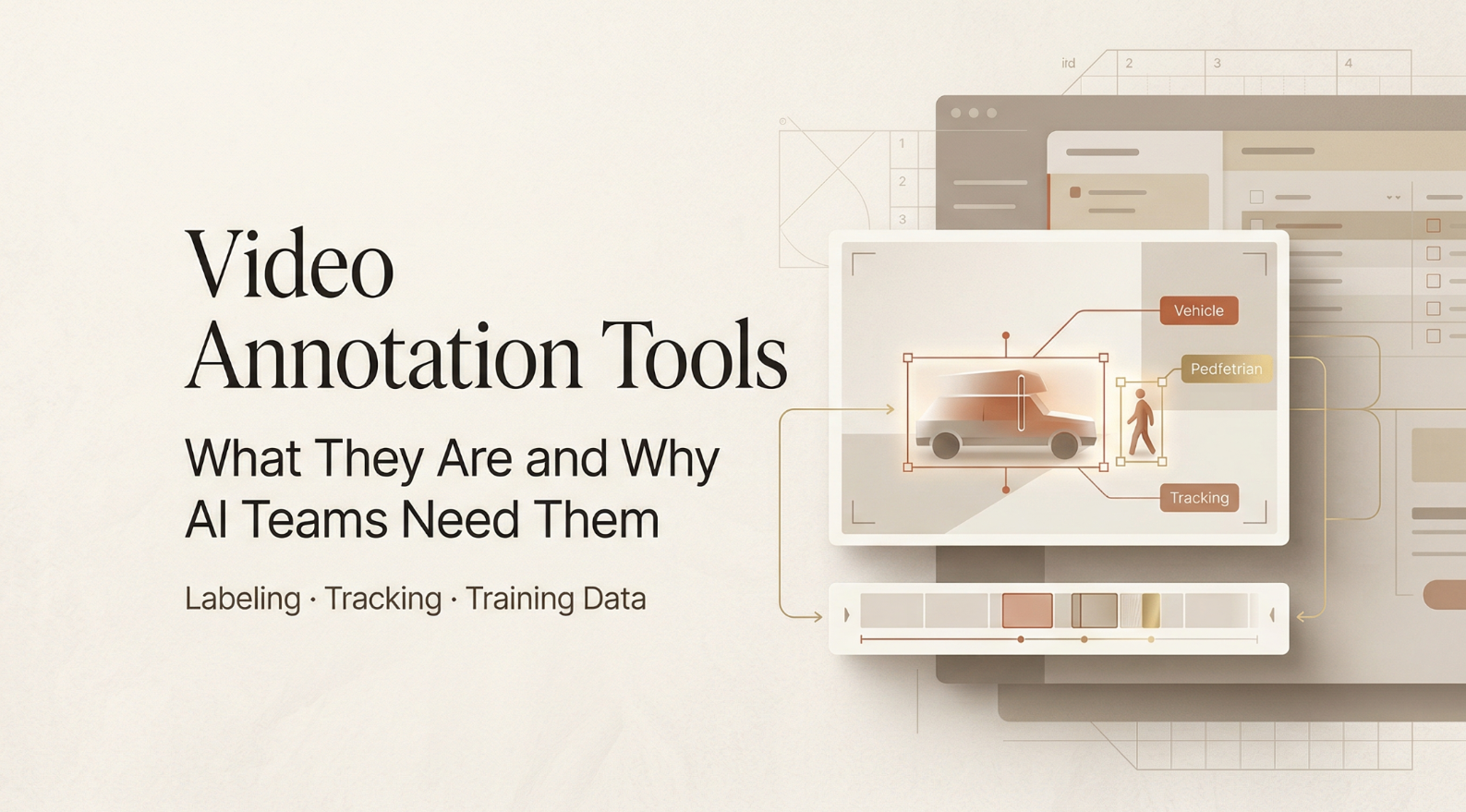
Hello, my friends. I’m Dora. That day, I opened my laptop meaning to “just test” a new video annotation tool for 15 minutes. Two hours later I was still labeling tiny scooters weaving through traffic, weirdly proud that my boxes actually stuck to the wheels. That little rabbit hole reminded me why this space is so confusing and so important: annotation can either level up your AI, or quietly sabotage it.
If you’ve been hunting for video annotation software, I’ll share what actually clicked for me: the two meanings of “annotation,” why quality matters more than quantity, the features that saved me real time, and the dumb mistakes (mine, mostly) that wreck model training.
What video annotation actually means (two very different definitions)
We toss around “video annotation” like it’s one thing. It’s not. I learned the hard way that people mean two very different workflows.
AI training annotation vs production review annotation
- AI training annotation: You painstakingly label frames so a model learns. Think object detection annotation (bounding boxes), segmentation masks, keypoints, tracks across frames, class labels, timestamps. The goal is structured, exportable data (COCO, YOLO, MOT, etc.) with strict consistency. This is the realm of video labeling tools like CVAT or Label Studio.
- Production review annotation: You’re leaving time-stamped comments on a marketing video, “Cut 00:13–00:15,” “Logo too small,” “Audio pops at 01:02.” It’s collaborative, fast, and meant for editors, not models. Tools here include Frame.io or Vimeo Review.
Why annotation quality determines AI model quality
Quick story. I annotated 600 frames of cyclists and scooters (1920×1080) and trained a tiny YOLOv8n experiment. My first pass was sloppy: inconsistent class names (“e-scooter” vs “escooter”), jittery boxes, and I’d skip occluded riders because I was tired. The model got 0.54 [email protected]. After tightening labels, consistent ontology, tracked boxes across occlusions, better box fit, the same dataset size jumped to 0.67 [email protected]. Same architecture. Same images. Better labels.
Why the jump?
- Consistency reduces label noise. Models hate ambiguity more than scarcity.
- Temporal tracking matters. When objects are tracked across frames, the model sees motion patterns, not random snapshots.
- Edge cases teach boundaries. Labeling partial/occluded objects helps the model generalize.
If you remember one thing: garbage-in, garbage-out is not dramatic, it’s literal. You can’t “train away” messy labels. A solid video labeling tool enforces standards so quality stays boringly consistent.
Key features to look for in an annotation tool
I rotated through CVAT (open-source), Label Studio (open-source with enterprise options), Labelbox (hosted, enterprise), and Roboflow Annotate (hosted). Here’s what actually saved me time, and what didn’t.
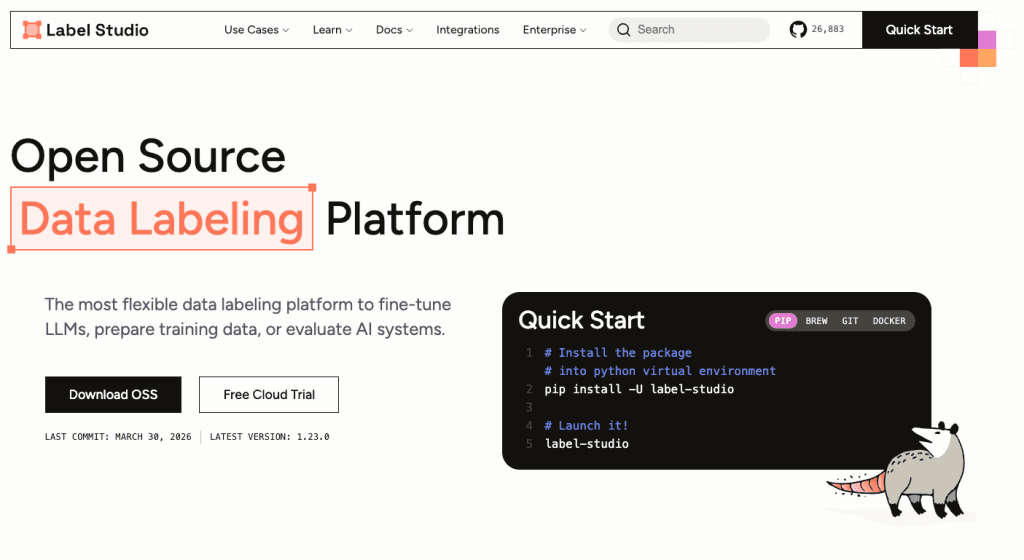
- Model-assisted pre-labeling: Huge win. In Roboflow Annotate, I auto-labeled ~40% of frames decently, then fixed the rest. CVAT’s integrations and trackers also helped, box interpolation across frames turned an hour into 20 minutes.
- Tracking + interpolation: If you’re labeling motion (cars, people, balls), you want object IDs that persist and interpolation between keyframes. Without it, you’ll nudge boxes for eternity.
- Hotkeys and ergonomics: Sounds small, but this is your wrists’ future. CVAT’s hotkeys felt snappy. Label Studio’s were fine after customizing. Any lag or extra clicks compounds.
- QA workflows: The ability to review/approve, leave comments, and prevent exports until checks pass kept me honest. Labelbox shined here: CVAT’s reviewer role worked for my small test.
- Ontology management: Lock down class names, attributes, and colors from the start. If your tool lets annotators freestyle labels, your dataset will turn into a spelling bee.
- Performance on long videos: I tested 4K 60fps clips: some tools choked on scrubbing or frame caching. Pre-slicing into chunks helped.
- Price and privacy: If you’re labeling sensitive footage, check hosting, SSO, SOC2. For solo or small teams, free/open-source might be enough if you can self-host.
Label types, team workflow, export formats
- Label types: Bounding boxes, polygons/masks, keypoints, polylines, and events (start/end times). For object detection annotation, solid box tools with snap-to-edges and interpolation are a must. For action recognition, you’ll want timeline/event labels.
- Team workflow: Roles (annotator/reviewer/admin), assignment queues, consensus labeling (two people label the same clip), conflict resolution, and comment threads. These features prevent silent errors.
- Export formats: COCO, YOLO (txt), Pascal VOC, MOT/Track, LabelMe/JSON, plus custom webhooks. I exported YOLO labels from CVAT and Roboflow and MOT from Label Studio. Check that your tool exports exactly what your training code expects, field names and ID indexing matter more than vendors admit.
Top video annotation tools compared
Here’s my quick, honest take based on hands-on use.
- CVAT (open-source): Power user vibes. Excellent tracking, interpolation, and hotkeys. UI can feel dense, but once it clicks, you fly. Best for teams that can self-host and want control. Exports are rich, including MOT. Docs are solid.
- Label Studio (open-source/core, paid enterprise): Super flexible labeling configs (XML/JSON-style). Great if you need custom tasks that blend text, audio, and video. Tracking features exist but needed more tweaking for my use. Strong when you want one tool for multi-modal annotation.
- Labelbox (paid): Polished team workflows, QA, and data governance. If you’re scaling a labeling operation with multiple vendors, it’s worth a look. The price reflects that. I liked the consensus/review flows.
- Roboflow Annotate (paid with free tier): Easiest ramp for solo builders. Model-assisted labeling felt smooth and exports mapped cleanly to their training pipelines. Less control than CVAT but fast to productive.
- Supervisely/Dataloop/Diffgram: Also strong platforms, great ecosystem tools and automation. If you need enterprise-grade everything, put them on your shortlist.
What surprised me most: CVAT’s tracking shaved 40–60% off my time on moving objects. What I struggled with: getting long 4K clips to scrub perfectly in browser-based tools, local preprocessing helped.
Free vs paid, what you give up
- Free/open-source: You get control, no per-seat fees, and community plugins. You give up turnkey hosting, some polish, and built-in vendor support. You’ll spend time on DevOps and updates.
- Paid/hosted: You get SSO, RBAC at scale, audit trails, managed infra, and usually better support. You give up some flexibility and, well, your budget. For solo creators, paid might feel heavy unless you value time-to-label over tinkering.
Common annotation mistakes that break model training
These are from my own facepalm moments:
- Drifting boxes: If your box doesn’t hug the object, you teach the model to see background as the object. Fix with interpolation + occasional re-keyframing.
- Inconsistent classes: “bike” vs “bicycle,” singular vs plural. Lock ontology on day one. Rename retroactively if needed, don’t leave a Franken-dataset.
- Skipping occlusions and small objects: The world is messy. Label what’s partially visible if you expect the model to handle it later.
- Frame rate mismatches: Exported timestamps that don’t match the source FPS will misalign labels and video. Confirm FPS before labeling.
- No QA pass: Even 10% spot checks catch embarrassing errors. Consensus labeling helps find disagreements early.
Getting started: a practical first-project checklist
This is the checklist I used before my second labeling pass. It kept me sane.
- Define the goal
- What will the model do? Detect scooters? Track players? Classify actions? Write it down.
- Choose label types accordingly: boxes for detection, tracks for MOT, polygons for segmentation, events for actions.
- Lock the ontology
- Finalize class names and attributes (e.g., rider_helmet: yes/no).
- Share a one-pager with examples and edge cases. Include “what NOT to label.”
- Prep the data
- Standardize resolution/FPS. Slice long videos into manageable chunks (e.g., 30–60s).
- Balance scenarios: day/night, crowded/empty, weather. Variety beats volume.
- Pick the video annotation tool
- If you need speed + tracking: CVAT or Roboflow Annotate.
- If you need multi-modal tasks: Label Studio.
- If you need scale + governance: Labelbox/Supervisely/Dataloop.
- Enable assistive features
- Turn on interpolation, object tracking, and model-assisted pre-labels if available.
- Learn the hotkeys. Tape a cheat sheet to your desk, I did.
- xQuality control
- Do a 50–100 frame pilot. Run a tiny training job. Check metrics and sample predictions.
- Create a review step: one teammate approves before export.
- Export and test early
- Export a small batch in your target format (COCO/YOLO/MOT). Validate schema with a script.
- If training breaks, fix ontology/exports now, not after 5,000 frames.
- Document as you go
- Keep a changelog with dates and decisions. When you forget why “e-scooter” became “scooter,” the log saves you.
FAQ
Q: What’s the difference between a video annotation tool and video review software?
A: Annotation tools create structured labels for training AI. Review tools create time-coded comments for editors. If you want to label video for AI, pick an AI training video tool like CVAT, Label Studio, or Roboflow Annotate.
Q: Which video labeling tool is best for object detection annotation?
A: For bounding boxes with tracking, CVAT’s interpolation and hotkeys are hard to beat. Roboflow Annotate is fast to start and pairs with training workflows. Labelbox excels when you need team QA at scale.
Q: Free vs paid, what should I choose?
A: If you’re solo or prototyping, open-source (CVAT, Label Studio) is great. If you’re coordinating many annotators, need compliance, or want support, look at paid options (Labelbox, Supervisely, Dataloop).
If you’re stuck choosing, DM me your use case. I’ll share my template and the hotkey sheet I taped to my desk. And if a tool wastes your time, say so. Life’s too short to drag boxes frame by frame without interpolation.
Previous posts: