
Hey, my friends, I’m Dora. On November 6, 2025, I was halfway through chopping a 38‑minute interview into TikTok clips when my coffee went cold and my patience did too. I paused, opened a fresh tab, and thought: if “AI video editors” are as smart as my feed keeps promising, they should save me from this mess. So I blocked a week (Nov 6–12) to actually test them, no skimming demos, no hype. Just me, real projects, a timer, and a bit of curiosity.
Quick Comparison Table
| Tool | Best For | Key AI Strengths | Pricing (as of Nov 2025) | Time Saved in My Tests |
|---|---|---|---|---|
| Descript | Solo creators, podcasts | Text-based editing, Studio Sound, filler removal | Free tier; Pro ~$12–$24/mo | ~12–23 min per session |
| CapCut | Shorts & social media | Auto-captions (95% accurate), cutouts, reframing | Mostly free; Pro ~$7–$12/mo | Fast repurposing (minutes for clips) |
| Adobe Premiere Pro | Pro workflows | Enhance Speech, Text-Based Editing, auto-tone | ~$22/mo (Creative Cloud) | 2× faster rough cuts |
| DaVinci Resolve | Color/audio pros | Magic Mask, Dialogue Leveler | Free; Studio one-time $295 | 40+ min on isolation/leveling |
| Runway | Generative assists | B-roll generation, background replacement | ~$15–$50/mo (usage-based) | 6 min for new shots |
Overview of the Best AI Video Editors 2025
What Makes the Best AI Video Editor Stand Out
For me, the best AI video editors in 2025 do three things well: they handle the boring parts fast (transcripts, cuts, silence removal), they help me discover better edits (smart reframing, B‑roll suggestions), and they don’t break my workflow. If I spend more time fighting the tool than editing, I’m out.
Across my tests, tools that nailed it combined reliable speech-to-text, intelligent cut suggestions, and respectful automation, you stay in control, but the tool carries the heavy backpack.
Key Features to Look for in 2025
- Text-based editing that’s accurate enough to trust on the first pass.
- Multitrack timelines you can actually live in (markers, snapping, color labels).
- Smart reframing and auto-captions that don’t butcher names or brand terms.
- AI cleanup: noise removal, filler word cuts, room tone, and silence trimming.
- Short-form repurposing: auto-detect highlights, punchy captions, vertical exports.
- Integrations: cloud libraries (Drive, Dropbox), brand templates, team comments.
- Export sanity: 4K, ProRes/H.264/H.265, and caption files (SRT) without drama.
Top 10 Best AI Video Editors 2025
I split these into beginner-friendly and pro tools. I used the same two projects to compare: a podcast interview and a YouTube tutorial with screen recordings. Timings are from my tests between Nov 6–10, 2025.
Best AI Video Editors for Beginners
- Descript (tested v78)
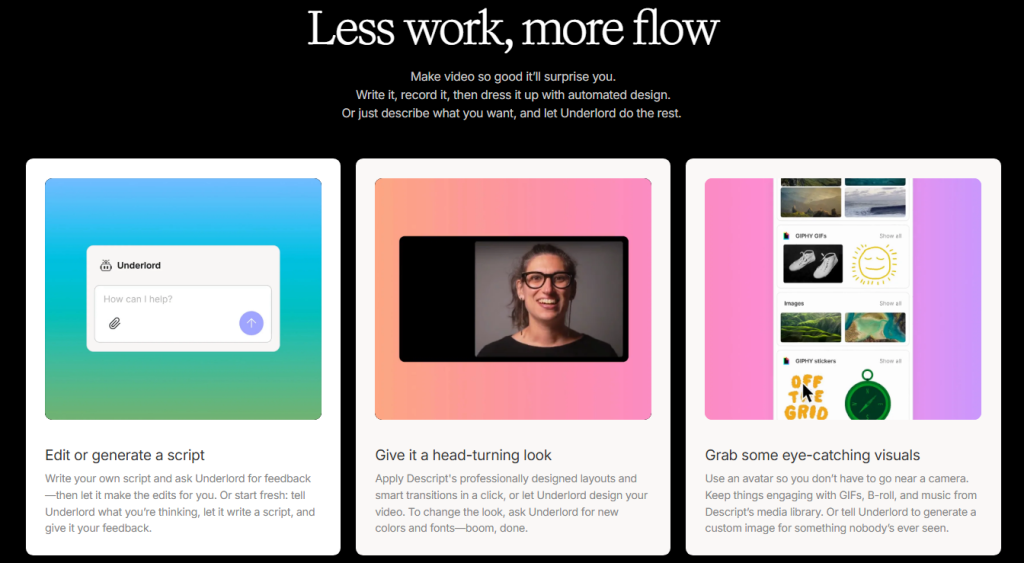
- What surprised me: I cut a 22‑minute podcast down to 11 minutes in 23 minutes by editing the transcript like a Google Doc. Studio Sound made a tinny Zoom guest sound human again.
- Friction: waveform lag if you stack effects. Overdub is cool but needs clean training.
- Why it matters: fastest on text-based edits: great for solo creators.
- CapCut (desktop/web)
- Delight moment: auto-captions were 95% accurate and the “Auto Cutout” handled a messy green screen better than I expected.
- Watch-outs: aggressive defaults (filters, sharpening). Tweak or your video looks over‑processed.
- Great for: shorts, captions, dynamic templates you can customize.
- VEED
- Strength: simple UI, solid subtitles, ready-made templates. My highlight clipping took 7 minutes start to export.
- Weakness: timeline feels tight for complex projects.
- Best if you want: fast repurposing and team-friendly commenting in the browser.
- Clipchamp (Microsoft)
- Nice touch: auto-subtitles + quick brand kits. Integration with OneDrive saved me from version hell.
- Limits: fewer pro-grade effects: export queue can feel slow on longer pieces.
- Wondershare Filmora
- Handy: AI Audio Denoise and Smart Cutout were actually usable on my tutorial. The Auto Reframe preset nailed 9:16 crops for B‑roll.
- Caveat: some effects feel heavy: keep it light to avoid the “glossy” look.
Professional AI Video Editing Tools for 2025
- Adobe Premiere Pro (Sensei)
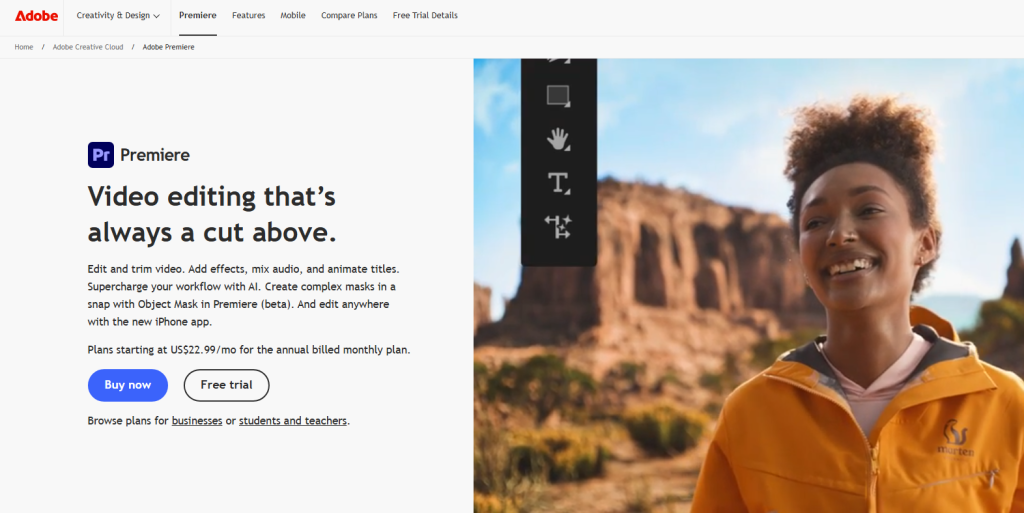
- Real win: Enhance Speech + Auto Tone cleared a noisy café interview in two clicks. Text-Based Editing is finally stable. My podcast rough cut went 2× faster than last year.
- Note: heavy projects still need proxies. But captions and reframing are top-tier.
- DaVinci Resolve Studio (Neural Engine)
- Highlight: Magic Mask and Dialogue Leveler saved me 40 minutes on a 12‑minute A‑roll. The tracking is spooky good.
- Tradeoff: steeper learning curve, but color + audio tools are unmatched.
- Final Cut Pro (Apple Silicon)
- Strong: Scene Removal Mask for quick subject isolation: voice isolation is clean. Runs buttery on M‑series chips.
- Weakness: fewer AI bells than Adobe/Resolve, but speed and stability win for Mac‑only editors.
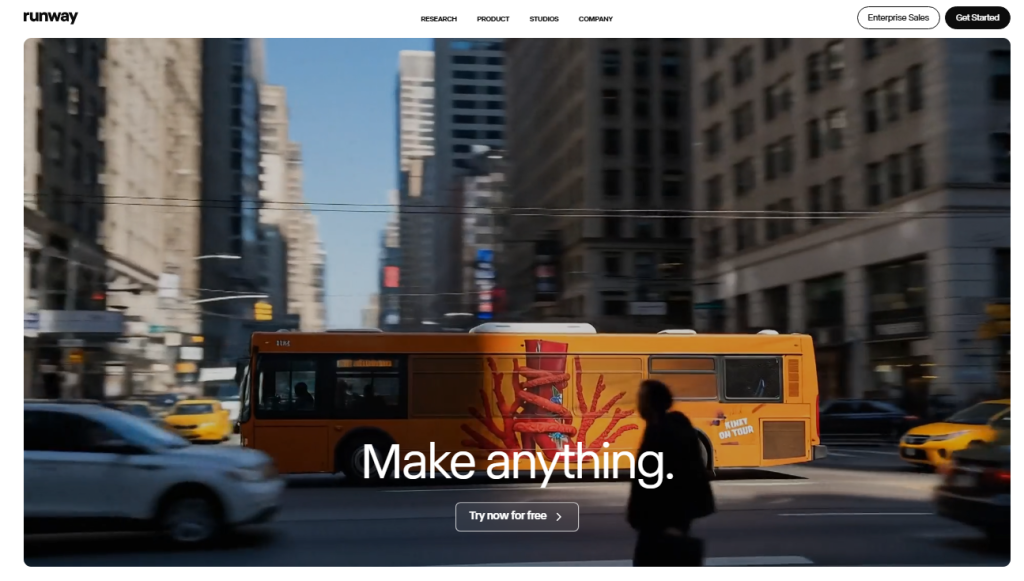
- Where it shines: generative B‑roll, background replacement, text-to-video shots. I replaced a dull establishing shot with an AI plate in 6 minutes. Wild.
- Reality check: not a full NLE. Great as an AI assistant you dip into.
- Topaz Video AI
- Use case: upscaling and de-noising. I rescued a 720p screen recording to crisp 1080p with low artifacts.
- Caveat: it’s a complement, not your main editor. Batch overnight: it’s compute-heavy.
Quick note on costs (as of Nov 2025): most have free tiers or trials. Pro plans cluster around $10–$35/month: Adobe/Resolve are higher but studio-grade. I don’t have affiliate links here.
Criteria for Choosing the Best AI Video Editors 2025
Speed, Accuracy, and Automation Features
When AI promises “auto,” I measure: how many clicks to a clean cut? Descript‘s filler-word removal saved me ~12 minutes per session. Resolve’s Dialogue Leveler reduced my manual keyframes by about 60%. If captions need 20 corrections per minute, that’s not help, that’s assignments.
Integration and Output Format Options
Check how it fits your stack: can you pull from Drive/Dropbox? Export SRT/VTT for social? Premiere + Frame.io comments kept my client review sane this week. Also, confirm 9:16/1:1 presets, 4K exports, and color-managed timelines (Rec.709 vs HDR) so you don’t wrestle after the fact.
Future Trends in AI Video Editors 2025
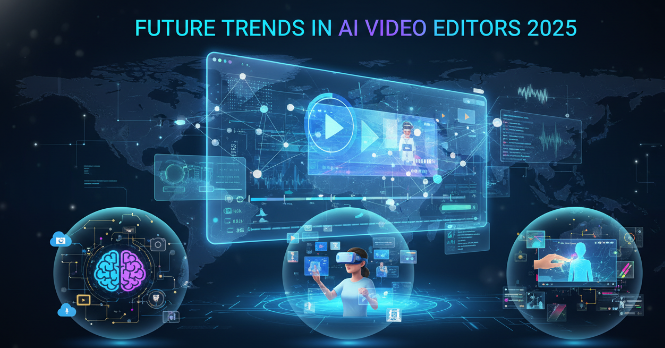
AI-Powered Creative Assistance in Video Editing
The next wave isn’t just “faster cuts.” It’s creative co-pilots: tools suggesting B‑roll based on script, auto-generating cutaways, matching color to a brand palette, and writing alt versions for different platforms, without feeling generic.
Predictions for the Next Generation of AI Video Editors
- Native “repurpose once, ship everywhere” flows will be standard (long form to 5 platform-ready cuts with captions and hooks).
- Audio repair gets near-real-time and artifact-free on consumer laptops.
- Context-aware edits: tools understand story beats (setup, turn, payoff) and suggest trims that preserve narrative.
If you’re picking today, hedge: choose an editor that plays nice with others. I bounce between Premiere/Resolve for long projects and Descript/CapCut for short hits. It keeps me fast and sane.
If you have a different stack, ping me. I’m still testing new builds weekly, and I’ll keep this list updated with version notes and dates.
Frequently Asked Questions
1. What is the overall best AI video editor in 2025 for most creators?
There isn’t a single “best” for everyone—it depends on your workflow. For solo creators doing podcasts or short-form content, Descript was my top pick: I cut a 22-minute interview to 11 minutes in just 23 minutes using text-based editing, and Studio Sound fixed poor audio effortlessly. For heavier professional work, Adobe Premiere Pro with Sensei or DaVinci Resolve gave me the most reliable AI boosts (like Enhance Speech and Magic Mask) while keeping full creative control.
2. Which AI video editor is best for beginners or short-form content (TikTok/YouTube Shorts)?
Descript and CapCut tied for me as beginner-friendly winners. Descript feels like editing a Google Doc—perfect if you’re new to timelines. CapCut shines for fast captions, auto-cutouts, and vertical repurposing; I turned long-form footage into punchy shorts with minimal tweaks. Both have generous free tiers and low learning curves.
3. Which tools are best for professional or advanced editing in 2025?
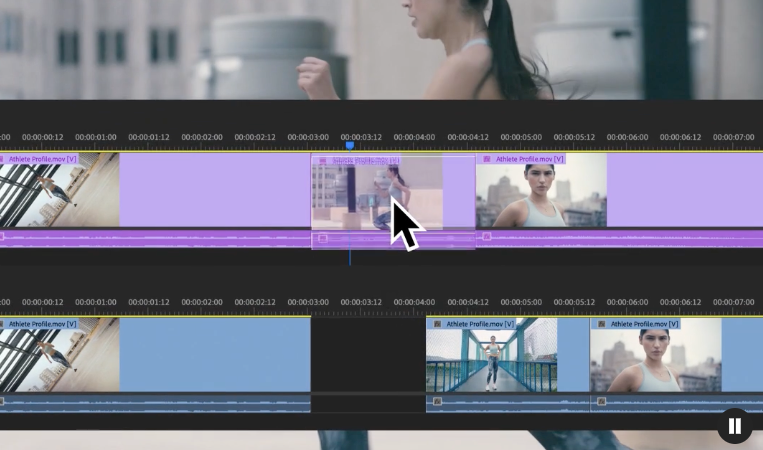
Adobe Premiere Pro (Sensei features) and DaVinci Resolve (Neural Engine) stood out in my pro tests. Premiere’s text-based editing and auto-tone saved hours on client projects, while Resolve’s Magic Mask and Dialogue Leveler handled complex isolation and leveling better than anything else. If you’re on Mac, Final Cut Pro is incredibly stable with strong voice isolation. These are worth the higher price for studio-grade results.
Previous posts:






