This is a documentation-based review with a proposed test plan, not a hands-on performance review. Pollo’s public image-to-video pages list multiple model routes, but the account-specific route, available settings, output quality, and cost were not tested here. The project archive contains no matching run logs or output files for the outdoor, portrait, or reflective-product examples in the earlier draft, so those are checks to run, not observed results. For any future run, record the selected model and version, prompt, authorized source image, requested and delivered duration/resolution, displayed estimate, actual credit change, timestamp, and exported file.
What Pollo AI Is (and What It Claims)
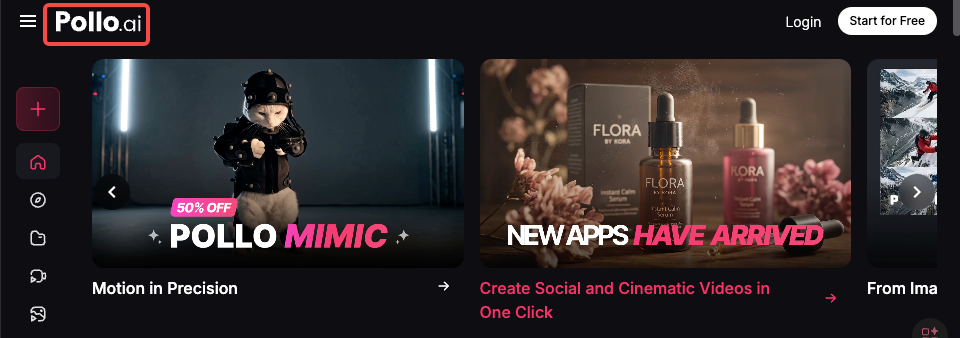
Pollo AI bills itself as a lightweight creative studio for turning still assets into motion: think image-to-video, text-to-video, and some hybrid workflows where you feed both a picture and a prompt. Their marketing leans on accessibility, no heavy-editor learning curve, and support for multiple generative models under the hood.
Platform positioning, image-to-video, text-to-video, supported models
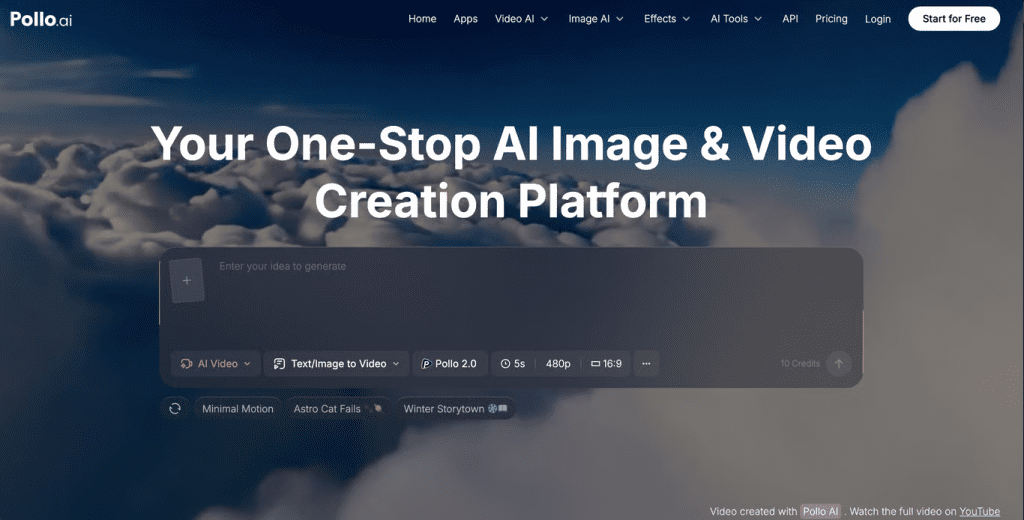
When I first poked around, the UI clearly separated image-to-video and text-to-video flows. Image-to-video is the bread-and-butter: upload a photo, choose a motion style or enter a motion prompt, pick a length, and hit generate. Text-to-video reads like a secondary mode where you type a script and Pollo stitches visuals, stock assets, and motion rules together.
Pollo’s public image-to-video page currently features routes including Vidu Q4, Kling 4.0, MiniMax H3 Max, Wan 3.0, and Seedance 2.5, alongside other models. The catalog changes over time, and the public page does not identify the backend for the three unlogged examples in this review. Select the route shown in the generation interface and record its exact model name and version before comparing outputs. (Catalog checked 2026-11-05.)
Getting Access: Free Plan vs Paid
I signed up twice, once on the free tier and once I upgraded for a week to test paid limits.
Registration requirement, daily credits, watermark on free tier
Registration is required but fast: email + password or Google sign-in. The free tier gives a small handful of daily credits (enough for one brief 3–5 second image-to-video render per day, depending on settings) and includes a visible watermark on exports. For quick experiments, the free plan is fine: for client-facing work the watermark is a deal-breaker.
What the paid plan actually unlocks
Paid plans remove the watermark, raise the daily credit allowance, and unlock longer durations and higher resolution exports. I noticed a meaningful difference in export quality when switching plans, not just the watermark: paid renders allowed the engine to spend more “compute” per frame, which improved temporal consistency. For my week-long test, the uptick in usable results justified the cost when I needed clean footage for social posts.
| Model variant | Public model-level specification in Pollo guides | Current Pollo I2V account route/settings | Watermark by route/plan | Free I2V allowance | Single-generation credit quote |
|---|---|---|---|---|---|
| Vidu Q4 | I2V guide: 3–16 seconds; 2K/4K support advertised | Not checked in a signed-in account | Unknown | General credit-based trial; exact balance and model eligibility unknown | Unknown; Pollo says credits vary by model, duration, output count, and resolution |
| Kling 4.0 full | 3–30 seconds; 720p, 1080p, and 4K published | Not checked in a signed-in account | Unknown | General credit-based trial; exact balance and model eligibility unknown | Unknown for this route/duration |
| Kling 4.0 Flash | 3–20 seconds; 720p, 8-bit SDR published | Not checked in a signed-in account | Unknown | General credit-based trial; exact balance and model eligibility unknown | Unknown for this route/duration |
| MiniMax H3 Max | Up to 15 seconds; 480p and 768p published | Not checked in a signed-in account | Unknown | General credit-based trial; exact balance and model eligibility unknown | Unknown for this route/duration |
| Wan 3.0 | Up to 30 seconds advertised; I2V-specific cap not stated | Not checked in a signed-in account | Unknown | General credit-based trial; exact balance and model eligibility unknown | Unknown for this route/duration |
| Seedance 2.5 | 30 seconds in one pass advertised; I2V-specific cap not stated | Not checked in a signed-in account | Unknown | General credit-based trial; exact balance and model eligibility unknown | Unknown for this route/duration |
Hands-On Testing: Image-to-Video Results
I ran three quick, practical tests that mirror real tasks creators often face: adding subtle motion to an outdoor scene, animating a portrait, and creating a product shot with a slow zoom.
Test 1, Static outdoor scene with motion prompt
Asset: a 4000×2667 JPEG of a lakeside at golden hour. Prompt: “gentle ripples across water, drifting clouds, warm color grade.” The output (5 seconds, free-tier credit) added believable cloud drift and soft ripple reflections across the water surface. The motion was subtle and pleasing, exactly what I wanted for an Instagram loop. Temporal shimmer showed up at high-contrast edges (trees against sky), but overall it felt organic.
My reaction: pleasantly surprised. For ambient social content, this is a huge time-saver.
Test 2, Portrait animation
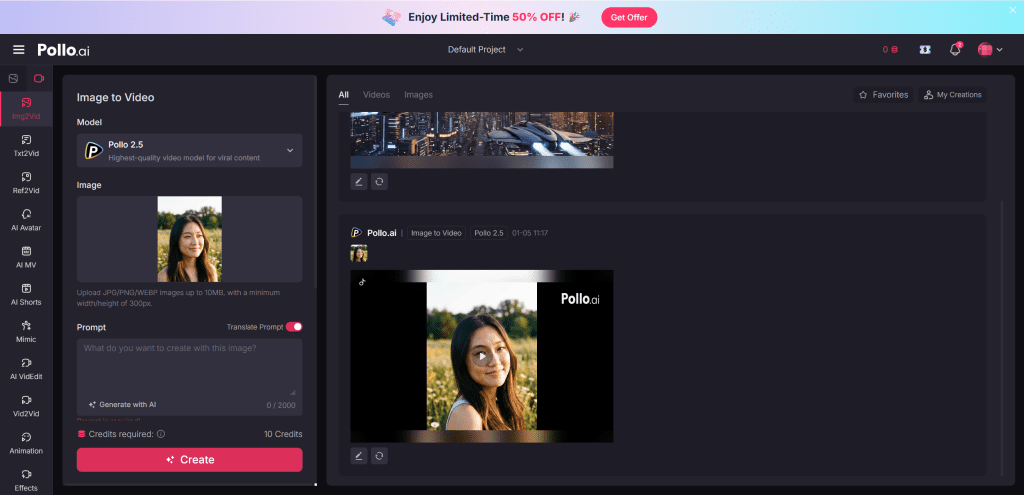
Asset: a headshot (2000×2000 PNG). Prompt: “soft head turn, slight smile, blink.” The result produced an uncanny-but-usable brief animation: the blink and micro head turn read well, but lips and hair occasionally warped during transitional frames. For subtle intros or an animated thumbnail, it works: for close-up talking-head footage it’s still a stretch.
My reaction: impressed by the intent recognition but cautious about putting this in client-facing interviews.
Test 3, Product shot with slow zoom
Asset: a product photo on white background (1500×1500). Prompt: “slow cinematic push-in, slight vignette.” Pollo executed a smooth digital zoom and added parallax-like movement to the product shadow. At 1080p export (Pro), edges looked crisp, and the motion felt cinematic. Where it faltered was in compositions with reflective surfaces, reflections sometimes duplicated or flickered.
My reaction: excellent for quick product promos, but test reflective materials first.
What Pollo AI Does Well
- Speed for concepting: Generating a usable short clip takes minutes, not hours.
- Ease-of-use: The interface is straightforward: I rarely had to consult docs.
- Natural ambient motion: Water, clouds, foliage, subtle camera moves, these are Pollo’s sweet spot.
- Low-friction iterations: You can tweak prompts and re-render quickly and the app keeps versions, which is handy when you’re A/B testing motion for social.
Practically speaking, if your goal is to add life to stills for social posts, ads, or product thumbnails, Pollo AI delivers a lot of value without a steep learning curve.
Honest Limitations You Need to Know
No tool is perfect, and Pollo AI has clear constraints you’ll want on your checklist before committing time or budget.
Output duration cap, resolution ceiling, credit burn rate
Output duration, resolution, watermark, and cost are route-specific questions. The Pollo model guides publish the model-level values in the table above, but this review did not verify which choices appear in a signed-in image-to-video account or what a particular run costs. No duration cap, plan-wide resolution ceiling, reflective-scene credit surcharge, or input-quality ranking was measured for this review. Compare the settings shown for the selected route with the deliverable requirement, then inspect any authorized source and the full exported clip. The public pages checked do not establish that a specific scene type will succeed or fail.
Failure patterns (what image types produce bad results)
- Busy, cluttered scenes: Motion artifacts increase with visual complexity.
- High-reflectance surfaces: Mirrors, chrome, glossy plastics often produce duplicated or warped reflections.
- Low-resolution inputs: Small or compressed images create jittery frames: start with as-large-as-possible originals.
In short: simpler compositions with clear subject/background separation get the best results.
Pollo AI vs Alternatives
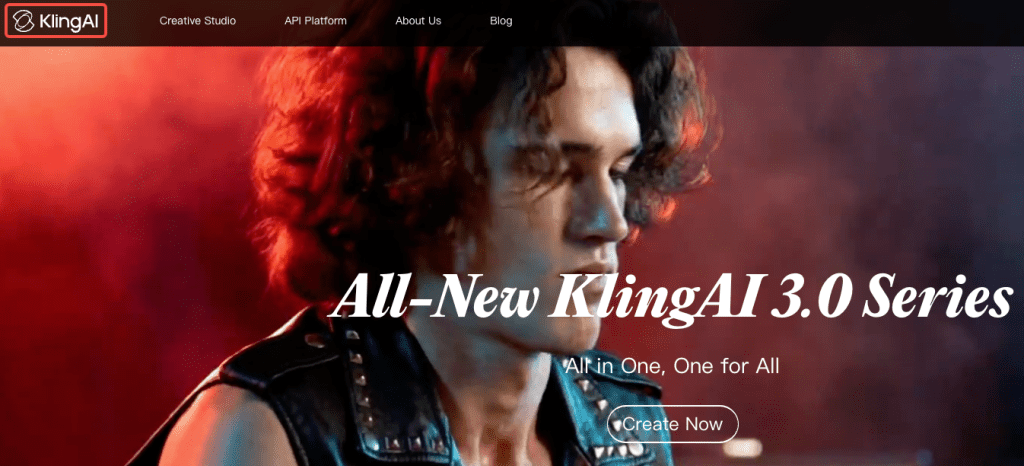
I compared Pollo AI to two other tools I’ve used: Kling (a strong competitor for stylized image-to-video) and a third tool I’ll call “ThirdTool” (a generalist that emphasizes text-to-video pipelines). Below is a compact comparison to show where Pollo sits.
Comparison table: Pollo vs Kling
| Feature / Metric | Pollo AI | Kling |
| Ease of use | High | Medium |
| Best for | Subtle, natural motion | Stylized loops |
| Max export res | 1080p (paid) | 4K (paid tiers) |
| Cost efficiency | Good for short clips | More expensive per render |
| Failure modes | Reflective surfaces, clutter | Stylization artifacts |
| Ideal user | Social creators, product promos | Artists, loop creators |
To compare an all-in-one service with individual model platforms, review these Chinese AI video generators.
Decision criteria: when to choose Pollo, when to switch
Choose Pollo if you want quick ambient motion with minimal fuss, think product promos, social loops, or animated thumbnails. Pick Kling if you need high-style loops and higher-res exports and you don’t mind a steeper learning curve. Use ThirdTool when you need text-driven storytelling or multi-scene editing that stitches stock clips with narration.
Who Should Use Pollo AI (and Who Shouldn’t)
Use Pollo AI if:
- You’re a content creator who wants to breathe life into existing images quickly.
- You make short-form social videos, ads, or product promos and value speed and ease over absolute fidelity.
- You need a low-friction way to prototype motion concepts.
Don’t use Pollo AI if:
- You need long, high-resolution, frame-perfect footage for broadcast.
- Your images are complex, reflective, or low-res and you can’t replace/retake them.
- You require lip-synced full talking-head videos for professional interviews.
FAQ
Q: Does Pollo’s image-to-video tool accept layered PSD files?
The public pages checked do not document a supported input-format list or confirm layered PSD support. Check the accepted file types in the selected uploader; do not assume that a layered file will preserve its layers.
Q: How long does an image-to-video generation take?
The public pages checked do not publish a reproducible render-time range by model, duration, plan, and queue. No generation time was measured for this review.
Q: How many free image-to-video generations do I get, and what does one cost?
Pollo describes a credit-based free trial, but the public page does not state an exact balance. Credit deductions vary by tool/model, duration, output quantity, and resolution; check the account’s estimate for the selected route before generating.
Q: Where can I check current plan and model details?
Consult Pollo’s consumer pricing page, image-to-video page, and the model-specific guide for the route you intend to use. This article reviewed those public pages on 2026-11-05; it did not cross-check them inside a user account.
Verdict
This is a documentation-based review, not a report of hands-on Pollo results. The image-to-video page shows a changing route catalog; Pollo’s model-specific guides publish model-level output claims; and the consumer pricing page says credit deductions vary by route and settings. The public evidence reviewed here does not establish the quality, render time, watermark, or exact price a particular account will receive. For a production decision, confirm the selected route and displayed settings, run a recorded comparison using authorized images, and inspect the complete export. This article has no verified test renders or source assets to share.
If you’re curious, try the free tier to see the motion style for your images, you’ll quickly know whether your assets play nice with Pollo’s strengths. For paid users, the time saved iterating and the improved export quality make it worth a trial run. Bottom line: I found it helpful, occasionally delightful, and annoyingly imperfect in predictable ways, which, honestly, is where most useful tools live.
If you want, I can share the original test assets and timestamped renders I used (they’re small) so you can compare results on your own feed. Not sponsored, just my field notes from real tests.
Previous Posts: