I was trying to restyle a character illustration at midnight — not regenerate from scratch, just shift the lighting and add some detail — and I kept hitting the same wall. Every mainstream tool either blocked the prompt outright or wiped the source image completely. The pose was gone, the composition was gone. It generated something “inspired by” my reference and called it done.
That’s when I went deep on free NSFW img2img specifically. I’m Dora, and I test image generation tools regularly. This is one of those cases where image-to-image behaves very differently from text-to-image.
What Is NSFW AI Image-to-Image Generation
img2img vs text-to-image
Text-to-image starts from noise. You type a prompt, the model generates from zero. Fast, great for exploration, but you have no control over pose, layout, or composition.
Img2img starts from your image. The model takes that as a reference and transforms it based on your prompt — how much it changes is controlled by a parameter called denoising strength. Think of it like handing an artist a sketch and saying “redraw this in this style, keep the pose.” The composition is yours. The interpretation is the AI’s.
For NSFW creative work, that’s the whole game. You’ve spent time getting a pose right, getting character proportions where you want them. Throwing it all away for a random generation every time is exhausting.
The key mechanic, according to stable-diffusion-art.com’s denoising strength guide: the value runs from 0 to 1. At 0, the output is identical to your input. At 1, the model ignores your image entirely and generates from noise. In practice I land between 0.45 and 0.65 for most stylized reworks — enough change to feel deliberate, not so much that the source image dissolves.
One thing that tripped me up for weeks: I kept setting strength too high when I wanted dramatic style changes. The result wasn’t “dramatically different style” — it was “different image that vaguely references mine.” The fix was ControlNet for pose preservation layered under higher denoising, but that’s an AUTOMATIC1111 thing. On simpler browser tools, stay conservative and iterate.
Top Free NSFW Image-to-Image Tools
Here’s what I actually tested, in order of how useful they were for NSFW img2img specifically.
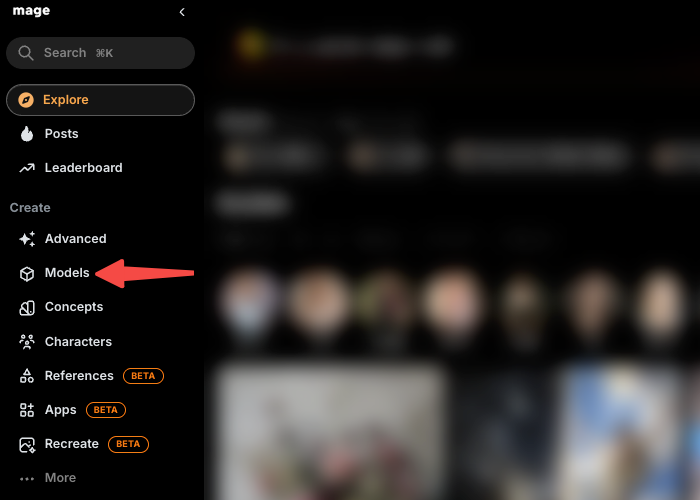
Mage.space
This remains a strong first stop for many. It runs on Stable Diffusion and Flux models with a genuinely unlimited free tier (no hard daily cap, though slower queue during peaks) and 160+ models available, no credit card required to start. The img2img tab is straightforward: upload a source, write your prompt, set denoising strength, and generate.
Caveats in 2026: Free-tier images are public by default (appear in the community gallery). Explicit NSFW often requires a paid plan (Basic ~$8/month, Pro ~$15/month for private images, faster generation, and fuller unfiltered access). The free tier works well for stylized art and milder mature content. Anime-focused models help preserve character details effectively.
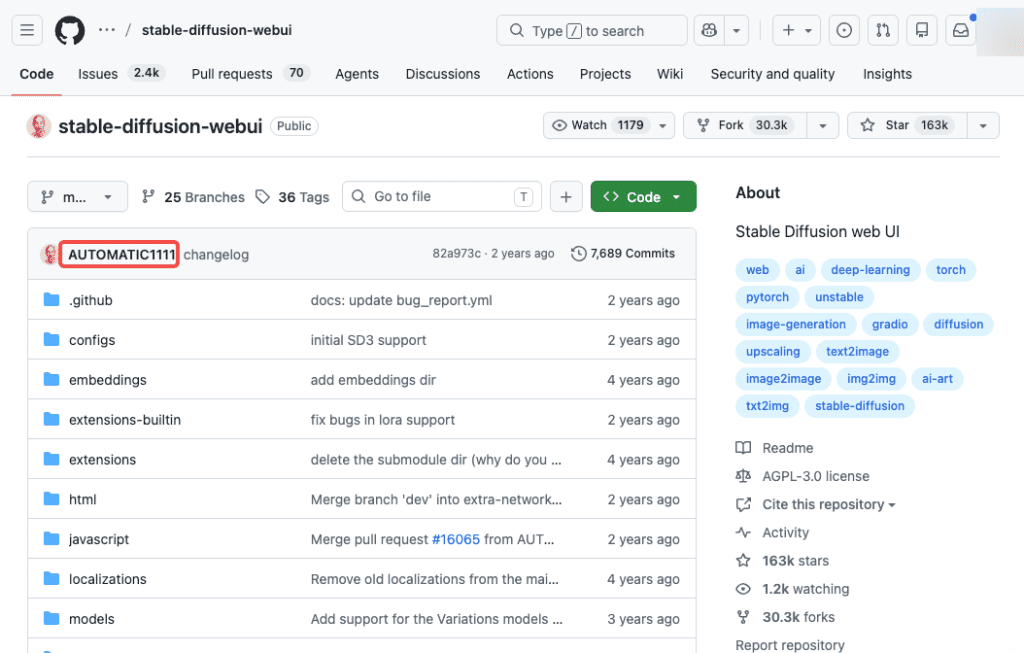
Stable Diffusion via AUTOMATIC1111 (local)
If you have a capable GPU (Nvidia RTX 3060 12GB or better recommended, minimum ~4GB VRAM for basic use), running Stable Diffusion locally via Automatic1111 (A1111) web UI is still the best unrestricted free option. No filters, no public galleries, no credits, full privacy.
The img2img tab shines for serious work. Inpainting lets you mask and transform specific regions without disturbing the overall composition. Setup takes time (Python 3.10, Git, model downloads), but once running, it’s unlimited. Ideal for consistent creative workflows.
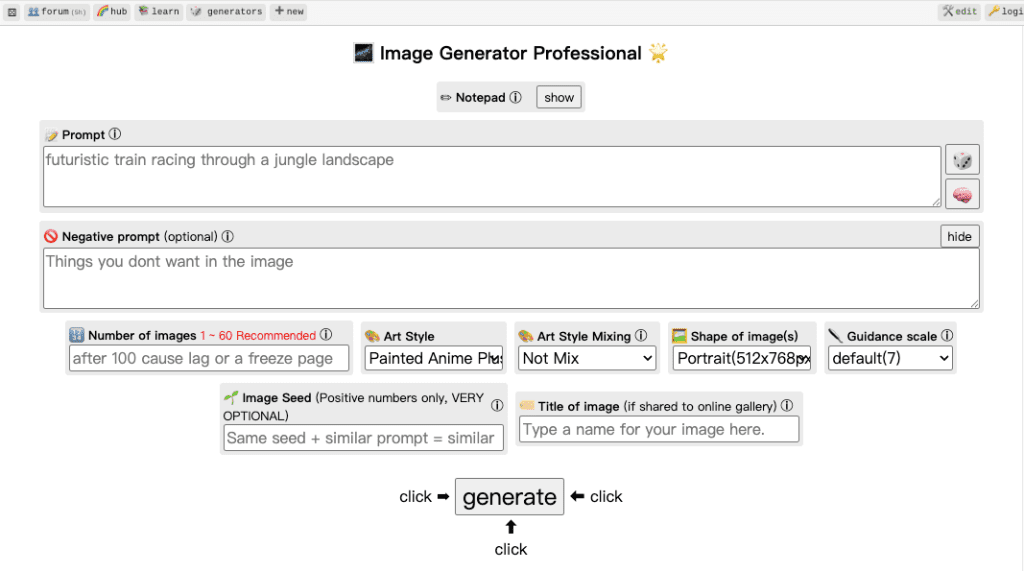
Perchance AI
Perchance is 100% free, browser-based, no login. Img2img support handles simple stylization (color palette shifts, line art softening) surprisingly well for quick tests. No account friction is a big plus.
Limitations: It drifts more on fine details, precise anatomy, or heavy transformations. Denoising control is more limited than A1111 or Mage. Great for experiments, less ideal for detailed character work.
Unstable Diffusion
This grew out of the original SD community’s NSFW-focused corner. It offers a free tier with limited credits and a model library specifically curated for explicit content — photorealistic, anime, and hybrid styles. LoRA and ControlNet support are present, which puts it a step above casual tools for anyone who knows what those are.
Honest assessment: it’s better than Perchance for serious NSFW img2img, but free credits run out quickly and you’re looking at $10/month for the first paid tier. For occasional testing, the free tier is a reasonable starting point. For a real workflow, you’ll hit the paywall fast.
How to Run NSFW img2img Step by Step
Prepare the source image
This is the part people rush and then wonder why the output is muddy. Your source image should be clean — no heavy compression artifacts, no watermarks baked in, ideally the same aspect ratio as your intended output. I resize to 512×512 or 768×768 before uploading on most platforms. Uploading a large source into a free-tier tool that generates at 512px adds no value.
For character images specifically: make sure the pose reads clearly. The model needs to “understand” your reference. A blurry or compositionally ambiguous source gives the model room to interpret freely — which usually means drift.
Set denoise or strength
This is the most important slider. 0.45–0.65 is your working range for most stylization and detail rework. Below 0.4 and you’re barely changing anything. Above 0.7 and you’re losing your source composition — the model starts making decisions you didn’t ask for.
Write an img2img prompt
Img2img prompts work differently than text-to-image. You don’t need to describe everything in the source — the model can see it. You’re describing the delta: what you want to change or add.
What works: prompt the style, the lighting change, the specific element you’re modifying. “Soft rim lighting, painterly texture, warm tones” is useful. “A character standing in a field” is noise — the model already knows there’s a character from the source image.
Negative prompts matter more in img2img than text-to-image, in my experience. Adding “blurry, deformed, extra limbs, bad anatomy” to your negative prompt catches a lot of the drift artifacts that img2img introduces at higher denoising values.
Comparison Table
| Tool | Free img2img | NSFW on free tier | Privacy | Best for |
| Mage.space | ✅ Unlimited | Partial (paid for explicit) | Public by default | Model variety, browser use |
| A1111 local | ✅ Unlimited | ✅ Full | ✅ Complete | Serious creative workflows |
| Perchance | ✅ Unlimited | ✅ Yes | No login needed | Quick experiments |
| Unstable Diffusion | Limited credits | ✅ Yes (limited) | Account required | Curated NSFW models |
Limits, Risks, and Compliance Boundaries
This section isn’t optional reading.
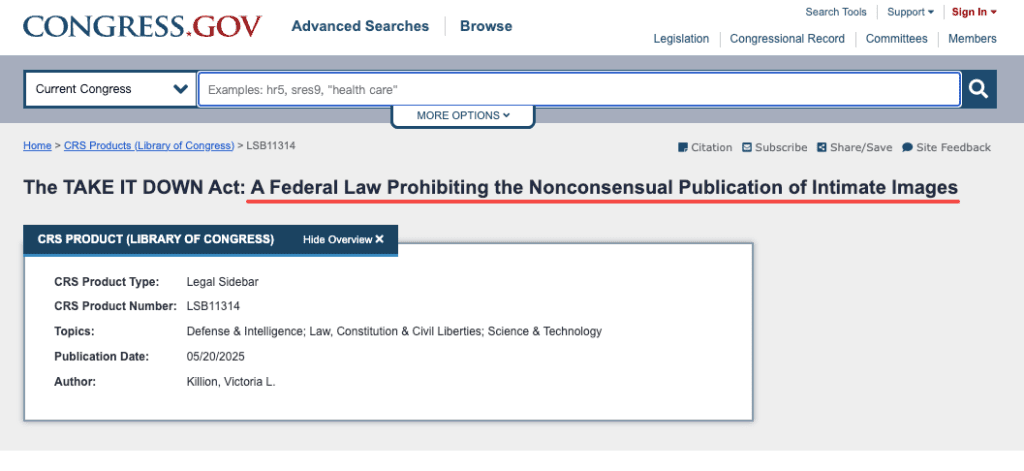
The TAKE IT DOWN Act — what it actually says
The US federal TAKE IT DOWN Act was signed into law on May 19, 2025 by President Trump, passing Congress 409–2 in the House and unanimously in the Senate. The law makes it a federal crime to knowingly publish nonconsensual intimate imagery (NCII) — including AI-generated images that depict real, identifiable people without their consent. Criminal penalties apply immediately from signing: up to two years imprisonment for adult victims, up to three years when minors are involved. Separately, platforms have until May 19, 2026 to establish 48-hour removal processes for reported content, enforced by the FTC.
What this means practically:
Real person photos as source images: Using a real person’s photo as your img2img source and transforming it into explicit content is the clearest path to federal criminal liability. It doesn’t matter if the person is public or private, and it doesn’t matter if the image is “AI-generated” — the law specifically covers AI-created depictions of real, identifiable individuals. RAINN’s overview of the TAKE IT DOWN Act is worth reading if you want the full picture.
Minors: Zero ambiguity, zero exceptions. AI-generated sexual content depicting anyone under 18 — fictional or otherwise, regardless of whether a real child was involved — is illegal under federal law. Every tool in this list will permanently ban your account, and platforms are legally required to report.
Fictional characters and original art: This is where legitimate creative use lives. Wholly original fictional characters, fantasy art, stylized illustration — these are the use cases these tools were built for. Even here: if your fictional character closely resembles a real, identifiable person, you’re in genuinely murky legal territory and the law is still developing around that edge case.
Copyright in source images: If you’re using someone else’s art as your img2img reference without permission, that’s a separate issue — copyright in the source material, not just content compliance. Use your own original work or properly licensed references.
I’m not a lawyer. If you’re monetizing NSFW AI content or operating a platform, talk to one — the rules changed in 2025 and they vary meaningfully by jurisdiction.
FAQ
Can I use any photo as a source?
Most tools won’t technically stop you from uploading. But using real people’s photos for explicit transformation now carries federal criminal liability in the US under the TAKE IT DOWN Act — regardless of whether the output “looks AI-generated.” For your own original illustrations and character art: yes, freely.
Will it preserve the original face or pose?
Depends on the tool and your denoising setting. At 0.45–0.55 with a clean source, you’ll get reasonable pose and face preservation. Higher strength means more drift. ControlNet, available in AUTOMATIC1111, is the proper solution for strict pose preservation — it uses your source image as a structural skeleton the model works around rather than through. Browser-based tools have limited or no ControlNet support.
How free are free img2img tools?
Genuinely free for stylized and partial-content work on most platforms. Explicitly NSFW content almost always requires either a paid account — Mage at $15/month for Pro, Unstable Diffusion at $10/month — or a local setup. Perchance is the exception with lighter filters, but output control and quality are limited. If you’re running a consistent workflow, local A1111 on your own GPU is the only truly unlimited, truly free, truly private option.
Conclusion
My honest bottom line after testing all of these: for quick experiments, Perchance gets you somewhere without any friction. For model variety in the browser, Mage’s free tier is more capable than it looks — just expect to hit the NSFW filter occasionally and accept that your images are public unless you pay. For anything you’re serious about, set up local A1111 once and that’s it. A few hours of setup, then unlimited img2img forever on your own hardware with full privacy.
Keep your source material original, keep real people out of it, and you’re working in the clear. The tools themselves aren’t the hard part — understanding what you’re allowed to do with them is.
Previous Posts: