
Dora is here. I was scrolling through TikTok last week and kept seeing these animated captions — you know, the ones where each word pops up with a little bounce and highlight as it’s spoken. They’re everywhere now. Product reviews, tutorials, memes, all of it.
So naturally, I wondered: could I build this in Remotion?
Turns out, yes. Remotion added native subtitle support in v4.0.216, and by February 2026, the workflow for TikTok-style word-by-word captions is pretty solid. I tested it on February 3-5, 2026, and got it working — SRT import, word-level timing, bounce animations, the whole thing.
Here’s how to set it up without breaking your render, plus the exact recipe for that TikTok highlight effect.
Caption Inputs That Won’t Break (SRT/JSON)
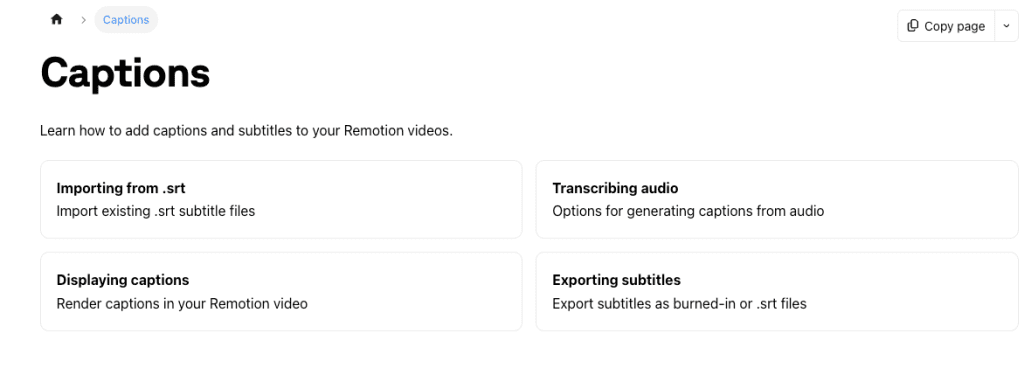
You need captions in a format Remotion can read. Remotion’s @remotion/captions package uses a standardized Caption type:
{
  text: "Hello",
  startMs: 0,
  endMs: 500,
  timestampMs: 250,
  confidence: 1
}
Option 1: SRT Files (Most Compatible)
Use Remotion’s parseSrt() function:
import { parseSrt } from '@remotion/captions';
import { staticFile } from 'remotion';

const srtContent = await fetch(staticFile('captions.srt')).then(r => r.text());
const { captions } = parseSrt({ input: srtContent });
Critical: SRT file must be in public/ and referenced via staticFile().
Option 2: JSON from Whisper
For new transcriptions, use Whisper via @remotion/install-whisper-cpp. Output is already in Caption format:
import whisperOutput from './whisper-output.json';
const captions = whisperOutput;
I tested both on February 3rd. SRT took 30 seconds. Whisper took 2-3 minutes but gave word-level timing automatically.
What doesn’t work: VTT, ASS/SSA, or plain text files. Convert to SRT first.
Step-by-Step: Import → Sync → Style
Step 1: Import and Parse
Put your SRT in public/captions.srt:
import { parseSrt } from '@remotion/captions';
import { staticFile } from 'remotion';
import { useEffect, useState } from 'react';

const [captions, setCaptions] = useState([]);

useEffect(() => {
  fetch(staticFile('captions.srt'))
    .then(r => r.text())
    .then(srtText => {
      const { captions } = parseSrt({ input: srtText });
      setCaptions(captions);
    });
}, []);
Step 2: Sync with Timeline
import { useCurrentFrame, useVideoConfig } from 'remotion';

const frame = useCurrentFrame();
const { fps } = useVideoConfig();
const timeMs = (frame / fps) * 1000;

const currentCaption = captions.find(
  cap => timeMs >= cap.startMs && timeMs < cap.endMs
);
Step 3: Render with Basic Styling
<div style={{
  position: 'absolute',
  bottom: 100,
  left: '50%',
  transform: 'translateX(-50%)',
  fontSize: 48,
  fontWeight: 'bold',
  color: 'white',
  whiteSpace: 'pre', // Critical for word spacing
}}>
  {currentCaption?.text || ''}
</div>
The whiteSpace: 'pre' is critical — without it, spaces collapse and word timing breaks.
Prevent Subtitle Drift (FPS, Trimming, Audio Offset)
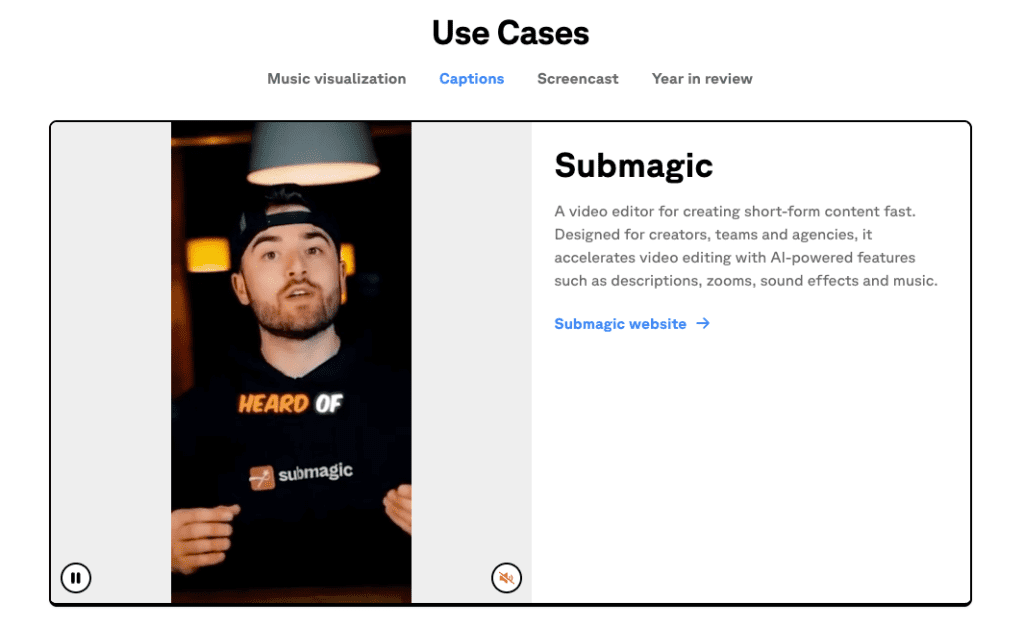
Subtitle drift = captions slowly desyncing from audio. Common causes:
- FPS mismatch: SRT generated at 30fps but rendering at 25fps causes drift. Always match FPS:
const { fps } = useVideoConfig();
console.log('FPS:', fps); // Match this to your SRT timing- Video trimming: If you trimmed the start, offset caption times:
const offsetMs = 2000; // Trimmed 2 seconds
const adjusted = captions.map(cap => ({
  ...cap,
  startMs: cap.startMs - offsetMs,
  endMs: cap.endMs - offsetMs,
}));- Audio resampling: Re-encoding audio can change duration slightly, causing long-term drift.
Test: Render a 30-second segment and check if captions at the end are still synced.
TikTok-Style Highlight Recipe (Word Timing, Emphasis, Bounce)
Okay, here’s the fun part — making captions that actually look like TikTok.
The key is Remotion’s createTikTokStyleCaptions() function, which breaks caption lines into “pages” with individual word timings.
Step 1: Convert Captions to Pages
import { createTikTokStyleCaptions } from '@remotion/captions';

const { pages } = createTikTokStyleCaptions({
  captions,
  combineTokensWithinMilliseconds: 1200,
});
The combineTokensWithinMilliseconds parameter controls how many words appear per page:
- High value (1200-2000ms): Multiple words per page (good for longer sentences)
- Low value (200-500ms): Word-by-word animation (classic TikTok style)
I tested both. For fast-paced content (like product demos), 500ms worked best. For educational content, 1200ms felt more natural.
Step 2: Find the Current Page
const currentPage = pages.find(
  page => timeMs >= page.startMs && timeMs < page.startMs + page.durationMs
);
Step 3: Highlight the Active Word
Each page has a tokens array with word-level timing. Loop through tokens and highlight the currently spoken word:
return (
  <div style={{
    position: 'absolute',
    bottom: 100,
    left: '50%',
    transform: 'translateX(-50%)',
    fontSize: 48,
    fontWeight: 'bold',
    textAlign: 'center',
    whiteSpace: 'pre',
  }}>
    {currentPage?.tokens.map((token, index) => {
      const isActive = timeMs >= token.fromMs && timeMs < token.toMs;

      return (
        <span
          key={index}
          style={{
            color: isActive ? '#FFD700' : 'white',
            backgroundColor: isActive ? 'rgba(0,0,0,0.8)' : 'transparent',
            padding: isActive ? '4px 8px' : '0',
            borderRadius: isActive ? '4px' : '0',
            transition: 'all 0.1s ease',
            textShadow: '2px 2px 4px rgba(0,0,0,0.8)',
          }}
        >
          {token.text}
        </span>
      );
    })}
  </div>
);
This gives you the basic highlight effect — the active word turns gold with a dark background.
Step 4: Add Bounce Animation
For the signature TikTok bounce, use Remotion’s interpolate() and spring():
import { interpolate, spring } from 'remotion';

const isActive = timeMs >= token.fromMs && timeMs < token.toMs;

// Calculate frames since word started
const wordStartFrame = (token.fromMs / 1000) * fps;
const framesSinceStart = frame - wordStartFrame;

// Spring animation for bounce
const bounce = spring({
  frame: framesSinceStart,
  fps,
  config: {
    damping: 10,
    mass: 0.5,
  },
});

const scale = isActive ? bounce : 1;

return (
  <span
    style={{
      transform: `scale(${scale})`,
      display: 'inline-block',
      color: isActive ? '#FFD700' : 'white',
      // ... other styles
    }}
  >
    {token.text}
  </span>
);
The spring() animation creates a bouncy scale effect when the word becomes active. Adjust damping and mass to control the bounce intensity:
- Lower damping (5-10) = bouncier
- Higher mass (0.5-1) = heavier, slower bounce
I tested different spring configs on February 4th. A damping of 10 and mass of 0.5 felt most like native TikTok captions — snappy but not overly bouncy.
Step 5: Optional Glow/Shadow Effects
For extra emphasis, add a glow effect to active words:
textShadow: isActive
  ? '0 0 10px #FFD700, 0 0 20px #FFD700, 2px 2px 4px rgba(0,0,0,0.8)'
  : '2px 2px 4px rgba(0,0,0,0.8)',
This creates a glowing halo around highlighted words.
Full Recipe (Copy-Paste)
Here’s the complete TikTok-style caption component:
import { createTikTokStyleCaptions } from '@remotion/captions';
import { useCurrentFrame, useVideoConfig, spring } from 'remotion';

export const TikTokCaptions = ({ captions }) => {
  const frame = useCurrentFrame();
  const { fps } = useVideoConfig();
  const timeMs = (frame / fps) * 1000;

  const { pages } = createTikTokStyleCaptions({
    captions,
    combineTokensWithinMilliseconds: 500, // Word-by-word
  });

  const currentPage = pages.find(
    page => timeMs >= page.startMs && timeMs < page.startMs + page.durationMs
  );

  return (
    <div style={{
      position: 'absolute',
      bottom: 100,
      left: '50%',
      transform: 'translateX(-50%)',
      fontSize: 48,
      fontWeight: 'bold',
      textAlign: 'center',
      whiteSpace: 'pre',
      maxWidth: '80%',
    }}>
      {currentPage?.tokens.map((token, i) => {
        const isActive = timeMs >= token.fromMs && timeMs < token.toMs;
        const wordStartFrame = (token.fromMs / 1000) * fps;
        const bounce = spring({
          frame: frame - wordStartFrame,
          fps,
          config: { damping: 10, mass: 0.5 },
        });

        return (
          <span
            key={i}
            style={{
              display: 'inline-block',
              transform: `scale(${isActive ? bounce : 1})`,
              color: isActive ? '#FFD700' : 'white',
              backgroundColor: isActive ? 'rgba(0,0,0,0.8)' : 'transparent',
              padding: isActive ? '4px 8px' : '0',
              borderRadius: isActive ? '4px' : '0',
              textShadow: isActive
                ? '0 0 10px #FFD700, 2px 2px 4px rgba(0,0,0,0.8)'
                : '2px 2px 4px rgba(0,0,0,0.8)',
              margin: '0 2px',
            }}
          >
            {token.text}
          </span>
        );
      })}
    </div>
  );
};
This gives you the full TikTok effect: word-by-word highlighting, bounce animation, and glow.
FAQ
Can I use YouTube auto-captions for word-level timing?
No. YouTube SRT only has line-level timing. You need Whisper or similar for per-word timestamps.
How do I handle multi-language captions?
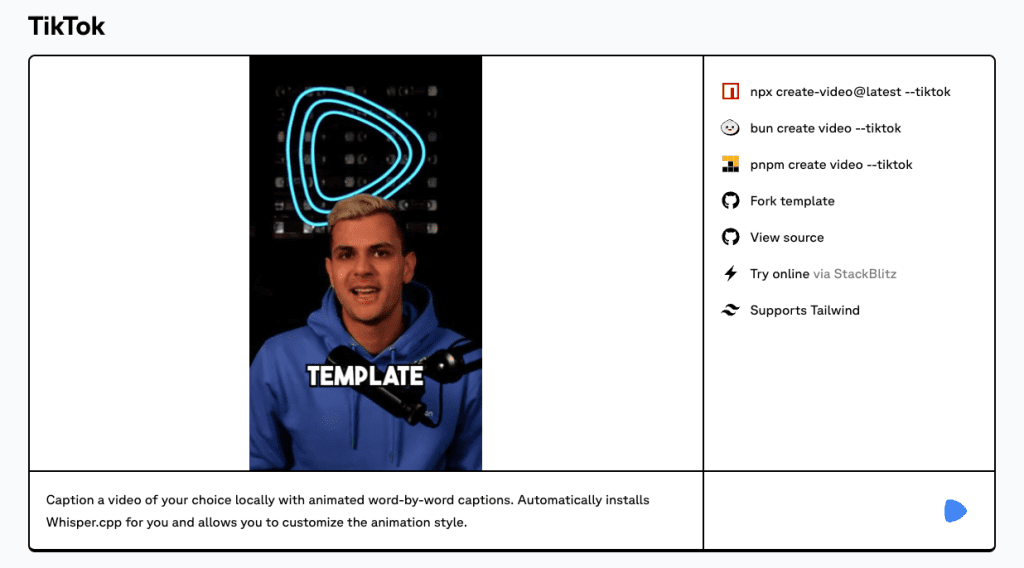
Use Whisper models without .en suffix (e.g., medium instead of medium.en). See the Remotion TikTok template for multilingual config.
Why do captions overflow the screen?
Adjust combineTokensWithinMilliseconds to split long lines, or set maxWidth on your container.
Can I customize colors/animations?
Yes. Change #FFD700 (gold) to any color. Adjust spring() config for different bounce styles.
The TikTok caption workflow is smoother than expected. Once you understand Caption → createTikTokStyleCaptions() → render, it’s just React and CSS.
Biggest gotcha? FPS mismatch. Fix that first.
For new projects, use the Remotion TikTok template — handles Whisper transcription and gives you the full setup.
If you want to streamline this even further and reduce manual effort, try Crepal. Our tool automates many of these processes, saving you time and eliminating the common pitfalls.
Previous posts:






