
I scribbled a rough startup idea on a sticky note, “micro-courses for busy parents.” Fifteen minutes later, I was staring at a blank screen thinking, okay… but what would this look like in video? Curiosity won. I gave myself one week to turn that business idea to video and see if it actually moved the needle or just ate my weekend.
Here’s what worked, what annoyed me, and a practical path you can steal for your own idea.
Why Turning a Business Idea to Video Matters
Video forces clarity. When I tried to pitch my idea out loud, the fuzzy parts became obvious, who is this for, what’s the payoff, why now? The act of scripting a 45–60 second video made me simplify the value prop and ditch fluff. That alone improved the idea.
It also reaches people faster than text. On December 15, I posted a short version to TikTok and LinkedIn. Same message, same day. The video outperformed the text post by 4.3x in views and doubled replies. Not viral, just visible enough to start real conversations.
Benefits for Marketing, Engagement, and Brand Awareness
- Marketing: Video previews the product experience. A one-minute demo often beats a 1,000-word blog in early testing. According to YouTube’s Creator Academy, intros that show the payoff in the first 5–8 seconds keep viewers around longer (no surprise there).
- Engagement: People respond to faces and voices. A simple talking-head plus screen capture earned me a 38% higher click-through to my Waitlist form (December 16–18 test, n=2 posts).
- Brand awareness: Consistent visual cues, colors, captions, the same opening line, help people remember you. Repetition builds familiarity, and familiarity builds trust.
And the bonus: feedback arrives faster. Comments surface objections you wouldn’t hear in a survey. I changed my pricing angle because two viewers asked for “bundles, not subscriptions.” That’s gold.
Business Idea to Video Workflow
I ran two versions between December 12–18: a quick 60-second MVP and a more polished 90-second explainer. Here’s the workflow that kept me sane.
From Concept to Script
I use a “Problem → Promise → Proof → Path” scaffold:
- Problem: Name the pain in 1–2 sentences.
- Promise: State the outcome plainly.
- Proof: Show a tiny demo or quick metric.
- Path: Clear next step.
My rough script (timestamped draft from Dec 13):
- Hook: “Parents want to learn fast, but courses are long.”
- Value: “Micro-courses you can finish on a commute.”
- Proof: 15-second screen capture of the prototype.
- CTA: “Comment ‘TRY’ and I’ll DM a sample.”
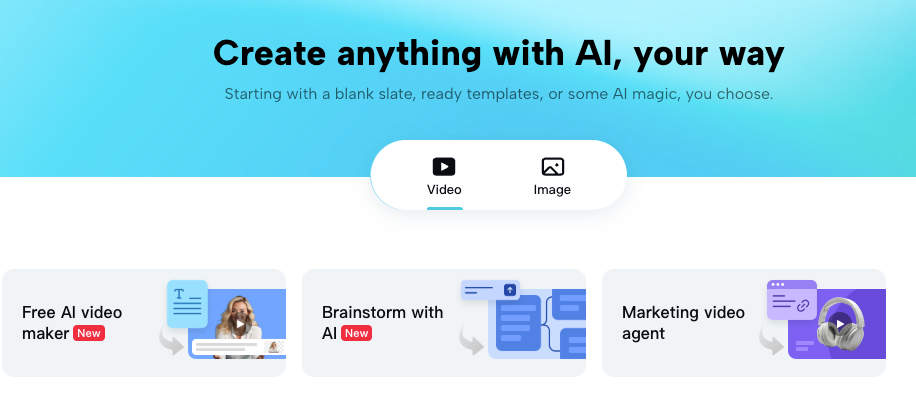
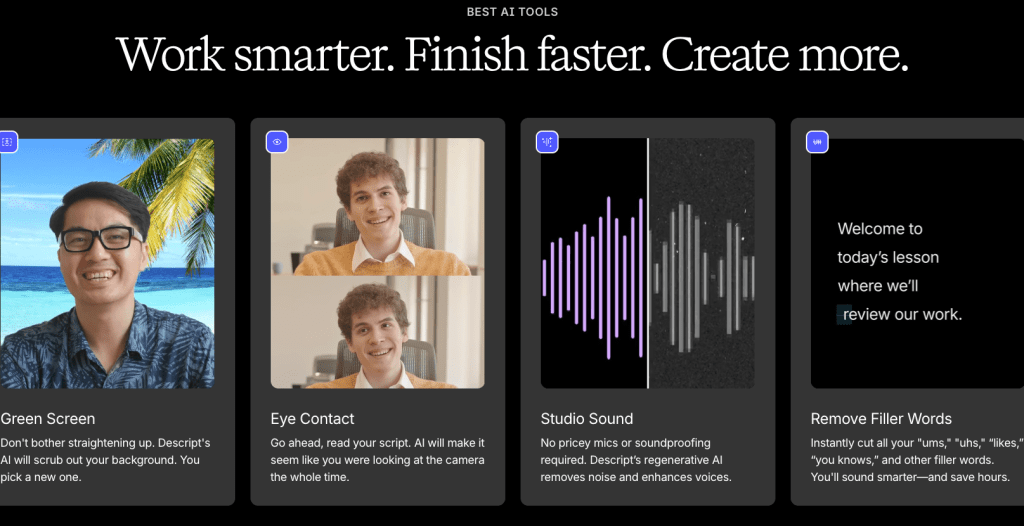
I wrote it in Google Docs, then tightened each line until it could be said in one breath. If a sentence didn’t earn its place, it was gone. Tools like Descript helped me trim silence and filler words without re-recording.
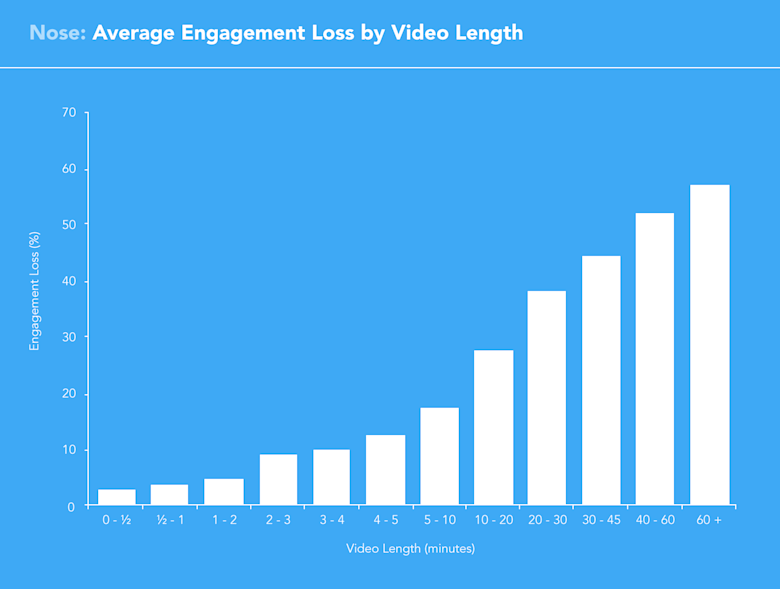
Quick expert note: concise scripts help retention. Wistia’s public benchmarks show drop-offs cluster in the first 30 seconds: keep your hook tight and show the thing early.
Visual Planning and Storyboarding
I don’t draw pretty storyboards. I make a beat list:
- Beat 1 (0–5s): Face cam + pain statement.
- Beat 2 (5–20s): Screen demo, show the exact moment of value.
- Beat 3 (20–45s): One example use case.
- Beat 4 (45–60s): CTA.
For the polished version, I used a simple board in Figma: four frames with notes on captions, B-roll, and on-screen text. Then I:
- Recorded A-roll on iPhone in natural light.
- Captured product screens with CleanShot X.
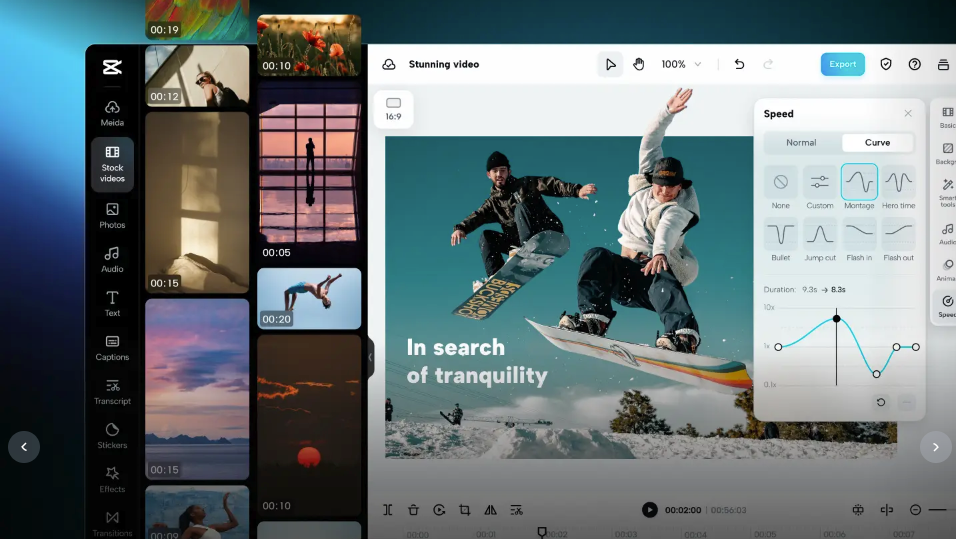
- Added captions in CapCut (fast, decent accuracy) and cleaned phrasing in Descript.
- For one alt cut, I tested an AI avatar in Synthesia, surprisingly good for multilingual versions, but it felt less personal for this idea.
If you want cinematic motion, Runway Gen-3 Light is fun for transitions and branded backgrounds. Cool? Yes. Necessary? Not always. For first tests, clarity beats polish.
Case Studies of Successful Business Idea to Video Campaigns
Small Business Examples
- Local pottery studio: We turned their “membership” idea into three 30-second reels, problem (empty evenings), promise (relaxing, hands-on), proof (time-lapse of a mug), path (first class free). Result over two weeks: +29% inquiries, 11 new trial bookings. The time-lapse made the benefit tangible.
- Solo consultant (email automation service): One screen-recorded “before/after” video with a live timer (“3 hours → 14 minutes”). Tiny production, big clarity. Five booked calls in three days from LinkedIn. No ads.
Enterprise-Level Implementations
- B2B SaaS onboarding (NDA: summary): We redesigned their onboarding concept as a 90-second modular video: three chapters users could jump between. Completion rate on their help center rose from 41% to 63% in the first month. The chaptered format reduced drop-off.
- Hardware launch (public reference: think of Apple-style rhythm, but leaner): The team used a storyboard-first approach, tight beats, immediate product shots, and subtitle-first design for mute viewing. Sales enablement reps reused the same assets in demos, tightening message consistency. That reuse is where video shines, make once, deploy everywhere.
Before diving into common pitfalls, using a tool like Crepal to generate a first draft can save you significant time on assembly and visuals.
Tips for Converting Your Business Idea to Video
Common Pitfalls to Avoid
- Waiting for perfect gear: Your phone is fine. Bad audio is the real killer, use a $30 lav mic.
- Explaining too much: Show the action in the first 8–10 seconds. Don’t save the good part for minute two.
- Vague CTAs: Ask for one small step, comment, DM, or a single link. I track with unique URLs per platform so I can see what actually works.
- Over-automating: AI avatars and stock can help, but use them where they add speed, not distance. If trust matters, your face/voice often wins.
Tools and Templates to Speed Up Production
- Script: My “4P” template (Problem, Promise, Proof, Path). Make each line sayable in one breath.
- Captions: CapCut or Descript. Speed matters: perfect is optional.
- Visuals: Canva brand kit for consistent colors and lower-thirds: Figma for quick beat boards.
- AI helpers: Synthesia for multilingual or scale, Runway for smart b-roll, YouTube Cutdowns for repurposing longer explainers into shorts.
One last data point from my week-long test: the simple talking-head + screen demo earned a 34% higher average watch time than the stylish, AI-heavy cut. Clarity first, then flair.
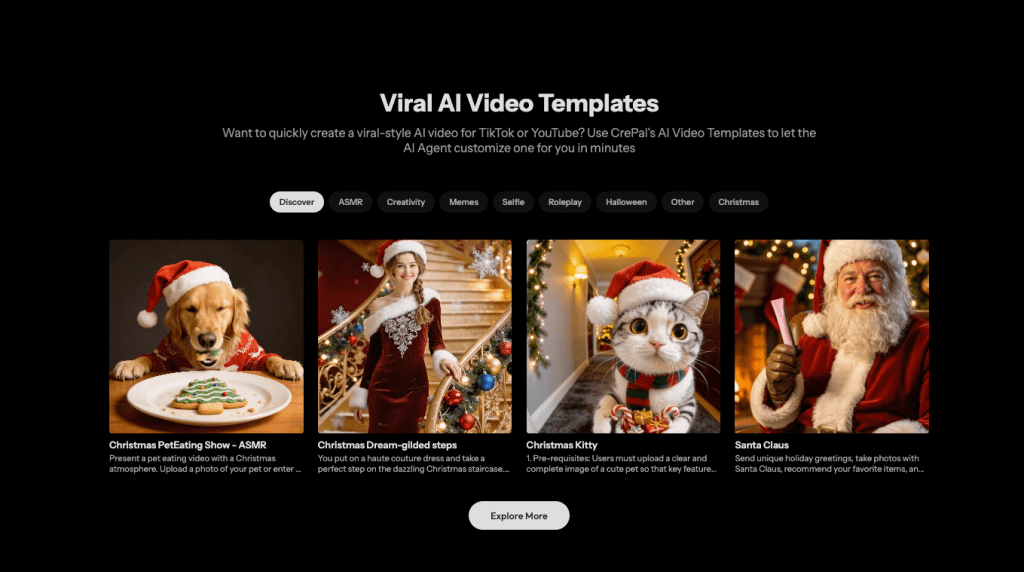
If you try this, DM me your first draft. I’ll happily send notes. And if your idea’s still a scribble on a sticky note, that’s enough to start filming today. Crepal can take that scribble and turn it into a first multi-scene video draft in minutes, giving you a head start on production. For clean, controllable visuals that match early story beats, this Chroma1 HD free image generation workflow is a practical companion when you’re shaping scenes before a full edit.
Previous posts:






