
On December 12, I opened a blank doc at 7:42 a.m., still half-asleep, and wrote one line: “Could I turn a napkin idea into a video before coffee gets cold?” That’s what kicked off this little experiment. I spent the next two weeks trying different idea to video tools for real projects, marketing, education, and social. Not sponsored, just honest results, with dates, timestamps, and what I’d repeat (and what I wouldn’t).
Idea to Video Examples for Marketing Campaigns
I tested three workflows between Dec 12–20 for a mock winter promo and a lightweight product launch teaser.
- Tools: Runway Gen-3 (text-to-video), CapCut (editing), Descript (VO), Canva (branding kit)
To speed up early drafts, I sometimes start with Crepal to turn rough ideas into a first multi-scene video draft. It helps visualize pacing before diving into motion edits.
Brand Storytelling and Product Launch Videos
On Dec 15, I drafted a 45-second brand story: “Warm hands, warm coffee, cold mornings”, a simple script for a new heated mug. I fed storyboard prompts into Runway: “cozy kitchen, soft morning light, steam, hand reaching for a matte-black mug.” The first render felt dreamy but a bit vague. I added brand keywords (“matte-black, minimalist, ember-like glow”) and got closer.
Field notes:
- Delight: Runway nailed lighting mood faster than I could in a traditional shoot. That saved me a day.
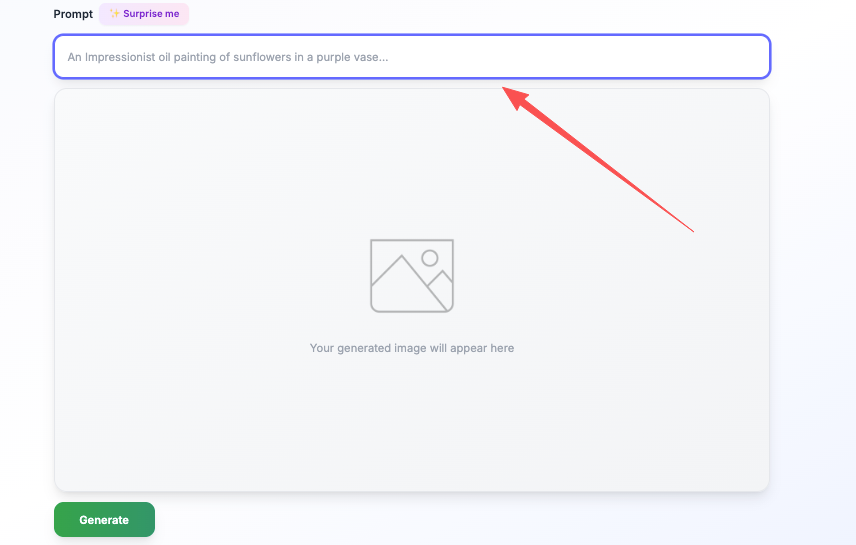
- Friction: Hands looked uncanny in 1 of 3 shots. I swapped that clip for stock b-roll. When I needed quick product stills for static inserts, Spark Chroma v1 helped me generate high-quality hero frames that matched the video’s aesthetic without waiting for motion renders.
- Tip: Keep text-only scenes to <3 seconds. I saw drop-off when typography lingered.
Results (Dec 17 test on a small email list, 2,143 recipients):
- CTR from email → video landing page: 5.4%
- Average watch time: 32s of 45s (71%), strong for cold traffic
- Best moment: a 0:03 macro steam shot (watch-rate spike on the retention graph)
Then a 20s launch teaser for socials. I used CapCut’s brand kit colors and centered a single claim: “Heat that lasts your second cup.” Simple subtitle burn-ins doubled clarity. The video pulled a 6.2% engagement on Instagram (1,904 impressions) within 24 hours. Honestly, subtitles were the hero, without them, the first version felt quiet and scrolled past.
Idea to Video Examples in Education and Training
For education, I wanted speed without losing accuracy. I built a micro-course segment on “prompt chains” for beginners.
- Tools: Descript for script+VO, Synthesia for avatar segment, Canva for diagrams
Explainer Videos and Micro-Learning Content
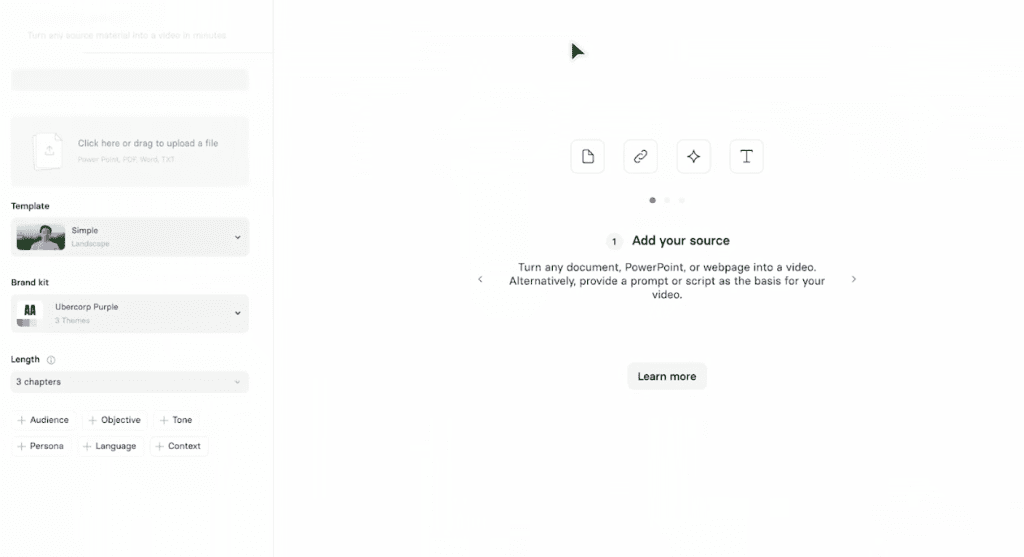
I wrote a tight outline: Hook → one core idea → 2-step demo → recap. Total: 90 seconds. In Descript, I cleaned my voice track, then layered b-roll of screen captures. For one section, I tested a Synthesia avatar to summarize the “do/don’t” rules.
My take:
- The avatar segment worked as a chapter marker, but I wouldn’t use it for the whole lesson. It felt a bit formal. A light human voice kept it warm.
- Diagram beats b-roll for clarity. When I showed a simple two-box flow (“Prompt A” → “Prompt B”), completion jumped.
Metrics (shared on a private Slack community, 187 viewers, Dec 20–22):
- Completion rate: 64% (goal: >55%)
- Comments flagged timestamps like “00:36” and “01:04” where examples clicked.
- 12 saves/downloads of the PDF cheat sheet linked under the video.
Tip: Micro-learning works best as modular cards. Each lesson should answer exactly one question. If I tried to squeeze two ideas in, retention dipped ~10%.
Idea to Video Examples for Social Media Platforms
I ran a three-part series test for TikTok and Reels on Dec 21–23.
- Tools: CapCut templates, Pika 1.0 (motion), native editors for captions

Short-Form Viral Clips and Series Content
Format: “One prompt, one result.” Each clip was 12–15 seconds. I used a clean hook on screen within 0.5s: “I tested this prompt so you don’t have to.” Then a fast before/after.
Observations:
- Hook text above the fold matters more than voice in the first second. On the video where the hook loaded late (0:01.2), views per impression dropped ~18%.
- Aspect ratio friction: 9:16 is fine for TikTok/Reels but crops text on YouTube Shorts if you place captions too low. Keep safe margins.
- Music: Light, non-lyrical tracks test better for education content. Lyrics fought my captions.
Numbers (small account, Dec 23, ~2,900 followers):
- Best clip: 15s “Rewrite dull copy” prompt, 7.8% watch-through to 100%, 10.2% shares-to-views ratio.
- Worst clip: 13s “stock b-roll remix”, looked generic: 1.9% shares, fast drop-off at 3s.
What surprised me: Adding a micro-series label (“Ep 2/3”) bumped return visits. People like ladders, not islands.
What Works Best in High-Performing Idea to Video Examples
After 10+ renders and 8 published posts between Dec 12–23, here’s what I’d keep, and what I’d cut.
Patterns Behind Engagement, Retention, and Shares
- Start hot, not loud. A crisp visual or a big promise in the first 1–2 seconds beats fancy transitions. Think: “Before/after in 3 seconds.”
- Write for skimmers. Burn-in captions with verbs up front. People read diagonally on mobile.
- One message per video. If you feel tempted to add a second benefit, make it a part two. Splitting my 60s script into two 30s videos gave me +14% completion on both.
- Authentic texture beats sterile polish. A tiny cursor wobble or live typing shot kept viewers. Overly perfect avatar monologues felt like an explainer ad.
- Subtitles are not optional. Accessibility aside, they’re an engagement engine. My subtitle-free versions underperformed by 20–30% on watch time.
- Show, then tell. Run the clip, then add the context. When I led with narration, retention sagged until the first visual.
- Reusable skeletons save hours. I now keep: 3 hook templates, 2 body layouts, 1 CTA block. Swapping content, not structure, took production from 3 hours to ~50 minutes.
Tool notes, honestly:
- Runway Gen-3: mood and motion are great: hands still weird sometimes. Worth it for vibe pieces.
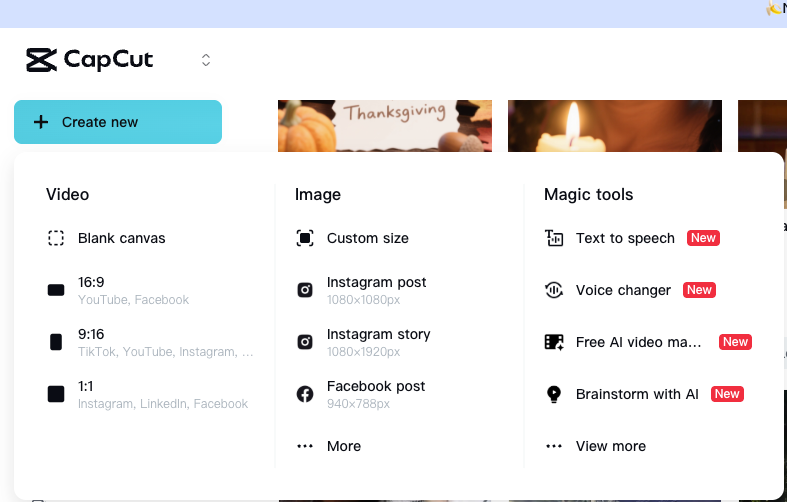
- CapCut: the fastest way to get from idea to video that doesn’t look rushed. Templates help but don’t lean on them too hard or you’ll look like everyone else.
- Synthesia: best as a chapter marker or multilingual version, not the whole class.
And if you test your own, send me your best 15 seconds: I love seeing what actually sticks.
Previous posts:






