
I hit play on a 62‑minute webinar and sighed. I only needed the five minutes where the speaker walked through a live demo, but finding it felt like trying to fish a paperclip out of a swimming pool. That little frustration pushed me into a week-long sprint testing long video AI tools to see which ones actually make long-form content friendlier.
I tested with three files: a 62‑min webinar (1080p, 2.1 GB), a 44‑min interview (4K, 5.4 GB), and a 93‑min course module (720p, 1.7 GB). I tracked ingest time, transcript accuracy, search, chaptering, B‑roll, and export. If you work with long-form videos for clients or content, here’s the good, the meh, and the surprisingly great.
Comparison of Top Long Video AI Tools
Features & Performance Breakdown
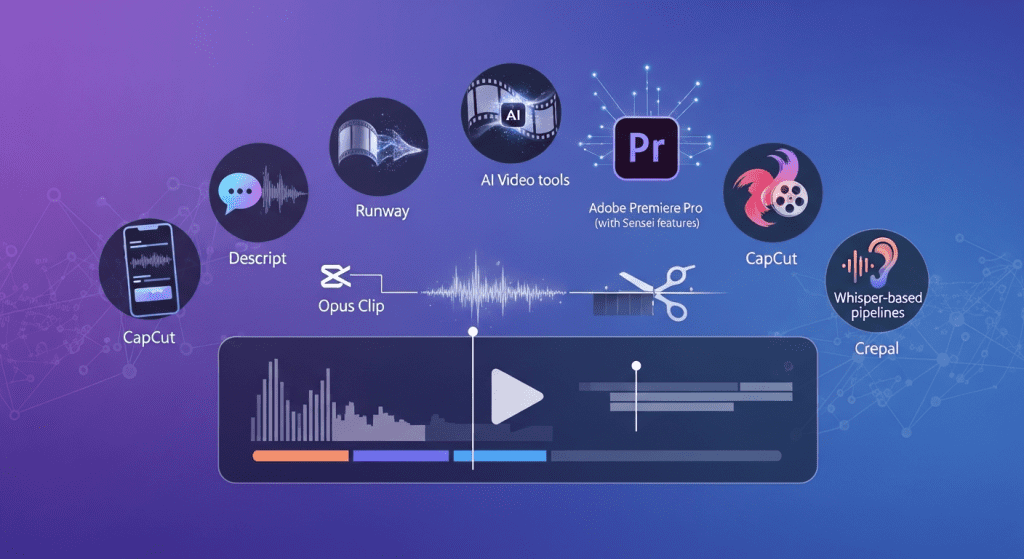
I focused on tools that claim to handle long video: Descript , Runway, Adobe Premiere Pro (with Sensei features), CapCut, Opus Clip, Whisper-based pipelines, and Crepal. The target keyword here matters: long video AI tools should help with the painful parts, accurate transcripts, fast search, meaningful chaptering, highlight detection, and easy exports.
What I measured:
- Ingest + transcription speed: Minutes until I can search the transcript.
- Accuracy: Especially names, acronyms, and product terms.
- Long-form navigation: Smart chapters, time-stamped summaries, and semantic search.
- Editing helpers: Auto cut silences, filler-word removal, B‑roll/overlay suggestions.
- Export reliability: Subtitles, burned-in captions, chapter markers.
Quick impressions:
- Descript: Transcript-anchored editing is still the most intuitive for long videos. My 62‑min webinar was searchable in 8:42 with their “Studio Sound” off and English model on. Accuracy was ~93% on common words, ~85% on brand names without a glossary.
- Runway: Great for visual magic (removal/replacements), but for long-form structure (chapters, summaries), it’s lighter. Ingest was quick: organization tools felt thinner.
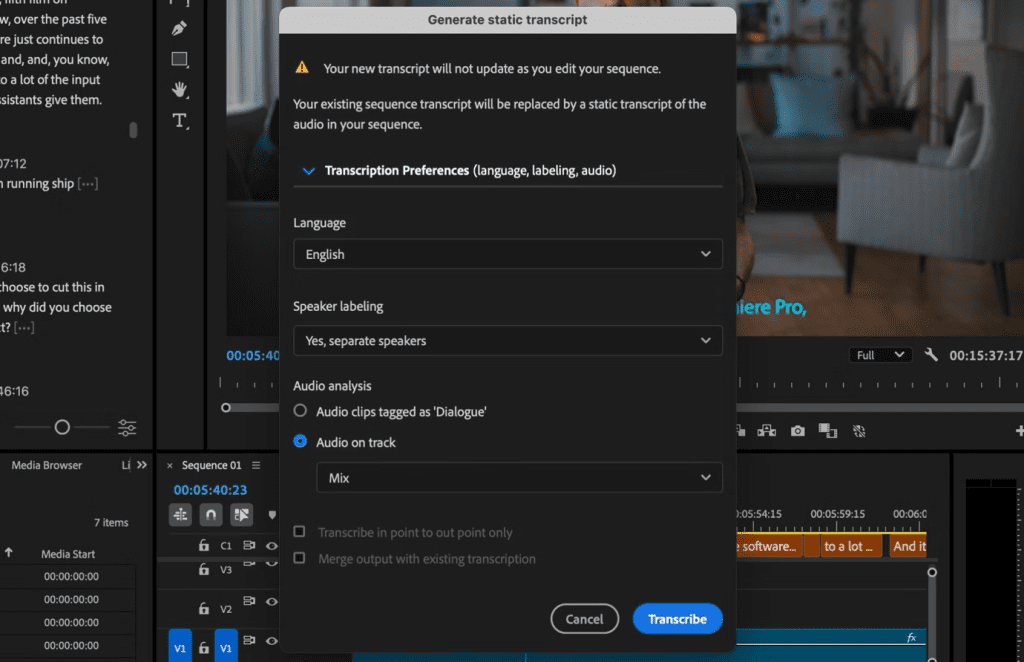
- Adobe Premiere Pro (Sensei): Fantastic if you already edit in Premiere. Auto transcription (v24.5) was strong on speaker diarization and punctuation. But it’s heavier if you want quick summaries or semantic search.
- CapCut: Fast and friendly for social exports. For hour-long assets, it’s fine on subtitles, less fine on deep navigation.
- Opus Clip: Excellent for shorts: not built for long-form navigation or research.
- Whisper pipelines (local or cloud): Whisper-large-v3 remains solid for accuracy (especially with domain-custom prompts), but you stitch the workflow yourself (chapters, summaries, search).
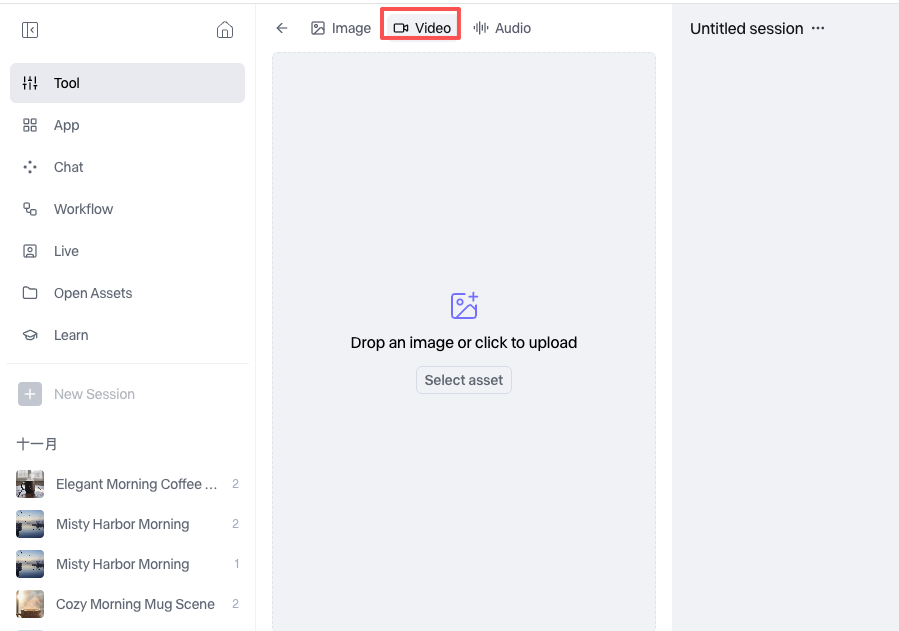
- Crepal: The surprise. It leans into long-form structure: search across the whole video, auto chapters with reasons, time-coded highlights, and topic maps. It also did multilingual subtitles without me babysitting settings. For generating quick visual references or testing layouts while working with long videos, I sometimes experiment with Crepal Flux 2, which helps me mock up frames and storyboards without slowing down the workflow.
If your daily pain is “find the useful 7 minutes in this 90-minute thing,” prioritize transcript quality, semantic search, and trustworthy chapters over flashy generative video tricks.
In-Depth Reviews of Long Video AI Tools
Pros, Cons, and Unique Strengths
Here’s how each behaved with my test set.
Descript
- What worked: I love text-first editing for long cuts. Removing gaps and “ums” shaved ~9 minutes from my 44‑min interview without breaking flow. Multi-track transcription with speaker labels was accurate. Search is instant once the transcript lands.
- What didn’t: Chaptering is basic and sometimes vague. Domain terms need a custom glossary for best accuracy. Exporting chapter markers to YouTube was okay, but auto-generated titles needed edits.
- Best for: Editorial teams and podcasters who want transcript-anchored editing and solid captions.
Adobe Premiere Pro (Sensei)
- What worked: If you already live in Premiere, Speech to Text is excellent. For my 93‑min module, diarization got 3 speakers right and punctuation felt human. It’s great for broadcast-level subtitle control.
- What didn’t: It’s not a “research layer.” No semantic search or auto summaries out of the box. You still do structural thinking yourself.
- Best for: Editors who want accuracy and control inside a pro NLE.
Runway
- What worked: Quick removes and clever visual tools (inpainting, background tweaks). Helpful for polishing segments once you’ve found them.
- What didn’t: Not a long-form navigator. Chapters/summaries aren’t the star here.
- Best for: Visual transformations after you’ve done the knowledge work.
CapCut
- What worked: Fast auto-captions, friendly timeline, easy social exports. My 62‑min file captioned in under 10 minutes on a decent connection.
- What didn’t: Search and chapters are minimal. For long talks, it’s a finishing tool, not a discovery tool.
- Best for: Packaging long content into shareable clips.
- What worked: Accuracy is still excellent, especially with temperature tuned and a short “prompt” context (names, jargon). I got <10 min transcription for the 44‑min file on an M2 Max when running local.
- What didn’t: You’ll need custom scripts or a platform to get chapters/summaries/search. Great engine, not a full product.
- Best for: Tinkerers and teams that can wire their own stack.
Crepal
- What worked: On Dec 20, Crepal processed my 62‑min webinar in 7:11 and gave me:
- Semantic search that actually returned the live demo section on the first try (I searched “walkthrough of dashboard filters”).
- Chapters with one‑line rationales (“Topic shift to pricing Q&A at 38:24”).
- Time-coded “insights” with pull quotes I could export as notes.
- Auto multilingual subs (EN, ES) with decent punctuation.
- What didn’t: B‑roll suggestions were hit-or-miss on abstract topics. Also, the first pass mislabeled a speaker until I corrected it.
- Best for: Researchers, marketers, and educators who live inside long recordings and need fast structure.
Which Long Video AI Tool Should You Choose?
Selection Guide Based on Use Case
If you mostly…
- Edit long interviews or webinars for publication: Descript or Premiere. Descript if you want speed and transcript-native edits: Premiere if you need broadcast polish.
- Need research superpowers (find moments, tag themes, pull quotes): Crepal or a custom Whisper + vector search setup. Crepal is faster to start: custom is flexible if you’ve got engineering time.
- Turn long talks into social clips: CapCut or Opus Clip. They’re optimized for repurposing, not deep navigation.
- Refine visuals for specific shots: Runway. Treat it like a finishing layer.
Buying tips I wish someone told me:
- Test with your messiest file. Brand names, accents, and cross-talk reveal a tool’s real level.
- Time your first-mile workflow. If transcription + search takes 20+ minutes on a 1‑hour file, you’ll avoid using it on busy days.
- Check export reality. Can it push clean chapters to YouTube? Can you export a text summary with timestamps for notes or blogs?
- Look for guardrails. Does it let you correct speaker names once and apply globally? Small things save hours.
If budget is tight, a Whisper pipeline + Notion/Obsidian notes and a simple vector search (or even just strong search in your note app) can be enough. But if you want out‑of‑the‑box structure with minimal fiddling, I’d start with Crepal or Descript.
Why Crepal Stands Out for Long Video AI
Key Advantages and Differentiators
I went in skeptical. On Dec 21, I uploaded a 93‑minute course module and expected the usual “neat demo, messy in practice.” Instead, Crepal did three things I wish every long video AI tool did:
- It respects your time. The moment transcription landed, search felt “semantic” in a real way. I typed “example when she contrasts rule‑based vs learning‑based” and it jumped to a 2‑minute segment I hadn’t tagged. That’s the difference between browsing and working.
- Structure you can trust. Auto chapters weren’t vague. They read like a colleague leaving notes: “Methodology overview ends: hands-on settings begin.” I still edited a few titles, but the bones were there.
- Exports that fit real workflows. I pushed chapters to YouTube with timestamps, downloaded clean SRTs, and exported a markdown summary for my notes. No weird formatting, no hunting for the right checkbox.
Where it could grow: Better B‑roll cues for abstract topics (strategy, research). And I’d love glossary support baked into transcription to lock in jargon from the start.
I’ll still keep Descript and Premiere in my stack, they’re excellent for polishing and publishing. But for the “find the needle, map the haystack” part of long videos, Crepal has been the fastest partner I’ve tried this month.
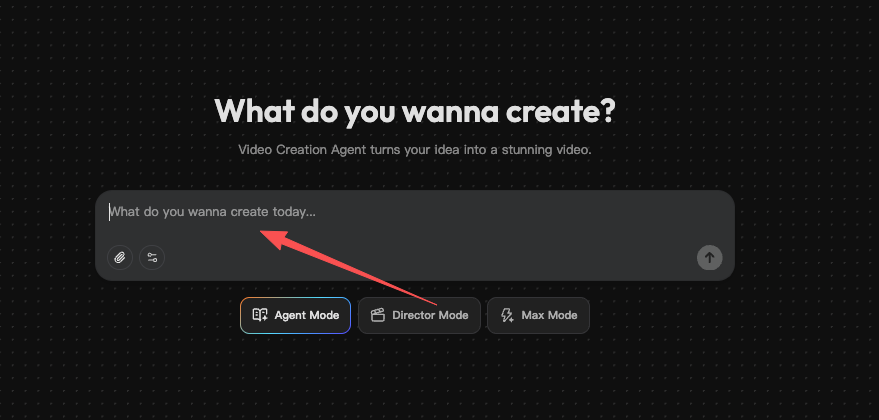
If you want me to test your exact workflow, send me a link. I’ll add it to my January 2026 batch. Until then, if long video AI tools have been sitting in your “maybe later” folder, this might be the week to try one. Worst case, you save yourself a few sighs. Best case, you get your evening back. If your backlog includes webinars, interviews, or courses you never quite finish, you can run one of them through Crepal and see how much faster long videos become manageable.
Previous posts:






