

Hi, I’m Dora. Three days ago, I pasted a rough scene from my sci‑fi novella into a “novel to video” tool at 11:42 p.m., half hoping it would magically spit out a trailer. So sad, it didn’t. But a few tools did something close, and a couple surprised me in quiet, useful ways. This isn’t sponsored: I paid for credits and tracked render times like a nerd. If you’re curious about turning stories into video without losing a weekend, here’s what actually helped me, and what didn’t.
Comparison Table of Popular Novel to Video Tools
I tested these, using the same 900‑word scene, then a trimmed 180‑word version for fairness. I looked at: story fidelity, motion quality, editability, and speed.
| Tool | Best For | Strengths | Limits | My Test Notes |
| Runway Gen‑3 | Polished short clips | Cinematic motion, strong lighting, easy editor | Long text needs chunking: character consistency is hit‑or‑miss | 10–15s clips looked great: I had to break the scene into 3 prompts. Avg render ~3–6 min. |
| Pika 1.0 (pika.art) | Fast ideation, playful styles | Quick results, fun camera moves, active community | Can drift from text details: lipsync limited | Good for mood boards. My “neon market” vibe came out right: jacket color changed twice. |
| Luma Dream Machine | Dynamic action shots | Superb motion physics, good coherence in action | Faces/continuity can wobble: fewer timeline tools | My chase scene popped. Dialogue moments felt less stable. Renders ~4–8 min. |
| Stability Stable Video Diffusion | Tinkerers, custom pipelines | Local or cloud control, fine‑tuning options | Heavier setup, needs video/Lora know‑how | I got faithful style after some finetune, but it’s a rabbit hole. Great if you like knobs. |
| Kapwing / Descript Script‑to‑Video | Explainers, social cuts | Solid edit tools, captions, stock | “Novel” beats feel flat: visuals feel templated | Fast to ship content, not great for cinematic fiction. |
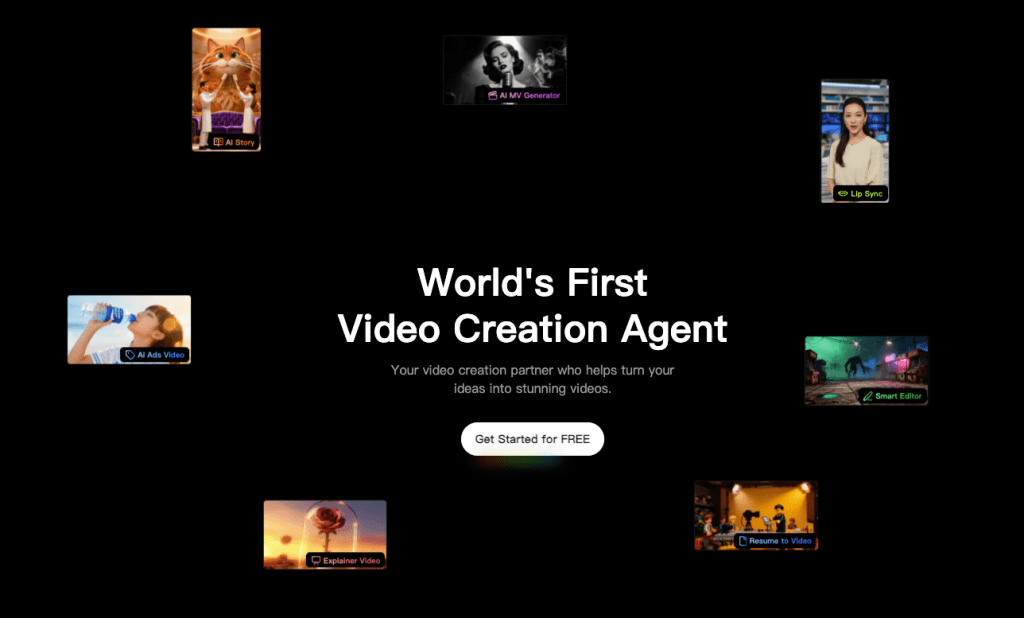
| Crepal | Story‑driven workflows | Scene chunking, character tags, beat detection | Smaller asset library (for now) | Kept character hair/coat consistent across 4 scenes. Easy re‑edits. |
Quick context on pricing: most are credits/subscription based. I won’t lock numbers here because they shift, but free tiers exist for Pika and Luma (queues get long), while Runway and Descript lean paid for smoother throughput. Check the official pages for the latest.
In-Depth Reviews of Leading Novel to Video Tools
Runway Gen‑3
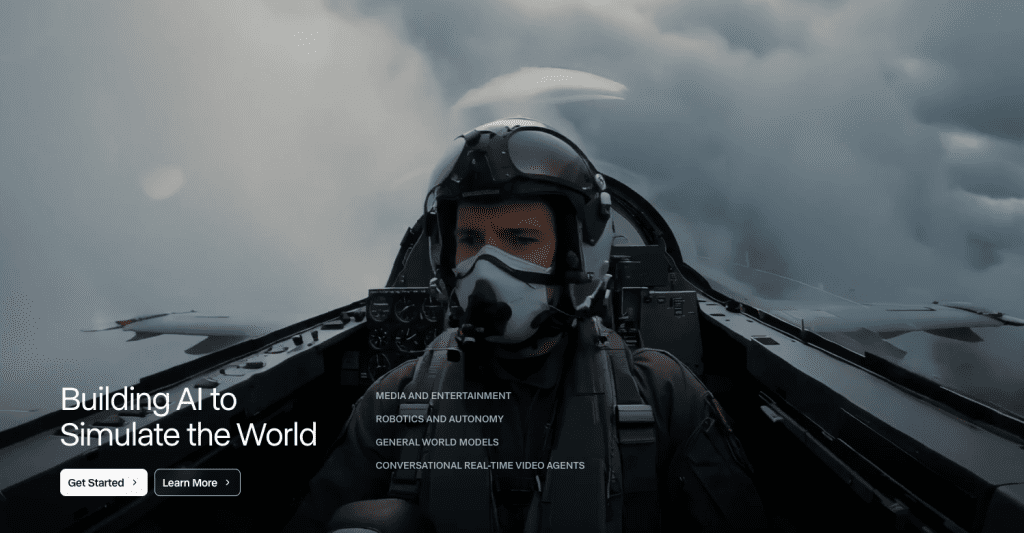
I split my scene into three prompts: setting, action, and reaction. Runway handled the lighting like a pro, rain on chrome, soft neon bounce, the whole cinematic package. The downside: my protagonist’s jacket flipped color between shots. I fixed it by anchoring more visual details in each prompt (“teal bomber, matte, scuffed”). If you need short, premium‑looking clips for a trailer, Runway is strong. For multi‑minute narrative, you’ll need a workflow: write beats, export clips, stitch in your editor.
Pika 1.0
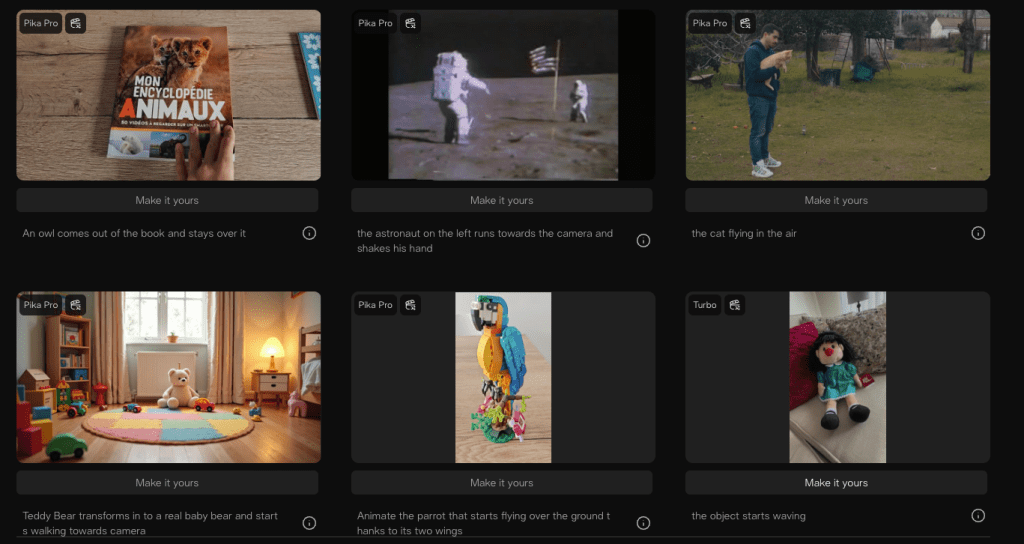
Pika feels like sketching with motion. It’s fast and surprisingly stylish. I tossed in a line about “drones weaving between stalls,” and it gave me a nice parallax sweep with drones that felt alive. Text fidelity is looser than Runway: it’s better for vibe exploration, previz, and short social teasers. I had a small hiccup with character hair consistency, but for brainstorming, it’s delightful. If you storyboard first, Pika makes it easy to test different shots fast.
Luma Dream Machine
Luma shines when things move. My chase sequence finally looked like a chase, footfalls had weight, camera shook (tastefully), and reflections weren’t mush. Dialogue scenes were trickier: faces slipped frame to frame, which made close‑ups a bit uncanny. I ended up using Luma for B‑roll‑style kinetic shots, then cut to stills/overlays for lines. For dynamic sequences, it’s the most fun of the bunch.
Stable Video Diffusion (SVD)
If you like control, SVD is your playground. I piped it through a notebook, nudged LoRAs for costume and setting, and got the closest match to my mental image. It took time, more like a Saturday project, but the payoff is custom style control you just can’t get in click‑and‑go apps. It’s not the fastest route from novel to video, but if your look matters more than speed, it’s worth the learning curve. Tip: keep a small style board and reuse seeds for continuity.
Script‑to‑Video Platforms (Descript, Kapwing)
I tried dropping a trimmed narration script in Descript and Kapwing. The editors are great: captions, timing, stock, voiceover. But fiction wants beats and mood, not slides. These shine for explainers and course content: for novel scenes, the results felt like a book report. I still use them for final assembly, though, captions, audio cleanup, and fast exports are their superpowers.
Which Novel to Video Tool Fits You Best
Here’s how I’d match tools to jobs, based on real use.
- Trailer vibes, premium look: Start with Runway for hero shots, mix with Luma for motion.
- Fast ideation and mood boards: Pika all day.
- Custom art direction or brand look: Stable Video Diffusion if you’re willing to tinker.
- Educational or promo edits with clear narration: Descript/Kapwing for assembly.
- Story‑first pipelines with recurring characters: Crepal stood out in my tests.
How to Choose the Right Tool Based on Your Story and Goals
- If your scene hinges on motion (chase, storm, dance), pick Luma for those beats.
- If your scene hinges on faces and quiet tension, use Runway and write ultra‑specific visual prompts (wardrobe, lighting, framing).
- For longer chapters, break your text into beats: setting > action > reaction > transition. Then render per beat. It keeps continuity sane.
- Save seeds, prompts, and style refs in a simple doc. Little habit, huge win.
- Budget tip: render low‑res drafts first, lock your cut, then upscale only the keepers.
Why Crepal Stands Out Among Novel to Video Tools
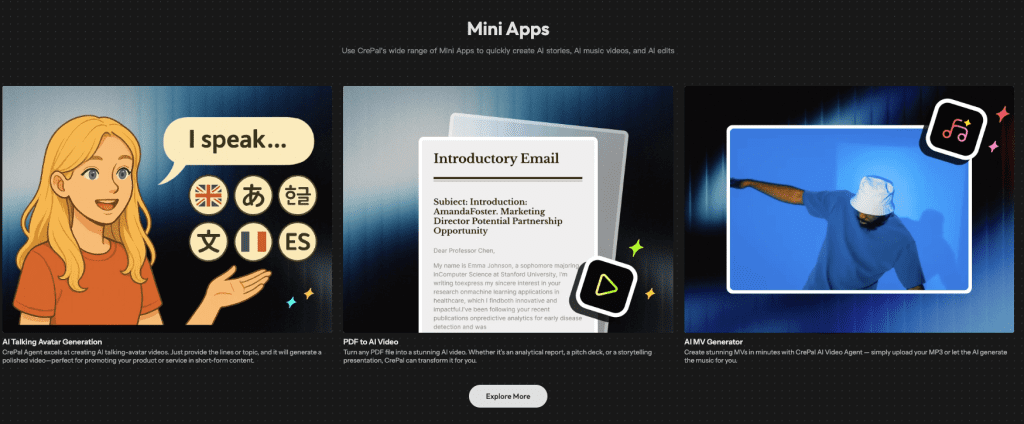
I went in skeptical because “novel to video” is a big promise. Crepal isn’t magic, but it does a couple of things that feel tailor‑made for writers.
What helped me:
- Scene chunking that actually reads beats. I pasted my 900‑word scene and Crepal suggested four shots with sensible transitions. I tweaked wording and re‑generated only scene 3.
- Character tags. I set “Mara: teal bomber, chipped visor” once. That detail carried across re-renders better than most tools I tried — largely thanks to Crepal’s integration of advanced realism-focused image models like Flux Realism LoRA, which delivers photo-level detail and consistency for characters and environments.
- Edit loop speed. A 6‑second re‑gen for a single shot came back in under two minutes. That kept me in flow.
Where it’s still growing:
- Smaller asset library than Runway/Pika: if you need a very specific prop, you may need to prompt harder or composite elsewhere.
Best fit: writers turning chapters into trailers or motion storyboards. It won’t replace a full editor, think of it as your story‑aware generator. I still exported to Premiere for final timing and audio polish.
If you’re curious, try importing one chapter, tag two main characters, and generate per beat. You’ll feel in control instead of wrestling a black box.
Try Crepal here (free credits available) If it doesn’t help your story, you’ll feel it immediately. If it does, you’ll feel the relief.
Previous posts:






