
Two Fridays ago, I stared at a blank promo plan for my book draft and thought, what if I just let AI help me make the video? Not to fake it, just to stop me from fiddling with clips for hours. I set a timer for 90 minutes and opened Canva, CapCut, and Descript. If it worked, great. If not, well, I’d go back to my old, stubborn way. Spoiler: the author’s AI video workflow actually surprised me, and not just because it was faster.
Why Authors Use AI for Video Marketing
I used to think video promos were a nice-to-have. Then I saw how a 20–45 second teaser consistently pulled more clicks to my landing page than any single static graphic.
Here’s what changed my mind (Instagram Reels + YouTube Shorts):
- Time saved: I went from 4–5 hours per trailer to about 70–90 minutes per piece using templates, AI voice cleanup, and auto-captions.
- Reach bump: Short vertical cuts got ~2.1x more views than static posts from the same week (small account, but a clear pattern).
- Watch time: Clips with on-screen text and quick cuts held 63–68% average retention vs ~40% for my older, slower edits.
Why AI helps authors specifically:
- Friction killer: Script drafts, b-roll suggestions, and auto-transcripts remove the “where do I start?” problem.
- Consistent branding: Templates keep fonts, colors, and pacing tight so every video feels like your book’s world.
- Iteration speed: Swapping scenes, generating extra b‑roll, or changing aspect ratios takes minutes, not hours.
Transparency: Not sponsored, just honest results from my own tests.
Promo Video Types
Short Clips, Teasers, and Full-Length Book Trailers
I tried three flavors:
- Short Clips (10–15s): Single idea, punchy hook. Example: a line from the book + bold text + one sound effect. Best for first touch.
- Teasers (20–45s): A tiny story arc, problem, mood, hint at stakes. I used 3–5 scenes with quick captions and a soft music bed.
- Full-Length Trailers (60–120s): Great for product pages or newsletter embeds, but weaker on social. They work if you have voiceover, pacing, and payoff.
How I made them fast: I leaned on Canva’s video templates for structure and swapped media, then used CapCut for fine cuts and beat-matched transitions. Descript handled voice cleanup and transcripts.
Best Formats for Social Media Platforms
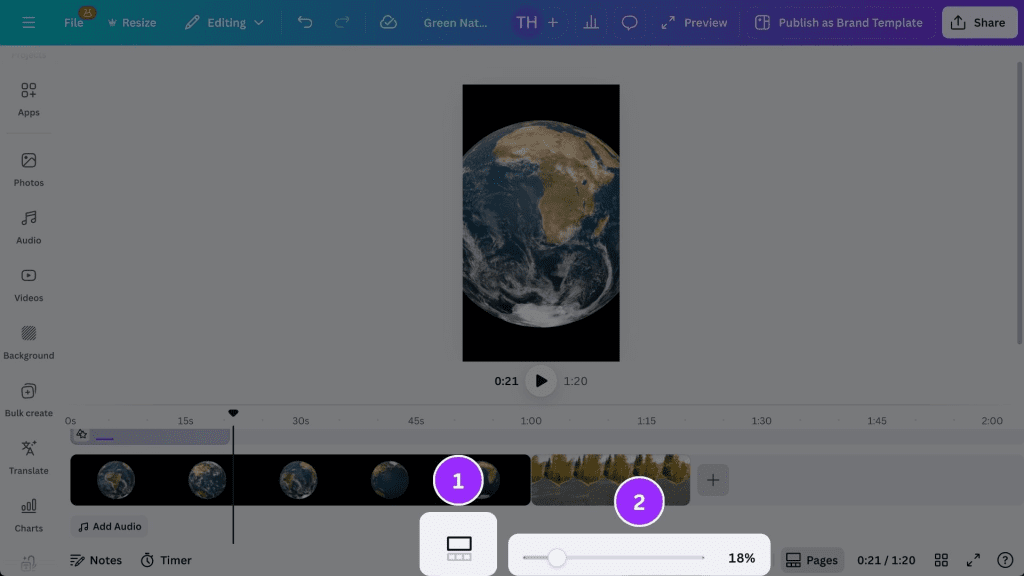
- Instagram Reels/TikTok: 9:16 vertical, 1080×1920, 24–30 fps. Big captions, fast hook. Music matters here.
- YouTube Shorts: Same 9:16. Lead with the idea in the first 1–2 seconds, no slow fade-ins.
- X/LinkedIn: Square (1:1) or 4:5 often wins. Subtle captions and fewer effects play better for a “professional scroll.”
- Website/Newsletter: 16:9 landscape or 1:1. Add a quiet intro card so it doesn’t blast open.
Quick note: If you want a one-click resize and safe-area guides, CapCut’s auto-resize is decent: Canva’s Magic Switch is friendlier for keeping brand styles intact.
Choosing the Right Length for Engagement
My rule after running five variations:
- Cold audience: 10–20s. Hit one emotion or question.
- Warm audience: 20–45s. Give them a taste of the premise.
- Sales page or Kickstarter: 60–90s. Tell a mini-story and end with a clear CTA.
When I pushed past 60 seconds on Reels, retention dipped below 40%. Under 30 seconds, I stayed above 55–60% consistently. Your mileage may vary, but short + clear beats long + clever most days.
Author AI Video Workflow: From Script to Final Output
Scriptwriting Tips for Author AI Video
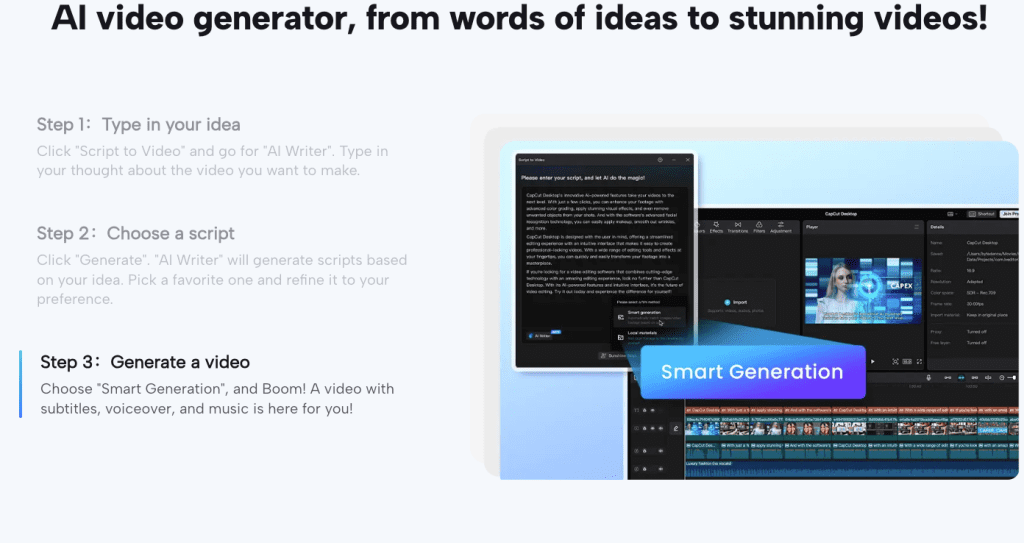
I start with a 5-line scaffold, then let an AI assistant riff options I can punch up. The scaffold:
- Hook: a line that makes you tilt your head.
- Stakes: why this book matters.
- Texture: one vivid detail, sound, setting, or image.
- Social proof or author note (optional).
- CTA: gentle and specific.
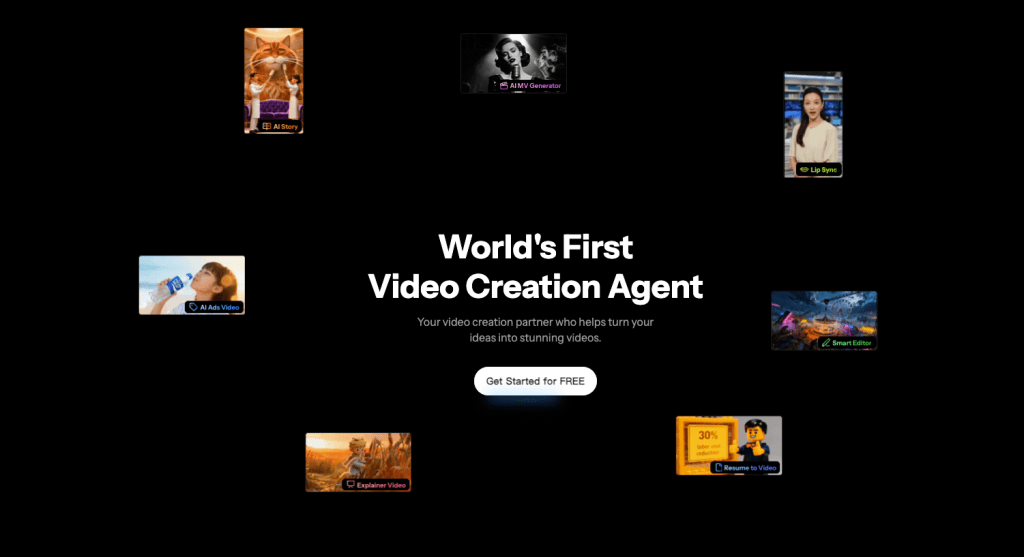
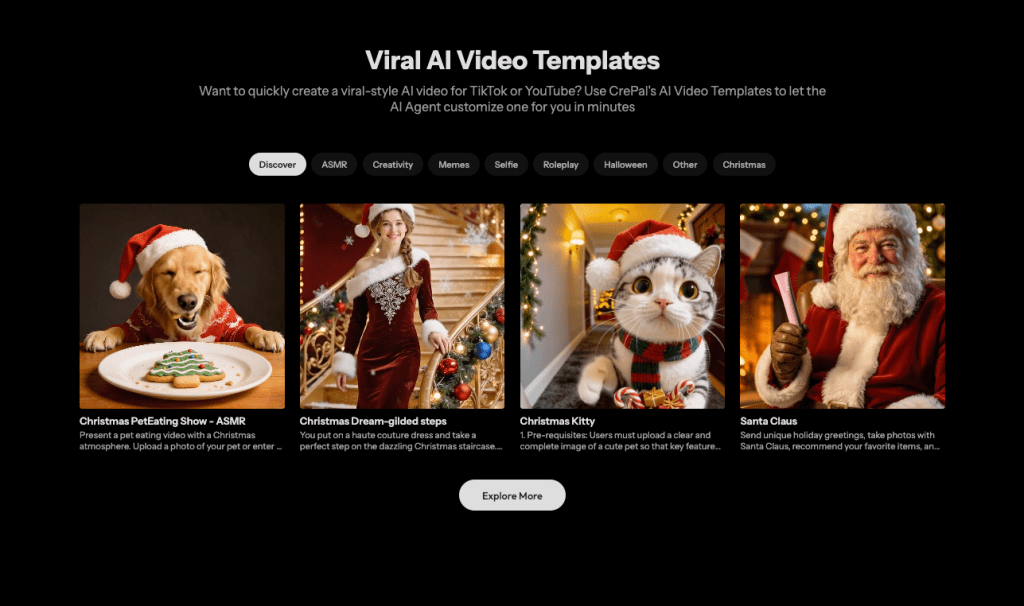
When I started swapping scenes and tweaking layouts for multiple versions, it quickly became a headache. Crepal helped me lock characters and scenes so I didn’t have to rebuild everything from scratch each time.
I fed my one-sentence premise into Descript’s storyboard notes and asked for three hooks. Two were meh. One worked: “What if the map in your pocket lies to you?” I rewrote it in my voice and recorded a 9-second whispery VO. Descript’s Studio Sound cleaned room echo nicely, don’t overcrank it though, or you’ll get that “podcast in a pillow” vibe.
AI that actually helped:
- Script polish: light suggestions, not full rewrites. Keep your voice.
- B‑roll ideas: Runway/Canva suggested abstract backgrounds and motion graphics that matched mood. For more photorealistic or stylized scene generation, Chroma1 HD can quickly produce assets you can drop into your videos.
- Captions: Auto-captions with manual tweaks for timing and emphasis.
Docs if you want to peek: Descript Studio Sound, Canva Video editor, and CapCut desktop are all well-documented.
Editing and Rendering Best Practices
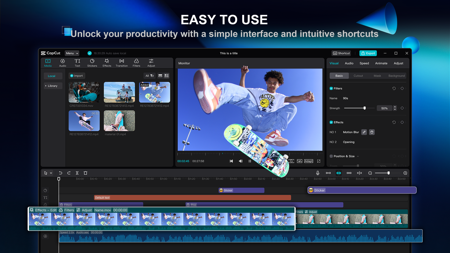
What worked for me using CapCut and Canva:
- Pacing: Cut every 1.0–1.5 seconds for teasers: let key phrases breathe.
- Text: High-contrast, 8–12 word chunks. Animate in on beat: out early.
- Audio: -14 LUFS target loudness, music ducked ~-18 dB under VO.
- Exports: 1080×1920, 15–20 Mbps for vertical: H.264 is fine. Keep file sizes stream-friendly.
- Subtitles: Burn in for Reels/TikTok: soft subs for YouTube.
Rendering gotchas:
- Watch for crushed blacks if you stack LUTs. One mild LUT + exposure tweak is safer.
- Don’t rely on AI “auto cuts” 100%, it can miss breaths and consonants. I hand-trim VO beats.
- Generate multiple thumbnails. My CTR doubled on Shorts when I used a bold quote as the cover.
For voice cloning or AI avatars: I tested Synthesia quickly, impressive for course intros, but it felt uncanny for a book trailer. For fiction, I’d stick with real voice unless you’re going for a specific effect.
Case Study: Successful Author AI Video Campaigns
I ran a mini-campaign across three cuts of the same teaser. All used the same script: only pacing and text style changed.
- Version A (15s, ultra-fast cuts): 5,420 views, 62% retention, 3.8% CTR to landing page.
- Version B (24s, medium pace, bolder captions): 4,110 views, 68% retention, 5.2% CTR. Winner for conversions.
- Version C (40s, mood-heavy): 2,003 views, 54% retention, 2.1% CTR.
Takeaway: the “medium pace + clear captions + single CTA” combo worked best. I used Canva for layout consistency and CapCut for timing. Descript handled VO cleanup and on-screen captions.
If you want to try this, borrow my quick template:
- Make one 15s clip (cold), one 25s (warm), and one 60–90s (sales page).
- Keep the first 2 seconds striking, question or visual contrast.
- Use the same palette, then ship. Don’t overthink.
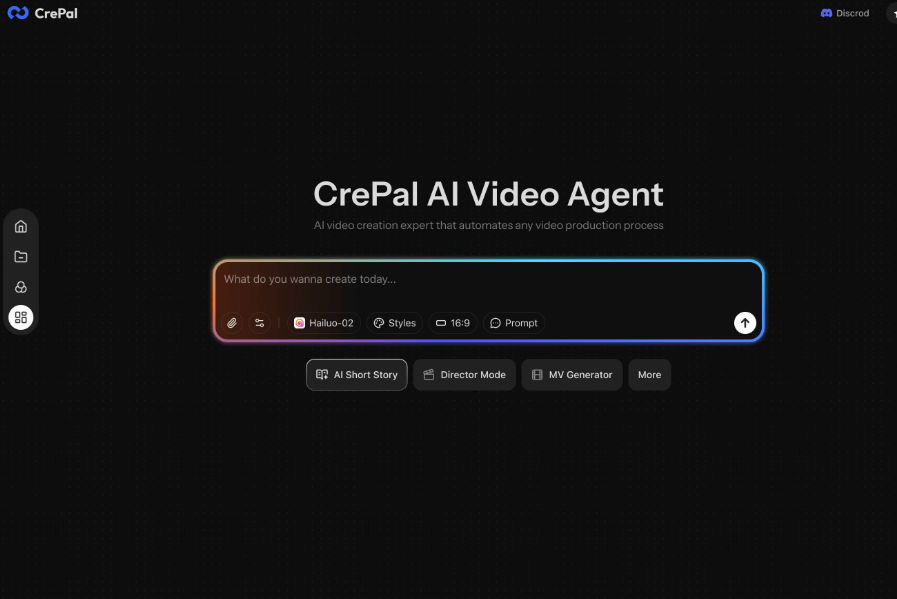
If you want my exact settings or project files, ping me. Not sponsored: no affiliates, just what actually worked for me this week. If you want to streamline testing multiple hooks and layouts like I did, Crepal can help you save time on generating and organizing assets.
Previous posts:






