
Hey my friends, I’m Dora. Two Fridays ago, I was halfway through my tea when a tweet thread showed a slick stock‑ticker video built with Remotion. I’d been living in no‑code video tools for months, but the data‑viz precision in that clip hit a nerve. I wanted that level of control, without sinking a weekend into boilerplate.
So I tried a hybrid: Remotion for the rendering engine, Claude Code to write most of the animation logic. Then I pitted it against my usual no‑code stack (Runway, plus a “just‑ship‑it” template tool I keep around, CrePal this time). Tests ran Jan 18–22, 2026, on a MacBook Pro M3 Max and a mid‑tier Windows laptop in the studio.
What Is Remotion + Claude Code?
Remotion: React framework for video (open-source)
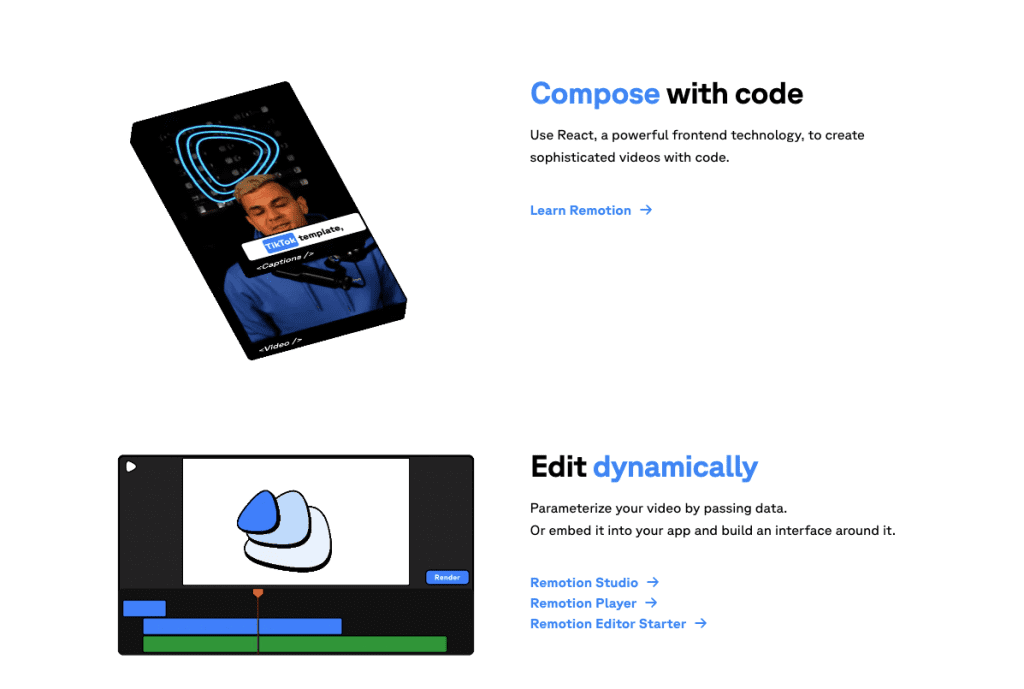
Remotion is an open‑source React framework that lets you build videos like web apps: components, props, hooks, timelines. Instead of keyframing in a timeline UI, you write functions, think useCurrentFrame() for timing, spring() for easing, and props for dynamic content. You can render locally or on Remotion Cloud when you need scale.
If you’ve built a landing page in React, the mental model clicks. Animations are just math and state. The payoff: pixel‑level control and reproducibility. Small brand tweaks? You change a prop and re‑render hundreds of videos the same way, chef’s kiss.
Claude Code: AI writes the animation code for you
Claude Code is Anthropic’s AI coding workspace that sits on top of your repo and helps generate, refactor, and explain code. I used it to scaffold a Remotion project, write a few tricky sequences (counter scroll + chart reveal), and translate a Figma spacing system into constants.
My prompt on Jan 19: “Generate a Remotion composition: 1080×1920, 30s, pull JSON data (array of {date, value}), animate a line chart with a trailing glow, fade in captions from a copy deck.” It produced a working base with clear comments in ~45 seconds. I had to nudge axis labels and accessibility contrast, but it saved me about two hours of Googling and guessing.
Best for: developers, batch automation, data viz
This duo shines when you care about:
- Batch generation: 50–5,000 variants from a CSV or API.
- Data visualization: charts, dashboards, metric callouts that actually match your brand’s spacing and color.
- Developer workflows: Git history, PR reviews for motion changes, repeatable renders on CI.
Code vs No-Code: Key Differences
| Feature | Remotion + Claude Code | No‑Code AI (Runway, CrePal, Kapwing, etc.) |
| Speed to first video | Hours (1–4 hrs for something decent) | Minutes (5–30 mins) |
| Customization depth | Essentially unlimited (code = any layout/logic) | Template‑based: advanced controls vary by tool |
| Batch automation | Native via scripts, APIs, Remotion Cloud | Partial (some have bulk export: true personalization is limited) |
| Data visualization | Strong (charts, timelines, dynamic props) | Weak‑to‑okay (workarounds or plugins) |
| Brand control | Exact (type ramp, spacing, grids) | Good within template bounds |
| Collaboration | Dev‑centric (Git, PRs) | Non‑technical friendly (web UI) |
| Cost at scale | Efficient for high volume | Can get pricey per export |
| Learning curve | React + video math | Low: point‑and‑click |
Speed to first video | Hours | Minutes
My real timings:
- Remotion + Claude Code: 2 hours 18 minutes from npm create to a polished 30‑second vertical clip. I’d call 45 minutes “coding,” the rest was design tweaks.
- Runway Gen‑3 + CrePal template: 16 minutes to a presentable ad variant. That’s wild speed when you’re on a deadline.

Customization | Unlimited | Template-based
In Remotion, I could set a global 4‑pt spacing system, swap between Inter and Geist based on brand, and pass a theme prop to recolor charts automatically. No‑code gave me color and font toggles, but layouts fought me, the caption either hugged the edge or looked cramped.
Best output type | Data viz, tech demos | Marketing, social
If you’re demoing a product (hover states, API responses, realtime charts), code wins. For social‑first edits, UGC mashups, quick promos, AI b‑roll, no‑code wins on speed and decent quality without babysitting.
When code wins (batch, precision, brand control)
I ran a small batch test on Jan 21: 120 videos, each a 20‑second metric recap with a line chart, color‑coded per account. Inputs came from a CSV (account_name, primary_color, kpi_this_week, kpi_last_week, trend_points[]).
- Setup: Node script loop calling
renderMediafor each row, queuing locally first, then testing Remotion Cloud. - Performance: Local renders averaged 41 seconds per video at 1080×1920, 30 fps, h264, CPU bound but predictable. Cloud cut it to ~9–12 seconds per video with parallelization.
- Result: 120 variants finished in 18 minutes on Cloud. The same in a no‑code tool would’ve needed clunky CSV mapping and still missed chart fidelity.
Why it wins:
- Precision: I controlled tick density, easing curves (spring vs cubic), and label truncation rules. No‑code tools don’t expose that level of motion logic.
- Brand governance: Type scales, safe areas, and logo lockups lived in a theme file. No stray shadows or off‑brand gradients.
- Testing like software: I wrote a tiny test to assert that captions never overlapped the chart at 9:16. It caught a regression when I changed the easing. You can’t do that in a template UI.
On the flip side, it’s still coding. You’ll touch math (frames, durations) and occasionally fight ffmpeg settings. Claude Code reduced the grunt work, boilerplate, lint fixes, refactors, but it won’t guess your brand’s micro‑rules unless you spell them out.
When no-code wins (speed, non-technical teams)
Jan 20, I needed a TikTok‑ish promo for a newsletter issue. I opened Runway, dropped a 12‑second talking head, asked for B‑roll with a “makers in the morning” vibe, and used CrePal to add captions and a punchy CTA. Total: 23 minutes. Exported three aspect ratios, posted before lunch.
Why it wins:
- Zero setup. No repos, no Node, no fonts wrangling.
- Iteration is visual. You click, preview, undo.
- Team‑friendly. A marketer can duplicate a template and ship variations without me.
Limits I hit:
- Data‑driven moments looked generic. I tried animating a simple KPI rise, and it felt like a slideshow.
- Batch anxiety. Bulk export is “okay,” but deep personalization (per‑user charts, per‑store prices) got messy.
- Subtle brand rules. Kerning, grid rhythm, and motion timing are at the mercy of the template.
If you’re shipping a one‑off clip today, or you’re not technical, these tools are wonderful. I’d absolutely start here for ideation and rough cuts.
How to Choose: Decision Framework
Do you know React? → Yes → Remotion
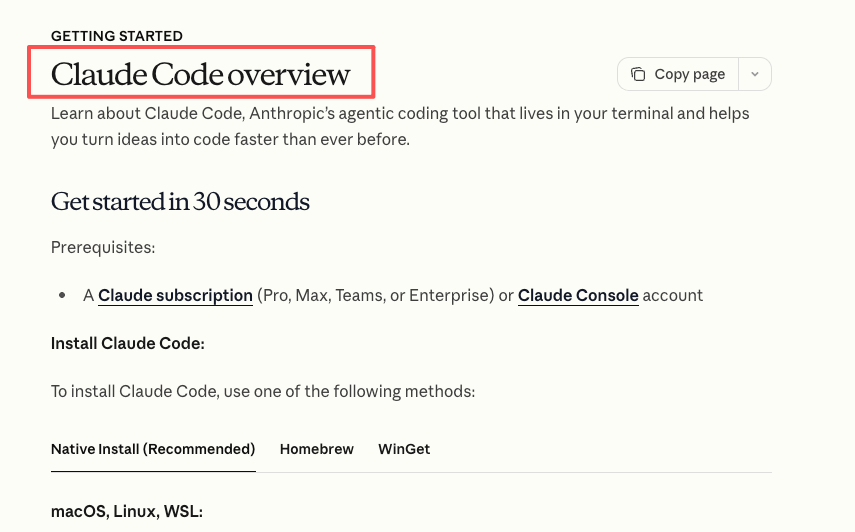
If React is familiar, you’ll feel at home. Claude Code speeds up the first mile: scaffolding, composition setup, motion helpers. You’ll still design the system, but you won’t be stuck in docs for hours.
Need video today? → Yes → No-code AI
Under 30 minutes, you can get a solid draft in Runway/CrePal/Kapwing. Use it for quick tests, social promos, or stakeholder buy‑in before you invest in a coded system.
Batch 100+ videos? → Yes → Remotion
Code the template once, feed it a CSV or API, and scale. Remotion Cloud is worth it when you need parallel renders and predictable timing.
One-off marketing clip? → No-code AI
Grab a template, adjust brand colors, swap footage, done. If it catches on and becomes a series, consider migrating the winning layout into Remotion for consistency and automation.
Can I use Remotion without coding? (No, React required)
Short answer: no. You need React basics, components, props, state, and a little comfort with timelines and easing. The good news: Claude Code lowers the slope. I literally asked it on Jan 19 to “turn this Figma spacing into constants and apply to caption blocks,” and it did, with comments I could tweak.
If you don’t want to code at all, start with a no‑code tool. Or pair up: a dev sets the Remotion system, then non‑technical teammates trigger renders via a simple form connected to a script.
A few practical tips from my notes:
- Treat motion like design tokens: spacing, type scales, easing curves in one file.
- Write a tiny preview script that swaps datasets fast. If it takes 60 seconds to preview, you won’t iterate.
- Keep a “brand sanity” checklist: logo safe area, caption contrast, max line length.
Final thought before I close the laptop: if you crave control and plan to scale, Remotion + Claude Code feels like building your own video factory. If you just need something out the door by 3 p.m., no‑code is your best friend. Both can live in your toolbox, I use them side by side, and my coffee stays hot more often now.
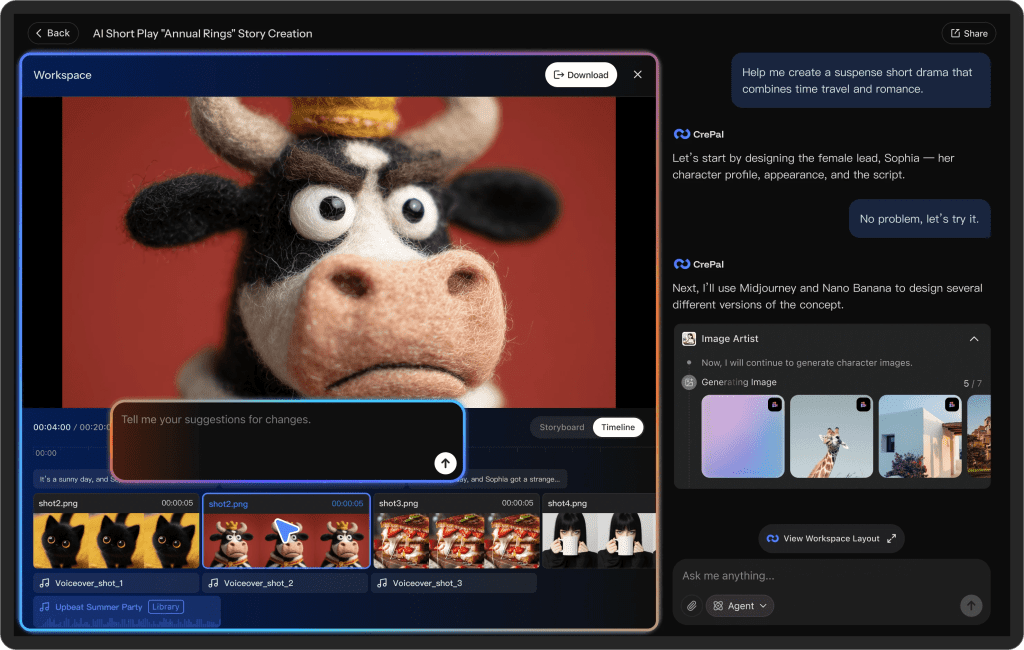
If you want a tool that handles the “just ship it” moments reliably, we built CrePal to let you generate videos fast, tweak captions, and stay on brand — no coding required. Try it out now!
Previous posts:






