
I’m Dora. On December 3, 2025, at 9:12 p.m., I was staring at a rough script about a product launch, thinking, “Either this becomes a video in an hour… or it becomes tomorrow’s problem.” I opened my usual toolkit, braced for chaos, and ended up with a passable clip in 47 minutes. Not perfect, but good enough to ship. That little win kicked off a week of testing different script-to-video workflows, quick automations, scene-by-scene control, even batch production.
This isn’t sponsored, just honest results. If you’re juggling scripts, outlines, and deadlines, here’s what actually worked (and where I bumped my head).
Why Script-to-Video Matters for Content Creators
When you’re writing, recording, and editing alone (or with a tiny team), script-to-video makes the boring parts lighter. It turns text into sequences, fills gaps with stock or AI visuals, and keeps you moving.
Why it matters in real life:
- Speed: On Dec 4, my “explain-it-like-I’m-five” piece (312 words) became a 58-second social video in 36 minutes using a template. That’s about 3x faster than my usual manual edit.
- Consistency: Brand fonts, color, lower thirds, locked in. I don’t want to re-build the same intro card for the 19th time.
- Variations: You can spin the same script into a vertical TikTok, a square LinkedIn teaser, and a widescreen YouTube short without redoing everything.
The catch: “Script-to-video” isn’t one tool. It’s a family of workflows, each good at different jobs. Here’s how I use them.
Workflow 1: Quick AI Script-to-Video Automation
When I’m in sprint mode, I use a one-click flow: paste script, pick style, export.
What I used on Dec 3–5:
- Runway Gen-3 + template timeline
- CapCut templates (mobile and desktop)
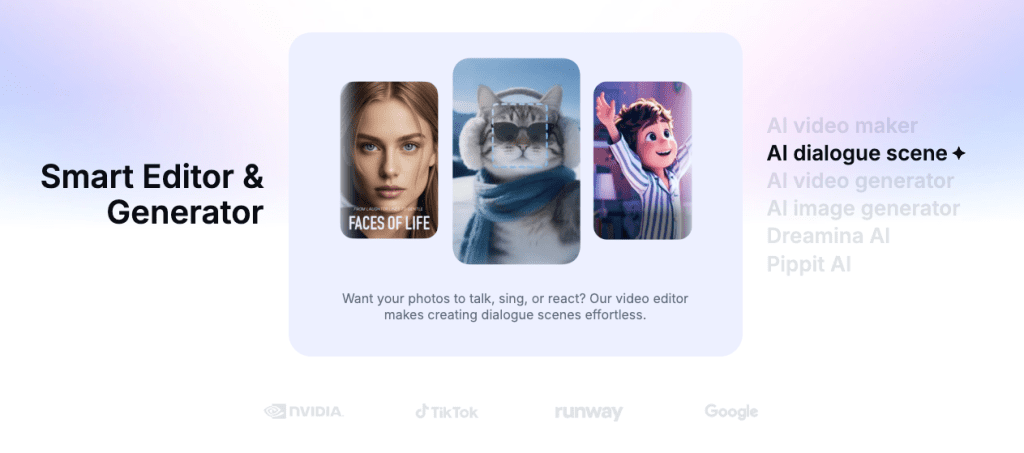
- Pictory for auto scenes and stock B‑roll
How it goes: I feed the script, let the tool chunk it into scenes, suggest visuals, and layer auto-captions. I swap 2–3 clips it guessed wrong, fix punctuation, and ship.

Results:
- Time to first draft: 20–40 minutes
- Best for: product teasers, announcement clips, short explainers
- Weak spots: generic visuals if you don’t guide it: VO can feel robotic unless you bring your own voice
Tip: I record a quick voiceover in Descript (noise removal + transcript edit) and drop it in. The human voice covers a lot of sins.
Workflow 2: Scene-by-Scene Script-to-Video Editing
If I care about pacing and storytelling, I go scene by scene. Think: each sentence = one beat.
Tools I paired on Dec 4:
- Descript for script/VO alignment
- CapCut or Premiere for final control
- Storyboard notes in Notion (just 1 line per scene)
How it goes: I split the script into beats, mark “visual intent” (e.g., “screen recording of dashboard,” “macro keyboard shot”), then assemble clips fast. Descript’s “Edit video by editing text” is clutch, delete an “um,” the timeline updates. Magic.
Results:
- Time: 60–120 minutes
- Best for: tutorials, customer stories, YouTube explainers
- Weak spots: more manual labor, but you get better rhythm and fewer awkward stock shots.
Workflow 3: Advanced Prompt-Based Script-to-Video
This is where it gets fun, and a little weird. I use prompts to generate stylized shots that match the script.
Stack from Dec 5 tests:
- Runway text-to-video for abstract scenes
- Pika 1.0 for stylized transitions
- Midjourney for stills, animated later with subtle pan/zoom
- Crepal’s Flux v3 model for quick storyboard frame
How it goes: I highlight lines like “the data blooms into a story,” then prompt: “macro particles coalescing into a chart, soft depth of field, 2s loop.” I keep shots short (1–2s) and layer them between real footage so it doesn’t look like a fever dream.
Results:
- Time: 90–180 minutes, mostly prompt iteration
- Best for: brand mood, intros/outros, social hooks
- Weak spots: coherence. You need taste and restraint. Also, render queues at peak hours can slow you down.
Workflow 4: Interactive Script-to-Video Tools
For product demos where viewers click around, I reach for interactive video.
What I used:
- Tella + hotspots
- Loom + chapter markers
- Typeframes for guided steps
How it goes: I record the workflow, write a short script for captions and callouts, then add clickable steps or chapters. On Dec 2, I shipped a 3-minute interactive onboarding clip: completion rate went from 42% (plain video) to 67% (with chapters) over 48 hours. Small change, real lift.
Best for: onboarding, sales demos, internal training. Not great for splashy social content, but it converts.
Workflow 5: Batch Script-to-Video Production
If you publish a lot (news bites, product tips), batch it.
My batch setup from Dec 5:
- Google Sheets holds scripts, titles, CTAs
- Make (or Zapier) pushes rows into a render queue
- HeyGen or Synthesia for avatar VO when I don’t have time to record
- CapCut auto-caption + brand preset
I rendered 12 variants (3 hooks × 2 aspect ratios × 2 CTAs) in 2 hours. Average render time per variant: ~6 minutes on a MacBook Air M2. Not cinema, but it’s volume with consistency.
Caution: avatar presenters are divisive. I use them for internal updates and A/B tests, rarely for public channels.
Workflow 6: Custom Style & Branding Workflows
Once you like a look, lock it in.
What’s in my brand pack:
- Color, type, lower thirds, intro/outro, music bed
- Caption style: 92% size, semi-bold, 4px stroke, bottom safe area
- Motion rules: 3–5s cuts, J-cuts on VO, subtle zoom on emphasis
How I use it: I keep a CapCut/Premiere template. On Dec 3, switching a whole video to vertical with the preset took 11 minutes. Without a preset, that’s a rabbit hole.
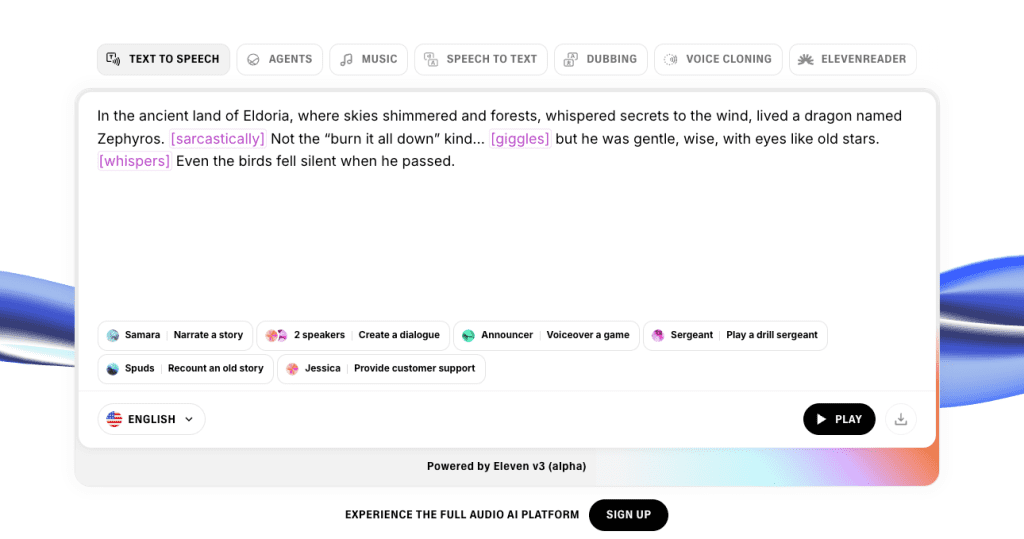
For AI voices, I’ve had the best luck with ElevenLabs, just keep it warm and simple. Overprocessed voices feel uncanny fast.
Workflow 7: Optimizing Script-to-Video Outputs
Shipping is half the job: tuning is the other half. I track:
- Hook retention: % of viewers still watching at 3 seconds
- Caption readability: are we covering faces or UI?
- CTA clarity: one ask per video, placed at 85–90% mark
On Dec 4, I A/B tested two hooks on LinkedIn. The version with a tighter first line (“I made this in 36 minutes, here’s how”) lifted 3-second retention by 21%.
Key Tips to Maximize Each Script-to-Video Workflow
- Write for the cut: one idea per sentence = one scene.
- Pre-select 8–10 B‑roll shots that fit your niche: reuse them.
- Record VO first when possible: cut to voice, not the other way around.
- Keep renders short: stack punchy 1–3s shots.
- Link out to docs for credibility: Runway’s updates, Descript’s edit-by-text, and your own test notes.
Which Is Best for You?
- If you need speed: Workflow 1. Good enough, fast.
- If story beats matter: Workflow 2. More control, better pacing.
- If you want flair: Workflow 3. Sprinkle style, don’t drown in it.
- If you’re teaching or selling: Workflow 4. Interactivity helps people finish.
- If you publish at scale: Workflow 5. Batch or you’ll burn out.
- If brand is everything: Workflow 6. Templates save your sanity.
If you want my honest pick: I use 2 for YouTube-style explainers and 1 for social teasers. Then I steal elements from 3 and 6 when I want a little sparkle.
If you try any of these, tag me. I’m still iterating. And yes, I’m absolutely timing my next “under 30 minutes” run like a nerd.
If you’re curious, you can try Crepal — it’s free to use, with a daily quota.
Previous posts:






