
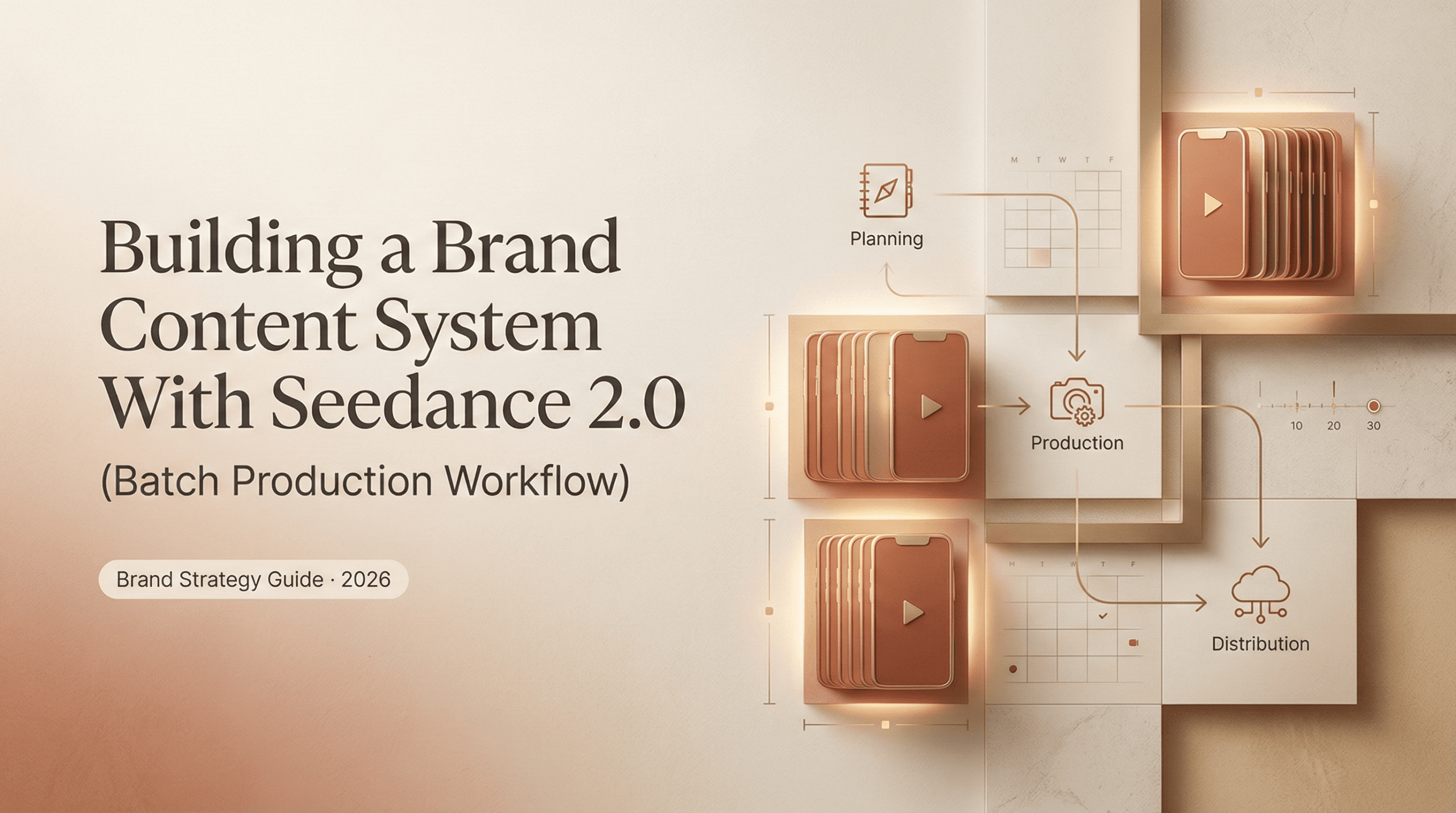
I’m Dora, my friends. I spent last Tuesday creating a month’s worth of brand videos. Not drafting concepts or scheduling placeholders—actually producing them. Thirty usable clips in one focused session. That shift from “one video at a time” to systematic batch production fundamentally changed how I think about content creation.
The whole thing started because I was tired. Tired of the daily grind, tired of context-switching, tired of inconsistent aesthetics across my feed. I’d been hearing about batch content production for months, but honestly thought it sounded robotic. Would my videos lose their spark? Turns out, the opposite happened.
Let me walk you through what I learned.
The one-at-a-time trap (and its real cost)
My old workflow: Wake up Monday, brainstorm a concept, generate the video, edit, export, schedule. Repeat Wednesday and Friday. Each video took roughly two hours from idea to publish.
The math is brutal. At two hours per video, that’s six hours weekly for a three-post schedule. Plus the mental overhead—the “what should I post today?” anxiety every morning.
Research from ClickUp published in January 2026 found that 42% of productivity loss comes from context-switching between platforms and tasks. Every time you shift from brainstorming to editing to scheduling, you’re paying a cognitive tax.
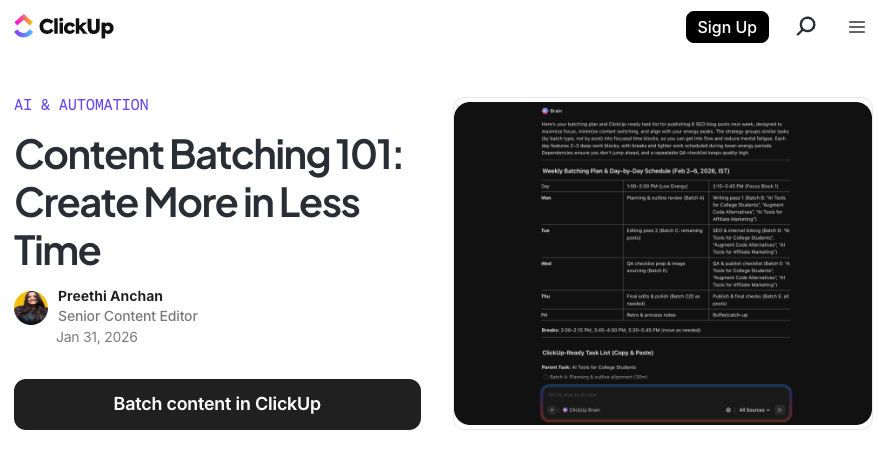
The real cost isn’t just time. It’s consistency. Creating one video at a time means each piece reflects whatever creative energy you had that particular morning. Your brand starts feeling fragmented. Videos from Week 1 don’t match Week 3’s aesthetic.
What a batch content system looks like
I tested Seedance 2.0‘s batch workflow. I wanted to see if ByteDance’s multimodal approach could actually solve the consistency problem at scale. I’d tried batch production before with other tools, but always hit the same wall: maintaining visual coherence across 30 pieces of content felt impossible without manually editing each one.
Seedance 2.0’s approach is different. It’s built around constraints rather than pure generation.
The system I built follows five stages. Nothing revolutionary, but the execution matters.
Theme > Shot list > Generate > Assemble > Schedule
Theme stage: I chose “winter wellness routines” as my content pillar for March. Specific enough for visual coherence, broad enough for 30+ variations. Twenty minutes outlining five sub-themes: morning routines, evening wind-down, workspace setup, meal prep, recovery practices.
Shot list stage: For each sub-theme, I documented exact visual elements. Not abstract concepts—specific references. A reference image of morning light through windows. A video clip of hands preparing tea. An audio file with ambient sound. Seedance 2.0 accepts up to 12 simultaneous inputs—text, images, video clips, audio files. That constraint-based approach means you’re not hoping the AI interprets your text prompt correctly. You’re showing it exactly what you want.
Generation stage: Instead of generating one video and moving to the next task, I generated all 30 base clips in sequence. Same visual references. Same audio atmosphere. Same camera movement style. The tool maintains character consistency because it’s referencing the same source materials across every generation.
Watching 30 videos generate felt strange at first. I kept wanting to jump in and edit each one immediately. But that defeats the purpose. Batch production works when you resist context-switching.
Assembly stage: Once all base clips were generated, assembly-line editing. Add captions to all 30. Apply brand overlay to all 30. Export all 30.
Schedule stage: I use Buffer for scheduling. Upload all 30, space them across March according to optimal posting times, done. The entire Tuesday session—from sitting down at 9 AM to closing my laptop at 4 PM—produced one month of content. Seven hours total. Compare that to the 24+ hours I would have spent creating the same content one video at a time over four weeks.
The efficiency gain is obvious. But what surprised me more was the quality improvement. Because I wasn’t rushing to get “today’s post” finished, I could make better decisions about which clips worked and which needed regeneration. Batch production gives you perspective that daily creation never does.
Organizing your Seedance 2.0 prompts as reusable assets
The batch system only works if your prompts are organized as templates, not one-off experiments.
I created a prompt library in a spreadsheet. Each row represents one reusable prompt structure with columns for: prompt template, reference image filepath, reference video filepath, reference audio filepath, and notes on what works.
Example “morning routine – making tea” template:
- Text prompt: “Close-up hands preparing herbal tea, steam rising, soft morning light from window, peaceful atmosphere”
- Reference image: morning-light-window-01.jpg
- Reference video: hand-movement-tea-prep.mp4
- Reference audio: ambient-morning-sounds.mp3
- Notes: Works well with slight camera movement. Keep duration 8-10 seconds.
When I need a similar video in April, I don’t start from scratch. I reference this template, swap seasonally appropriate details, and generate.
The key insight: Seedance 2.0’s reference system means your templates improve over time. After three months of batch sessions, my prompt library contains 50+ proven templates that consistently deliver brand-aligned results.
How to maintain brand consistency at volume
Volume without consistency creates visual noise. Here’s what actually works.
Lock your reference materials: I use the same three core reference images across all wellness content. One establishes lighting style. One establishes color palette. One establishes composition approach. By feeding Seedance 2.0 the same references every time, output naturally maintains visual coherence.
I spent two hours in mid-January documenting my brand visual standards. That two-hour investment saved 20+ hours of “does this match our aesthetic?” decision-making.
Create a brand style guide for AI generation: My guide is a one-page document defining:
- Exact color hex codes that must appear in every video
- Camera movement patterns (slow pan left, static close-up, tracking shot)
- Lighting characteristics (soft natural light, no harsh shadows)
- Audio atmosphere (ambient with subtle background music, no jarring sounds)
Seedance 2.0’s natural language control means I can describe these specifications in plain English—”use soft natural lighting with no harsh shadows”—and it understands.
Version control matters: I number every prompt template (wellness-morning-tea-v3, wellness-workspace-v2). When a template produces strong results, I save that exact configuration. When it produces mediocre results, I document what went wrong and iterate.
Tools that complete the system (editing, scheduling)
Seedance 2.0 handles generation. You still need additional tools to complete the workflow. I tested several combinations before landing on this stack.
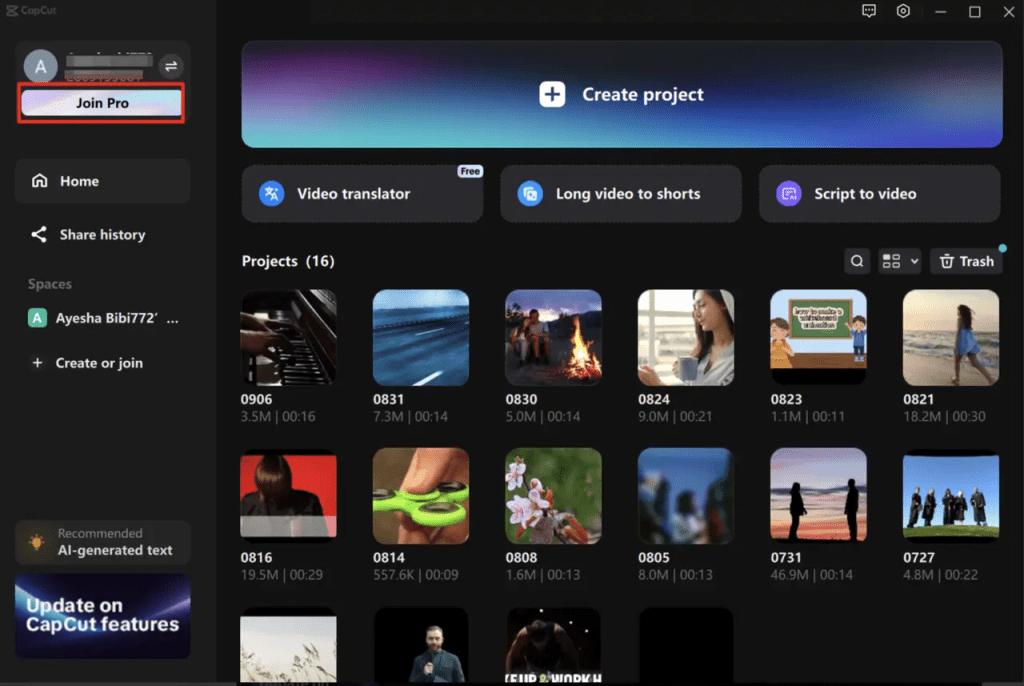
For editing: I use CapCut Pro at $7.99/month. CapCut offers the best value for social media editing. The AI features are optimized for short-form content—auto-captions, trending templates, background removal. Batch editing means loading all 30 clips, applying the same caption style to all, then bulk exporting.
For scheduling: Buffer handles multi-platform scheduling starting at $5/month. The key feature: bulk upload. Upload 30 videos in one session, set your distribution pattern (daily at 10 AM and 4 PM), and Buffer handles the rest.
For organization: Google Drive with a specific folder structure:
/Brand-Content-2026
  /01-Reference-Materials
  /02-Generated-Raw
  /03-Edited-Final
  /04-Scheduled
Every asset flows through this structure. This prevents the “where did I save that file?” chaos that kills batch efficiency.
At a certain scale, though, even a clean folder system starts to feel heavy.
When I began running multiple content pillars in parallel, tracking image drafts, video exports, caption files, and revisions across tools became its own job.
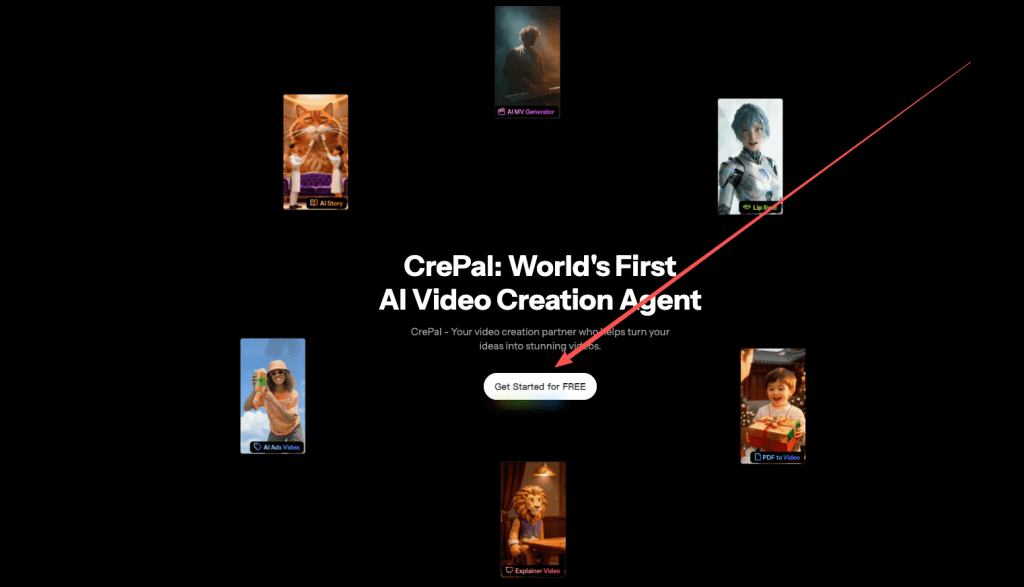
We now useour own Crepal internally to keep batch projects structured in one workspace instead of scattering assets across drives and apps.
Total tool cost: Seedance 2.0 access (currently limited), CapCut Pro ($7.99/month), Buffer ($5/month), Google Drive (free). Under $15/month for a complete batch production system.
The batch system isn’t about creating more content. It’s about creating consistent content without burning out.
That Tuesday session showed me something important: When you remove the daily scramble to figure out what to post, you free up mental energy for strategy. Instead of spending six hours per week on execution, I now spend one focused day per month—and the remaining time analyzing what actually performs.
If you’re still creating one video at a time, the system is worth testing. Not because batch production is inherently better, but because it solves a specific problem: maintaining brand consistency at volume without daily creative burnout. Start with one batch session. Pick a single content pillar. Generate ten videos in one sitting. For me, it absolutely was worth it.
Previous posts:






