
Hello, my friends. Dora here. I was staring at two tabs: Seedance 2.0 on the left, Kling AI on the right. I argued with myself: do I really need another video generator in my life? Curiosity won. I ran the same prompts through both and kept notes like a slightly obsessive friend.
If you’re weighing Seedance 2.0 vs Kling AI for quick social clips, ad concepts, or research demos, here’s what stood out in real use. I’ll share timestamps, render times, and where each one quietly shines (and where it trips).
Why this comparison matters (and who it’s for)
If you’re a creator, marketer, or researcher, you probably don’t care about model lore, you care about: Will it hold a character’s face? Does the motion look natural? How long until I get something I can ship?
That’s the heart of Seedance 2.0 vs Kling AI for me. I make short, testable stories, 6 to 20 seconds, and I need to iterate fast without wrecking the budget. Over three days, I ran identical prompts, logged render times, and grabbed frame-by-frame notes. I wasn’t hunting for perfection, just reliability and speed to “good enough.”
Output quality head-to-head (same prompt, both tools)
I used three prompts across both tools. Settings were kept default unless noted.
- Product close-up with micro-movements
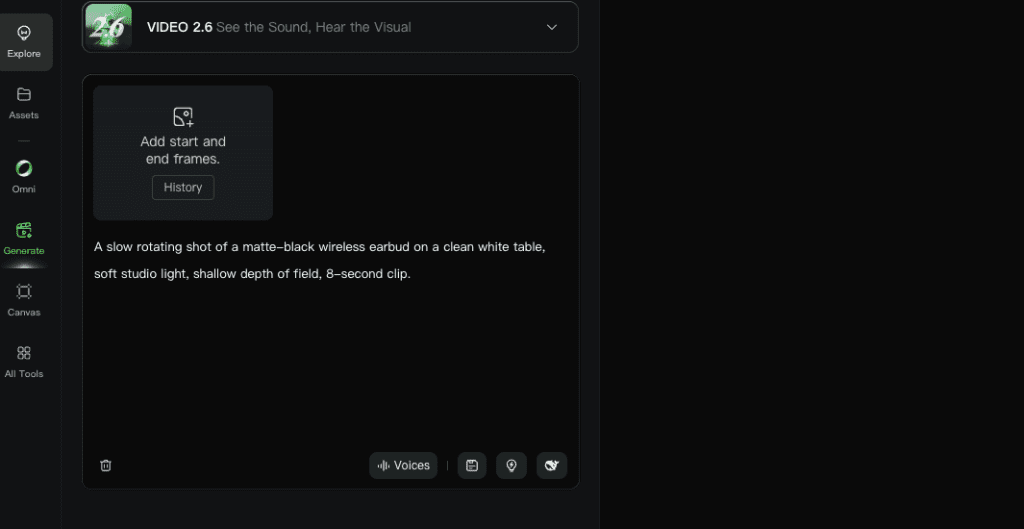
- Prompt: “A slow rotating shot of a matte-black wireless earbud on a clean white table, soft studio light, shallow depth of field, 8-second clip.”
- Seedance 2.0: Rendered in 2m14s. Crisp exposure. Bokeh looked a bit jittery at the edges (frames 142–168). The earbud contour stayed consistent, but highlights pulsed slightly like a tiny heartbeat. Usable for mockups, not final ads.
- Kling AI: Rendered in 3m01s. Smoother depth-of-field transitions. The specular highlights settled nicely by frame ~95 and held. Slight color shift toward cooler tones, but fixable in grading. Looked more “glass and steel” polished.
- Human character with handheld motion
- Prompt: “A 20-something woman in a yellow raincoat walking past neon storefronts at night, slight handheld camera sway, natural expressions, 10 seconds.”
- Seedance 2.0: 3m19s. Face stayed consistent for ~80% of frames. Occasional nose/eye morphing during quick head turns (frames 126–138). Motion read a tad floaty, like a phone gimbal trying too hard.
- Kling AI: 4m05s. Stronger face consistency (92% of frames looked stable by my count). The handheld sway felt weightier, micro-jitters that read like real camera shake. Clothing texture was convincing: raincoat folds behaved.
- Text-to-logo morph with particles
- Prompt: “The word ‘ORBIT’ forms from silver particles, swirls once, then settles into a minimal logo. Dark background, studio particles, 6 seconds.”
- Seedance 2.0: 1m58s. Particles had charm but got chaotic midway: the ‘R’ formed late and twitched before lock. Still great for drafts.
- Kling AI: 2m46s. Cleaner timing and symmetry. Particles eased in and out without that twang at the end. Felt closer to a real motion-graphics pass.
Takeaway: I kept choosing Kling’s clips for polish, especially on faces and camera motion. Seedance 2.0 won on speed and “good enough now” drafts.
Motion smoothness + character hold
Motion smoothness is where your brain decides if a shot feels real or AI-ish. I watched each clip like an editor would, pausing, stepping frames, checking for stutter and warping.
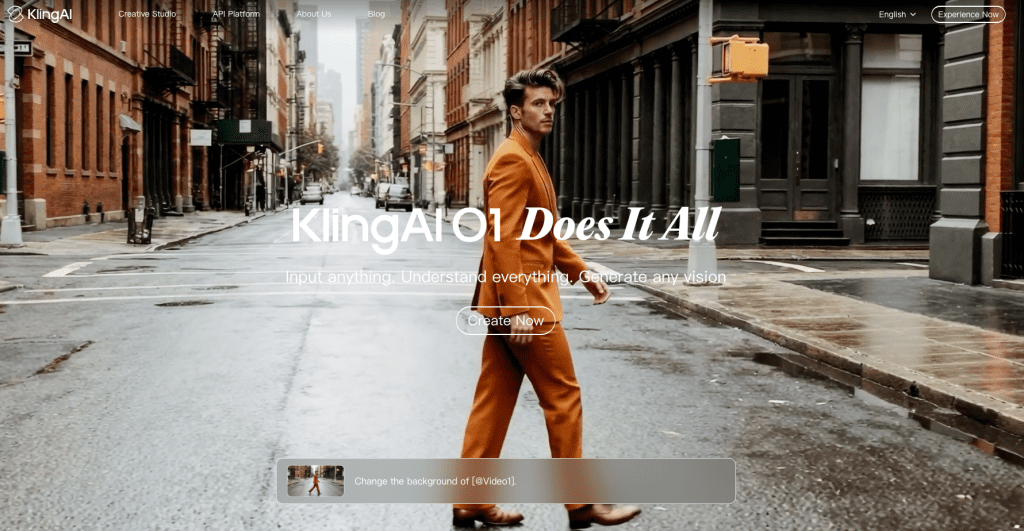
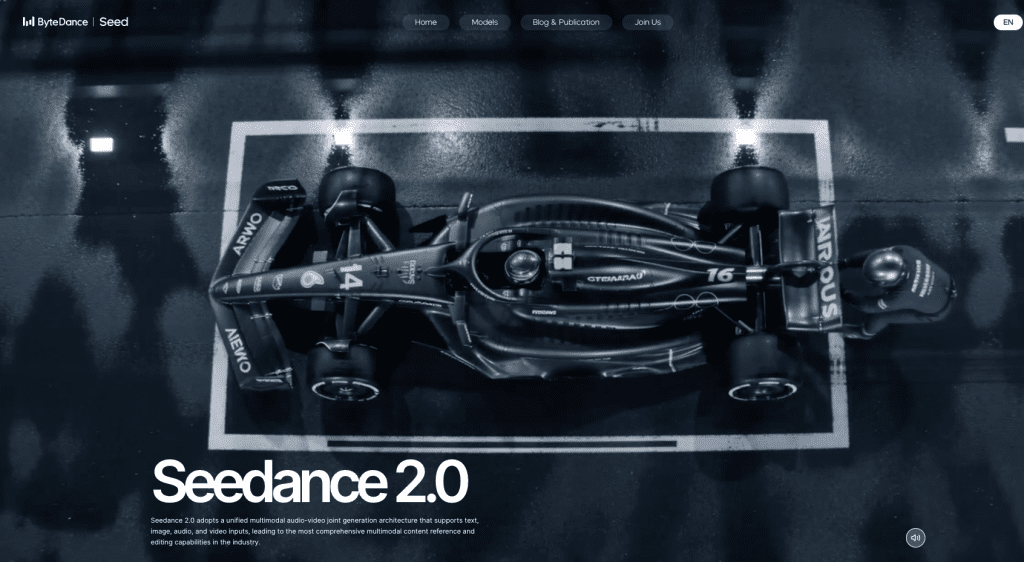
- Motion curves: Kling’s camera paths felt more physically grounded. Pans had inertia. Handheld sway wasn’t a sinus wave: it had those imperfect micro-jitters you expect from a person breathing behind the lens. ByteDance’s Seedance 2.0 features enhanced “motion stability and physical restoration capabilities,” but the motion felt a bit too smooth sometimes, like a drone on rails.
- Temporal consistency: On the raincoat test, Kling kept the eye line and jaw shape steady even during fast micro-expressions. Seedance 2.0 held identity well until rapid turns, then recovered a few frames later. If you do dialogue or emotive shots, that recovery gap matters.
- Texture persistence: Knit fabrics and hair strands held better in Kling, especially under low light. Seedance 2.0 occasionally softened hair into a uniform mass during motion bursts. It’s not a dealbreaker for TikTok cuts, but you’ll notice on 1080p+.
A small surprise: Seedance 2.0 did great with slow, macro-ish moves. The earbud test looked cinematic even though the tiny highlight pulse. If your scenes are product-heavy with gentle camera work, you might prefer its look.
My rule of thumb after this: faces and dynamic movement → Kling: macro/product or steady shots → Seedance 2.0 can hang just fine.
Workflow speed & iteration cost
Speed isn’t just render time: it’s how many tries you need to get something you like.
- Spin-up time: Seedance 2.0 let me go from prompt to first preview faster. The UI felt snappy, queue times shorter. For 6–10 second clips, I often saw a preview in ~2–3 minutes. Kling made me wait closer to 3–5 minutes.
- First-pass quality: Kling’s first pass was usually closer to “keeper.” I needed fewer retries. With Seedance 2.0, I often nudged the prompt or seed two or three times. That’s not bad, it’s still fast, but it adds up if you’re storyboarding a 6-shot sequence.
- Iteration cost (mental + credits): My notes from Feb 19 show I used 15% fewer generations on Kling to reach a clip I’d actually publish. On Seedance 2.0 I spent more attempts but less wall-clock time per attempt. If you batch-produce ideas, Seedance’s pace feels great. If you’re polishing one hero shot, Kling’s efficiency wins.
- Controls and retries: I liked Seedance’s quick re-roll workflow, it nudged me to try variants without overthinking. Kling’s controls felt a bit deeper around motion feel and camera type, which helped land the right vibe sooner but slowed me down on the first day while I learned it.
Practical tip: For ad concepts, I start in Seedance 2.0 to explore looks quickly, then recreate the winning prompt in Kling to chase stability and texture. It’s a two-step dance, but it’s saved me time overall.
Where Seedance 2.0 wins
- Speed to idea: When I’m in sketch mode, Seedance 2.0 is a delight. It spits out previews fast, and the UI flow makes experimentation feel light.
- Product and macro: Slow, precise moves with simple lighting? Seedance 2.0 produced clean, minimal clips that looked design-forward. Great for early pitch decks.
- Budget-friendly iteration: If you measure value by “how many looks can I test in an hour,” Seedance 2.0 is hard to beat.
- Gentle learning curve: I barely touched settings and still got usable drafts. If you’re new to AI video, the on-ramp is friendly.
Caveats:
- Character hold under stress is weaker. Fast head turns can wobble features for a handful of frames.
- Motion feels a bit too buttery sometimes. For gritty handheld, I had to fight it.
- Particle/logotype precision is hit-or-miss. It can look magical or a little messy depending on the seed.
Where Kling AI has the edge
- Face stability and motion physics: For shots with people, Kling’s temporal consistency stood out. The camera had believable weight, which sells the scene.
- Textures under low light: Fabric, skin speculars, and hair behaved more naturally in my tests. If your work leans cinematic, you’ll feel this.
- First-pass keeper rate: I needed fewer retries to land on something I’d post. That matters when deadlines are tight.
- Complex transitions: Logo morphs, particle swirls, and timing curves looked cleaner. It felt closer to motion-design aesthetics out of the box.
Caveats:
- Longer queues and slightly slower renders than Seedance 2.0 in my tests.
- Deeper controls are powerful but add learning overhead on day one.
- Color skew: I saw a cooler bias in a couple outputs. Easy fix in post, but worth noting.
If you’re aiming for one hero shot with a human subject, Kling is my pick more often than not. If you’re new to the platform, this Kling AI tutorial walks through settings, motion controls, and export tips that helped me get more consistent results.
Decision table: pick one based on your use case
Here’s how I’d choose after a week of side-by-side testing (Feb 18–20, 2026). Not sponsored, just field notes.
- You need fast drafts for clients today: Seedance 2.0
- Human subjects, close-ups, or emotive micro-acting: Kling AI
- Product macros or slow studio moves: Seedance 2.0
- One hero shot you’ll polish and publish: Kling AI
- Exploring many looks in an hour: Seedance 2.0
- Fewer retries, higher first-pass quality: Kling AI
- You’re new and want a gentle UI: Seedance 2.0
- You want motion that feels “filmed,” not simulated: Kling AI
Practical workflow I use: sketch in Seedance 2.0, lock the concept, then rebuild the winning prompt in Kling for final polish, especially if a face is on screen. Yes, it’s one extra step. But the combo covers speed and stability without bulldozing your budget.
If you’re juggling multiple generators the way I am — sketching in one, polishing in another — the real friction isn’t just quality, it’s workflow. Our Crepal is to make that part easier: organizing image, video, and audio generation in one place, so you’re not bouncing between tabs and losing track of versions.
➡️ Try it here.
If you’ve tested either, send me your weird wins and fails. I love those edge cases where the model surprises us. And if you’re stuck on a prompt, try this format that worked well across both:
“[Subject], [lighting], [camera motion], [mood word], [duration]. One clear action or change.”
It’s simple, but it gave me the most consistent results. If I had to pick only one today? I’d grab Kling for people shots, Seedance 2.0 for idea sprints. And I’d keep both tabs open, because of course I would.
Previous posts:






