
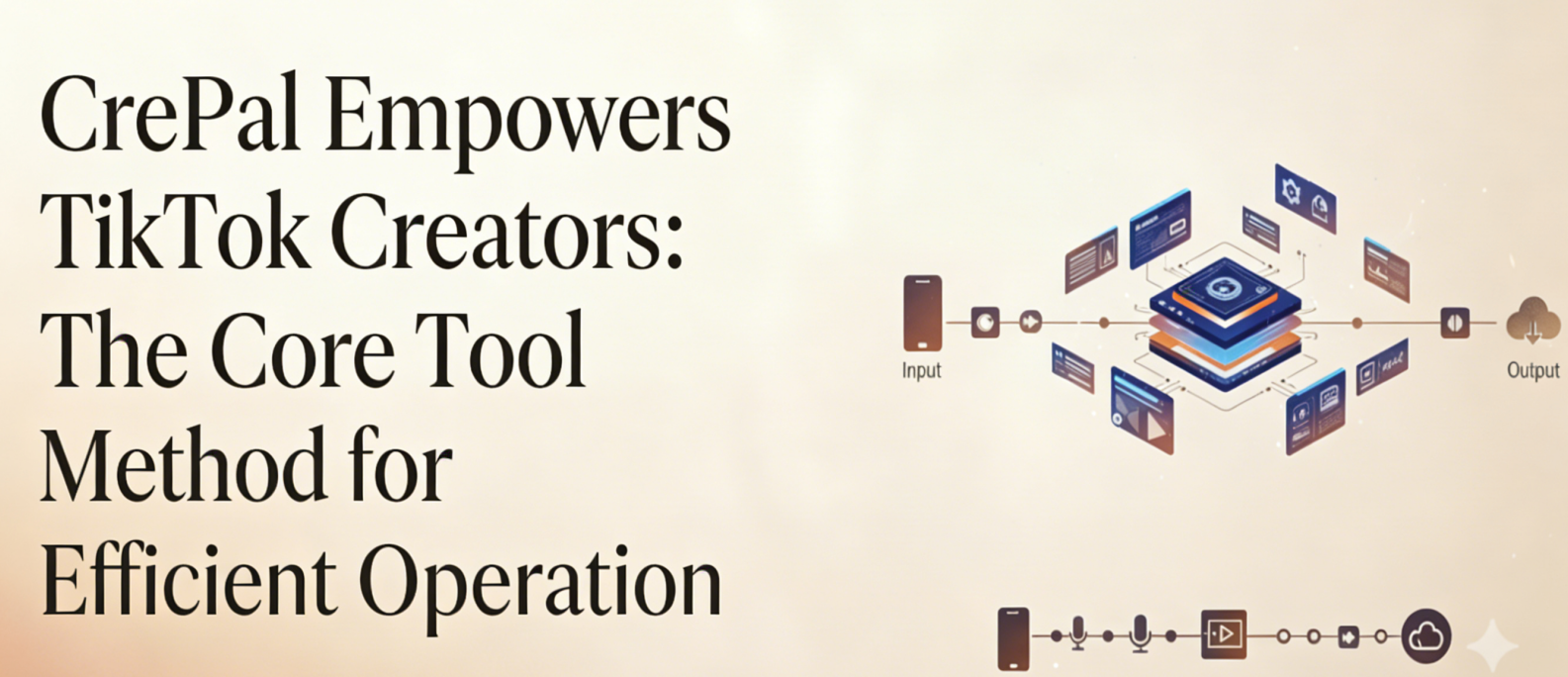
One Prompt Can Turn Your Viewer Data Into Viral Videos — I Spent a Week Discovering This Game-Changer
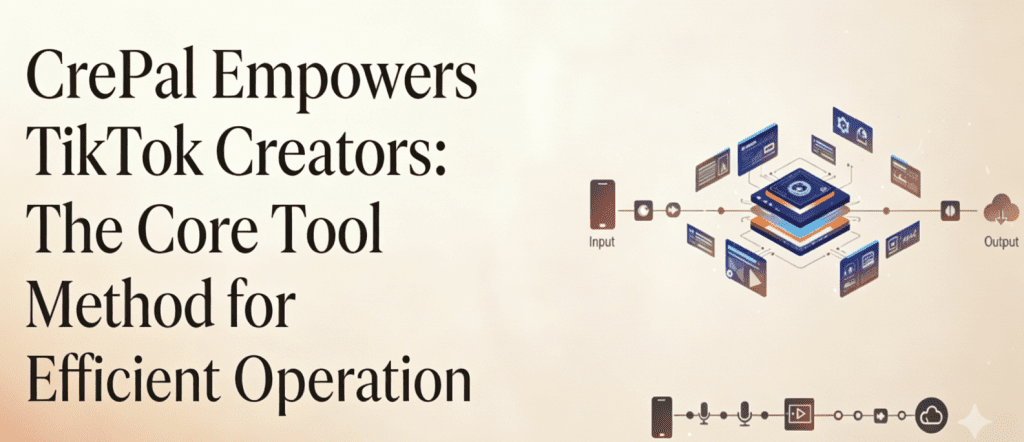
Opening: If you run a TikTok account, you must be troubled by audience data.
Last week, I helped three TikTok creators optimize their content strategy, and they all hit the same wall — they had tons of Viewer data, but content iteration was painfully slow.
They analyzed their viral videos’ audience profiles, but recreating similar content took 3 days. They compiled comment feedback, but editing, subtitles, and music ate up another half-day. Even with multiple tools, they couldn’t escape the death spiral: “Got the data → Can’t create fast enough → Momentum’s gone.”
So I decided to test CrePal.ai for TikTok content creation for a week.
The verdict: From audience insights to content iteration, CrePal speeds up the entire process by 80%.
This article breaks down exactly how CrePal solves TikTok creators’ core pain points, plus my real-world best practices and pitfalls to avoid. Even beginners can implement this immediately.
Why TikTok Viewer Data Always Feels “Unusable”
Let’s start with an uncomfortable truth: Most TikTok creators don’t lack data — they lack the ability to turn data into content.
The Universal Pain Points
When running TikTok, creators typically face these 4 problems:
- Analyzed the audience, but can’t create fast enough — You know 18-24 year old females love “high-energy drama,” but writing scripts, finding assets, and editing takes a week
- Want to replicate viral videos, but analysis is too slow — By the time you produce similar content, the trend is dead
- Comment feedback is valuable, but iteration drags — Viewers want a “sequel,” but reshooting and re-editing is another round of burnout
- Multi-account operations can’t keep up — Each account has different Viewer preferences, and content production becomes the biggest bottleneck
I Randomly Asked 10 Small-to-Medium TikTok Creators
- 8 out of 10 said “From data insight to content going live takes at least 3-5 days”
- 6 out of 10 admitted “The trend died before I finished the video — felt like the data analysis was wasted”
- 9 out of 10 confirmed “The biggest pain isn’t understanding data — it’s creating content too slowly”
The Root Cause
It’s not that Viewer data is useless — it’s that creation speed can’t keep up with data analysis speed.
The traditional workflow: Analyze data → Write script → Find assets → Shoot/source video → Edit → Voice-over → Subtitles → Color grade → Publish… Every step burns time.
CrePal’s core value is compressing the “data insight → content output” pipeline to just minutes.
CrePal’s Core Logic for TikTok Creation
Before diving into tactics, let me explain how CrePal solves TikTok creators’ efficiency problems.
Core Logic: One Prompt Turns Viewer Data Into Video
CrePal is the world’s first AI Director Agent — it’s not just an editing tool, but a creation partner that “understands your idea → auto-plans → calls optimal AI models → generates complete videos.”
For TikTok creators, this means:
| Traditional Workflow | CrePal Workflow |
| Analyze Viewer data → Write script → Find assets → Edit → Voice-over → Subtitles → Publish (3-5 days) | Analyze Viewer data → Tell CrePal what you want → Get complete video (10-30 minutes) |
The Underlying Value
CrePal integrates top AI models like Google Veo, Pika Labs, Runway, Suno, and Seedance, automatically selecting the optimal model combination based on your description to generate complete multi-scene videos with scripts, visuals, music, and subtitles.
The key point: You only need one sentence to describe what you want, and CrePal understands and executes.
For TikTok creators, this means:
- Audience loves “high-energy drama”? Tell CrePal, get a video in 10 minutes
- Comments want a “sequel”? Tell CrePal, quickly add content
- Want to reference a competitor’s viral video? Tell CrePal the style, rapidly produce similar content
Now let’s get into the specific steps.
4-Step High-Efficiency Method: CrePal for TikTok Creation
Step 1: Use Viewer Data to Generate Targeted Content with One Prompt
Core Operation: Convert your Viewer data insights into a single “creation command” for CrePal.
Specific Steps:
Suppose your TikTok Viewer data shows:
- Core audience: Females aged 18-25
- High-retention video traits: Strong conflict in first 3 seconds, plot twists, emotional resonance
- Hot topics: Roommate daily life, workplace rants, relationship drama
Simply open CrePal and input one sentence:
“Generate a 30-second TikTok drama video about ‘a new employee getting bullied by a client but pulling off a genius comeback,’ style is funny + high-energy, first 3 seconds need a strong conflict hook, target audience is female office workers around 20 years old”
CrePal will automatically:
- Generate complete script
- Plan multi-scene visuals
- Select the best AI models (e.g., Seedance for dynamic characters, Suno for BGM)
- Output a complete video with subtitles and music
CrePal Feature Highlights:
- One prompt, full video: No need to separately handle scripts, visuals, and music
- Multi-model intelligent dispatch: CrePal automatically selects optimal AI models based on content type
- TikTok-specific scene support: AI Story feature is perfect for drama-style short videos
ProTips:
When inputting your creation command, include these 3 key elements:
- Duration (30 seconds/60 seconds, matching TikTok format)
- Style (funny/wholesome/high-energy/suspense)
- First 3 seconds description (TikTok’s core retention metric)
Step 2: Use Conversational Editing to Quickly Optimize for Viewer Preferences
Core Operation: Based on detailed Viewer data feedback, use natural language to have CrePal adjust the video.
Specific Steps:
Suppose CrePal’s first version is already decent, but your Viewer data shows:
- Audience prefers “fast-paced editing”
- Comments suggest “BGM could be more intense”
- First 3-second retention is slightly low, needs a stronger opening
You don’t need to re-edit manually. Just tell CrePal in conversation:
“Speed up the overall pace by 20%, switch BGM to a more impactful electronic style, and add a ‘workplace disaster moment’ suspense hook in the first 3 seconds”
CrePal understands your needs and directly adjusts and outputs a new version.
CrePal Feature Highlights:
- Conversational editing: Communicate like you’re talking to a director, using natural language
- Rapid iteration: No need to start from scratch, quickly adjust based on existing version
- Version tracking: Every edit is saved for easy comparison
ProTips:
Use “high-frequency feedback words” from your Viewer data directly as conversation commands:
- Comments say “pacing is a bit slow” → Tell CrePal “speed up the pace”
- Data shows “high drop-off in middle section” → Tell CrePal “add a twist in the middle”
- Audience loves “plot twists” → Tell CrePal “add an unexpected ending”
Step 3: Use Mini Apps to Quickly Produce Multiple TikTok Content Types
Core Operation: Based on different Viewer preferences and content formats, select CrePal’s specialized Mini Apps.
Specific Steps:
CrePal offers multiple feature modules for TikTok creators:
| Mini App | Use Case | Viewer Data Match |
| AI Story | Drama short videos, series content | Audience loves “story-driven” content |
| AI MV Generator | Music sync videos, dance challenges | Audience loves “visual impact + music” |
| Lip Sync | Talking head videos, lip-sync content | Need on-camera presence but low shooting efficiency |
| AI Ads Video | Product videos, promotional content | Need to rapidly produce commercial content |
| Explainer Video | Educational, tutorial content | Audience loves “valuable” informative content |
Practical Example:
Suppose your Viewer data shows the most popular content type is “music sync videos.”
You can directly use AI MV Generator:
“Generate a 60-second music sync video, cyberpunk + neon style, rhythm matching Billie Eilish’s ‘Bad Guy’ vibe, visuals of a girl walking through city nightscape”
CrePal automatically generates visuals, matches music rhythm, and completes editing.
CrePal Feature Highlights:
- Scenario-based Mini Apps: Specialized tools for different TikTok content types
- Style consistency: Characters, colors, and style remain unified throughout the video
- Smart music matching: Calls Suno and other music AIs to generate or match BGM
Step 4: Build a High-Efficiency “Data → Create → Feedback → Iterate” Loop
Core Operation: Use CrePal to rapidly respond to Viewer data changes, forming a continuous iteration system.
Specific Steps:
- After publishing: Monitor TikTok’s core Viewer metrics (first 3-second retention, completion rate, engagement rate)
- Analyze data: Identify why videos performed well or poorly
- Rapid iteration: Use CrePal to directly generate optimized versions or add content
- Compare and validate: Check if the new version shows improvement
Practical Example:
Suppose you published a video and Viewer data shows:
- First 3-second retention: 65% (below your account average of 70%)
- Completion rate: 35% (normal)
- Top comment feedback: “Opening is a bit flat”
You can immediately tell CrePal:
“Based on the last video’s script, regenerate a version with a stronger opening, first 3 seconds need a ‘shocking opener’ effect, like a hard-hitting quote or conflict visual”
In 10 minutes, you have an optimized video ready to publish and test.
CrePal Feature Highlights:
- Rapid response: From data insight to new content output, under 30 minutes
- Low-cost experimentation: No reshooting needed, AI generation costs are minimal
- Multi-version testing: Generate multiple opening versions simultaneously for A/B testing
ProTips:
Build your own “viral formula library” — summarize successful video traits into CrePal Prompt templates:
- High-retention opening template: “First 3 seconds use question hook + suspense BGM + rapid cuts”
- High-engagement ending template: “End with a controversial question to drive comments”
- High-completion middle template: “Add a small twist or new information every 10 seconds”
Real Test Comparison: CrePal vs Traditional Methods — How Much Difference?
To give you a concrete reference, I ran a week-long comparison test on the same TikTok account.
Test Background
- Account type: Drama-style TikTok account
- Test duration: 7 days
- Control groups: Days 1-3 used traditional methods (script + assets + editing), Days 4-7 used CrePal
Test Data
| Metric | Traditional Method | CrePal | Change |
| Time per video | 4-6 hours | 30-60 minutes | 5-6x efficiency gain |
| Max daily output | 1-2 videos | 5-8 videos | 4x production capacity |
| Data insight to content live | 2-3 days | 2-4 hours | 10x+ faster response |
| Content iteration cost | High (reshoot/re-edit) | Low (AI regenerate) | 80% lower experimentation cost |
More Critical Data
After rapid iteration with CrePal:
- First 3-second retention improved from 65% to 78%
- Publishing frequency increased from 3 videos/week to 12 videos/week
- Viral hit rate improved from 1/10 to 3/10 (because we could test more versions quickly)
Core Conclusion
CrePal isn’t just an “efficiency tool” — it’s the core capability that transforms TikTok creators from “production-limited” to “data-driven rapid iteration”.
CrePal Pitfalls to Avoid + Pro Tips: For TikTok Creators
【Pitfalls to Avoid】
1. Don’t input vague prompts
❌ Wrong: “Make me a TikTok video”
✅ Right: “Make a 30-second TikTok drama video about workplace clients, funny style, first 3 seconds need conflict, target audience is females 20-25”
CrePal is an AI Director — clearer descriptions mean higher quality output.
2. Don’t ignore TikTok format requirements
Remember to specify in your prompt:
- Vertical 9:16 aspect ratio
- Duration control (15s/30s/60s)
- First 3-second hook
3. Don’t expect perfection on the first try
AI-generated content typically needs 1-2 rounds of conversational optimization. Treat “conversational editing” as a normal part of the process, not “rework.”
【CrePal Pro Tips (For TikTok Creators)】
Tip 1: Use “series video” prompts to rapidly produce continuous content
If your Viewer data shows audiences love “serialized drama,” use CrePal like this:
“Generate a 3-episode TikTok mini-series about ‘roommates’ chaotic daily life,’ each episode 30 seconds, connected plot but each episode stands alone with its own punchline”
CrePal generates 3 videos with consistent style and characters.
Tip 2: Use “competitor reference” prompts to rapidly produce similar content
“Reference the style of viral ‘workplace revenge’ TikToks, generate original content with similar vibe, theme is ‘intern gets bullied on first day'”
Tip 3: Use “A/B test” prompts to generate multiple versions simultaneously
“Generate 3 different opening versions for the same theme ‘running into ex after breakup’: Version A funny style, Version B cool/aloof style, Version C sweet/angsty style”
Then publish all to test, use Viewer data to pick the winner.
Tip 4: Build your own Prompt template library
Save successful video prompts as templates for future creation:
【Viral Prompt Template - Drama Twist】
Generate a [duration]-second TikTok drama video:
- Theme: [specific theme]
- Style: Funny + high-energy + plot twist
- First 3 seconds: Open with question hook, create suspense
- Middle: Build conflict
- Ending: Plot twist + memorable quote
- Target audience: [age/gender/interests]
Extended Workflow: CrePal + TikTok Operations Full System
Finally, here’s a complete workflow to create a seamless loop from “Viewer data → Content creation → Feedback iteration”:
Simplified Full Process
1. Analyze TikTok Viewer Data
   ↓ Extract key insights (audience preferences, high-retention traits, hot topics)
2. Use CrePal to Generate Targeted Content
   ↓ One prompt → Complete video
3. Publish Video
   ↓
4. Track Viewer Data
   ↓ First 3-second retention, completion rate, engagement rate
5. Use CrePal for Rapid Iteration
   ↓ Conversational editing optimization / Generate new version
6. Loop Steps 3-5
Core Value
The essence of this workflow: Making creation speed match data analysis speed.
The old problem was “data analysis done, momentum gone.” With CrePal, you can complete content iteration the same day you get data feedback.
Final Thoughts
Successful TikTok operations aren’t about “analyzing more data” — they’re about “using the right tools to put data into action”.
CrePal solves the biggest problem: Freeing TikTok creators from “production bottlenecks” so they can spend time on creativity and strategy, not repetitive production burnout.
Open CrePal now and try integrating it into your TikTok creation workflow using the methods in this article.
After one week of testing, you’ll discover: Creating a viral video really can take just one sentence.
I’ll share more CrePal TikTok optimization tips next time. See you then!






