
I saw a creator on TikTok crank out a bold, music‑synced product teaser in under an hour and thought, okay, is my kaiber pika workflow just… outdated? So I blocked off a week, brewed questionable coffee, and rebuilt my ad process using Kaiber for audio‑reactive visuals and Pika for punchy motion. Spoiler: when they play nicely, you get quick, very watchable ads. When they don’t, you get a headache and a folder of half‑renders. Here’s the honest version, so you can skip the mess I made.
Why Kaiber + Pika 2025
Ad Creation Synergy
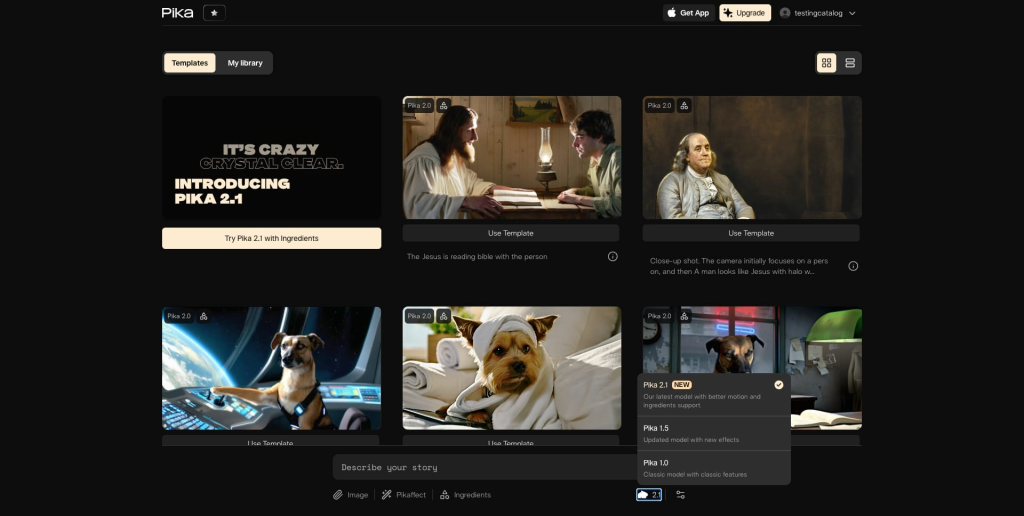
If you make short ads, you need three things: a hook in the first two seconds, motion that matches the beat, and enough polish that it doesn’t scream “AI filter.” Kaiber is great at audio‑reactive scenes and stylized composites. Pika is better at adding believable camera moves, depth, and those micro‑motions (cloth flutter, light flicker) that make footage feel real.
My flow: Kaiber to sketch the look and lock timing against music: Pika to breathe life into it, camera, physicsy motion, and text‑safe areas. I tried reversing it (Pika first, Kaiber second) and the results felt mushy: Kaiber tended to override motion cues rather than respect them.
Music Integration
This is where Kaiber quietly wins. The Audio Reactor actually snaps visuals to peaks and drops without me keyframing anything. Pika can follow timing if you feed it a good source, but it’s not “listening” to your track. So I let Kaiber dictate rhythm, then use Pika to enhance frames without breaking sync. If you’ve ever fought an off‑beat cut, you’ll appreciate this division of labor.
Ad Creation Workflow
Kaiber Audio Setup
- Start with a 9:16 canvas (1080×1920). TikTok/Shorts/Stories friendly. I learned the hard way after rendering a perfect 16:9.
- Import your track and mark the first big beat. I trim the song to 12–16s so I’m forced to make choices.
- In Kaiber, pick a style that complements the product, not fights it. For physical products, I go semi‑real (clean light, soft grain) with subtle glitch accents. Over‑stylize and your product becomes an extra.
- Use the Audio Reactor to map intensity. I keep a motion intensity of around 35–50 for the hook and dip it mid‑section so the CTA has room to punch.
- Export a 4–6s test first. If the beat sync feels off by even a hair, it will compound over 15 seconds.
Deliverables out of Kaiber: a base video (on‑beat), plus a few style variations of the same timing. I also export one clean background plate for text/price overlays later.
Pika Animation Export
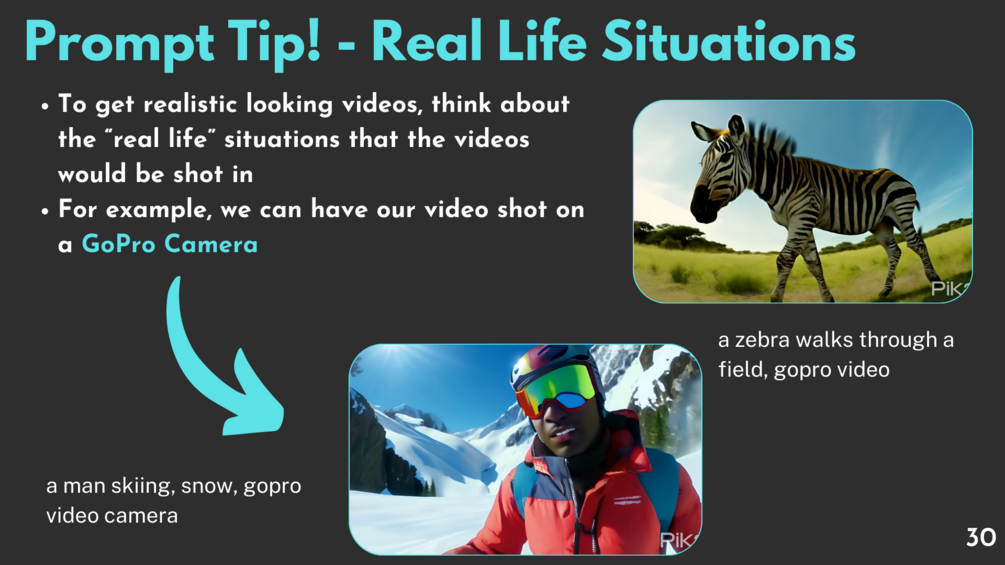
- Bring the Kaiber clip into Pika as video‑to‑video. Keep the duration short (2–4s chunks). Long clips in one go gave me jitter or drift.
- Prompt lightly. Example for apparel: “soft studio lighting, minimal camera dolly forward, micro cloth motion, realistic fabric highlights, film grain.” Negative prompt: “warped text, melting edges, extra fingers, logo distortion.”
- Motion strength: medium. Too high and Pika rewrites your scene: too low and you wonder why you opened it.
- Lock the seed when you like a look, then iterate on camera terms only (pan left, slight parallax). This keeps design consistent across cuts.
- Export in 1080×1920 draft first, then upscale the final selects. I batch 3–5 variants per segment and only keep the one that matches the beat accents I planned in Kaiber.
Pro note I wish I knew sooner: if you need text overlays, keep a 10–12% safe margin at the top and bottom in Kaiber. Pika loves to “helpfully” wobble anything near edges.
Optimization Tips
Visual Effects
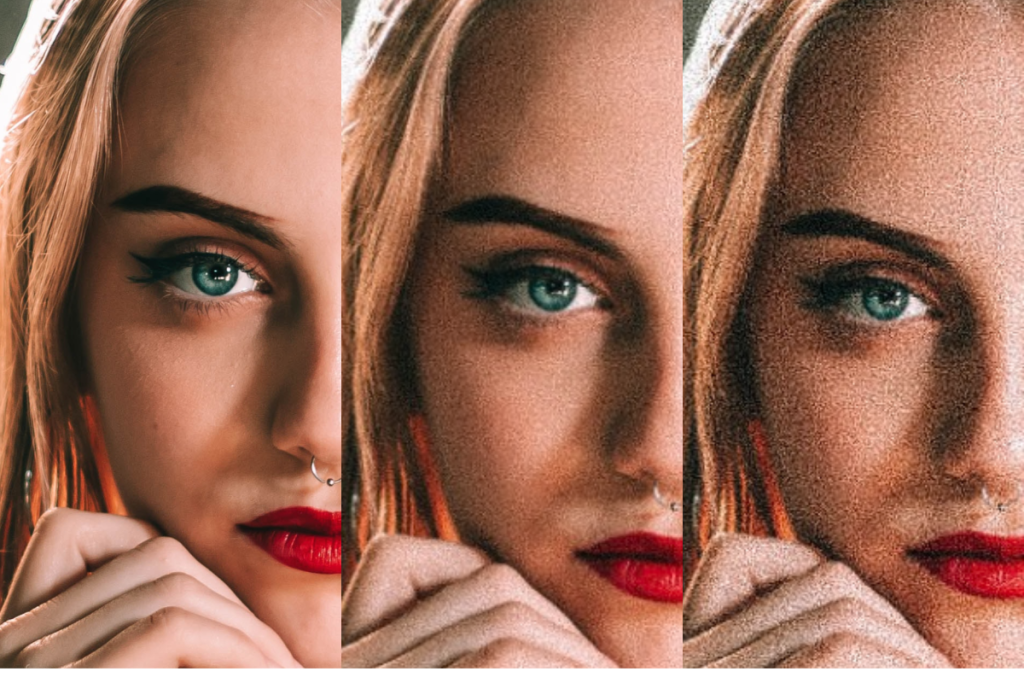
- Film grain hides AI seams. Add “fine film grain” in Pika’s prompt and reinforce with a tiny grain layer in your editor (CapCut or Resolve). Looks intentional.
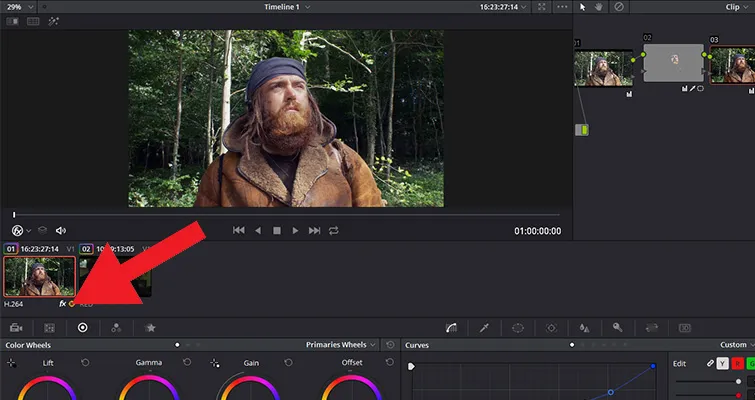
- Light leaks and soft vignettes guide the eye to the product. I drop these in post so I’m not regenerating for small looks.
- For product clarity, sandwich shots: busy stylized scene → clean close‑up → stylized outro. Your CTR will thank you.
- Keep logos/text OUT of the Pika pass. Add them after. If you must include them, mask them as separate layers so Pika doesn’t melt them.
Render Speed Hacks
- Work in 720×1280 for drafts. Approvals don’t need 4K. Final only gets the heavy render.
- Cut into 2–3s scenes. Faster renders, easier to replace a bad chunk.
- Off‑peak rendering (early mornings) finished 20–30% faster for me. Could be anecdotal, but my coffee timer agrees.
- Reuse seeds for consistency. Saves time chasing a look you already liked.
- In Kaiber, preview at low intensity first. Big swings are easier once timing feels right.
If you’re wondering, yes, my laptop fan did sound like a small airplane before I started chunking shots.
Case Study
Shopify Ad Example
I made a 15‑second vertical ad for a Shopify hoodie store that lives on seasonal drops.
Plan (2–15s):
- 0–2s Hook: High‑contrast silhouette of the hoodie with a quick bass‑hit reveal. Kaiber handled a stutter‑glitch on the kick, looked intentional, not cheesy.
- 2–8s Product Motion: Pika added a slow dolly and a believable fabric ripple when the snare clicked. I tried stronger motion strength first and the logo warped, dialed back and it held.
- 8–12s Social Proof: Drop a short text overlay “2,300+ sold” on the clean background plate (post, not through Pika). Keep the text crisp.
- 12–15s CTA: Price flash and “Free 2‑Day Shipping” with a small flare on the final beat.
What worked:
- The kaiber pika workflow kept the beat‑sync locked while letting me iterate motion. I swapped in a darker style variation mid‑section without losing timing.
- Film grain + soft vignette made the AI edges disappear on the hoodie strings (those always get weird).
What didn’t:
- Over‑prompting Pika with “dynamic camera spin” nuked clarity. If the product is the star, camera should be the backup dancer.
- One Kaiber variant pushed too much contrast and crushed the black hoodie into the background. I salvaged it by lifting mids in Resolve, but I should’ve chosen a less aggressive style upfront.
Metrics (small spend, real traffic): Watch time rose ~18% vs my old template ad: CPC dipped slightly. Not a miracle, but enough that I rebuilt my template around this.
Would I use this again? Absolutely, for short‑form ads, teasers, and music‑synced brand posts. If you need long‑form storytelling or precise typography inside the animation, you’ll fight both tools. Do the text in post.
Quick take: If you care about beat‑driven visuals and fast iteration, this stack is worth a weekend test. If you expect a one‑click brand film, skip it, you’ll end up chasing settings instead of shipping.
Previous posts:






