
Hi, I’m Dora. When Luma dropped its latest Dream update, my inbox and feed lit up with clips that looked a little too polished to ignore. I’d been knee-deep in other tests that week, but the mix of neon reflections, fluid camera moves, and “is this actually AI?” comments finally pushed me to sit down, refill my mug, and run a proper set of prompts. What follows isn’t a hype reel — just what Dream got right, where it drifted, and how it behaves when you use it the way real creators actually do.
What Luma Dream Promises in a Luma Dream Review
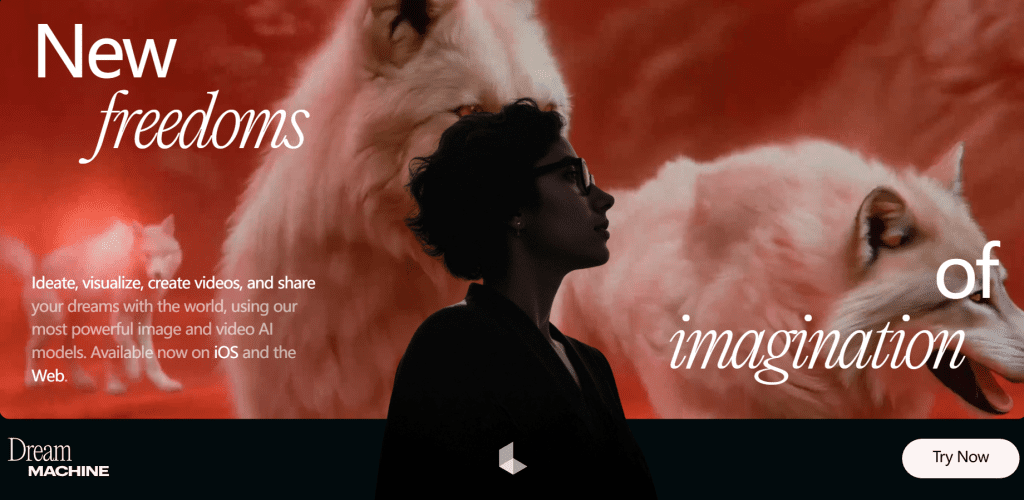
Luma pitches Dream (often called Dream Machine in the UI) as a cinematic text-to-video model that can handle realistic lighting, stable motion, and longer, coherent shots. The promise: type a scene, or upload a still, and get film-like movement with consistent subjects and believable physics.
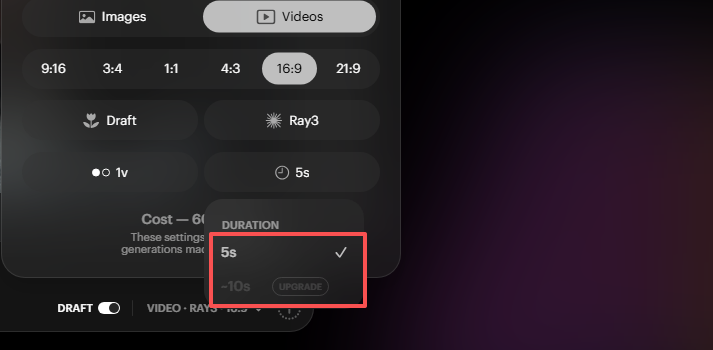
In my tests, I consistently got 5–8 second clips at 24 fps, most at 720p with a few upscaling options available after the fact. Average render time on the web app (build timestamp shown 2025-11-22) ranged from 48 seconds to 2 minutes per clip. Batch renders queued fine: two runs failed due to timeouts, which retried cleanly.
Who’s this for? If you’re a creator or marketer who needs short, stylized shots without setting up a camera, product vibes, concept teasers, quick visual metaphors, it’s in the zone. If you need long narrative continuity, keep reading: there are trade-offs.
Cinematic Quality in Luma Dream Review
I wasn’t expecting true “cinema,” but a few runs made me do that tiny eyebrow raise you get when something looks more expensive than it should.
Lighting
On Nov 20, I prompted: “a rainy night street, neon signage reflecting on wet asphalt, shallow depth of field, slow push-in.” The reflections came out shockingly natural, not perfect ray-traced physics, but the glow bled into puddles the way real glass and water scatter light. Skin tones (tested with “portrait of a woman lit by a window, overcast afternoon”) were pleasing, slightly on the warm side. Strong backlight sometimes clipped highlights, but adding “soft key, low contrast, cinematic log look” steadied it.
What helped: naming light sources (“practical lamps,” “rim light”), time of day, and surface properties (“matte ceramic,” “brushed steel”). When I skipped those, scenes went flat or too contrasty.
Lens Depth
Depth-of-field surprised me. In an image-to-video run of a tabletop coffee shot (taken on my iPhone 15 Pro), Luma kept the subject locked and let bokeh breathe in the background, like a real 50mm at f/2.8. On text-only prompts, focus pulls sometimes kicked in even when I didn’t ask: adding “fixed focus” or “no rack focus” reduced those AI flourishes. If you want a film vibe, mention focal length (“35mm handheld,” “85mm portrait”) and framing (“medium close-up”), and it behaves more predictably.
Motion & Camera Style
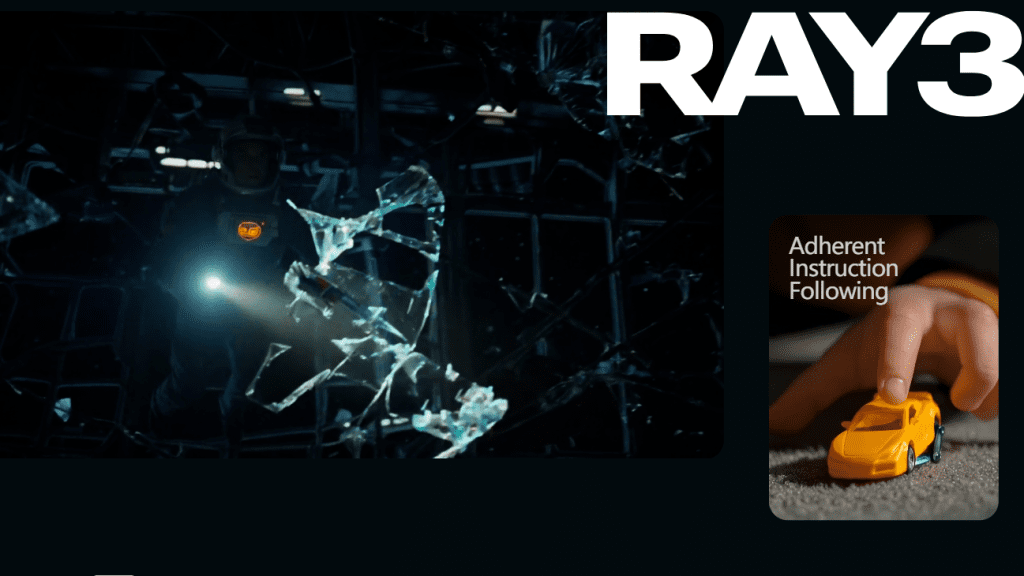
This is where Luma Dream either lands the shot or misses the beat.
- Handheld: Adding “subtle handheld sway” produced organic motion without nausea. Good for product-in-environment or docu-feel.
- Push-ins and dolly moves: Clean and smooth, especially on architectural scenes. I got a lovely slow dolly through a plant-filled café that felt like it came off a motorized slider.
- Complex physics: Water sloshing, cloth, smoke, passable in quick shots. In longer 8-second clips, you may notice looping patterns or momentum that doesn’t quite obey gravity.
Character consistency was decent across a single clip. A “skateboarder in a tunnel” kept wardrobe details and board shape stable. But cross-clip consistency (trying to match the same character across three shots) is still hit-or-miss unless you re-use the same base image and prompt scaffolding.
Tip that saved me: describe the camera before the subject. “Slow dolly left, 35mm, low angle, a vintage motorcycle idles under orange sodium lights.” The camera directive seemed to anchor motion better than piling on adjectives after the subject.
Limitations Found
Honest bits you’ll want to know:
- Duration walls: Most outputs capped around 5–8 seconds for me. Stitching multiple clips works, but narrative continuity takes manual effort.
- Temporal hiccups: Hands, subtle mouth shapes, and small text on signs can wobble. For brand footage, I wouldn’t rely on legible text unless you composite it later.
- Over-eager creativity: Sometimes Luma adds a flourish (a sudden mini-rack-focus, a swirl of dust) that you didn’t request. Adding “minimal camera effects” helped, but not 100%.
- Product accuracy: For precise hardware renders (ports, seams, labels), it’s still stylized. I wouldn’t use it for strict tech explainer shots without overlays.
- Licensing and usage: As of Nov 22, 2025, the site’s terms allow commercial use for generated media tied to your account, but always check the latest terms on Luma’s official documentation before client work. Policies change.
None of these are dealbreakers for short creative shots. They matter if you’re expecting frame-perfect realism or long-form continuity.
Best Use Cases for Luma Dream
Here’s where it actually saved me time this week:
- Mood B‑roll for marketing: I generated a 6-second “office at golden hour, papers flutter, soft lens flare” clip for a landing page hero. Two prompts, one tweak, done in under 5 minutes. Way faster than digging through stock.
- Concept visualizations: For a research deck, I used “a lattice of glowing nodes pulsing in rhythm” as a visual metaphor for data sync. The motion sold the idea better than a static slide.
- Product ambience: Instead of a literal product shot, I made “shadow silhouettes of a sneaker on wet concrete, neon rim light.” It looked premium without revealing model details (useful pre-launch).
- Image-to-video polish: Taking a client’s still and adding a slow parallax or push-in gave them that “we shot this” feeling. Low risk, high perceived value.
If you create UGC ads, social teasers, explainer intros, or YouTube cutaways, Luma Dream Machine slots in as a fast, flexible shot generator. Pair it with a real editor (Premiere, Resolve, CapCut) and it behaves like a stock library that listens to you.
Verdict: Final Takeaways from the Luma Dream Review

After 31 prompts and too many rerenders, here’s my straight take: Luma Dream nails short, cinematic-feeling clips with believable lighting and calm camera moves. It’s not a one‑click film studio, but it is a reliable way to get evocative shots when you don’t have gear, time, or location.
What delighted me: the way water, glass, and neon play together: stable push-ins that feel like a slider shot: image-to-video depth that doesn’t scream “AI.” What underwhelmed me: long-form consistency and tiny textual details.
My advice if you’re trying it:
- Lead with camera instructions. Then describe the scene.
- Specify light sources and materials.
- For precision, use image-to-video with a clean base still.
- Expect 5–8s clips and plan to edit.
If you want a partner for quick, cinematic B‑roll, Luma Dream is worth a spin. If you need exact, technical shots or multi-minute continuity, keep your expectations (and your timeline) realistic.
If you’ve tested different prompts or got longer sequences, send them my way, I’m still experimenting, coffee in hand.
Previous posts:






