
I kept seeing slick demo reels from Pika and Google’s Veo and thought, okay, but how fast are these in real life when you just need a clean 1080p clip for a deadline? So I made coffee, opened both, and ran an AI video speed comparison on the same prompts. I wasn’t trying to break them, just a realistic “can this fit in my workflow without me staring at a spinner for 20 minutes?” test. Here’s what actually happened.
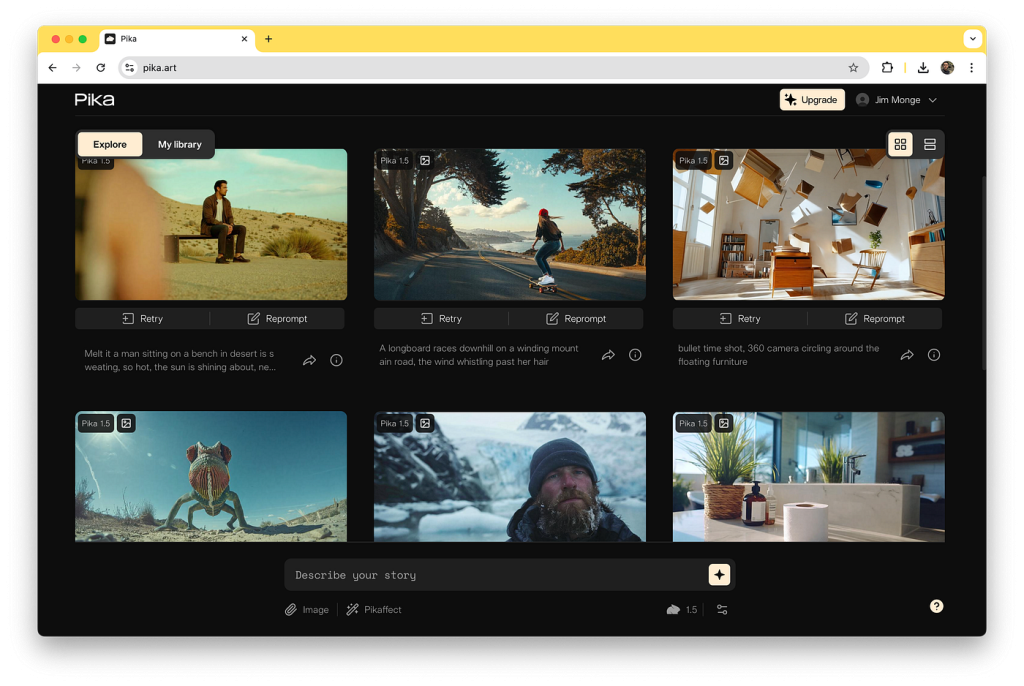
Pika vs Veo Overview
I bounced between Pika and Veo for a week, trying short scene ideas I actually use, product pans, moody city b‑roll, quick explainers with simple motion. I didn’t want a lab test. I wanted to know which one gets me a decent result before my coffee cools.
Specs Comparison
Here’s the “feels-like” spec picture from my account access (not a glossy PDF):
- Output: Both delivered 1080p. Pika let me flip aspect ratios quickly (9:16, 1:1, 16:9) without complaining. Veo also handled aspect changes, but I saw more queueing when I asked for multiple variants.
- Length: With my access, Pika clips topped out short (think a few seconds by default, extendable). Veo can go longer in demos, but in practice I often got shorter clips unless I nudged it with extensions. Your mileage will vary depending on beta tier.
- Controls: Pika gives you practical camera prompts (dolly, pan, orbit) that actually influence motion. Veo accepts cinematic language too, depth of field, lens vibes, but it felt more “director notes” than precise dials.
- Stability: Pika rendered more consistently fast: Veo looked more cinematic when it hit, but it also stalled more in queues.

Use Case Fit
- Pika felt like a quick-turn tool for creators who need social video, motion tests, and fast iterations. Great for TikTok drafts, YouTube cutaways, or filling B‑roll gaps.
- Veo leaned artsy. When it worked, frames had that “someone brought in lights” look, richer shadows, nicer texture. But it’s more temperamental and slower in my tests. If you’re chasing a portfolio shot, you might wait for it. If you just need a 6‑second loop before a meeting, probably Pika.
Speed & Quality Tests
I ran the same prompts on both tools at 1080p, three times each, and averaged them. Not a scientific paper, just field notes. Prompts included: “slow dolly-in on ceramic mug with steam, soft window light,” “neon rainy street b‑roll, gentle camera pan,” and a simple “product spin on white.”
Render Times
| Tool | Scene | Render Times | Average Time |
| Pika | Mug scene (6s) | 31s, 29s, 33s | ~31s |
| Neon street (6s) | 38s, 41s, 37s | ~39s | |
| Product spin (6s) | 27s, 26s, 28s | ~27s |
- Notes: Variant requests added ~10–20s each. Upscale pass added ~20–40s but still under a minute total for most clips.
| Tool | Scene | Render Times | Average Time |
| Veo | Mug scene (6s) | 2:14, 2:32, 2:05 | ~2:17 |
| Neon street (6s) | 3:01, 2:48, 3:19 | ~3:03 | |
| Product spin (6s) | 1:56, 2:07, 2:12 | ~2:05 |
- Notes: Queues were the wildcard, sometimes it started instantly, sometimes I stared at a spinner and questioned my life choices. Once in, render speed was steady but slower than Pika.
TL:DR speed: For 6‑second 1080p clips, Pika usually finished in under 45 seconds. Veo took 2–3 minutes on average for me, plus occasional queue delays.
Visual Fidelity Scores
Totally subjective, but I rated each clip 1–10 on clarity, lighting, motion intent, and artifact pain.
- Mug scene:
- Pika: 7.5/10, Clean steam, minor shimmer on edges. Lighting felt “AI nice,” not cinematic.
- Veo: 8.5/10, Better highlight rolloff and subtler grain. Occasional flicker in steam but moodier overall.
- Neon street:
- Pika: 7/10, Readable neon, a tad plastic in puddle reflections. Motion obeyed “gentle pan.”
- Veo: 9/10, Delicious contrast, reflections felt heavier and more believable. Small warps at the frame edges.
- Product spin:
- Pika: 8/10, Predictable, clean background, minor jitter in the last frames.
- Veo: 8/10, Nice speculars, but it sometimes “reimagined” the product silhouette mid‑spin, which is a nope for e‑comm.
My take: Veo won on vibe: Pika won on reliability and consistency. If you’re delivering daily, the difference between 30 seconds and 3 minutes adds up fast.
Feature Breakdown
Pika’s Camera Prompts
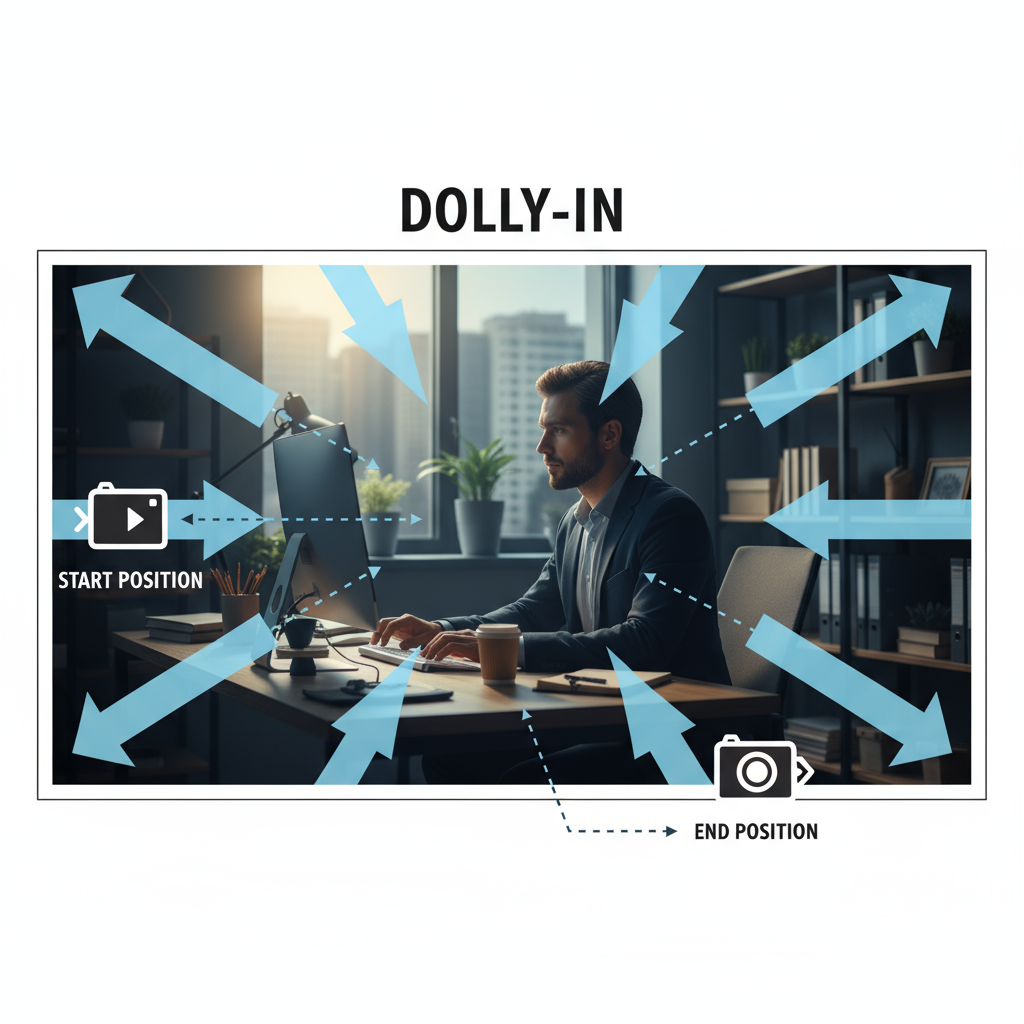
I went in skeptical about “camera prompts,” but they actually mattered. “Slow dolly-in” produced a convincing push: “orbit left” wrapped around without weird jumps: “handheld” added micro‑shake that felt… believable. It’s not a gimbal replacement, but for AI video it gave me control without wrestling sliders. Small warning: combining complex motion with tiny subjects sometimes introduced edge wobbles, fixable by simplifying the prompt.
Veo’s Audio Sync
This one’s tricky. As of my tests, Veo didn’t generate sound or true lip‑sync. I paired clips with audio in post (Premiere) and tried beat‑matching transitions. Veo’s motion cadence is slower and more cinematic, which actually made music syncing easier for longer beats. But if you’re hoping for on‑the‑nose audio sync or dialog alignment straight from Veo, it’s not there yet. You’ll still be doing timing work in your editor. Not a dealbreaker, just don’t expect magic.
Best Choice for You
Social Media vs Films
- If you live on short‑form: Pika. It’s the “I need a 1080p loop in under a minute” friend. Faster variants, predictable motion, easy aspect switches. Perfect for B‑roll fillers, hooks, and testing ideas without burning time.
- If you’re chasing a hero shot: Veo, when you have patience. It’s slower, but the lighting and texture can look genuinely cinematic. I’d use it for title shots, mood pieces, or when you want that extra visual polish and can afford retries.
If you’re like me and care about shipping consistently, Pika feels safer day‑to‑day. If you want that one gorgeous clip for a pitch or reel and don’t mind waiting, Veo’s worth a spin. Just set expectations: speed vs vibe. Pick the pain you can live with.
Previous posts:






