Hi, I’m Dora.
I was building a mood board for a client project last Tuesday when it hit me: I’d been screenshotting Pinterest videos like some kind of digital cave person. Low-res. No audio. Status bar burned into the corner. There had to be a better way.
So naturally, I went down the rabbit hole. I tested half a dozen Pinterest video downloader tools, read through the actual Terms of Service (yes, the real ones), and figured out what you can actually do with these files once you’ve saved them. Here’s everything I learned.
Why People Download Pinterest Videos (The Real Use Cases)
Nobody downloads Pinterest videos just to hoard them. There’s almost always a real creative or practical reason behind it.
The most common one I see? Offline reference material. You find a perfect lighting technique video, a DIY tutorial, or a cooking method you want to replicate — and you don’t want to hunt for it again when you’re mid-project without Wi-Fi. Saving it locally just makes sense.
For content creators, it goes further. You might want to study how a certain transition was edited, use a clip in a mood reel for a client presentation, or extract audio inspiration for a sound design project. Video editors and designers do this constantly.
Then there are the researchers — teachers, UX designers, brand strategists — who use Pinterest as a primary visual research tool. Downloaded clips become reference assets in Notion boards, pitch decks, or Figma files.
One thing worth flagging early: the reason you’re downloading matters a lot legally. Personal reference? Generally fine. Republishing someone else’s clip as your own content? That’s where things get complicated fast.
How Pinterest Video Downloaders Work
Here’s something that confused me at first: Pinterest doesn’t serve videos through a simple direct file link. Videos are streamed via their CDN in a format that the browser plays but doesn’t expose as a clean download button.
Third-party Pinterest video downloader tools work around this by parsing the pin URL you paste in, making a server-side request to Pinterest’s infrastructure, extracting the video stream URL, and then serving it back to you as a downloadable MP4 file. The whole process takes about 5–15 seconds depending on file size and server load.
Most reputable tools don’t require you to log into Pinterest or grant any account permissions. You literally just copy the pin link and paste it. That’s it. They’re acting more like a smart URL resolver than anything else.
The quality you get back depends on what Pinterest originally stored. Most videos top out at 1080p — if a tool claims to give you 4K, it’s almost certainly upscaling the original file, not delivering true 4K source footage.
The Best Free Tools to Download Pinterest Videos
I tested these myself in March 2026. Here’s what actually worked.
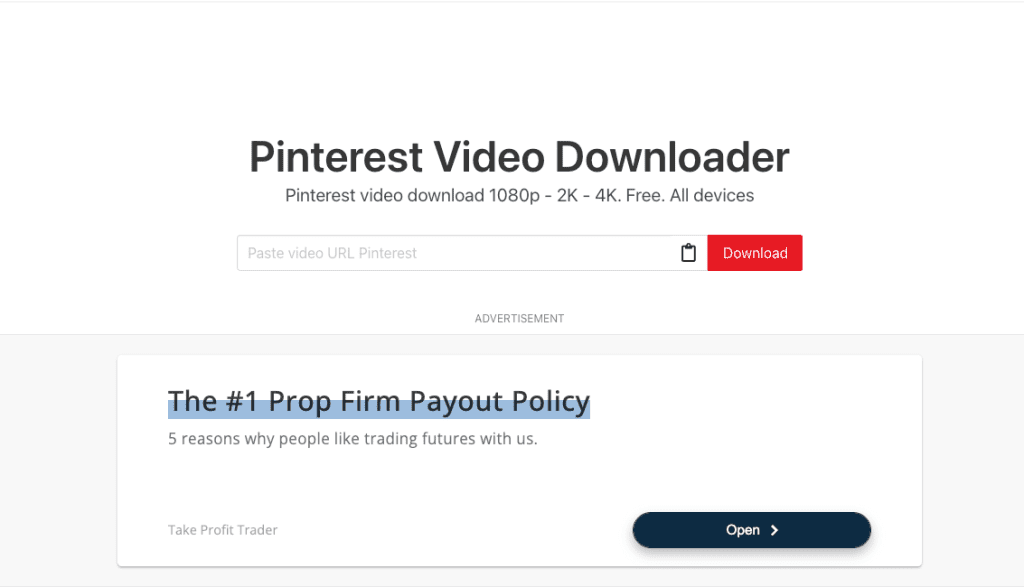
PinDown.io — My go-to pick. It supports up to 4K preview (when source allows), loads fast, and the interface is dead simple. No watermarks added to your download. Works on mobile browsers too.
SavePinMedia — Rock-solid reliability. Offers quality options from 480p up to 1080p. No registration, no weird software to install. They even have a Telegram bot if you’re constantly downloading on the go.
Publer’s Pinterest Video Downloader — This one surprised me. Zero ads, no watermarks, and it’s part of a broader social media toolset. Great option if you’re already using Publer for scheduling.
KlickPin — Good for anyone who also wants MP3 extraction. If you find a Pinterest video with great background music or voiceover content, KlickPin can pull just the audio.
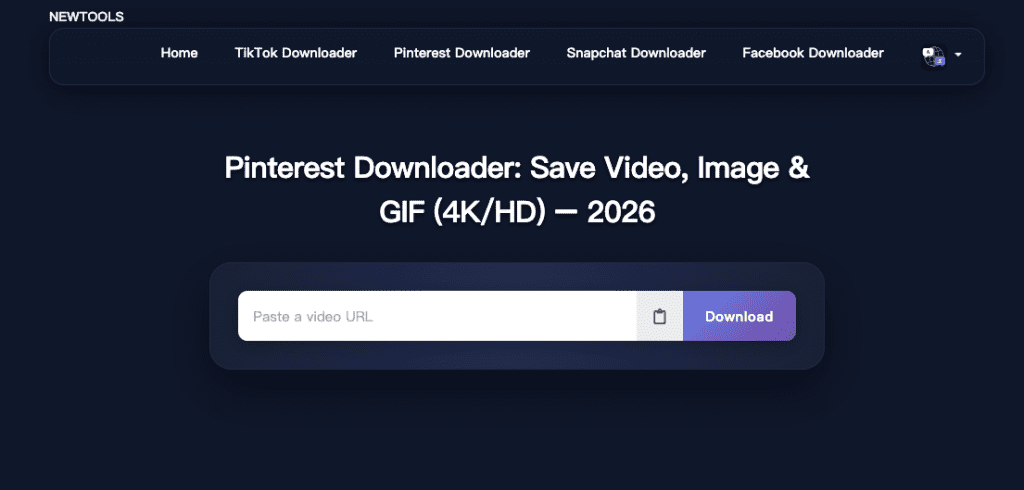
NewTools Pinterest Downloader — Particularly strong at fetching “Originals” quality for images. For videos it’s solid, and it handles Story Pins well — it’ll let you download each slide individually, which most tools skip entirely.
Quick tip: If one tool throws an error, don’t assume the video is un-downloadable. Pinterest occasionally tweaks its CDN behavior and tools update at different speeds. Just try the next one on the list.
Browser-Based vs. App — Pros and Cons
This is genuinely a “depends on your workflow” question, but let me give you my honest take.
Browser-based tools (all five above fall in this category) are the safest bet for most people. No installation risk, no permissions granted to your device, no bloatware. The downside is that you’re clicking through a website each time, which adds friction if you’re doing this frequently.
Chrome extensions like Getvid or Pincase add a download button directly to Pinterest’s interface, which sounds amazing — and honestly, it is, when they work. But after Pinterest’s API changes in 2025, several extensions became inconsistent. If you use an extension, test it before you rely on it for anything important.
Desktop apps like WFDownloader are the power-user move, especially for bulk downloads. Reddit communities are enthusiastic about it for downloading entire boards. If you’re archiving hundreds of pins for a research project, that’s the route to go.
For everyday one-off downloads, browser-based wins on simplicity and safety every time.
Copyright and Pinterest’s Terms — What You Need to Know
Okay, real talk. This section matters more than people want to admit.
Pinterest’s actual Terms of Service are worth reading directly. According to Pinterest’s ToS, any use of the service not expressly permitted by their Terms is a breach and may violate copyright, trademark, and other laws. That’s not a loophole — that’s the platform stating pretty clearly that downloading isn’t something they sanction through the service itself.
But here’s the nuance: downloading a video for personal offline viewing sits in a very different category than republishing that video as your own content.
Pinterest’s Terms of Service grant users a license to use and display content in connection with the service — but this doesn’t give you a blanket license to download and republish that content elsewhere, such as on your blog, product page, or ad.
What about copyright ownership of the videos themselves? According to Pinterest’s Help Center, permission to use a given image or video found on Pinterest should be sought from its copyright holder — and Pinterest generally cannot provide information about who owns the copyright of a given pin.
Pinterest operates under the DMCA, which means creators can file takedown requests if their content is used without permission. Pinterest’s copyright policy allows rights-holders to ask for removal of all pins containing the same image, and they also offer a Content Claiming Portal for qualified creators to identify and manage their works on the platform.
The short version: download for personal reference = generally low-risk. Republish as your own = serious legal exposure.
How to Use Downloaded Videos Legally in Your Own Projects
So you’ve got the file. Now what can you actually do with it?
Personal study and reference. Watching an editing technique offline, saving a recipe walkthrough for your kitchen, or referencing a color palette in your design software — all of this falls comfortably within personal use. You’re not redistributing anything.
Mood boards and internal pitches. Using clips in a private Figma board, a client presentation, or an internal creative brief is generally fine for reference purposes. You’re not publishing the content publicly or claiming it as yours.
Royalty-free and Creative Commons content. Some videos on Pinterest are original work from creators who’ve released them under open licenses. If you can trace a video back to its original source and confirm the license, you can use it accordingly. Tools like Creative Commons Search can help you find properly licensed video content in the first place.
Your own content you previously uploaded. If you originally posted a video to TikTok or Instagram and it ended up on Pinterest via a repost, downloading it back to your own device is completely reasonable. You own it.
What you can’t do legally: reuploading someone else’s Pinterest video to your own social channels without permission, using it in a monetized YouTube video, incorporating it in a commercial project, or presenting it as original content.
If you want to use a specific creator’s video, the right move is to find them through the pin source, reach out directly, and ask. Most small creators are surprisingly open to it when asked nicely.
Alternatives: Using Pinterest as a Mood Board Without Downloading
Here’s something I genuinely think more people should do: just use Pinterest the way it was designed.
Pinterest’s native board system is honestly excellent for creative research. You can save pins, organize them into boards, add notes, and share them privately with collaborators. For mood boarding, it’s hard to beat.
If you need offline access without downloading, Pinterest’s mobile app caches boards quite aggressively — I’ve opened saved boards on a plane with no signal and had them load without issue.
For embedding Pinterest content in presentations or client-facing documents, you can share board links or use Pinterest’s embed codes, which keep proper attribution intact and don’t touch copyright at all.
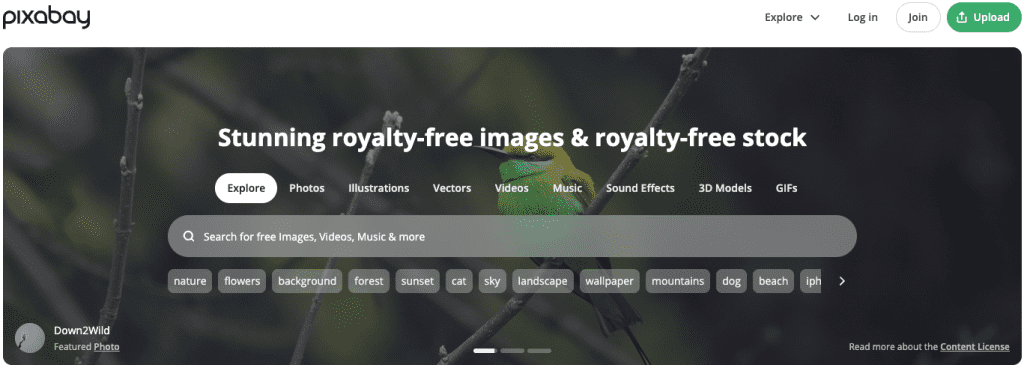
And if you genuinely need video assets for commercial projects, the right call is licensed stock footage. Platforms like Pexels and Pixabay offer huge libraries of free, commercially-licensed video content — no legal gray area, no stress.
FAQ
Is it illegal to download Pinterest videos? It depends on what you do with them. Downloading for personal offline viewing is a gray area in most jurisdictions. Republishing or using downloaded content commercially without permission is clearly infringement.
Do Pinterest video downloader tools add watermarks to downloads? The reputable ones don’t. Tools like PinDown.io, SavePinMedia, and Publer download the original file without adding their own branding. However, if the original video had a creator watermark (a TikTok handle, for example), that stays in the file because it’s baked into the source.
Why can’t I just right-click and save Pinterest videos? Pinterest uses streaming delivery that doesn’t expose a direct file URL in the browser’s right-click menu. Third-party tools work around this by resolving the actual stream server-side.
Look, I’m not here to scare you off downloading Pinterest videos. Just be a decent human about it — credit creators when you can, don’t sell other people’s work as yours, and you’ll be totally fine. The tools work, they’re free, and your next mood board is going to look chef’s kiss. Go for it.
Previous Posts: