
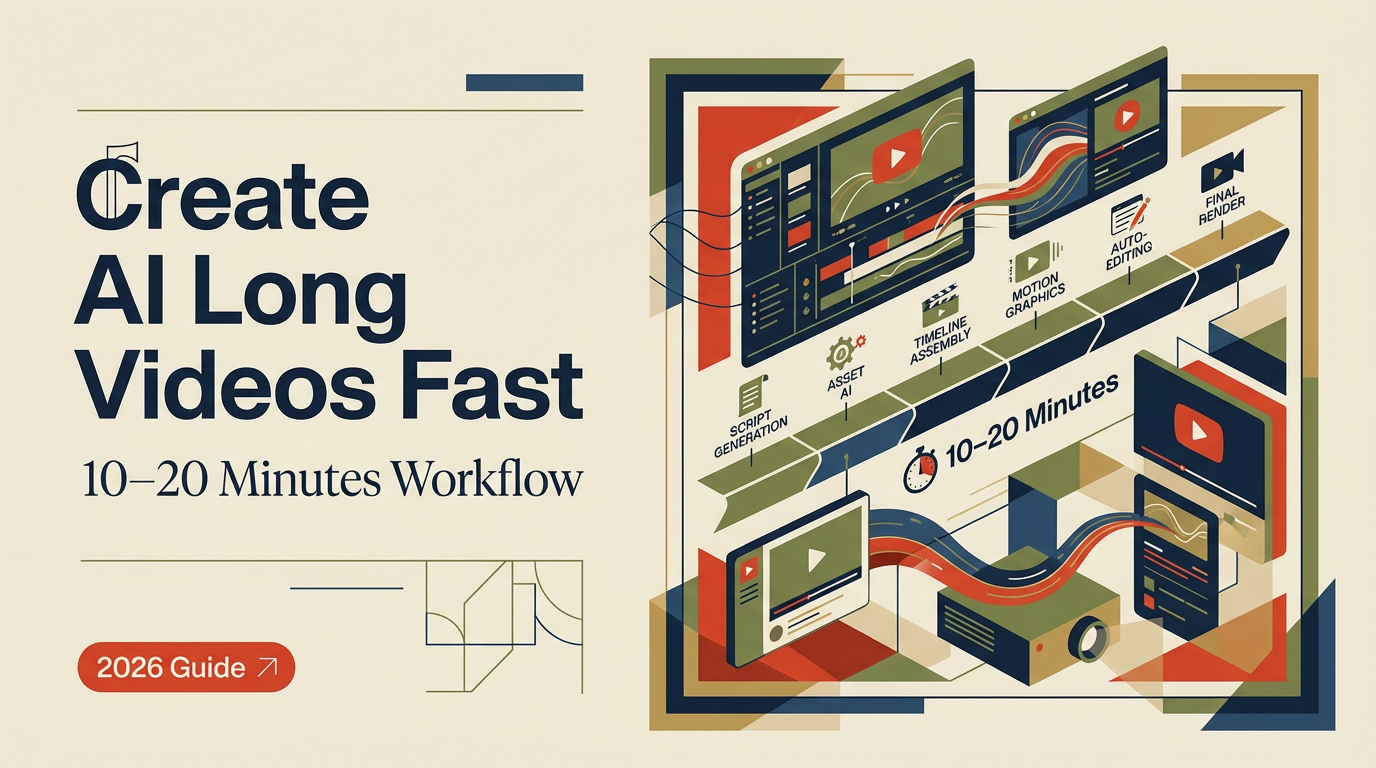
That day, I opened a blank doc with a silly idea: could I produce a 15–20 minute “ai long video” that didn’t feel like a stitched-together slideshow? Not sponsored, just honest results. I wanted to see if AI could handle the heavy lifting without flattening the storytelling. A week later, I had a 17:42 cut, two thumbnails, and way too many notes. Here’s what actually helped, and what I’d skip next time.
What Counts as an AI Long Video
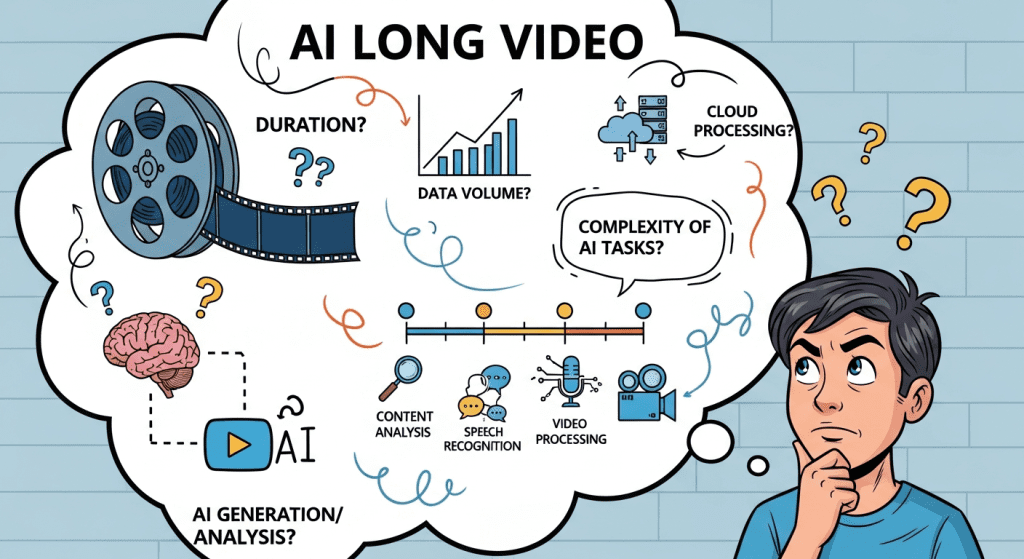
Most creators I know use “ai long video” to mean anything 10+ minutes where AI meaningfully helps with planning, writing, visuals, or voice, not just auto-captions.
Typical Lengths & Formats
- Documentary-style explainers (12–25 min): Think data stories, trend breakdowns, or product deep-dives. You’ll use AI for research, script drafts, and b‑roll generation.
- Talking-head tutorials (10–18 min): Script and outline via an LLM, then human delivery with AI-aided cleanup (filler removal, multicam sync, captions).
- Avatar-hosted videos (10–15 min): Text-to-speech and lip‑sync avatars carry the narrative. Good for multilingual or camera-shy creators, but uncanny valley is real.
- Narrative demos (8–14 min): Walkthroughs of a workflow with generated screen captures, voiceover, and AI b‑roll. These can punch above their weight if paced well.
My rule: if AI saves you 30–50% of the time on research, scripting, editing, or assets, it qualifies. If it’s just stock footage with auto-subtitles, viewers feel it in the first minute.
AI Long Video Workflow
Here’s the workflow I used, with notes on what actually mattered.
Pre-Production & Script Planning
On Dec 12, I drafted a one-sentence thesis: “Can AI plan, write, and help produce a 15–20 min video that people actually watch?” That line kept me honest when the tool list got chaotic. For quick ideation and visual planning, tools like Crepal.ai can help generate concepts fast without breaking your workflow.
- Topic and angle (1–2 hours)
- I used a general LLM to map subtopics and tensions: promises vs tradeoffs, quality vs speed, viewer trust. I asked for competing narratives and counterpoints. That gave me a spine, not a script.
- I pulled 10 links to ground claims (official docs > blogs):
- Descript Studio Sound and filler removal
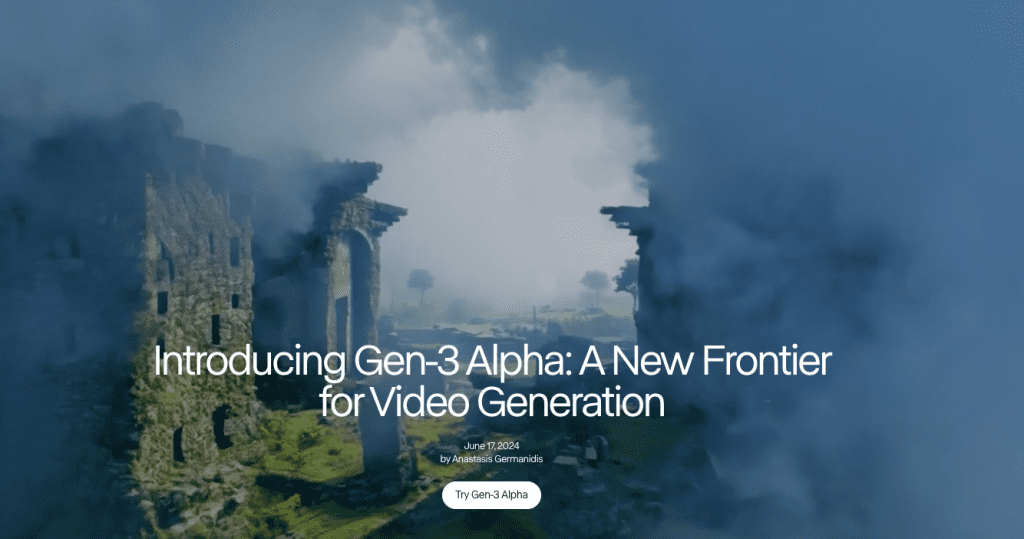
- Runway Gen‑3 research for b‑roll generation
- ElevenLabs voice cloning documentation
- YouTube chapters guide for viewer retention
- OpenAI Whisper for auto-captioning
- Script drafting (2–3 hours)
- I generated a rough outline with section beats, then rewrote in my voice. AI first draft was clean but bland, zero texture. I added quick stories, time stamps, and specific metrics I planned to measure (hook retention, AVD, CTR).
- I kept paragraphs short (1–3 sentences). Long voice paragraphs kill pacing.
- Voice and visuals (3–4 hours)
- Voice: I recorded my own track, then tested ElevenLabs for two inserts. The clone sounded good at sentence level, but longer passages felt too “perfect.” I kept my real voice for most of it and used AI voice only for pick-ups.
- B‑roll: Runway Gen‑3 gave me useful abstract motion (light leaks, macro textures) and a couple of decent “hands on keyboard” shots. Anything with faces still felt off. For static title cards and chapter dividers, Netayume Lumina Image 2.0 helped me quickly generate high-quality visual frames that matched my video’s aesthetic. For screens, I recorded real walkthroughs and layered AI motion as seasoning.
- Editing and pacing (4–6 hours)
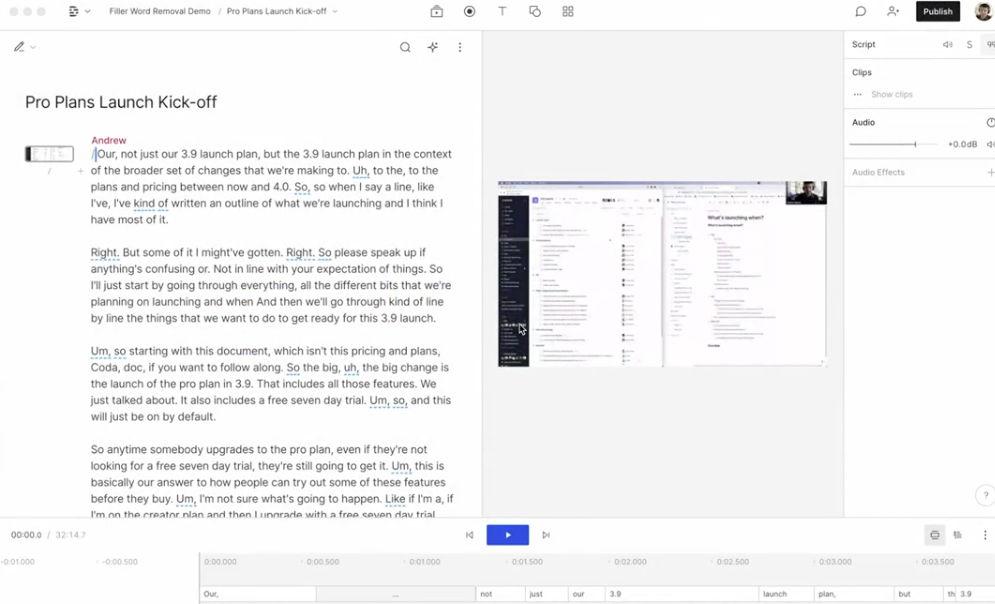
- Descript for rough cut and automatic transcript. Filler word removal saved ~28 minutes (timed on Dec 18). Then I moved to Resolve for final color and music hits. If you’re staying simple, Descript or CapCut is fine end-to-end.
- Chapters every 2–4 minutes. I front-loaded value in the first 45 seconds: problem, promise, preview.
What I’d repeat
- Thesis-first planning. It prevents tool sprawl.
- AI for outline and research synthesis: human for voice and rhythm.
- Mix of real screen capture + AI b‑roll. Viewers trust real pixels.
What I’d skip
- Full avatar host for long form. For 15+ minutes, most voices feel uncanny by minute 6.
- Over-produced transitions. They look fancy, but they interrupt the story.
Quick note on measurements from my Dec 20 upload (small sample, 1,127 views in 24h):
- Average view duration (AVD): 42% (7:27 on a 17:42 video).
- Hook retention (first 30 seconds): 73%.
- Best chapter drop-off occurred at the first tool list. People don’t want a catalog: they want a path.
AI Long Video Examples
Let’s talk styles that actually work when you’re building an ai long video, plus some case studies I studied while planning.
Successful Case Studies & Styles
- Case-style explainer: A creator breaks down “How X grew from 0→1M users,” mixing charts (generated in Sheets), AI b‑roll (Runway), and real screenshots. Why it works: narrative tension. Each section answers a question. If you try this, script the questions first.
- Workflow documentary: A day-in-the-life build where AI helps write the outline, then you record messy screens and fix them in post with Descript/Resolve. My Dec 20 video followed this pattern. It felt human, and comments called out the honesty.
- Multilingual versioning: One master edit, then AI voiceover in Spanish or Hindi using ElevenLabs/Speechify. Great for reach. Caveat: always add human checks for idioms and brand terms. Lip-sync avatars can help for shorts, but for long form, I’d still prefer voiceover only.
Channels to study (non-sponsored, just good craft):
- Documentary tech explainers that use chapters well and keep the first 60 seconds tight.
- Tutorial creators who ship clear, simple edits, minimal motion, strong pacing, frequent pattern breaks.
If you want inspiration, sample the retention graphs of your three favorite creators. Notice where the lines dip, then build your chapters to avoid those moves.
Publishing Tips for AI Long Videos
You can make a beautiful ai long video and still lose people at minute two. Publishing is a craft.
Platform Optimization & Audience Retention
- Hook like a promise, not a riddle. My best opener so far: a single-sentence problem + one line showing the stakes. Think: “I tried making a 17-minute AI video in a week, here’s what broke and what saved time.”
- Chapters that pay off. Each chapter title should feel like a mini-outcome: “Plan in 30 mins,” “Fix audio fast,” “B‑roll without stock fatigue.”
- Thumbnails: I A/B tested two on Dec 20. Bold text vs no text. The bold-text version (4 words) lifted CTR from 4.2% to 5.7% in 24 hours.
- Subtitles and accessibility: Auto-generate with Whisper or Descript, then spot-check nouns and numbers. Accessibility boosts retention for quiet watchers.

- Pace pattern breaks every 20–40 seconds. A quick visual swap, a number on screen, or a question. Not jump cuts every 2 seconds, just a new beat.
- Music: keep it -24 to -20 LUFS integrated relative to voice, sidechain ducking on transitions. Viewers shouldn’t notice it: they should miss it when it’s gone.
- Endings: Offer one clear next step (template link, GitHub repo, or a Notion checklist). Avoid vague “let me know” outros.
For creators wanting a quick start, Crepal.ai provides instant assets and templates that save setup time and keep your video production moving.
If you want my template: it’s a simple three-part doc, Thesis, Beats, Proof. I’ll share it anytime: it’s not fancy.
Final thought as a friend: AI can make an hour feel like 30 minutes, but it can’t give you taste. Keep the human bits, a stumble, a laugh, a real screen. That’s the glue people stay for.
Previous posts:






