Hi, Dora is here.
I spent most of last Thursday testing a gemini omni vs multi model setup using the same six-shot ad brief. Same product, same references, same deadline — only the workflow changed.
One version stayed entirely inside Gemini Omni. The other used a modular stack: one tool for scripting, another for motion, another for lip sync, another for cleanup. Honestly? The results made the whole “single model vs multi model video” debate feel much simpler than people on X make it sound.
This isn’t really about which model is smarter. It’s about which workflow breaks less often for the kind of videos you actually make.
What Each Approach Is in One Sentence
Gemini Omni as Google’s any-to-any video bet
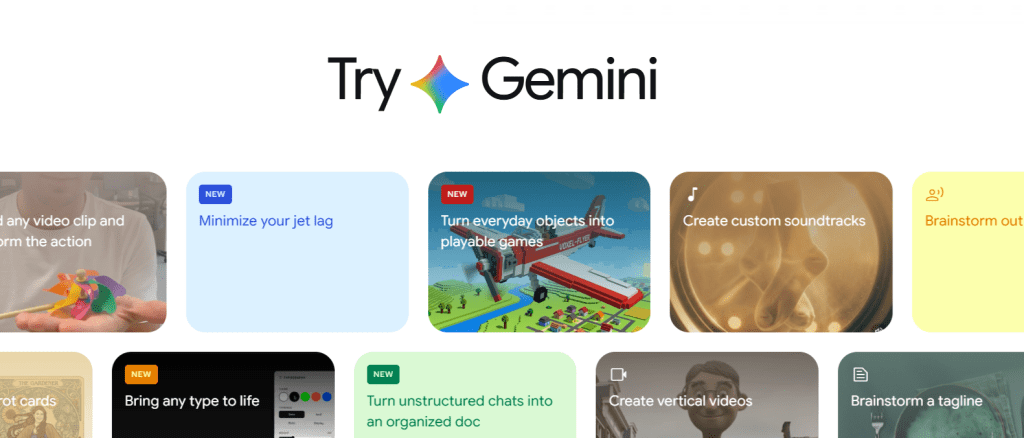
Gemini Omni is Google’s attempt at a unified creative system — text, images, audio, references, and editing all handled inside one conversational workflow. Google has been documenting this any-to-any direction across its product lineup on the Google AI blog, which is the most reliable place to track what’s officially shipped versus what’s still roadmap.
The idea is straightforward: instead of stitching together five separate apps, you stay inside one system and direct the whole process with natural language.
That’s why the current single model vs multi model video conversation matters so much. It’s less about raw rendering quality and more about workflow philosophy.
Multi-model workflows as best-tool-per-task systems
A multi model ai video workflow assigns different models to different parts of the production chain. In my current stack, that looks like this:
- Script & shot list: ChatGPT-4o
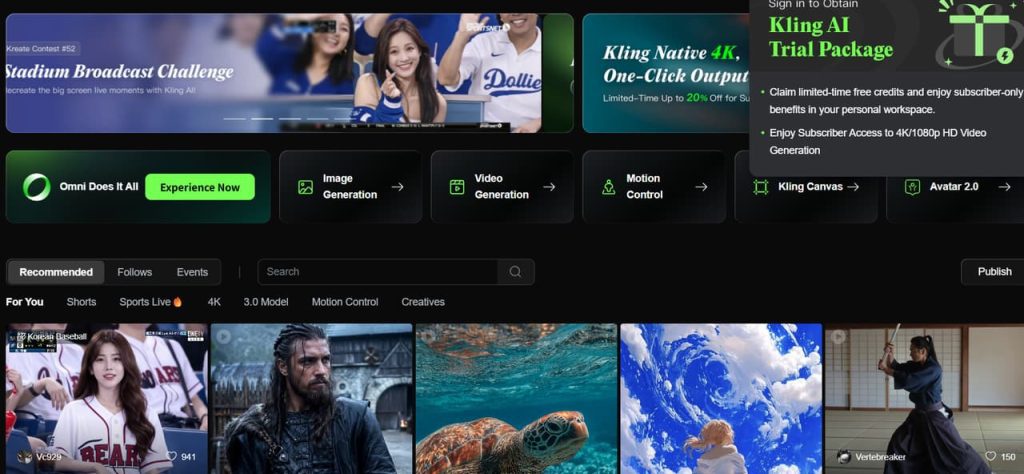
- Scene generation: Kling 1.6 (for motion realism) or Stable Video Diffusion for stylized looks
- Lip sync / avatar: Hedra
- Upscaling & cleanup: Topaz Video AI
- Edit & captions: CapCut
Two of these are worth a direct link if you haven’t used them: Stable Video Diffusion’s model card documents the exact parameters and limitations for the stylized-look option, and Topaz Video AI’s documentation is where I actually look up upscaling presets instead of guessing.
More moving parts. More export steps. But each model is doing what it’s actually good at.
The tradeoff is real: I once spent 45 minutes debugging a single handoff between Kling and Hedra because the face crop parameters didn’t match. Gemini Omni would have handled that in one prompt. For anyone trying to reproduce this: the mismatch was Hedra expecting a tighter face crop ratio than Kling’s default output — not a bug exactly, just two tools with different assumptions about framing. Worth checking before you commit to a multi-tool pipeline for anything face-heavy.
Core Differences at a Glance
The fastest way to understand a real ai video workflow comparison is this:
Gemini Omni reduces workflow friction.
Multi-model systems increase production flexibility.
| Factor | Gemini Omni / Single Model | Multi-Model Workflow |
| Setup speed | Faster | Slower |
| Ease of use | Easier | More technical |
| Shot control | Moderate | Higher |
| Long-form reliability | Limited | Better |
| Character continuity | Inconsistent | Usually stronger |
| Vendor dependence | High | Lower |
| Best for | Fast iteration | Production work |
Short version: Gemini Omni trades control for speed. Multi-model trades speed for control. Almost every other tradeoff in this article is downstream of that one.
And honestly, that “vendor dependence” row matters more than people admit. A single ecosystem is convenient right until pricing changes or rendering queues spike.
Where Gemini Omni Wins
Fast short-form ideation
This is the strongest argument for Gemini Omni.
If you make:
- TikTok ads
- Shorts
- meme edits
- quick product demos
- rapid client drafts
The speed advantage is real.
You can go from rough prompt to usable sequence without exporting assets between four tabs. That workflow compression matters more than benchmark screenshots.
Conversational editing
This part surprised me more than the rendering itself.
Being able to say:
- “Keep the lighting from version B”
- “Shorten shot three”
- “Make the pacing calmer”
feels much closer to directing than traditional prompting.
Google has been pushing this conversational, multimodal direction across the Gemini product line for a while now — the interaction model is converging across Google’s creative tools faster than most people tracking individual model releases seem to notice.
Native Google ecosystem access
If your work already lives in Google Docs, Drive, or Slides, keeping references and revisions inside one ecosystem reduces a lot of friction.
That’s especially useful for solo creators and small marketing teams who care more about shipping quickly than maintaining highly customized pipelines.
That’s roughly the same instinct behind why I keep CrePal open in a tab during the multi-model side of testing, too — not as a replacement for Kling or Hedra, but as the layer that keeps script, shot list, and generation requests in one place so I’m not the one manually passing parameters between five tools. It doesn’t remove the modular tradeoffs below, it just removes some of the busywork around them.
Where Multi-Model Workflows Win
Longer projects and multi-shot edits
This is where single-model systems still struggle.
A six-second clip is easy. A coherent 90-second sequence with stable pacing, characters, and visual logic is much harder.
Once projects get longer, problems stack up:
- continuity drift
- lighting inconsistency
- changing facial structure
- pacing instability
A modular workflow lets you fix those issues piece by piece instead of rerunning everything.
Choosing the best model per shot type
This is still the biggest advantage of modular systems.
Some models are better at:
- cinematic motion
- anime aesthetics
- realistic faces
- physics
- lip sync
- camera movement
That’s why most serious creators don’t fully commit to one platform yet.
Even systems built around Veo’s underlying technology are usually paired with external editing and enhancement tools — DeepMind’s own materials frame Veo as a generation engine, not an end-to-end production system, which tells you something about where the platform itself expects the gaps to be.
Avoiding vendor lock-in
A single-model workflow means your whole production stack depends on one company’s:
- pricing
- moderation rules
- render limits
- roadmap
A multi-tool workflow spreads that risk.
Less elegant, sure. But usually safer long term.
When to Choose Gemini Omni
Short social clips
Gemini Omni makes the most sense when speed matters more than precision.
For fast social content, the reduced workflow friction is genuinely useful.
Simple reference-to-video experiments
If you mostly test ideas, concepts, or lightweight creative experiments, conversational workflows feel much smoother than traditional AI pipelines.
That’s where Gemini Omni feels strongest right now.
Google-first creator stacks
Teams already operating heavily inside Google products will probably benefit the most from Omni-style workflows.
Less exporting. Less asset management. Less chaos.
When to Choose a Multi-Model Workflow
Brand campaigns with multiple visual styles
Commercial campaigns usually need:
- multiple moods
- platform variations
- different aesthetics
- layered revisions
One generalized system rarely handles all of that equally well.
Character continuity across shots
This is still one of the biggest reasons creators stay modular.
Even strong all-in-one systems struggle with:
- face consistency
- wardrobe stability
- recurring environments
Specialized workflows usually handle continuity better.
Cost optimization at scale
A lot of creators assume a unified workflow is automatically cheaper.
Sometimes it is. But large-scale production often benefits from mixing premium tools with cheaper specialized models.
That’s a major reason the current gemini omni alternative discussion exists at all.
How to Test Both in One Week
Build two parallel test pipelines
Run the same project twice:
- once entirely inside Gemini Omni
- once using a modular workflow
Same references. Same prompts. Same deadline.
No cherry-picking.
Score consistency, prompt fidelity, cost per usable second
Those three metrics tell you almost everything:
- consistency
- controllability
- production efficiency
Raw generation quality alone is misleading. Concretely: “cost per usable second” means total credits or dollars spent on a shot divided by the seconds of footage you actually kept — not generated, kept. A shot that took five renders to get one usable take costs five times what the sticker price suggests. This is the number that exposes whether a “cheaper” single-model workflow is actually cheaper once rerenders are counted.
Document failure cases, not just best outputs
This is the part showcase videos skip.
Track:
- broken continuity
- failed motion
- rerender frequency
- prompt misunderstandings
Production reality lives at the failure rate, not the hero clips.
FAQ
Is Gemini Omni better than a multi-model workflow?
For speed and simplicity? Often yes.
For precision and scalable production? Usually not.
The answer depends entirely on your workflow goals.
When should creators use Gemini Omni instead of Veo or Kling?
The gemini omni vs veo 3.1 comparison only really makes sense in context. If you want conversational iteration and integrated workflows, Omni is appealing. If you care more about cinematic rendering or specialized motion quality, tools like Kling AI are usually the better fit — that’s the model I reach for in the multi-model stack above when motion realism matters more than iteration speed.
Is a single-model AI video workflow cheaper?
Initially, sometimes.
At scale, modular systems often optimize costs better because you only use premium rendering where necessary.
What should teams measure before switching workflows?
Track:
- revision speed
- usable output ratio
- render turnaround time
- operator hours
- cost per publishable minute
Most teams only measure visual quality. That’s incomplete.
Verdict: A Decision Framework
After running this entire ai video workflow comparison, my conclusion is pretty simple:
Choose Gemini Omni if your biggest problem is workflow friction.
Choose a multi-model workflow if your biggest problem is production control.
That’s the real split.
Single-model systems are getting very good at compressing the creative process. Multi-model systems are still better at handling complex production realities.
And honestly? I think most serious creators will end up using both.
Previous Posts: