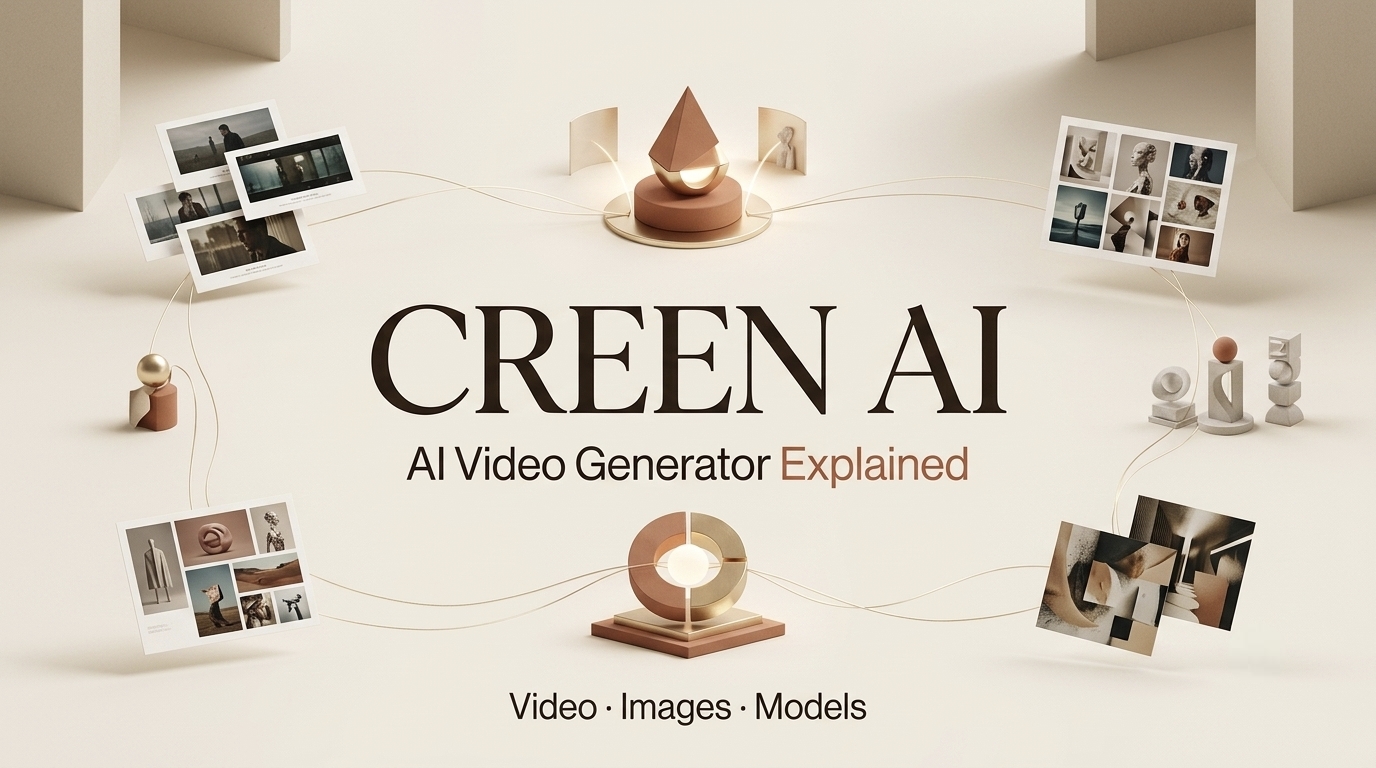
I’m Dora. I first looked at Creen AI with a very practical creator question: can this help me test a video idea faster, or will it just create another messy folder of clips I never use?
That question matters because first-time users usually arrive with big expectations. They see “free,” “AI video,” “multi-model,” or “no login,” then assume the tool can replace a real production workflow. It cannot. Creen may help with early creative testing, but a finished video still needs planning, review, editing, rights checks, and export control.
What Is Creen AI?
Video, image, and audio workspace
Creen’s public materials present it as a browser-based workspace for AI video, image, and audio generation. Current Creen AI video generator claims to position the tool around text-to-video, image-to-video, model choice, and fast browser-based generation.
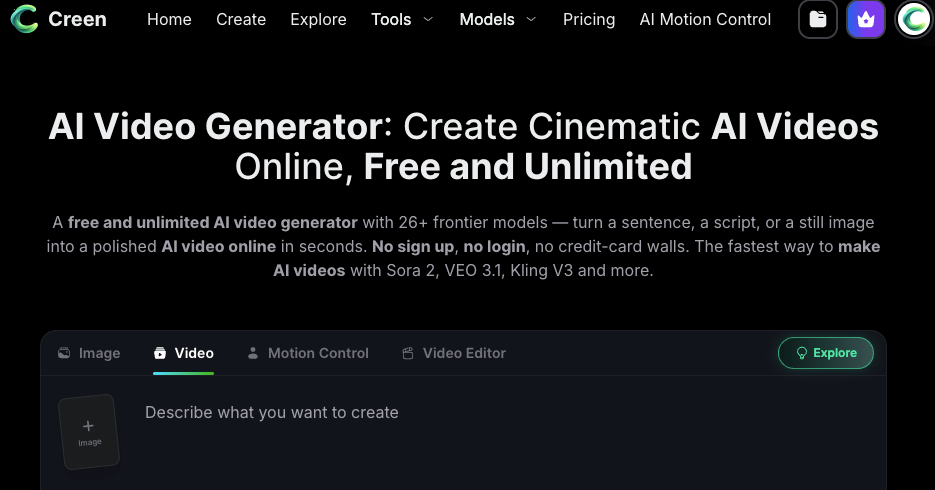
That makes it more like an AI video workspace than a single-purpose generator. A creator can start with a prompt, test a short video, move back to still-image planning, and explore audio or voice options later. In theory, that reduces tool switching during the messy first stage of a project.
The key phrase is “first stage.” A workspace can help create assets. It does not automatically solve story structure, brand review, usage rights, platform disclosure, or final editing.
Multi-model access
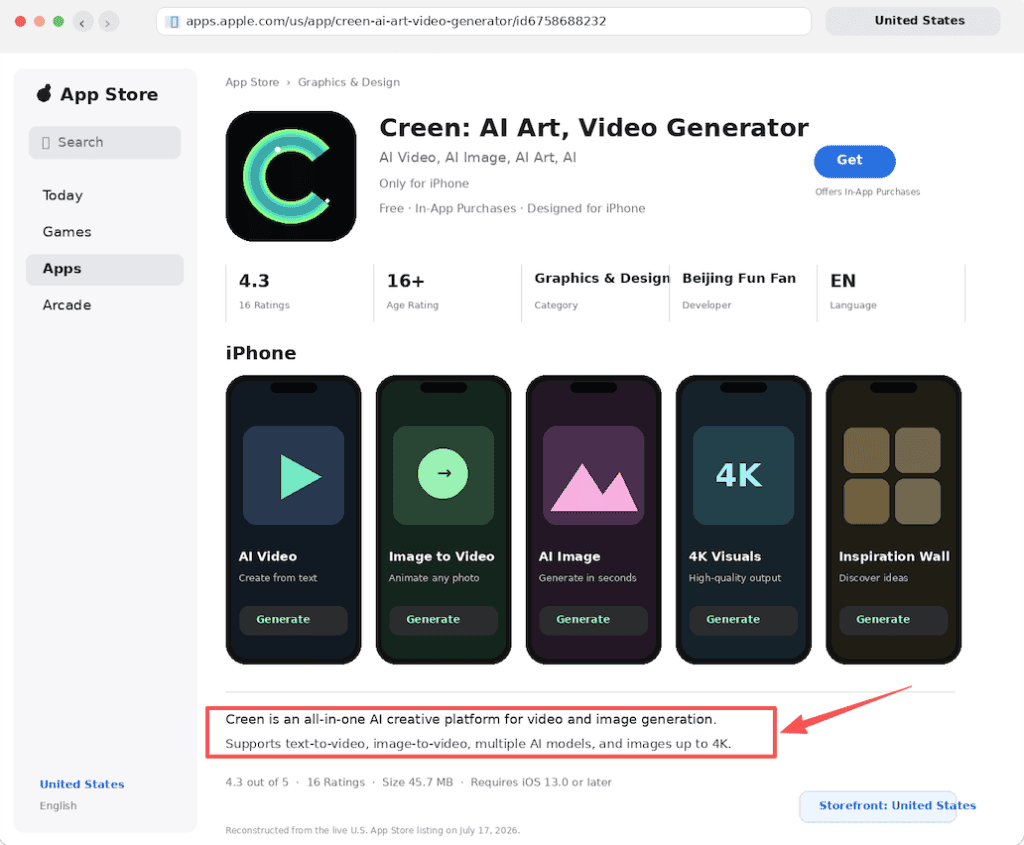
Creen’s public pages emphasize access to multiple models across video, image, and audio. The Creen App Store listing also describes it as an all-in-one AI creative platform for video and image generation.
For creators, model choice can be useful. The same prompt may look cinematic in one model, stylized in another, and unusable in a third. Testing more than one model can help teams find a direction faster.
But multi-model access only matters if the workflow makes comparison easy. I would judge Creen on four practical checks: can I see which model made which result, can I rerun a promising prompt, can I compare outputs side by side, and can I export the winning version without losing quality or rights clarity?
Still, model access changes quickly. A serious Creen AI review should treat model names, free tiers, output quality, and access rules as time-sensitive. Record the model, prompt, date, input asset, and output notes whenever a result matters.
Creator use cases
Creen AI fits creators and marketing teams testing short-form ideas, product visuals, faceless video concepts, social hooks, and image-to-video drafts. It may be useful when a team needs fast options before deciding what deserves editing time.
For example, I would use it to test three product teaser directions: a clean studio look, a lifestyle scene, and a more cinematic motion test.
| Check | What I would look for | Why it matters |
| Product accuracy | Logo, packaging, color, shape, claims | Prevents polished but unusable assets |
| Brand tone | Does the scene feel like the brand? | Keeps AI output from drifting generic |
| Caption safety | Space for text, faces, UI, product | Avoids social-platform crop problems |
| Usage rights | Input rights, output rights, platform terms | Reduces client and commercial risk |
| Platform fit | Reels, Shorts, TikTok, ad placement | Prevents one-format-fits-all thinking |
If one version looked good but showed the product incorrectly, used an off-bIf one version looked good but showed the product incorrectly, used an off-brand claim, or created a shot we could not safely publish, it would stay a draft. I would not use the first good-looking output as the final campaign asset without review.
What Creators Can Use It For
Text-to-video drafts
Text-to-video is useful when the idea is still loose. A creator can test whether a scene has visual potential before writing a full script or briefing an editor.
The best way to judge a text-to-video draft is not “Is this final?” It is “Did this teach me something?” Maybe the lighting works, but the camera movement feels wrong. Maybe the scene is too generic. Maybe the first frame is strong enough to become a hook.
This is where the Creen AI video generator can support early planning. It turns vague ideas into visible tests, which makes creative decisions less abstract.
Image-to-video experiments
Image-to-video can be more controlled because the still image gives the model a visual anchor. A Creen AI image generator workflow may start with a concept frame or product still, then test motion after the image direction feels close.
This is useful for product promos, moodboards, and storyboard experiments. But the still image must be reviewed first. If the product label is wrong, the logo is warped, or the UI is fake, the video will carry that problem forward.
For client work, I would treat image-to-video as a motion test, not proof that the asset is ready to publish.
Visual concept testing
Visual concept testing is probably Creen’s cleanest role. It can help a team compare directions before committing to production.
A skincare brand might compare a bathroom shelf, a travel pouch, and a close-up texture scene. A YouTube creator might test three intro visuals before choosing the one that fits the title. The winning clip is not always the prettiest. It is the one that gives the clearest direction for the final video.
Where Creen AI Fits in a Real Video Workflow
Ideation and model testing
Creen AI fits early, when the team is still exploring. It can help test prompts, compare model behavior, and gather rough visual options.
This stage needs simple documentation. Save the prompt, model name, input asset, date, output file, and reviewer note. Without that, a useful result becomes hard to reproduce later.
Clip generation versus full production
Generating a clip is not the same as producing a video. A finished piece still needs script structure, shot order, captions, sound, music rights, brand approval, thumbnails, export settings, and publishing decisions.
This is where Creen AI free claims need caution. Free access, no-login behavior, model counts, resolution, watermark rules, and commercial use should be checked on the live official site before client work. Current Creen Terms of Service cover user responsibility, output variability, restricted content, account requirements for some features, and payment terms.
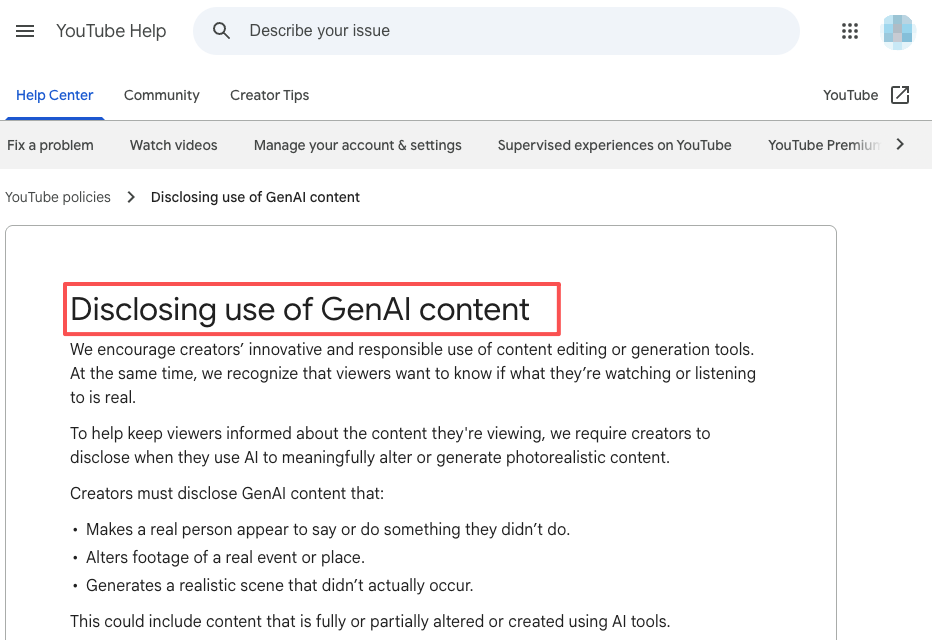
For publishing, YouTube GenAI disclosure requirements matter when realistic AI-generated or meaningfully altered content could affect viewer understanding.
Handoff into editing or AI Director workflow
After testing in Creen, the strongest clips should move into editing or an AI Director workflow. CrePal can sit after generation when a team wants to connect selected assets with script beats, storyboard planning, revision notes, and export management. That does not mean CrePal is integrated with Creen. It means generated clips still need a production structure.
A good handoff explains why the clip was selected, what needs fixing, what must stay consistent, and what the final video should achieve.
Limits, Claims, and Facts to Verify
The biggest risk is taking Creen’s marketing claims too literally. Free access, no-login use, model count, 1080p output, speed, privacy language, and commercial rights should be verified before publishing recommendations.
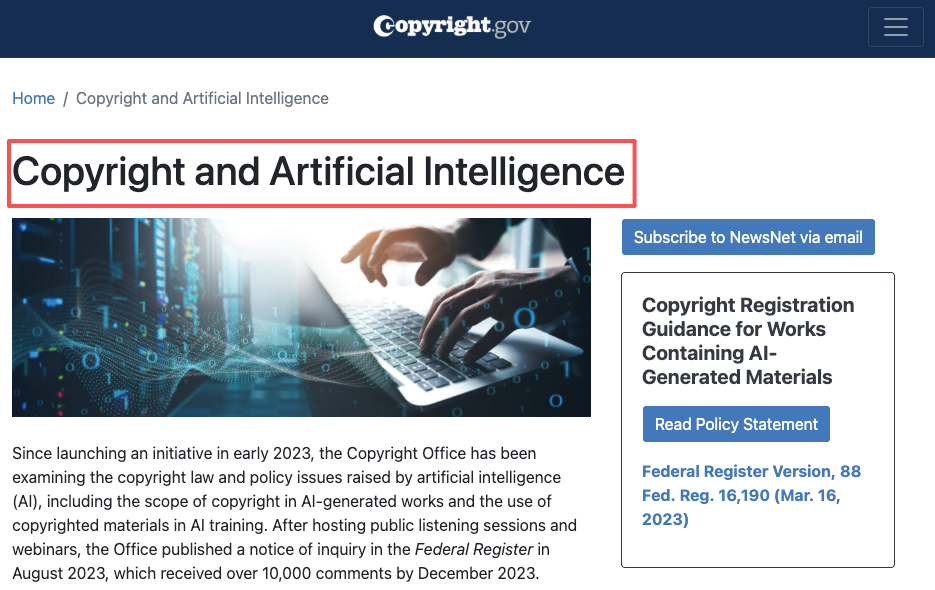
For rights and ownership context, U.S. Copyright Office guidance on AI and copyright is a useful background for authorship and registration questions. For marketing copy, FTC guidance on artificial intelligence is a useful guardrail against unsupported AI claims.
Teams should also verify whether uploaded assets can be used in the tool, whether client materials are allowed, whether public sharing changes rights, and whether outputs need platform disclosure. This article is not legal advice. Commercial use, copyright, privacy, and platform rules should be checked against current official terms.
Claims around free access, no-login use, model count, output resolution, speed, privacy language, and commercial rights should be verified.
FAQ
How should teams archive Creen AI test results?
Archive each test with the prompt, model, input asset, date, output file, intended use, and reviewer note. If the result was rejected, record why. This helps future testing and prevents the same weak direction from returning under a new prompt.
Who should control shared workspace access during trials?
A producer, creative lead, or operations owner should control access during trials. Shared access affects client assets, output history, workspace settings, and ownership. For team tests, one person should be responsible for what gets uploaded and what gets saved.
What notes help compare Creen AI with future tools?
Useful notes should track prompt control, model choice, generation speed, visual consistency, rights clarity, watermark behavior, export quality, and editing handoff. Avoid vague notes like “better result.” Write what actually changed the workflow.
How should client-facing claims be reviewed after testing?
Client-facing claims should match the actual test. If the team tested only a few clips, do not claim broad performance. If free access, commercial use, or model availability was not verified, say so. Keep claims dated, specific, and tied to evidence.
Conclusion
Creen AI is best understood as a multi-model creative workspace for testing AI video, image, and audio ideas. It may help creators explore text-to-video drafts, image-to-video experiments, model options, and visual concepts faster.
But it is not a full production workflow by itself. Use Creen to explore. Verify the facts before making claims. Then move the best outputs into a real editing, review, and publishing process.
Source note: I checked Creen’s official AI video generator page, App Store listing, terms page, and relevant platform disclosure guidance while preparing this article. I’m treating feature claims, pricing, free access, model availability, and commercial-use language as time-sensitive. Verify the current official source before using Creen in client or paid work. This article is for product and SEO research, not legal advice.
Previous Posts: