

An ai video workflow is not “type one prompt and hope the model behaves.” That sounds nice in demos, but real projects are messier. A creator has a brief, a target audience, source assets, brand rules, scene ideas, approvals, captions, platform specs, and usually one person asking for “just one small change” after the video already looks done.
It’s Leo. I learned this the annoying way. The first few AI video projects I ran felt fast at the generation stage and slow everywhere else. The clip appeared quickly. Then came the missing logo, the wrong aspect ratio, the voiceover mismatch, the caption timing, the client note hidden in a chat thread, and the final export that had to be rebuilt. That is when I stopped treating AI video as a generation problem and started treating it as orchestration. A good AI video creation workflow keeps the whole project moving from brief to final cut without losing the original goal.
What an AI Video Workflow Includes
A serious ai video workflow includes five layers: strategy, planning, generation, review, and delivery. If one layer is missing, the project usually still gets done, but the team pays for it later in revisions.
Strategy defines why the video exists. Planning turns that purpose into scenes, assets, voice, timing, and format. Generation creates or edits the visual and audio material. Review compares the result against the brief. Delivery prepares the final version for the platform where it will live.
The mistake beginners make is jumping straight into prompts. I get it. Prompting feels productive. You see motion, colors, and camera moves. It feels like work is happening. But if the goal, audience, format, and approval rules are unclear, the generation step simply produces more material to sort through.
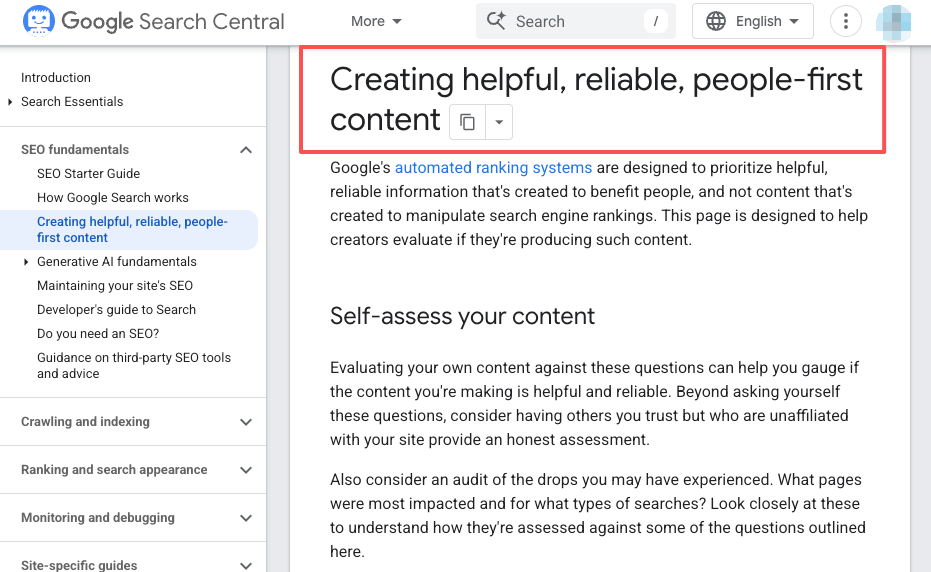
Google’s guidance on helpful, reliable, people-first content is useful even outside classic SEO. The same principle applies to video: start with the user’s need, not the tool’s capability. If the viewer needs to understand a product in 30 seconds, the workflow should protect that goal from beginning to end.
For creators, the workflow may be lightweight. One brief, one script, three scenes, one export. For a small agency, the same structure may need owners, folders, approvals, and version notes. Different scale. Same logic.
From Creative Brief to Shot Plan
The creative brief is where the video earns its direction. A weak brief creates vague scenes. Vague scenes create prompt drift. Prompt drift creates revision pain. I like to write the brief as if I am handing it to another editor who has no context. That forces clarity. What is the offer? Who is watching? Where will this be posted? What must the viewer understand, feel, or do by the end?
Goal, audience, and format
The goal should be painfully specific. “Promote the product” is not enough. “Get first-time visitors to understand the product’s main use case before the CTA” is usable. “Turn a webinar clip into a LinkedIn post for marketing managers who already know the pain” is even better.
Audience changes everything. A TikTok explainer for indie creators can move quickly, use casual captions, and open with a direct pain point. A B2B product demo may need cleaner pacing, fewer visual tricks, and stronger proof. A training video may need clarity more than style.
Format also belongs at the start, not the end. A vertical short, a YouTube explainer, a landing page video, and a sales enablement clip are not the same project. They may use the same assets, but the pacing, framing, captions, and export needs differ.
This is where AI video planning starts to matter. Planning does not slow the project down. It prevents the wrong project from moving fast.
Scene and asset planning
Once the goal is clear, the next step is an action plan. I usually write this as a plain-language scene list: opening hook, problem shot, proof or product moment, transformation, CTA. Nothing fancy. Just enough structure to keep the generation from wandering.
Assets should be attached to scenes early. Product screenshots, logo files, founder clips, brand colors, approved claims, voiceover lines, music references, and forbidden visuals all belong in the planning stage. If a product screenshot must appear in scene two, write that down before generating anything.
A common real-world case: a small team wants a 45-second launch video. They have a landing page, three product screenshots, and a founder quote. Without planning, they ask AI for “a sleek product launch video” and get abstract glass panels, dramatic lights, and no clear product story. With planning, the workflow becomes tighter: hook from the founder quote, screenshot walkthrough, benefit scene, short testimonial-style line, CTA. Less magic. Better result. That is the hidden value of a creator’s video workflow. It does not make creativity smaller. It gives the creative somewhere to land.
Coordinating Generation, Review, and Export
The middle of the workflow is where AI video gets chaotic. Multiple clips get generated. Some are good but off-message. Some are ugly but useful. Someone asked for a new version. Someone else changes the script. If no one owns the handoffs, the project becomes a pile of almost-finished files.
An orchestration layer can help here. AI Director-style systems are useful as an example of the broader direction: coordinating tasks, versions, assets, and model choices so the creator is not manually holding the entire production map in their head.
Task ownership
Even in a tiny team, every task needs an owner. Not a department. A person or role. One person owns the brief. One owns the script. One owns visual generation. One owns review. One owns export. In solo workflows, that may all be you, but the roles still matter. When I work alone, I still separate “writer mode,” “director mode,” and “export mode,” because mixing them creates lazy approvals. The writer wants the line to sound good. The visual reviewer wants the scene to look good. The director asks whether the video still serves the goal. Those are different questions.
Version tracking
Version tracking is boring until it saves the project. Every AI video project should record what changed and why. Not every prompt attempt needs a novel, but approved versions need names that humans can understand. Use names like launch-video-v03-founder-hook-approved instead of final_final_2. If a scene is rejected because the product looks wrong, write that down. If the client approves the script but not the visuals, write that down too.
This protects the team from looping. Without version notes, people regenerate old mistakes. With notes, the workflow gets smarter as it moves.
Export readiness
Export readiness should not wait until the last hour. Check aspect ratio, resolution, captions, audio levels, file format, thumbnail needs, platform specs, rights, and disclosure requirements before the final render.
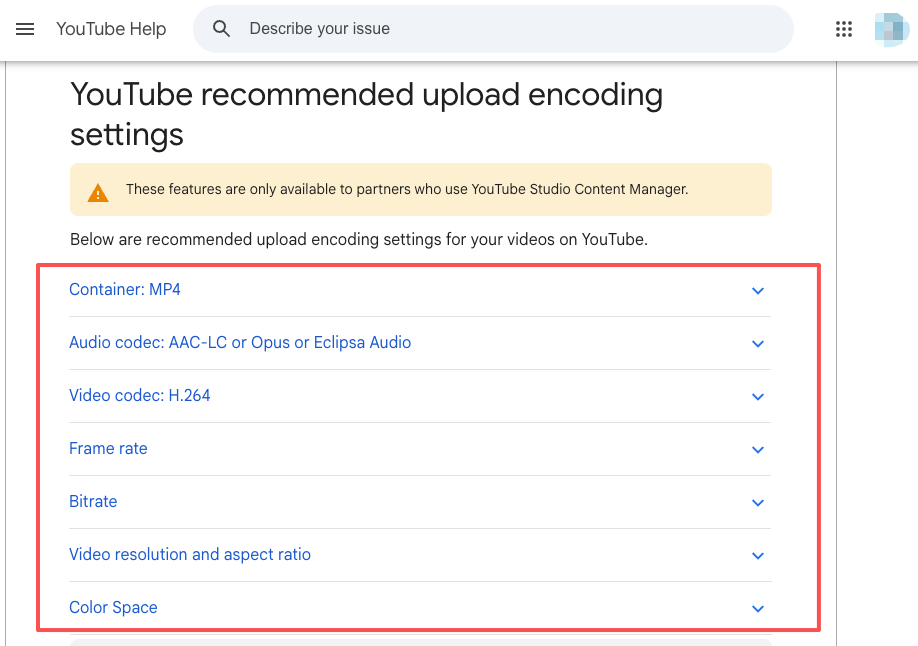
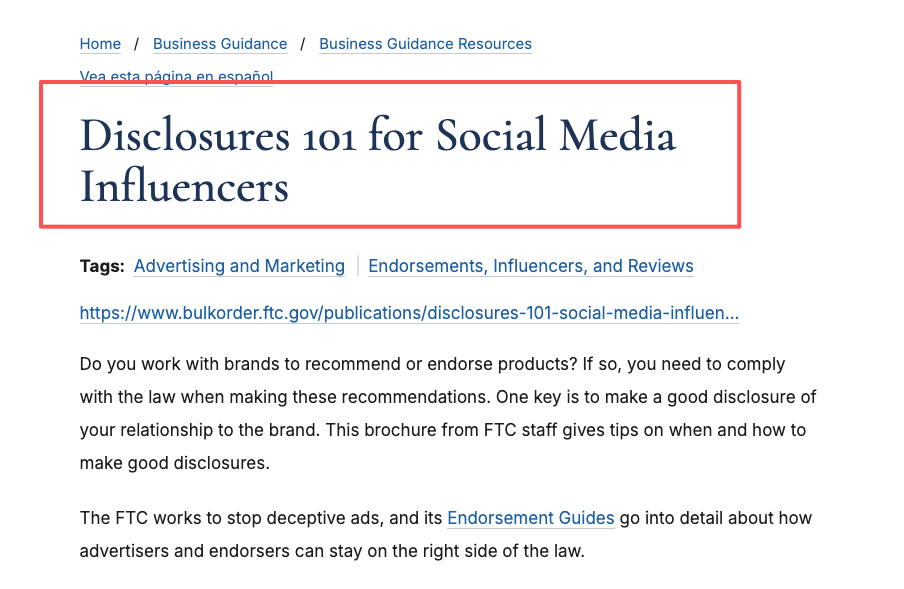
For YouTube, Google’s recommended upload encoding settings are a good reminder that export quality is not just “make it HD.” Codec, frame rate, audio settings, and aspect ratio all affect delivery. For paid or sponsored social content, the FTC’s disclosure guidance for social media endorsements is worth checking before publishing, especially when creators, brands, or affiliates are involved.
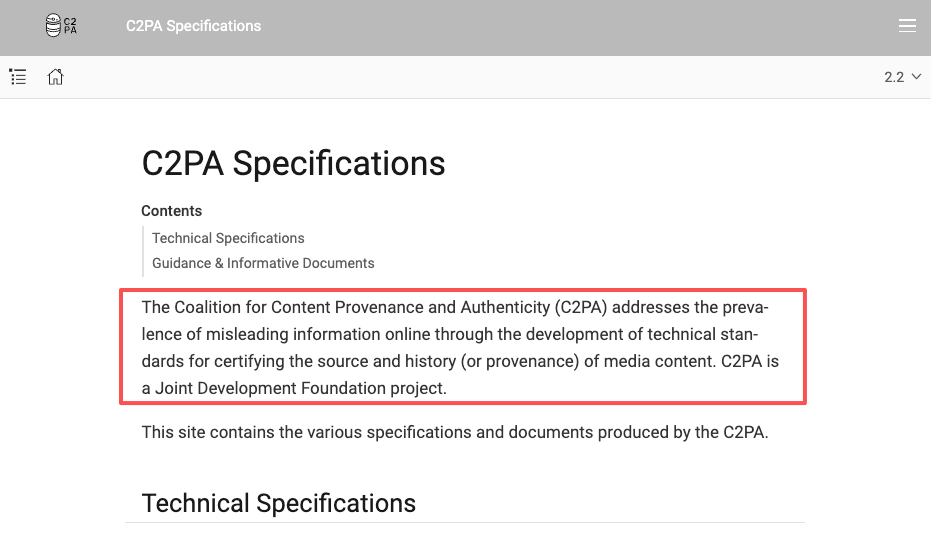
This is also where provenance can enter the workflow. The C2PA specification is one major standard for content credentials and media provenance. It is not a substitute for review or legal judgment, but it gives teams a vocabulary for tracking how media was created and modified.
Limits and Workflow Risks
The biggest risk in a video production AI workflow is false confidence. The draft looks polished, so everyone assumes the workflow worked. Then someone notices the product UI is outdated, the claim is unsupported, the voiceover says one thing while the caption says another, or the final file cannot be used on the intended platform.
AI video also makes it easy to create too many options. More options feel like creative freedom, but they can bury the decision. I have seen teams generate twenty openings when the real issue was that the brief had no point of view. The model was not the bottleneck. The strategy was.
There are rights risks too. Teams should track source assets, licensed music, voice permissions, likeness approvals, and AI-generated elements. The U.S. Copyright Office’s AI initiative is a useful starting point for understanding why human authorship, selection, arrangement, and disclosure questions matter. Laws and platform policies change, so treat this as a workflow checkpoint, not a one-time read.
The final risk is overbuilding. A five-second meme does not need a heavy workflow. A product campaign with paid spend does. The point is not to add process for its own sake. The point is to make the process match the risk of the project.
FAQ
Can old scripts be reused in AI video workflows?
Yes, but do not paste an old script directly into a generator and expect a clean result. Old scripts usually need a format pass. A webinar script may need shorter sentences. A blog intro may need visual beats. A sales script may need proof points turned into scenes.
The useful move is to mark each line as voiceover, on-screen text, visual direction, or optional detail. Once the script is tagged, AI tools have a cleaner structure to work with.
How should teams organize assets before migration?
Organize assets by usage, not just file type. Put approved logos, product shots, screenshots, testimonials, voice files, music, brand fonts, and legal notes in separate folders. Add a short usage note where needed.
For example, “approved homepage screenshot, July 2026” is more useful than screenshot-4.png. Migration fails when teams move files but not meaning.
What should teams track after publishing?
Track more than views. Watch retention, comments, saves, click behavior, platform-specific completion rates, and qualitative feedback from sales or support teams. Also track production notes: which scenes took too long, which prompts failed, which export settings worked, and what the next project should reuse.
Post-publish learning is part of the workflow. Otherwise every project starts from zero again.
When should workflows differ across content formats?
Workflows should differ whenever the viewer’s behavior differs. A short-form video needs a faster hook and fewer ideas. A tutorial needs clearer sequencing. A paid ad needs stricter claim review. A sales video may need stakeholder approval before export.
Same team, different format, different checkpoints.
What should teams review after a project is archived?
Review the final brief, approved script, source assets, model or tool notes, rights status, export settings, performance results, and the biggest workflow delay. Then save only what is reusable.
Archiving is not just storage. It is how the next ai video workflow gets faster without becoming sloppier.
Conclusion
A strong ai video workflow turns AI from a clip generator into a production system. The real value is not one perfect prompt. It is the ability to move from brief to shot plan, from generation to review, and from final approval to export without losing the goal.
For creators, that means fewer half-finished drafts. For teams, it means cleaner handoffs and less revision chaos. The tools will keep changing. The workflow discipline is what keeps the final cut publishable.
Previous posts:


[…] Creators Use Seedance to Make AI Videos AI Video Workflow: From Brief to Final Cut AI Video Review Checklist Before Export LTX-2.5 Review 2026: Is Native Multi-Shot Useful? […]
[…] TV: Live AI Video With Audience Input AI Video Workflow: From Brief to Final Cut Seedance Studio Review: Is It a Complete AI Workspace? LTX-2.5 Review 2026: Is Native […]
[…] Max Review: Does Faster Improve Video Iteration? AI Video Workflow: From Brief to Final Cut AI Video Review Checklist Before Export JSON Prompt Generator for AI Video Workflows How […]