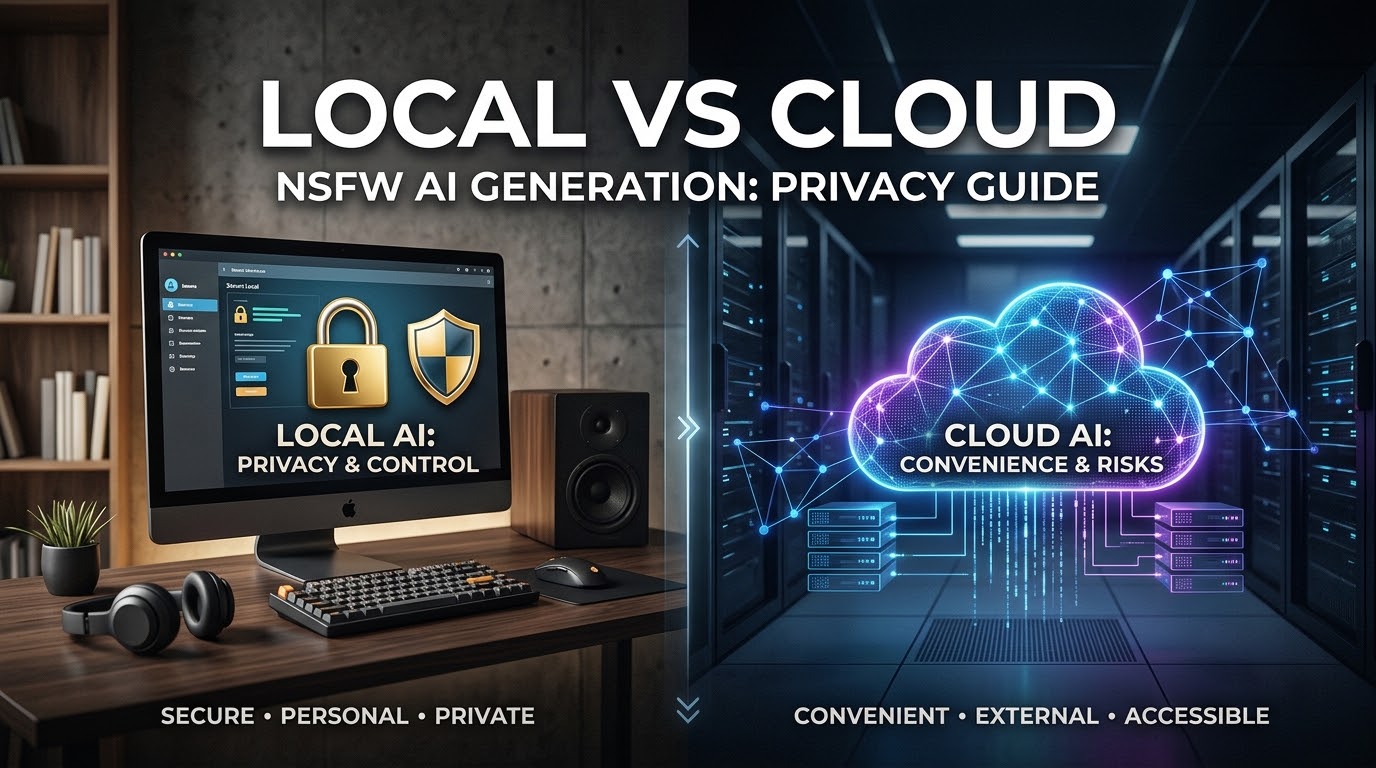
Compliance & Legal Disclaimer: This article provides operational workflow analysis for professional digital studios creating mature, adult-themed concepts. It does not constitute legal or cybersecurity counsel. The privacy capabilities, hardware requirements, software licenses, and content moderation policies of specific AI tools change frequently and must be independently verified prior to deployment. No system—local or cloud—can guarantee absolute security against data breaches or hardware theft. Furthermore, generating or distributing non-consensual intimate imagery (NCII) or unauthorized likenesses is illegal globally, regardless of the generation environment utilized.
For commercial digital studios and independent creators producing mature or adult-themed visual concepts, data privacy is not a luxury; it is a strict operational mandate. Client NDAs, proprietary character designs, and sensitive storyboard concepts must be fiercely protected. When establishing an adult AI art workflow, production teams inevitably reach a critical infrastructure crossroads: should you process these sensitive files on your own hardware, or trust them to a hosted web service?
This decision requires analyzing local vs cloud NSFW AI generator privacy through a rigid threat-modeling lens. The debate between a local NSFW AI generator and cloud adult AI tools goes far beyond upfront costs. It is a fundamental choice regarding data sovereignty, operational maintenance, and collaboration limits.
Whether your studio operates offline rendering nodes or leverages cloud-based AI orchestration environments like CrePal to coordinate scripts, character consistency, and video pipelines, understanding where your data lives is essential. This guide compares both environments across storage, setup, control, and recovery to help your studio choose the safest path for your proprietary assets.
Quick Verdict
There is no universally “perfect” system. The right choice depends on your team’s technical expertise, geographical distribution, and the strictness of your client contracts.
Local Workflows Favor Control and Technical Ownership
Choose a local setup (such as running Stable Diffusion via ComfyUI or Automatic1111 on your own GPU) if your primary concern is absolute data sovereignty. Local workflows excel when you cannot legally allow client briefs or proprietary reference images to touch internet-connected third-party servers. It offers deep customization, but requires significant upfront hardware capital and constant IT maintenance.
Cloud Workflows Favor Access and Collaboration
Choose a cloud workflow (browser-based AI generators or API services) if your team is distributed, you lack high-end rendering hardware, and your workflow demands rapid iteration. Cloud services excel at team collaboration and ease of use, but they require trusting a vendor’s data retention policies and potentially exposing your prompts and source images to external subprocessors.
Compare Data Exposure and Storage
The most critical vector in private AI image generation is where your text prompts, reference images, and generated outputs physically reside.
Local Files, Backups, and Device Risk
With a local setup, your data technically never leaves your physical premises. This provides excellent local Stable Diffusion privacy, ensuring that no third-party vendor is secretly utilizing your mature character designs to train future models.
However, local storage is not an absolute impenetrable fortress. A local machine is vulnerable to localized threats: physical theft of the hard drive, ransomware attacks, or unauthorized access by internal staff. To secure a local workflow, studios must implement full-disk encryption (such as BitLocker or FileVault), air-gap the rendering machines from public internet access where possible, and maintain strictly encrypted physical backups.
Cloud Uploads, Retention, and Subprocessors
Cloud generation requires transmitting data. When you type a prompt or upload a reference image, that data travels to a server. The primary privacy risk here involves data retention and subprocessors.
- Does the cloud platform store your images indefinitely?
- Do their terms of service allow them to use your generation for model training?
- Are they renting computing power from a larger subprocessor (like AWS or specialized GPU clusters) that has its own distinct data access rights?
To mitigate these risks, professional studios must secure Enterprise-level agreements with cloud providers that explicitly guarantee Zero Data Retention (ZDR) and compliance with international privacy frameworks like the GDPR.
Compare Setup and Maintenance
The barrier to entry and the ongoing labor required to keep the systems operational differs drastically.
Hardware, Drivers, Models, and Updates
A local workflow places the entire IT burden on your studio. You must procure high-end GPUs equipped with massive VRAM to handle large-scale image and video generation. The ongoing maintenance is intense. Technical artists must constantly update Python environments, manage CUDA drivers, manually download gigabytes of model weight files (safetensors), and troubleshoot dependency conflicts. The ComfyUI vs browser AI debate often boils down to this: are you willing to spend hours connecting node-based architecture and debugging code just to generate an image?
Browser Access, Accounts, and Service Changes
Cloud platforms eliminate hardware barriers. A creator can generate complex, high-fidelity concepts using a standard laptop or tablet. The platform handles all model updates, server maintenance, and driver optimization.
However, this convenience costs you stability. Cloud platforms are notorious for unannounced updates. A model you rely on for a specific mature aesthetic might be quietly patched, removed, or subjected to new, restrictive safety filters overnight. Your studio’s workflow is entirely at the mercy of the provider’s product roadmap and account access policies.
Compare Creative and Operational Control
Creative control is tightly linked to how the software operates and how teams interact with the final outputs.
Reproducibility, Model Choice, and Workflow Records
Local workflows offer absolute control over the generation’s environment. If you need to reproduce an image perfectly six months later, you can lock the exact seed, model version, and generation parameters on your local machine. Furthermore, you have unrestricted access to the open-source community, allowing you to run highly specific, niche fine-tunes or custom LoRAs (Low-Rank Adaptations) that cloud platforms might refuse to host due to internal content policies.
Team Review, Sharing, and Customer Support
Local setups create data silos. If an art director needs to review a technical artist’s local generations, the files must be manually exported and shared.
Cloud platforms shine in operational orchestration. Enterprise cloud tools offer shared workspaces, centralized prompt libraries, and role-based access control (RBAC). For example, cloud orchestration suites like CrePal allow distributed teams to align static assets, script video motion, and manage project approvals within a unified browser interface. While you must verify any platform’s current official privacy policies before uploading sensitive material, cloud infrastructure inherently supports the agile, collaborative review cycles required by modern digital agencies.
Caption: Studios must weigh the IT maintenance burden of local control against the ease of cloud-based team orchestration.
Compare Cost and Failure Recovery
Financial planning for AI generation requires looking beyond the initial price tag and preparing for catastrophic failures.
Upfront Hardware Versus Usage-Based Charges
Local generation requires heavy Capital Expenditure (CapEx). Buying dedicated rendering rigs is a massive upfront cost, followed by higher electricity bills and eventual hardware depreciation. However, once the hardware is purchased, generating 10 images or 10,000 images costs virtually the same.
Cloud generation shifts the financial model to Operational Expenditure (OpEx). You pay monthly subscriptions or API token fees based on usage. This lowers the barrier to entry but can scale uncontrollably if your team runs thousands of high-resolution video frames per week.
Downtime, Lost Work, and Backup Planning
If your local GPU burns out or your motherboard fails, production stops immediately until the hardware is physically replaced. If you haven’t implemented a rigorous 3-2-1 backup strategy (three copies of data, two different media, one offsite), a local drive failure can destroy months of proprietary model training.
Cloud workflows shift disaster recovery to the vendor. If a cloud server goes down, production halts, but your data is generally protected by enterprise-grade redundancy. However, if the cloud vendor suddenly goes out of business or permanently bans your account for a policy violation, you instantly lose access to your entire workspace and saved prompt histories.
Choose a Workflow by Risk Level
To finalize your decision, categorize your current project by its inherent data risk.
Synthetic Tests and Fictional Characters
If you are generating purely fictional, adult-themed characters for an indie comic book or a stylized conceptual storyboard, the privacy risk is relatively low. The primary concern is protecting your artistic style, not legal liability. In this scenario, cloud adult AI tools and collaborative platforms like CrePal provide the speed, project orchestration, and flexibility needed to iterate rapidly without heavy internal IT investments.
Rights-Cleared Sensitive Client Assets
If your studio is working under strict NDA for a major client—perhaps using authorized, rights-cleared reference photos of an actor to generate a mature, conceptual film pre-visualization—the risk is astronomically high. Leaking these reference images would result in devastating lawsuits. This scenario demands a heavily encrypted local NSFW AI generator workflow, physically disconnected from public networks, to guarantee absolute data containment.
Limitations and Trade-Offs
No single solution solves every problem:
- Local Limitations: Creates workflow bottlenecks, requires massive hardware investments, limits remote collaboration, and places the entire cybersecurity burden on your internal IT team.
- Cloud Limitations: Requires trust in a vendor’s data security, subjects your workflow to unexpected filter changes, requires constant internet connectivity, and incurs recurring, scaling subscription costs.
FAQ
Can procurement require different contracts for local and cloud tools? Yes. For local tools, procurement focuses on hardware warranties and open-source software licenses (e.g., CreativeML Open RAIL-M). For cloud tools, procurement must negotiate strict Data Processing Agreements (DPAs), enforce Zero Data Retention clauses, and secure guarantees regarding subprocessor data access.
Who should maintain models on a shared production machine? If running a local machine utilized by multiple artists, the Lead Technical Director or a dedicated IT administrator must own the machine’s configuration. Allowing multiple artists to install unverified models, custom scripts, or third-party nodes directly from GitHub poses a massive malware risk to the local network.
Should contractors receive access to a private cloud workspace? Contractors should only receive temporary, role-restricted access. Cloud platforms must support granular permissions so contractors can generate and review assets for their specific project without gaining access to the studio’s broader prompt library or historical client data. Access must be revoked the moment the contract concludes.
How can teams retire an old local generation computer? Before selling or recycling an old local rendering rig, the IT department must perform a cryptographic wipe of the hard drives (or physically destroy the platters). Standard file deletion leaves residual data from temporary generation folders, which could expose sensitive client images to hardware scavengers.
What records help compare privacy incidents across both setups? Studios should maintain an internal incident log tracking data anomalies. For local setups, this includes tracking unauthorized physical access or network firewall alerts. For cloud setups, this includes tracking unannounced vendor Terms of Service updates, API data leaks, or unexpected account suspensions.
Conclusion
The debate over local vs cloud NSFW AI generator privacy is ultimately an exercise in risk management. A local NSFW AI generator provides unmatched data sovereignty and creative control, demanding significant hardware and IT investment to secure your assets behind your own firewalls. Conversely, cloud adult AI tools and cloud orchestration platforms like CrePal offer unparalleled collaboration, speed, and ease of use, provided you can legally and securely navigate the vendor’s data retention policies. By rigorously classifying your project’s sensitivity, verifying software licenses, and understanding where your data physically lives, your studio can confidently deploy a secure, compliant AI art workflow that protects both your creative vision and your clients’ most sensitive assets.