Hey guys, I’m Dora — and last Tuesday at 11 PM, I was staring at a product brief that needed a finished video ad by Thursday morning. My usual workflow would have taken at least two days, but this time I typed one sentence into an AI video ad generator and had a draft in 14 minutes.
It wasn’t perfect, but it was usable — something I could quickly refine and send for feedback.
That’s the moment I realized: the question in 2026 isn’t “should you use AI for video ads?” It’s “which tool should you open first for this specific campaign?”
The market is genuinely crowded now. According to IAB research, AI-generated creative is on track to make up 40% of all video ads by end of 2026.
Most tools promise everything and deliver less — only a few are truly great at one thing. Here’s what I learned from real campaign testing.
What to Look for in an AI Video Ad Generator
Before we get to the rankings, let me give you the framework I use — because “best AI video ad generator” means completely different things depending on what you’re trying to make.
Output quality under pressure. A lot of tools look great in demo mode. Feed them a vague brief and a product image that’s already been styled — of course it looks clean. What I care about is: give it a messy real-world brief. Product photo taken on an iPhone. Script draft that’s half-finished. Does it still produce something usable?
The iteration loop. This is where most tools quietly fail. You get a first draft, and then… what? Some tools let you chat your way to a better version. Others require you to re-generate from scratch every time you want a tweak. That difference in workflow adds up fast over a campaign cycle.
Platform-native formats. There’s no point generating a stunning 16:9 video if your campaign is running on TikTok and Instagram Reels. The tools that handle aspect ratio, caption placement, and mobile-first pacing natively are worth more than the ones with prettier outputs that need reformatting.
Credit transparency. I’ll say this bluntly: the credit systems on most AI video platforms are confusing on purpose. Before you commit to a trial, run through a real campaign brief and see what it actually costs in credits. The tools that show you this upfront are the ones I trust.
Workflow fit. Are you making one brand story video a month, or 40 product ad variations for an ecommerce catalog every week? The right tool for each of those is completely different.
Best AI Video Ad Tools Ranked
I’m splitting this into three categories because the use cases genuinely diverge. A tool that’s perfect for ecommerce product ads is often frustrating for a B2B explainer. Using the same tool for everything is how you end up with content that feels like it came from nowhere.
Best for Ecommerce
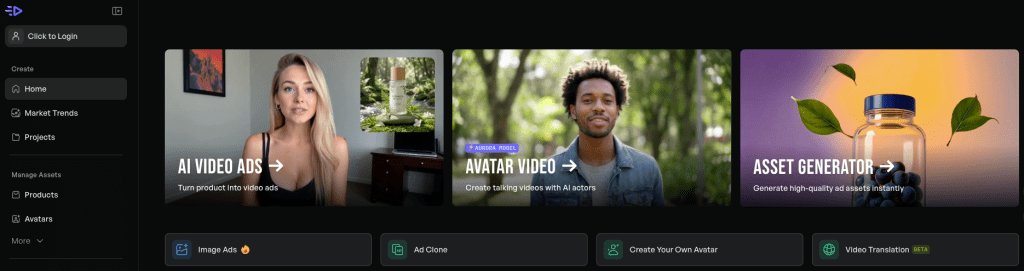
Creatify — If you’re running product ads at scale, this is the one. The URL-to-video workflow is legitimately fast: drop in a product page, it pulls the images, generates UGC-style variants, and you’re testing in minutes. I ran a small fashion brand’s spring campaign through it — 12 product variants, six creative styles each. That would have taken a week with a human team. It took a morning.
The G2 rating (4.8/5 with 1,300+ reviews) reflects real adoption, not just hype. The catch: if your product photography is weak, the AI can’t magic it into something great. Garbage in, garbage in.
Best for: Ecommerce brands running Meta ads, DTC brands with product catalogs, performance marketing teams testing creative at scale.

AdCreative.ai — Where Creatify focuses on UGC-style video, AdCreative leans into performance optimization. It connects directly to your ad accounts and uses that data to inform creative decisions. The image-to-video feature is worth testing specifically for product showcase ads — you upload a static product photo and it generates video with motion, which sounds basic but the output quality surprised me.
Best for: Brands that want creative decisions backed by their own campaign data, not just generic AI output.
Best for Social Ads
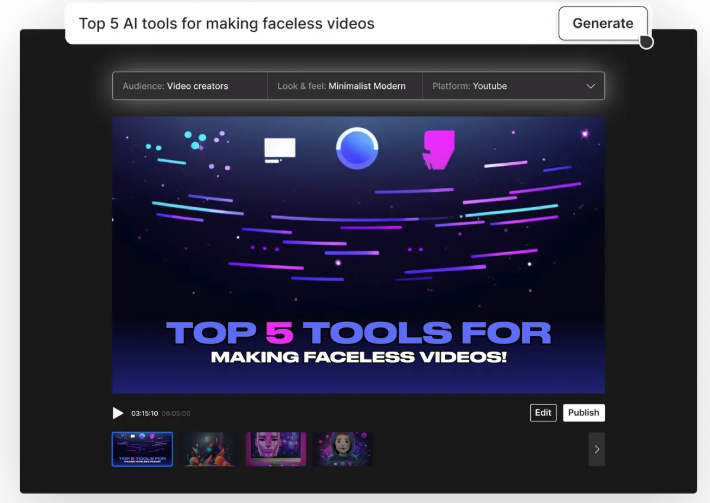
InVideo AI — Text prompt in, social-ready video out. It’s not the most sophisticated tool on this list, but the template library (5,000+) and the automatic format resizing make it genuinely useful for teams that need consistent output volume. If you’re posting to five platforms and need content adapted to each, InVideo handles that without much friction.
Best for: High-volume social content operations, solo creators managing multiple channels.
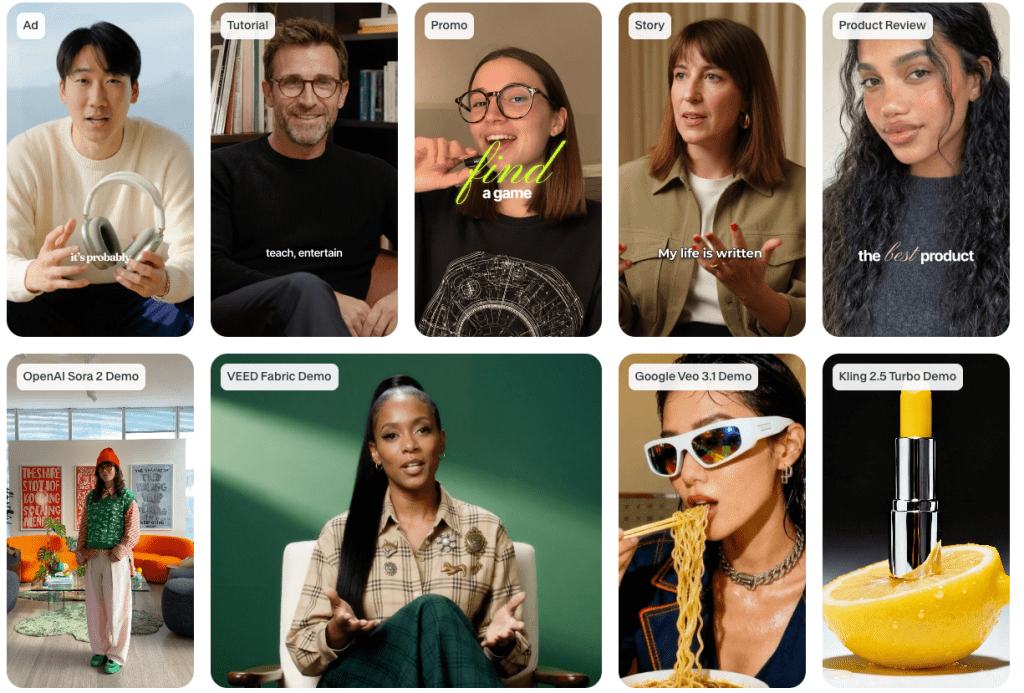
VEED — The hybrid model — AI generation plus full editor access — is where VEED earns its place. For social ads that need a bit more creative control than pure AI output, the ability to generate a draft then jump into the editor to adjust timing or swap specific scenes is genuinely useful. The browser-based approach means no installs, which matters for distributed teams.
Best for: Teams that want both automation and manual editing flexibility in one platform.
Best for Explainer Videos
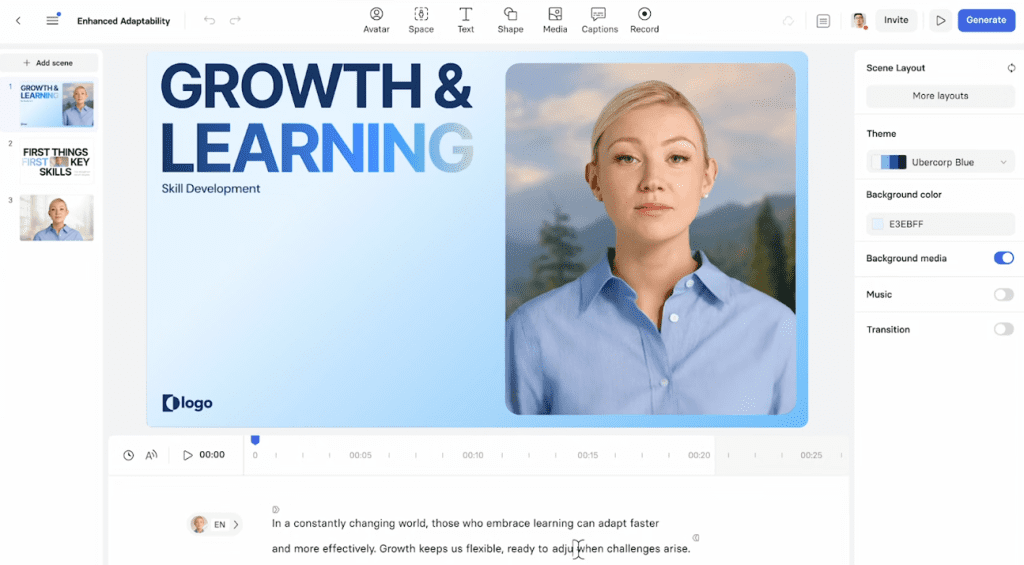
Synthesia — If your explainer needs a human presenter and multilingual delivery, Synthesia is still the clearest choice. Avatar IV (current model as of 2026) handles natural movement and microexpressions well enough for professional use. The strong suit: if you need the same explainer in eight languages, Synthesia automates that without needing to re-shoot anything.
The limitation is real though — there’s no timeline, no pacing control. If your content needs rhythm or storytelling structure beyond a talking head, you’ll feel it. For structured, information-dense B2B explainers? It’s excellent.
Best for: B2B SaaS teams needing multilingual avatar-led explainers, product onboarding videos, structured training content.
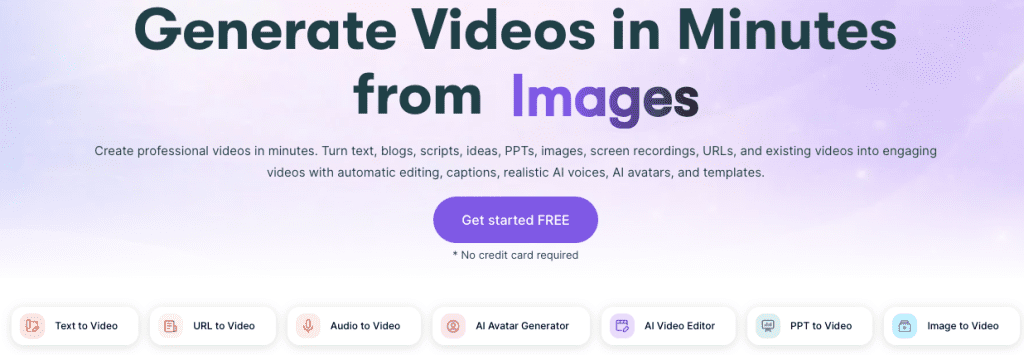
Pictory — For ecommerce brands with existing written content, this one is underrated. Drop in a product description or blog post, and Pictory identifies the key points, matches them with visuals, and builds a video. The auto-captioning is accurate enough to use without editing — important for social where most video plays on mute.
Research consistently shows that explainer videos on landing pages lift conversion rates significantly, and Pictory is the fastest way to repurpose existing text assets into that format.
Best for: Content marketing teams with libraries of written assets they want to extend into video.
Free Trial Comparison
| Tool | Free Tier | Best For | My Testing Notes (30-sec ecommerce brief) |
| Creatify | 10 video ads, no credit card required | Ecommerce catalog ads | Generated 3 full variants + exports in under 5 minutes; clean UGC style with minimal credits burned |
| InVideo AI | Yes (limited generations) | Volume social content | Handled 5 format adaptations automatically; output ready for TikTok/Reels in one go |
| VEED | Limited (watermarked exports) | Social with editing control | Strong hybrid workflow — generated draft then edited inline without extra cost |
| Synthesia | Demo only | Avatar-led explainers | Multilingual test worked flawlessly; limited to 1-minute preview |
| Pictory | 3 videos | Text-to-video repurposing | Turned a 400-word product description into captioned video in 90 seconds |
| AdCreative.ai | Yes | Performance-optimized ads | Pulled real ad account data for variant suggestions; insightful but credit-heavy on iterations |
| Predis.ai | Yes | Social commerce + competitor insights | Added competitor analysis for free; useful for quick benchmarking |
My Testing Notes: I ran each tool with the exact same messy brief (iPhone product photos + half-finished script) to check real-world credit burn, output quality, and iteration speed. Results above reflect April 2026 free-tier behavior.
Output Quality: What These Tools Actually Produce
Here’s something that review articles usually skip: the range of quality within a single tool is as wide as the range between tools.
Creatify can produce genuinely great ecommerce ad variants. It can also produce something that looks like a stock footage mashup with generic copy. The difference is almost entirely in the brief quality and the product assets you bring.
Synthesia’s avatars in 2026 are genuinely convincing for structured content. For anything that needs emotional range or physical movement beyond a talking head, they still break down — and that’s true of the whole category, not just Synthesia.
The honest answer about AI video output quality in 2026: first drafts are fast and decent, final-quality outputs require iteration. The tools that make iteration cheap (through chat-based editing, quick regeneration, or low per-variation credit costs) are the ones worth paying for.
What AI Video Ads Can and Can’t Do
Let me be straight about this because I see a lot of overclaiming.
What works well:
- Product showcase ads with clean product photography
- Script-driven talking-head content at scale
- Multi-format adaptation of a single concept
- First-draft speed that unlocks faster creative testing
What still requires human judgment:
- Emotional storytelling that needs real nuance
- Brand voice consistency across a long campaign
- Complex scenes with multiple people interacting
- Anything where exact text or logos appear in-frame (almost every tool struggles with this)
As noted in Motionvillee’s 2026 B2B video marketing trends analysis, AI-powered tools accelerate production but complement — rather than replace — professional strategy. The teams seeing ROI are still investing in narrative clarity before they touch an AI tool. Speed without clarity is just faster noise.
That’s the thing that doesn’t show up in tool demos. The outputs look great when someone else writes the creative strategy. When you hand a vague brief to an AI video tool, it’ll give you something that looks professional and says nothing specific.
Decision Guide: Which Tool for Which Campaign
If you’re running ecommerce Metaads and need volume: → Start with Creatify. URL-to-video workflow, UGC variants, direct platform integration. It’s built exactly for this.
If you need multilingual explainer videos with a human presenter: → Synthesia. Nothing else is as fast as structured avatar-led content at scale.
If you have a library of existing written content to repurpose: → Pictory. Drop in a blog post, get a video. Auto-captions included.
If you’re managing social content across platforms and need consistency: → InVideo AI for volume; VEED if you want editing control alongside generation.
If you’re a performance marketer who wants data-informed creative: → AdCreative.ai connects to your ad accounts and uses actual campaign data to guide creative decisions.
Conclusion
Here’s the bottom line after six weeks of actual testing: the AI video ad generator that’s “best” is whichever one fits the specific campaign you’re running, not the one with the most impressive demo.
For ecommerce at scale: Creatify. For B2B explainers with a human face: Synthesia. For repurposing written content: Pictory.
The thing that matters more than which tool you pick is how seriously you take the brief before you hand it to an AI. Every tool on this list will produce something that looks professional. Only a clear creative strategy makes it useful.
Start your next campaign with a free trial. Run a real brief — not a demo brief, a real one with actual constraints and messy product assets. That test will tell you more than any ranking.
FAQ
Q: Can I use AI video ad generators for YouTube ads? Yes — most tools support 16:9 and vertical formats. For cinematic quality, advanced tools like Runway perform better but require more time.
Q: How many credits does a typical video ad take? It varies by tool. A 30-second ad can range from 50–150 credits depending on complexity. Always test with a real brief first.
Q: Do AI video adsperform as well as traditionally produced ads? The performance data from 2026 is genuinely interesting. AI personalized video ads achieved 4.8% average CTR on LinkedIn for enterprise SaaS in Q1 2026, and view-through rates for AI video ads are running higher than traditional production for shorter formats. The quality gap has narrowed significantly, especially for ecommerce and short-form social. For high-production brand films, traditional production still wins on craft.
Previous Posts: