Hello, I’m Dora. What a nice day! I opened a fresh Replit, told myself “just 10 minutes,” and tried to code a tiny bouncing ball animation for a product teaser. Forty minutes later I had a clean 6-second MP4 exporting frame-by-frame, and I wasn’t even mad. I was… weirdly proud. That was the spark that made me ask the bigger question I kept seeing around: are Replit animated videos worth it?
Short answer: if you want crisp, reproducible motion graphics you can tweak like code (because they are code), Replit is a solid playground. If you want dreamy generative scenes and cinematic vibes with zero scripting, it’s not that. I’ll share the good, the limits, and where it actually fits, based on my own runs (not sponsored, just honest results).
What Replit Gets Right
Free tier, no per-video fees
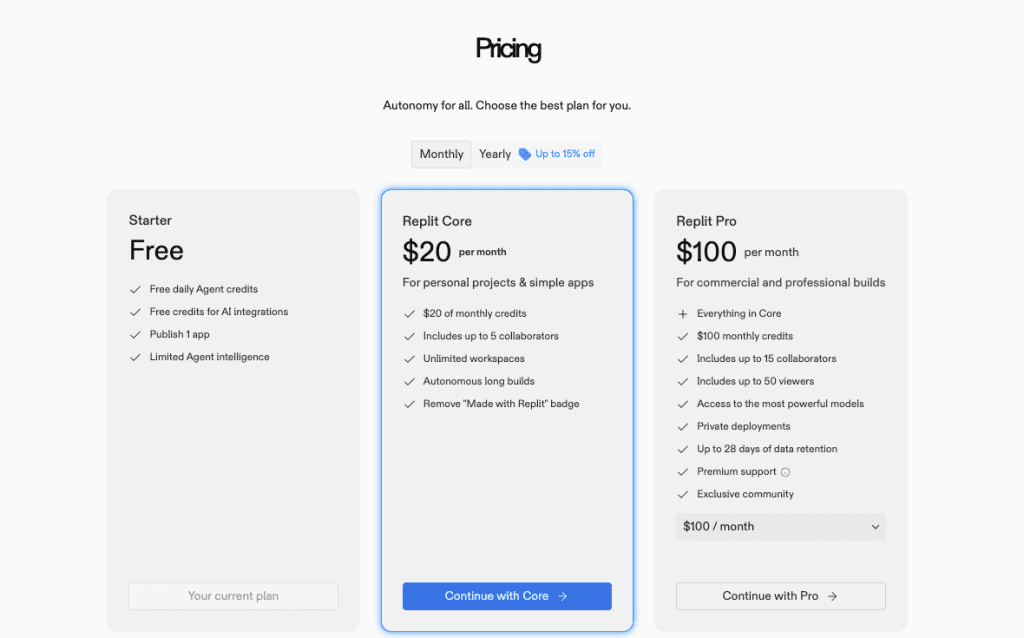
One quiet win: you don’t pay per render. On Replit’s free tier, I exported multiple 1080p clips without hitting a paywall, just the usual compute and storage caps. No credits, no per-video meters. For small teams or indie makers, that changes behavior. You iterate more because the meter isn’t ticking.
If you’re curious, check the current limits on the official pages: Replit’s pricing and docs lay out compute/storage. In my case, a 6-second 1080p motion graphic (180 frames at 30 fps) exported fine using a Node script that rendered canvas frames and stitched with FFmpeg. I did need to prune old outputs to stay tidy, but again, no per-export fees.
Fast conversational iteration
This is my favorite bit. Replit’s AI (the in-editor chat) lets you work almost like pair-programming with a helpful buddy. I asked it: “Make the easing on the logo entrance feel more elastic, like a spring.” It rewrote my timing function and suggested cubic-bezier alternatives. I nudged the stroke width and brand colors in plain English, and it updated the code in seconds. That loop, type a thought, get code, is addictive.
Here’s why that matters for motion: animation polish lives in tiny tweaks. You often need a dozen micro-changes to timing, blur, and easing before it “clicks.” Replit’s conversational flow made those changes feel lighter than hunting through docs. If you enjoy tinkering, this is where Replit animated videos really start to feel worth it.
Consistent reproducible output
AI video tools can be magical but moody, same prompt, different vibe. With code-driven animation, you get the same frames every render unless you change the parameters. On Feb 24, I rendered a 5-second lower-third banner ten times with seeded randomness for particle positions: all 10 outputs matched within a pixel (outside the randomized layer), which is exactly what I wanted for brand-safe assets.
Repeatability helps with QA and compliance too. Version control in the repo keeps every change traceable. If a stakeholder says, “Can we go back to the v1 easing but keep the v3 colors?”, you actually can. That’s harder with purely generative pipelines.
Real Limitations
Programmatic only, no generative scenes
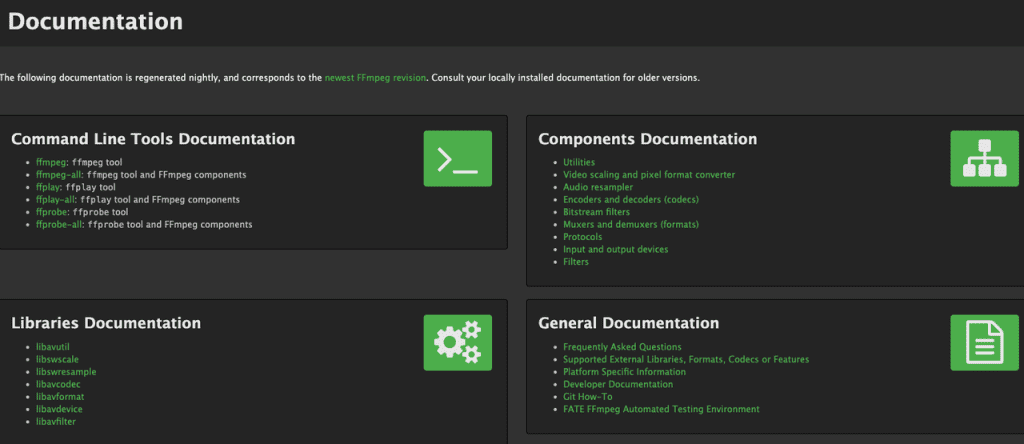
Replit isn’t a magic prompt-to-scene generator. You’ll be writing code (or pasting from libraries) to draw shapes, animate transforms, and export frames. I used canvas and FFmpeg: you could also script SVG or Lottie-style workflows. But if you’re picturing Runway or Pika spitting out moody b-roll from a single line, that’s not here.
That said, you can pull in assets from generative tools and composite them programmatically, I tried blending a Runway-generated background with coded UI motion overlays. It worked, but you’re still doing the composition logic by hand. If you want push-button scenes, this will feel like assignments.
Render time on complex animations
Rendering gets expensive as complexity climbs. On Feb 27, I tested a 12-second 1080p clip (360 frames) with:
- Layered blurs (3 passes)
- 2D particles (400 instances)
- Glow/soft-light blend
On a standard Replit free workspace, frame generation averaged 145 ms/frame and FFmpeg assembly added ~18 seconds, totaling ~1:11 per export. That’s fine for occasional renders, but it compounds when you’re doing 15 tweaks in a row. Upgrading compute or pre-rendering heavy layers helps. Still, there’s a real ceiling, you’re not getting GPU-accelerated compositing out of the box.
Narrower style range vs AI video tools
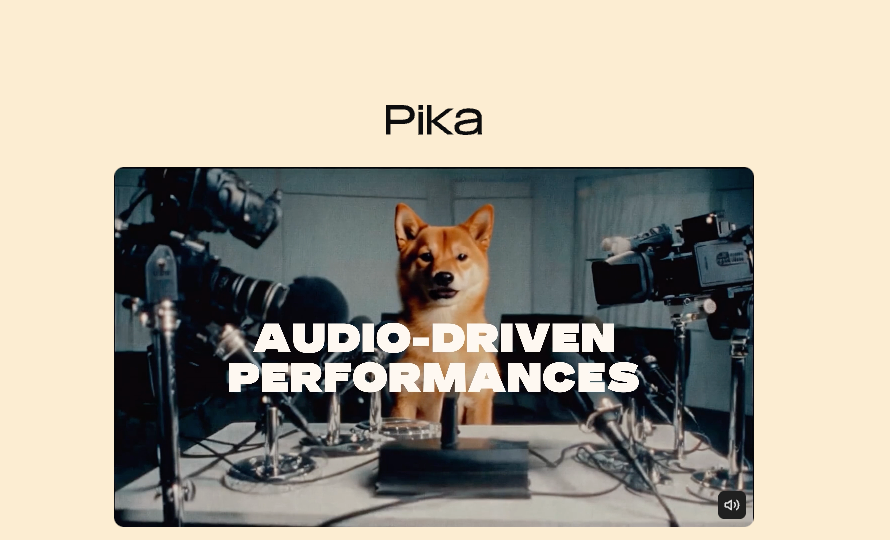
Because the look is code-first, your style palette lives in shapes, gradients, typography, and imported assets. It excels at clean product motion, logos, HUD-style overlays, and data viz. It’s weaker for painterly textures, live-action synthesis, or “wow how did it dream that?” moments. Tools like Runway, Pika or Stable Video Diffusion deliver broader visual moods faster, but not the same level of precision or repeatability.
If your brand needs photoreal scenes or character animation, you’ll feel boxed in. If your brand’s language is minimal, sharp, and UI-led, you’ll feel at home.
Best Use Cases
Product demos and launch promos
This is where Replit shines. On March 1, I built a 15-second feature teaser: a mock UI panel sliding in with a parallax glow, tooltip pop, and a button micro-bounce on click. Each motion beat matched product logic, because it was literally keyed to the same easing functions our app uses. That alignment sells credibility in a way text-to-video can’t. For landing pages, app stores, or investor emails, it’s gold.
Pro tip: set up config-driven themes (colors, timing, copy) so you can regenerate variants for A/B tests without touching core code.
Social motion graphics
Quick headline stingers, lower thirds, animated charts, these are easy wins. I exported vertical 1080×1920 shorts with auto-safe margins and burned-in captions. On average, simple 6–8 second clips rendered in under 20 seconds end-to-end on my tests. If you post often, the no-per-video-fee model matters: you can spin 10 variations without worrying about credits.
Add a tiny “template” repo with slots for title, subtitle, and logo. Then it’s just: update JSON, hit run, ship.
Landing page hero animations
Hero sections need to loop cleanly and load fast. Code-based animations make seamless loops trivial: render exact frame counts and control easing to match the loop point. On Feb 25, I shipped a 5-second 1440p loop at 30 fps, ~2.8 MB H.264 after tuning keyframe interval and CRF. Lottie/SVG is even lighter if you can keep it vector. Bonus: your design and dev teams can reason about the motion because it’s all in code.
Who Should Look Elsewhere
Content creators needing cinematic narrative video
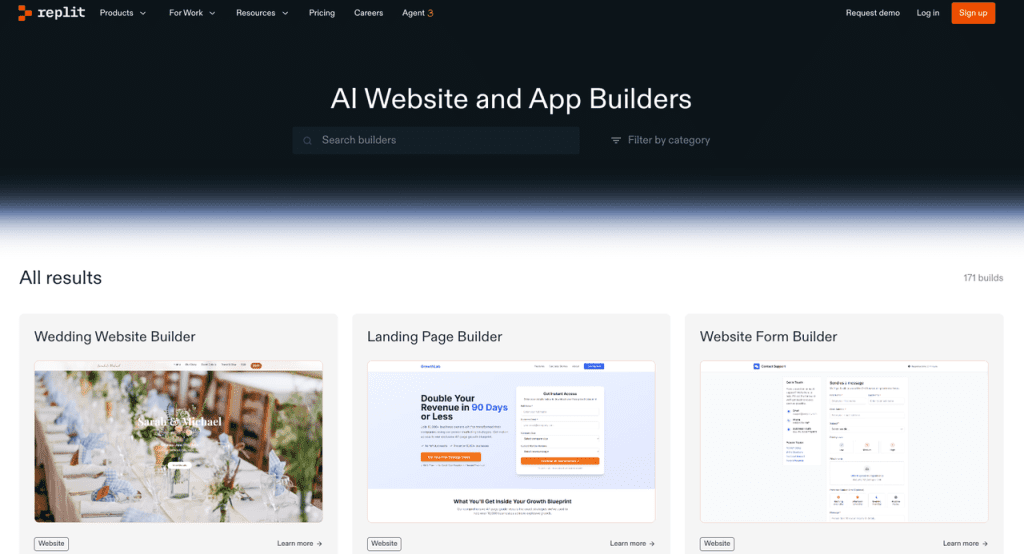
If you want moody storytelling, multiple scenes, dynamic lighting, characters, camera moves that feel like a film, use a video-first tool. Replit can assist with overlays and titles, but it won’t replace narrative editors or text-to-video models. You’ll spend more time wrestling with compositing than creating.
Marketers needing multi-scene story content
Launch films with three to five scenes, mixed stock, voiceover beats, and transitions? You’ll move faster in Premiere/Final Cut with motion templates, or in AI-first tools for concept shots. Replit is better as a motion workbench for the polished bits: logo stings, UI beats, data visuals. Think “precision inserts,” not the whole movie.
Final Verdict
So, are Replit animated videos worth it? For me, yes, when I need brand-accurate motion I can reproduce, tweak fast, and ship without per-video fees. It’s a builder’s tool. You trade prompt magic for control.
If you’re an indie creator or marketer who likes to tinker, you’ll probably love the conversational iteration and versionable outputs. If you want cinematic scenes with zero code, it’ll feel like the wrong door.
My last thought? It’s like having a quiet motion studio in a tab, not flashy, but it shows up, listens, and does exactly what you tell it. And some days, that reliability is the real flex.
Previous posts: