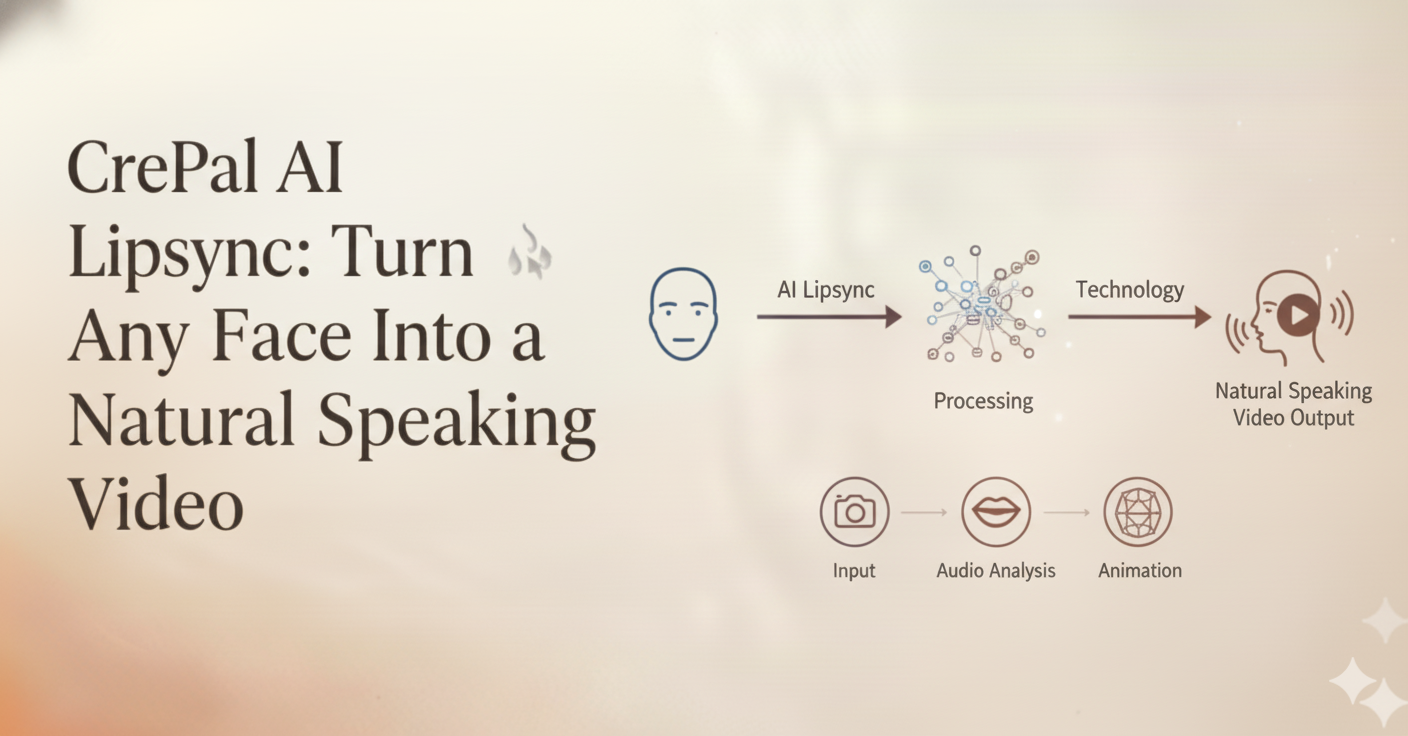
Finally, lip sync that actually looks real — and you don’t need to be a video pro to pull it off.
Let’s Talk About Why Lip Sync Has Been Such a Headache
Here’s a scenario you’ve probably experienced: You’ve got a great video, solid script, perfect voiceover — but the mouth movements? They’re just… off. Maybe the lips close a half-second too late. Maybe the jaw barely moves during an emotional speech. Whatever the issue is, viewers notice. And once they notice, the magic’s gone.
Traditional lip sync is brutal. Professional studios spend hours — sometimes days — adjusting mouth movements frame by frame. If you’re an independent creator, you’ve probably just accepted that your talking head videos will look a little awkward. And if you’re a brand trying to localize content for different markets? You’re looking at reshooting everything or settling for obviously dubbed results.
The thing is, we’ve all become incredibly good at detecting unnatural lip movements. We’ve spent our entire lives watching people talk. Our brains are hardwired to spot when something’s off, even if we can’t articulate exactly what it is.
That’s the problem CrePal AI Lipsync was built to solve.
What Makes CrePal AI Lipsync Actually Different
Let me be upfront: there are other AI lip sync tools out there. Some are free, some are expensive, and most of them will give you results that look… generated. You know the look — technically the mouth is moving, but it feels robotic. Lifeless. Like watching a video game character from 2010.
CrePal takes a fundamentally different approach. Instead of just mapping mouth shapes to sounds, the system understands the full picture of how humans actually communicate.
It’s Not Just About the Mouth
Here’s something most people don’t think about: when you talk, your entire face talks with you. Your eyebrows emphasize points. Your cheeks tense and relax. Your jaw moves in ways that are completely unique to you and the language you’re speaking.
CrePal AI Lipsync 能够捕捉到所有这些细节。它背后的神经网络是基于真实的人类语音模式进行训练的,而不仅仅是孤立的嘴部动作。因此,当您生成唇形同步视频时,您将获得:
- Natural jaw mechanics that follow actual speech patterns
- Micro-expressions that complement what’s being said
- 眼神和眉毛的动作增添了情感色彩
- Cheek and facial muscle activity that makes the whole thing feel alive
The result? Video that doesn’t trigger that uncanny valley feeling. Your audience watches the content instead of getting distracted by “something seems weird.”
The Real Power: Conversational Editing
This is where CrePal genuinely shines, and it’s something you won’t find in most lip sync tools.
After the AI generates your initial lip sync, you can actually have a conversation with it to refine the results. Not clicking through complex menus or adjusting cryptic sliders — just telling the AI what you want in plain English.
Want the lip movements more pronounced? Just say so.
Need the expressions to feel more energetic? Tell it.
Think the sync timing is slightly off in one section? You can request micro-adjustments.
This matters because lip sync isn’t one-size-fits-all. A corporate explainer video needs subtle, professional movements. A social media personality video might need more exaggerated expressions. An ASMR video demands incredibly precise, intimate lip movements.
With traditional tools, achieving these different styles means learning different techniques, adjusting different parameters, spending more time. With CrePal, you just describe what you’re going for. The AI handles the technical translation.
Deep Integration With Your Entire Video Workflow
Here’s something that gets overlooked when people evaluate lip sync tools: most of them exist in isolation. You generate your lip sync, export it, then import it into your editing software, then figure out how to add subtitles, then maybe realize you need to adjust the voiceover, then start the whole process again.
CrePal AI Lipsync is built into a complete video creation platform. This isn’t just a convenience feature — it fundamentally changes what’s possible.
The voice comes from the same ecosystem. CrePal includes AI voice generation with multiple languages and voice styles. When you generate a voiceover within CrePal and then apply lip sync to it, the system has complete information about the audio — timing, phonetics, emphasis, emotion. This deep integration is part of why the sync feels more natural than tools where you’re importing external audio files.
Scripts, subtitles, and video editing are all connected. Need to change a line of dialogue? Update the script, regenerate the voice, and the lip sync updates automatically. Adding subtitles? They’re perfectly timed because they come from the same source. Want to cut a section? The AI maintains lip sync continuity across edits.
This might sound like a small thing, but anyone who’s spent hours re-syncing audio after making a minor edit knows exactly how much time this integration saves.
How It Actually Works: A Realistic Walkthrough
Let me walk you through what using CrePal AI Lipsync actually looks like, step by step.
Step 1: Choose Your Visual
You’ve got two main options:
Option A: Start with existing video footage. You have a video of someone speaking — maybe an interview, a presentation, a promotional clip. You want to sync it to different audio (perhaps a translation, or a better take of the script).
Option B: Start with a static image. This is where things get interesting. CrePal can take a photograph and transform it into a speaking video. The system doesn’t just animate the lips — it generates natural head movements, blinking, facial expressions. Think of it as a specialized version of CrePal’s AI Talking Avatar capability, optimized for lip sync quality.
Either way, upload your visual content and move on.
Step 2: Set Up Your Audio
Here’s an important note: CrePal AI Lipsync works with AI-generated voices from within the platform, not uploaded audio files. This might seem like a limitation at first, but there’s a reason for it.
When the AI generates both the voice and the lip sync, it has complete information about the audio characteristics. It knows exactly where each phoneme starts and ends, understands the intended emotion, and can predict emphasis patterns. This deep integration is a big part of why the results feel natural rather than mechanically mapped.
You’ve got options for generating your audio:
- Write your script directly and let CrePal’s text-to-speech create the voiceover
- Choose from multiple voice styles to match your content’s tone
- Generate in different languages for localization needs
Step 3: Generate and Refine
Hit generate, and the AI gets to work. For reference, a 1-minute video typically takes around 20 minutes to process. This isn’t instant, but remember — professional lip sync work used to take hours or days.
Once the initial generation is complete, this is where the conversational editing comes in. Preview your results and start refining:
- “Can you make the lip movements a bit more subtle?”
- “The expression feels flat in the middle section — add more energy”
- “Push the sync timing slightly earlier on the opening line”
The AI understands these natural language instructions and applies them intelligently. You’re not guessing which slider controls what — you’re just describing what you want.
Step 4: Export and Use
When you’re happy with the results, export in high definition. Your video is ready for whatever platform you’re targeting — social media, advertising, e-learning, broadcast.
If you’ve been working in CrePal’s integrated environment, your subtitles are already synced. Your video edits are already applied. Everything’s ready to publish.
Where This Actually Makes Sense: Real Use Cases Worth Exploring
Instead of listing every possible application, let me go deep on a few scenarios where CrePal AI Lipsync creates genuine value.
Virtual Personalities and Digital Humans
The virtual influencer space is exploding, but creating convincing digital personalities is incredibly challenging. The moment lip sync feels off, the entire illusion collapses. Your audience stops seeing a personality and starts seeing a technical product.
CrePal AI Lipsync’s emphasis on natural expressions — not just mouth movements — makes it particularly suited for this use case. When you’re building a character that needs to feel authentic and relatable, every micro-expression matters.
But here’s the deeper value: consistency at scale.
Virtual personalities need content constantly. Daily posts, weekly videos, responses to trends. With traditional methods, maintaining lip sync quality across high-volume production is almost impossible. Either quality suffers or costs become prohibitive.
With CrePal, each video gets the same level of precision. The AI doesn’t get tired. It doesn’t rush on the fifteenth take. Your virtual personality maintains consistent quality whether you’re producing one video a week or ten.
Video Localization That Doesn’t Feel Localized
Global content distribution used to mean one of two options:
- Reshoot everything for each market (expensive, time-consuming, often impractical)
- Dub and accept the mismatch (cheap, fast, obviously fake)
CrePal AI Lipsync enables a third option: adapt existing video assets with new language audio while maintaining natural lip synchronization. The result looks native to each market, not translated.
This matters more than people realize. Studies consistently show that audiences engage more deeply with content that feels culturally native. Visible dubbing is a constant reminder that “this wasn’t made for me.” Natural lip sync removes that barrier.
For e-commerce brands expanding internationally, educational institutions serving global students, or media companies distributing across regions — this capability can transform content economics.
A note on languages: CrePal supports major world languages including Chinese, Japanese, Arabic, and others beyond Latin-based scripts. The phonetic analysis approach means the system adapts to different linguistic patterns, though as with any AI tool, results can vary across languages and specific content types.
Content Creator Efficiency
For independent creators, the calculation is simple: every hour spent on technical production is an hour not spent on creative work.
Consider ASMR content, where the entire experience depends on intimate, precisely synced audio-visual presentation. Creators in this space have historically faced a brutal choice — spend enormous time perfecting lip sync manually, or accept quality compromises that undermine the immersive experience they’re trying to create.
CrePal changes this equation. The conversational editing approach lets ASMR creators fine-tune the exact characteristics that matter for their content — subtle lip movements, precise timing, appropriate expression intensity — without requiring technical video editing expertise.
The same logic applies to:
- Animation creators who want to reduce lip sync workload without sacrificing quality
- Short-form video creators looking to turn static images into engaging speaking content
- Educators who need to produce talking-head explanations efficiently
Let’s Be Honest: What to Keep in Mind
I want to set realistic expectations, because overselling helps nobody.
Processing time is real. A 1-minute video takes approximately 20 minutes to process. This is dramatically faster than manual lip sync work, but it’s not instant. If you’re creating reactive content that needs to go live in minutes, plan your workflow accordingly.
Audio comes from within CrePal. The system works with AI-generated voices, not uploaded audio files. For many use cases, this is actually an advantage — the deep integration produces better results. But if you specifically need to sync to existing audio recordings (like a podcast interview or previously recorded voiceover), this isn’t the right tool for that particular job.
Multi-person scenes require direction. If your video includes multiple people, you’ll need to specify which person should be synced to the audio. The AI won’t automatically figure out who’s supposed to be talking.
Questions You’re Probably Asking
What video and image formats work?
Standard formats are supported — MP4, MOV, AVI for video, JPG and PNG for static images that you want to transform into speaking video.
How long does it actually take?
Roughly 20 minutes of processing time per minute of video. Longer videos scale accordingly. The platform shows real-time progress so you’re never wondering what’s happening.
What about languages that don’t use Latin alphabets?
CrePal supports major world languages including Chinese, Japanese, Korean, Arabic, and others. The system analyzes phonetic patterns rather than relying purely on text-based rules, so it works across different linguistic structures.
Can I adjust results after generation?
Yes — this is one of CrePal’s core strengths. Use natural language to request changes to lip movement amplitude, expression intensity, sync timing, and more. The AI understands conversational instructions and applies them intelligently.
What about commercial use?
Content created with CrePal AI Lipsync can be used commercially, subject to your subscription plan terms. This includes advertising, marketing content, paid courses, and other business applications.
How does this compare to the AI Talking Avatar feature?
They’re related but serve different purposes. AI Talking Avatar is optimized for generating speaking characters from scratch. AI Lipsync is focused on precise synchronization — either adjusting existing video to new audio, or creating speaking video from static images with an emphasis on sync accuracy. The underlying technology differs accordingly.
Ready to Try It?
Look, you’ve read through all of this. You probably have a specific project in mind — maybe a video that needs localization, maybe content you’ve been avoiding because lip sync seemed too complicated, maybe an idea for a virtual character that’s been sitting in the back of your mind.
The best way to understand what CrePal AI Lipsync can do is to try it with your actual content. Sign up, upload a test image or video, generate a voice, and see the results. The conversational editing means you can refine it until it matches what you’re imagining.
No complicated software to learn. No frame-by-frame manual work. Just describe what you want and let the AI figure out how to get there.
Your ideas deserve to be seen and heard — with lips that actually match. Let’s make it happen.