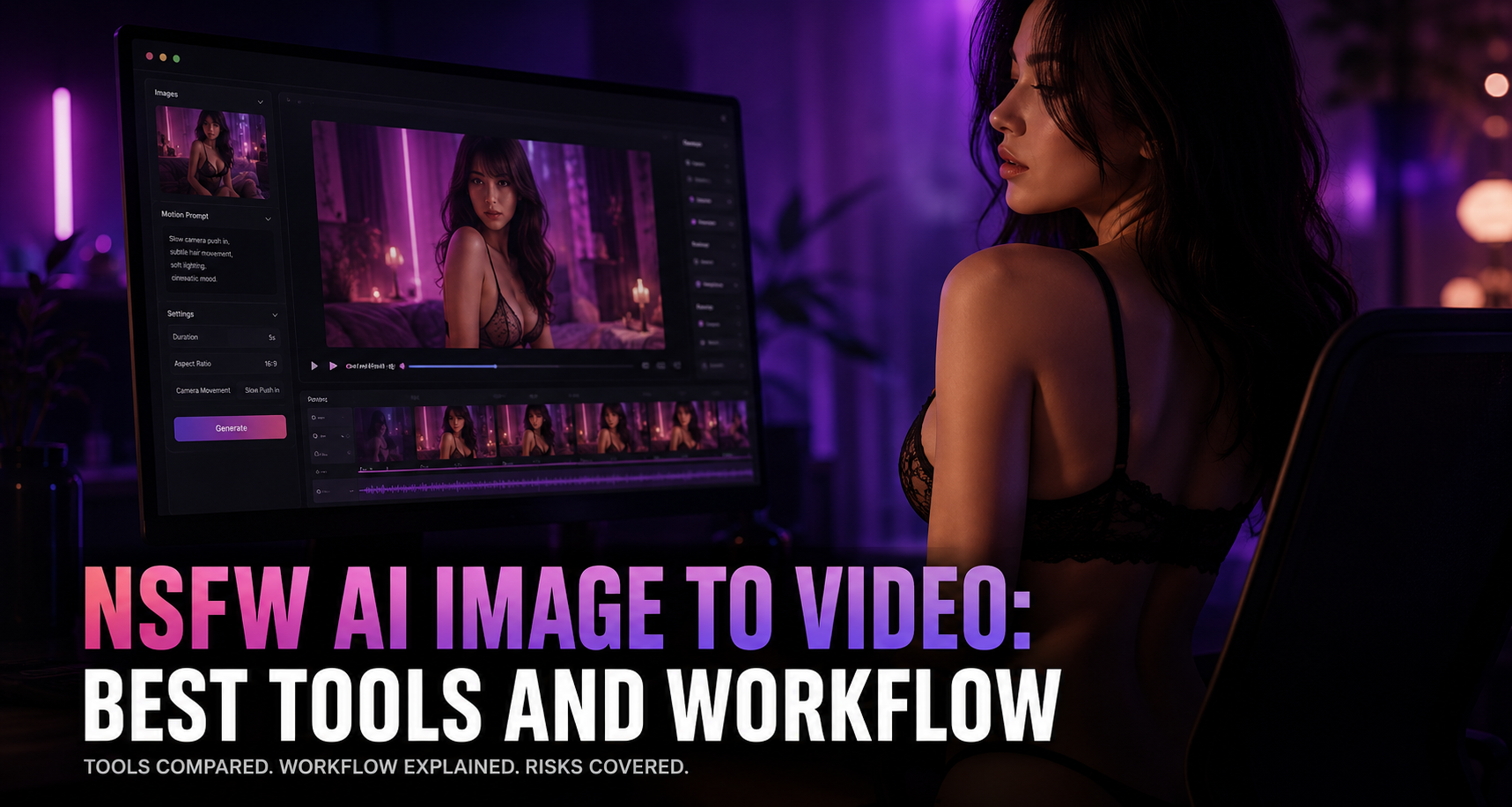
NSFW AI Image to Video: Best Tools and Workflow
Editor’s Note: All tools, features, and pricing limits listed below were independently verified and re-tested in May 2026 to ensure accuracy regarding watermark policies, pricing, and commercial usage rights.
You already have a strong image, but turning it into a usable video is harder than it looks. A single nsfw ai image to video generator may create a short moving clip, but it rarely handles pacing, scene order, music, edits, exports, and publishing rules in one place. That gap matters because NSFW image-to-video work carries higher risks around consent, source rights, privacy, and platform policy. This guide compares the best tools, explains how i2v works, and shows how CrePal can help creators turn legal, consent-cleared visual assets into a more complete video workflow.
Image description: Screenshot of CrePal’s official website showing the AI Director Agent positioning and video creation interface.
What Is NSFW AI Image to Video
NSFW AI image to video means using an existing adult-oriented image as the visual starting point for a generated video clip. Instead of asking a model to invent everything from text, the user provides a source image, then adds a motion prompt.
This approach can help preserve the original composition, character design, framing, lighting, and style. It is especially useful when creators already have legal, licensed, or self-created visuals and want to animate them into short clips.
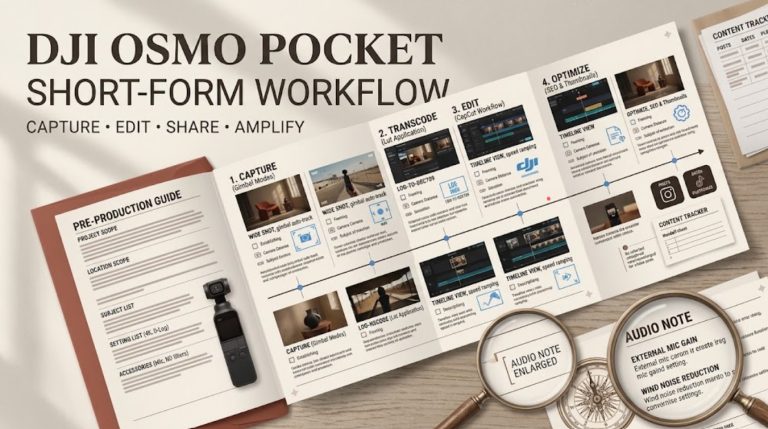
For a broader creator workflow, many users combine i2v tools with AI video editing, scene planning, and export tools. You can also compare this with a complete AI video workflow when planning multi-scene content.
Image description: Visual example of an image-to-video workflow, showing source image input, motion prompt, generated clip, and final video edit.
Image-to-video vs text-to-video vs video-to-video
Image-to-video starts from a still image. The model adds motion, camera movement, and temporal continuity.
Text-to-video starts from a written prompt. It gives more creative freedom but less visual control.
Video-to-video starts from an existing video. It changes style, texture, background, or motion while keeping the original structure.
For NSFW-adjacent creators, image-to-video is often the middle ground. It gives more control than text-to-video without requiring a full source video.
Why i2v is more controllable for NSFW creators
I2v gives creators a stable visual base. That matters when the image has a specific pose, lighting style, costume, or scene composition.
It also reduces random model interpretation. Instead of describing every detail in text, the creator can focus prompts on motion, camera direction, and mood.
The tradeoff is risk. If the source image is not properly licensed, consent-cleared, or age-safe, the resulting video can inherit those problems. That is why safer workflow design matters as much as model choice.
Best NSFW AI Image-to-Video Tools in 2026
The data in this section reflects hands-on testing conducted in May 2026. Platform policies, pricing, and free-tier limits may change over time, so always verify final licensing terms on the official website before commercial use.
Best overall workflow option
CrePal is the strongest option when the goal is not just one short i2v clip, but a complete creator workflow. CrePal is an AI Director Agent that helps organize video creation from idea to final output. Instead of treating generation as one isolated step, it supports a broader process: scene planning, clip organization, pacing, music, edits, and final delivery.
CrePal is not positioned as a simple NSFW generator. That distinction matters. Its value is strongest when creators already have legal, authorized, consent-cleared images or clips and need to build them into a coherent video. For NSFW-adjacent creators, this workflow layer is often more useful than another raw generator.
Unlike single-purpose tools that produce disconnected clips, CrePal helps creators think in scenes. A creator can prepare visual assets, generate short motion clips elsewhere if needed, and then use CrePal to organize them into a finished sequence. This makes it useful for social videos, teaser edits, creator portfolios, and narrative-style visual content.
CrePal’s biggest advantage is direction. It works like an AI video workflow layer that helps users move from scattered assets to structured output. For creators who want to turn ideas into complete AI videos, that difference matters.
Best open-source/self-host option
Mage is a strong choice for users who want broad model access and more control over generation settings. It supports image and video generation in the browser, with access to different models and styles.
For NSFW-related exploration, Mage is often attractive because creators can test visual styles quickly. However, users still need to check model-level rules, platform rules, and commercial usage rights. “Uncensored” does not mean unlimited legal use.
Mage works best for creators who understand prompts, model selection, and quality tradeoffs. It is less ideal for users who want a polished end-to-end production workflow.
Image description: Screenshot of Mage’s interface or model library showing image and video generation model options.
Best hosted platform option
Venice is useful for creators who care about private AI workflows and image generation flexibility. Its main strength is privacy-focused creative AI, including image generation and broader AI assistant features.
For i2v workflows, Venice may fit better at the visual preparation stage than the final video stage. A creator might use Venice to develop source visuals, then move the outputs into another i2v or editing workflow.
Its policy and pricing should still be checked before commercial use. This is especially important for adult-oriented content, realistic likeness, or anything that could be interpreted as involving a real person.
Image description: Screenshot of Venice AI’s image generation page showing prompt input, style options, or creative generation examples.
Best free or trial-based option
BasedLabs is useful for creators who want quick access to AI video generation with a lower barrier to entry. Its video tools allow users to turn images or prompts into short clips and test output quality before committing to a larger workflow.
The main benefit is speed. Users can test whether a source image animates cleanly, whether the model preserves the face, and whether the movement is usable.
The limitation is that free or trial-based tools often come with constraints. These may include watermarks, lower resolution, shorter duration, queue limits, or restricted commercial use. Always review export rights before publishing.
Image description: Screenshot of BasedLabs AI Video Generator showing image upload, prompt input, or video generation workflow.
Best for short social clips
PixelBunny is useful for lightweight image and video editing tasks. It is best suited for creators who want fast edits, simple transformations, and short-form visual assets.
For NSFW image animation ai workflows, PixelBunny may fit early-stage testing or social-format experimentation. It is not the most complete option for full video production, but it can help with quick image enhancement, editing, and short creative tests.
For creators making social clips, the key is not just generation. It is also format control, aspect ratio, pacing, and review before posting. This is where a workflow layer like CrePal can become more useful after the clip generation stage.
Image description: Screenshot of PixelBunny’s tools page showing AI image and video editing options for creators.
How NSFW Image-to-Video Works
Source image quality
The source image controls the whole result. A clear image with stable anatomy, visible lighting, and clean composition usually produces better motion.
Low-resolution images often create blur, face drift, or strange movement. Images with complex hands, overlapping bodies, or unclear edges are more likely to fail.
For adult image to video ai workflows, source rights are just as important as image quality. Use original, licensed, or consent-cleared assets only.
Motion prompt structure
A good motion prompt should describe movement, camera direction, mood, and style. It should not overload the model with too many actions.
A safer structure is:
Subject movement + camera movement + scene mood + output style
For example, a creator might describe slow cinematic motion, subtle hair movement, soft camera push-in, or gentle lighting changes. Keep the prompt focused on motion rather than explicit acts.
Duration, aspect ratio, and camera movement
Most i2v tools work best with short clips. Common outputs range from a few seconds to around ten seconds, depending on the platform, model, and plan.
Aspect ratio matters. A vertical 9:16 clip works better for TikTok, Reels, and Shorts. A 16:9 clip works better for YouTube, landing pages, and hero videos.
Camera movement should stay simple. Slow zooms, push-ins, pans, and small handheld movement are usually more stable than complex action.
Image description: Workflow visual showing aspect ratio selection, duration settings, camera prompt, and generated short video preview.
Common failure modes: face drift, body distortion, motion artifacts
Face drift happens when the model changes facial features between frames. Body distortion appears when limbs bend unnaturally or proportions shift during movement.
Motion artifacts can include flickering, warped backgrounds, unstable clothing, or strange hand movement. These issues are common in short video generation, especially when the source image is complex.
The best fix is not always a longer prompt. Often, the better solution is a cleaner source image, simpler motion, shorter duration, and careful review.
Comparison Table
The data in this section reflects hands-on testing conducted in May 2026. Platform policies, pricing, and free-tier limits may change over time, so always verify final licensing terms on the official website before commercial use.
Tool / NSFW policy / output length / free tier / watermark / privacy / best use case
| Tool | NSFW Policy | Typical Output Length | Free Tier | Watermark | Privacy Notes | Best Use Case |
| CrePal | Not a dedicated NSFW generator; best for legal, consent-cleared workflow assembly | Multi-scene workflow depends on source clips and export setup | Free plan available | Plan-dependent | Check upload and usage terms before sensitive projects | Complete AI video workflow and final assembly |
| Mage | More permissive model ecosystem, but rules vary by model and platform | Short image/video generations | Free access available | Plan-dependent | Hosted browser workflow | Model testing and creative visual generation |
| Venice | Privacy-focused creative AI; check current content policy | Best for image preparation and creative assets | Free access available | Plan-dependent | Privacy is a key product focus | Private visual ideation and source image creation |
| BasedLabs | Allows broad creative video generation; verify adult-content rules | Short clips, often trial-friendly | Free/trial options available | May vary by plan | Hosted generation | Fast i2v testing and short previews |
| PixelBunny | Creative image/video tools; verify adult-content and commercial rules | Short creative outputs | Usage-based or free tools may vary | Plan-dependent | Hosted editing workflow | Short social clips and quick edits |
The main difference is not simply which tool can animate an image. The real question is what happens after the first clip. CrePal stands out because it helps creators organize assets into a finished video rather than stopping at isolated generation.
How to Build a Safer NSFW I2V Workflow
Start with legal and consent-cleared images
Only use images you own, licensed images, or images where all required permissions are clear. This includes commercial rights, model releases, and platform distribution rights.
Do not assume that an image found online can be animated. Turning a still image into video can increase privacy and likeness risk.
Creators should also review general synthetic media guidance before building public-facing workflows.
Avoid real-person likeness without permission
Real-person likeness is one of the biggest risk areas. Avoid using a person’s face, body, voice, or identity without explicit permission.
This applies even if the output is fictional. It also applies to celebrities, influencers, private individuals, and people in personal photos.
Never use minors in source images, prompts, references, or outputs. Keep every part of the workflow strictly 18+.
Keep prompts focused on motion, camera, and style
For safer prompting, describe cinematic motion instead of explicit sexual detail. Focus on camera movement, lighting, pacing, and scene mood.
This also improves output stability. Models respond better to simple motion than to overloaded prompts.
Creators can learn from broader AI video prompt design when building repeatable production templates.
Review outputs before publishing
Do not publish generated clips without review. Check for accidental likeness changes, body distortion, policy violations, watermark rules, and export quality.
Also check whether the platform allows the type of content you plan to upload. A video that is allowed in one tool may still be restricted on TikTok, Instagram, YouTube, or ad platforms.
Image description: Visual checklist showing consent, source rights, motion prompt review, output review, and platform policy checks.
Where CrePal Fits in the Workflow
Turning scattered clips into a complete video
Many NSFW i2v generators stop after producing a short clip. That is useful, but incomplete.
CrePal helps at the next layer. It can support the process of turning scattered clips, images, scripts, and music ideas into a structured video. This makes it more suitable for creators who need a finished asset rather than a folder full of disconnected tests.
For example, a creator might generate several short i2v clips, choose the best ones, then use CrePal to organize them into a polished sequence with pacing and transitions.
Organizing scenes, pacing, music, and edits with an AI Director Agent
CrePal’s value comes from its AI Director Agent positioning. Instead of only generating a clip, it helps guide the broader creative process.
That includes scene order, rhythm, music direction, and final video structure. For creators working with sensitive or adult-adjacent material, this helps keep the workflow more intentional and reviewable.
The goal is not to bypass rules. The goal is to manage legal visual assets more professionally.
Image description: Screenshot or workflow visual showing CrePal’s AI Director Agent organizing scenes, edits, music, and final video output.
Why a workflow layer matters more than a single generator
A single generator can create motion. A workflow layer helps create a video.
That distinction matters for creators who publish consistently. The hardest part is often not making one clip. It is creating a repeatable system for planning, testing, editing, reviewing, and exporting.
CrePal fits that need because it works like an AI director, not just another generation button.
Legal and Platform Limits
18+ only — no minors in source images, prompts, or outputs
Every source image, prompt, reference, and output must involve adults only. Avoid ambiguous age presentation.
Do not use school settings, youthful styling, or language that could create age ambiguity. If there is any doubt, do not use the asset.
Real-person consent and deepfake risk
Deepfake risk is highest when the source image resembles a real person. Consent should be explicit, documented, and specific to video transformation.
A model release for photography may not automatically cover AI video animation. Check the wording before commercial use.
Platform distribution restrictions
Even if a tool allows generation, distribution platforms may not allow publication. Social media platforms, ad networks, payment providers, and hosting services all have their own rules.
Creators should review official platform policies before posting. This is especially important for adult content, synthetic media, and realistic human likeness.
Commercial use and licensing checks
Commercial usage depends on tool terms, model terms, source-image rights, and music rights. Check all layers.
If you use stock images, confirm that the license allows AI transformation and adult-context use. If you use generated images, check whether the generator grants commercial rights.
FAQ
What is NSFW AI image to video?
NSFW AI image to video is a workflow where an adult-oriented source image is animated into a short video clip using AI. The safest use case involves legal, licensed, and consent-cleared images only.
Is CrePal an NSFW generator?
CrePal is not positioned as a dedicated NSFW generator. It is an AI Director Agent and AI video workflow layer. It is best used to organize legal, authorized visual assets into complete videos.
Which tool is best for NSFW i2v?
For full workflow planning, CrePal is the best overall option. For model testing, Mage and BasedLabs are useful. For privacy-focused visual ideation, Venice may fit. For quick edits, PixelBunny can help.
Can I animate a real person’s image?
Only with explicit permission. Avoid using real-person likeness without consent. This includes celebrities, influencers, private individuals, and personal photos.
Why do AI image-to-video clips often look distorted?
Distortion usually comes from low-quality source images, complex poses, unclear anatomy, too much motion, or long duration. Use cleaner images, simpler motion, and shorter clips.
Conclusion: Best NSFW Image-to-Video Workflow by Use Case
The best nsfw ai image to video workflow depends on what you need. For one-off clip testing, BasedLabs, Mage, Venice, or PixelBunny can help with generation and visual experimentation. For creators who want a complete video, CrePal is the stronger workflow choice because it helps organize scenes, pacing, edits, and final output.
The safest approach is simple: start with legal images, avoid real-person likeness without permission, keep prompts focused on motion, review every output, and check platform rules before publishing. If your goal is to move beyond short clips and build finished videos, try CrePal’s AI Director Agent and turn your visual assets into a structured production workflow.