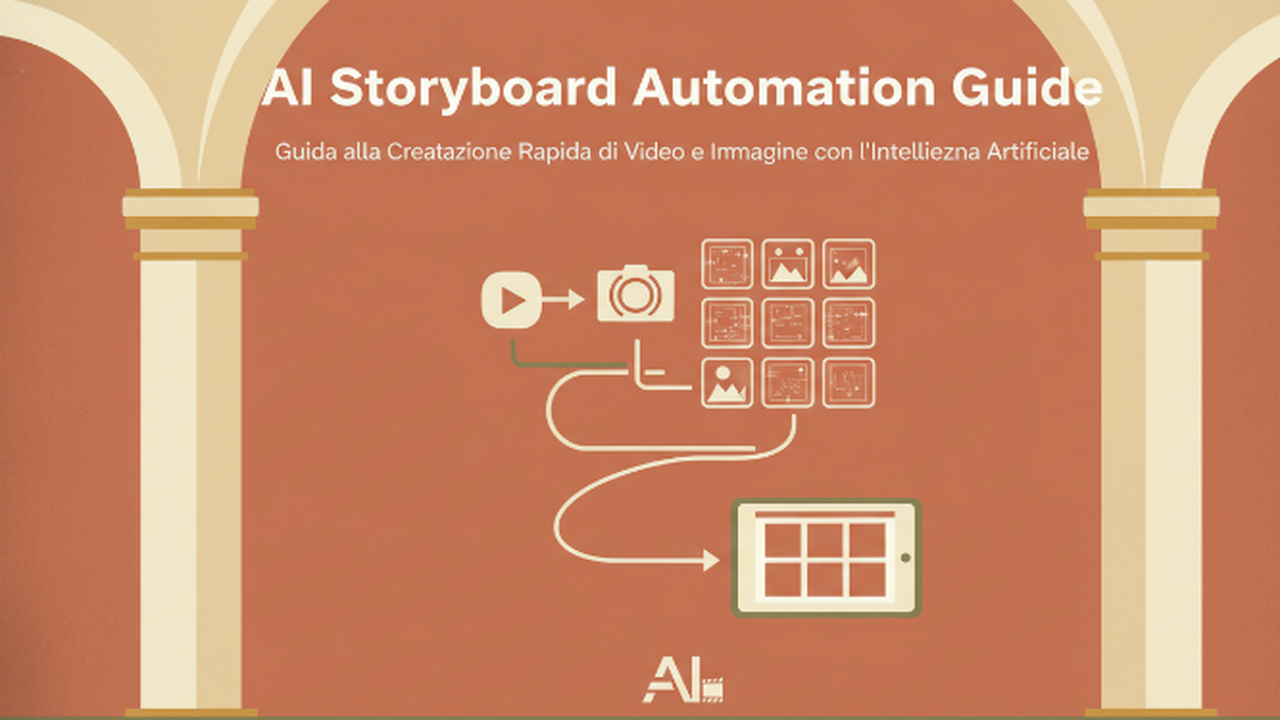
Hi, I’m Dora. On November 3, 2025, around 9:42 p.m., I was hunched over my desk trying to sketch a storyboard frame for a 30-second explainer. The coffee was good: my stick figures were not. I’d been circling AI storyboard automation for months, but this was the nudge: either the machines help me think in shots, or I keep pretending a circle with two dots is a “close-up.” Not sponsored, just honest results from my own late-night test runs.
Why AI Storyboarding Matters
The Role of Storyboards in Visual Storytelling
A storyboard is the blueprint of a video, ad, or product walkthrough. It answers simple but brutal questions: What’s the shot? Who’s in frame? Where’s the eye supposed to go? When I skip storyboards, edits balloon and messaging drifts. When I nail them, everything else flows, scripting, production, even approvals.
Think of a storyboard like GPS for attention. Each panel is a turn. If a turn is unclear, viewers get lost. That’s why clear boards save real money and time, especially for teams juggling marketing, product demos, or social content.
How AI Can Enhance Traditional Storyboarding Processes
AI doesn’t replace taste. It replaces friction. The best win I’ve seen is speed-to-first-draft. On Nov 5, 2025, I took a rough script and had passable boards in under 12 minutes.
What AI did well:
- Shot exploration: “What if this were low-angle?” Five options in seconds.
- Consistency: Character and scene continuity improved once I set style references.
- Iteration loop: Tweak a line in the script, regenerate the exact panel.
Where it struggles:
- Hands, props, tiny details can still drift across frames.
- Complex multi-person blocking is hit-or-miss.
- Brand-safe consistency requires a style board and examples up front.
In other words, AI accelerates the messy middle. You still need human judgment for framing, pacing, and the story’s spine.
Top AI Tools for Automated Storyboarding in 2025
Best AI Storyboard Automation Tools for Creators
Here’s what I actually tested in October–November 2025.
- Runway Storyboard: Text-to-boards with shot suggestions and style control. Pleasant surprise: the “beat sheet to frames” flow is fast. I got a 12-panel draft in ~7 minutes.
- Boords with AI Assist : Script-first workflow. Paste a script, get panel suggestions, captions, and shot types. Great for teams because comments/versioning are built in.
- StoryboardHero (storyboardhero.ai): Purpose-built AI storyboard generator. Strong for agencies: client links, quick revisions, and style presets.
- Wonder Unit Storyboarder (open-source): Not AI-native, but pairs well with image models (I piped Midjourney frames into it). It’s still a workhorse for timing and notes.
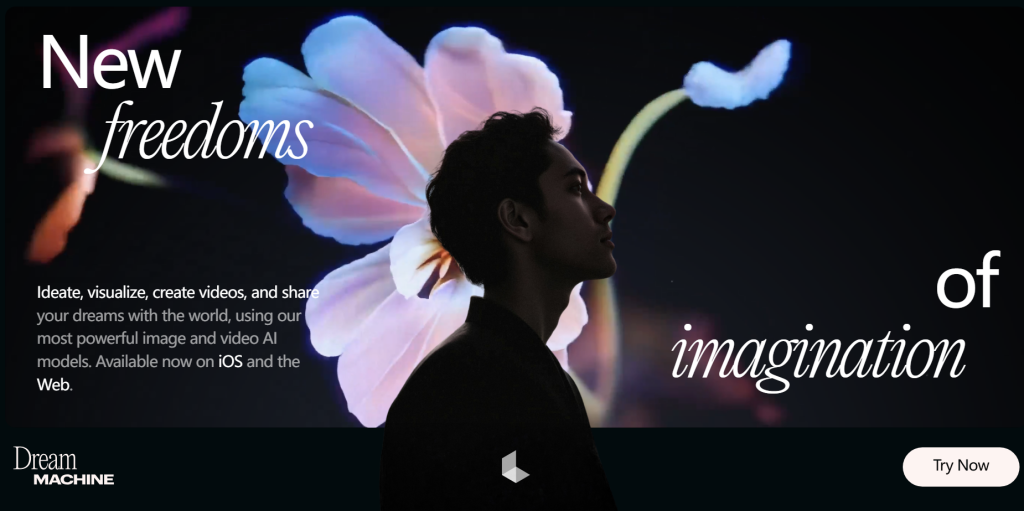
- Luma Dream Machine + frames (lumalabs.ai): More for animatics than static boards, but the stills you can pull are useful for motion intent.
- Midjourney/Stable Diffusion: Great for style exploration and reference boards. Less great for sequential consistency unless you build a character sheet and re-use seeds.
Useful but not essential for me:
- Canva’s Magic Media: Fine for moodboards and quick placeholders, not precise enough for shot direction.
- Toon Boom Storyboard Pro: Industry standard for pros. If you already live here, you can sprinkle AI images in, but it’s not an AI-first generator.
Comparing AI Storyboard Generators: Features & Use Cases
- Speed to first draft: Runway Storyboard and StoryboardHero tied in my tests: both produced coherent 10–15 panel drafts fast.
- Script-to-shot alignment: Boords won. It respects line-by-line beats and labels shot types (CU, WS) clearly.
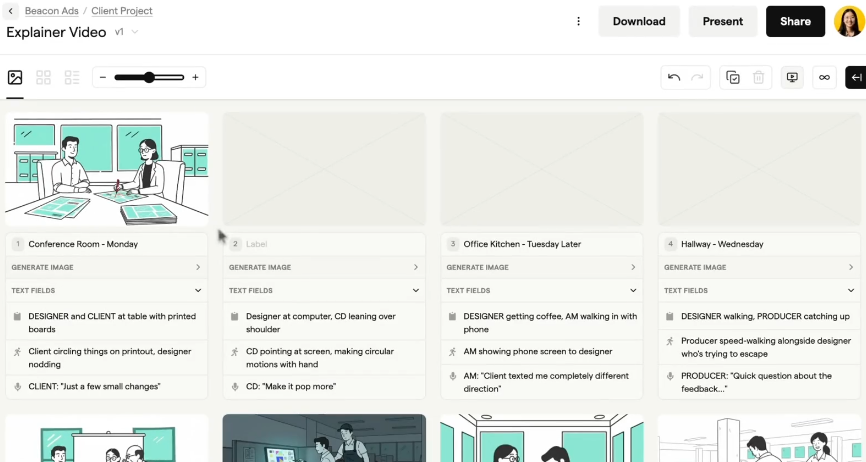
- Consistency of characters/props: Best when I fed style references. Runway handled continuity slightly better without heavy prompt engineering.
- Collaboration/approvals: Boords is built for teams. Commenting and sharing links saved me a round of “Can you export a PDF?” emails.
- Budget consciousness: Wonder Unit Storyboarder is free: pairing it with Midjourney or SDXL keeps costs controllable.
My rule of thumb:
- Solo creators: Runway Storyboard for fast ideation: Wonder Unit + Midjourney for control.
- Agencies/teams: Boords or StoryboardHero to keep feedback tight.
- Motion-heavy work: Luma for animatic previews, then freeze frames for boards.
References for the curious: Runway’s Storyboard docs, Boords’ AI help center, and Storyboarder on GitHub are good starting points.
Step-by-Step Guide to Creating Storyboards with AI
How to Create a Storyboard with AI in 5 Simple Steps
I ran this process on Nov 8, 2025 for a 30-second app teaser.
- Define beats, not just a script.
Write 6–12 beats: problem, setup, key action, payoff. One beat = one panel (usually). Simple verbs help: “Tap,” “Zoom,” “Reveal.”
- Set visual constraints.
Pick aspect ratio, brand colors, and 2–3 style refs (links or images). This reduces drift later.
- Generate a first pass.
In Runway Storyboard or StoryboardHero, paste beats and style refs. Ask for shot types if the tool allows. Don’t chase perfection yet.
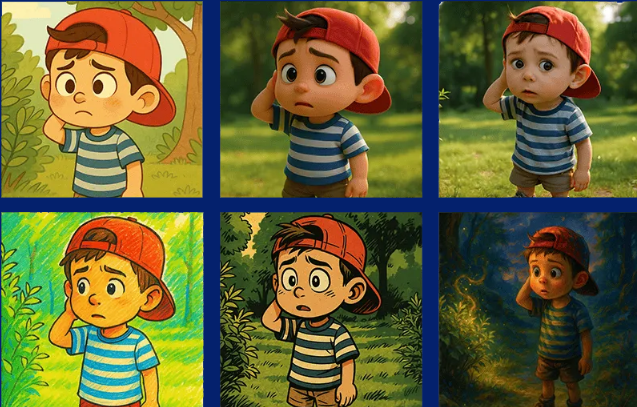
- Fix continuity.
Lock character/look props. If hands or text get weird, regenerate that panel with stricter prompts or upload a reference. I often mark “hero phone = same blue case” so it sticks.
- Export for feedback.
PDF for execs, share link for collaborators. I include a timestamp (e.g., “v2, 2025-11-08, 10:14 a.m.”) so comments map to a version.
Integrating AI Storyboarding into Your Creative Pipeline
- Upstream: Use AI boards to test scripts before you animate or shoot. If a beat looks boring on a card, it’ll be boring on screen.
- Downstream: Hand off the board plus references to your editor or animator. I attach prompts, seeds, and hex codes. Tiny detail, big win.
- Iterations: Change the script? Regenerate only the affected panels to keep continuity.
- Asset library: Save reusable characters, locations, and brand frames. Over a month, this becomes your visual language.
- Timeboxing: 60 minutes for v1 boards, hard stop. It keeps scope creep in check and costs are predictable.
Real-World Examples of AI Storyboard Automation in Action
- B2B Explainer (tested 2025-10-28): Script in Boards, first-pass frames via Runway. Total: 38 minutes to a 14-panel draft. Stakeholder approval came in one round instead of three.
- Indie short teaser (2025-11-03): Mood/style frames in Midjourney, sequencing in Storyboarder. I kept the lead character’s look consistent by reusing seeds and a character sheet. Zero time lost redrawing.
- UX product walkthrough (2025-11-09): Luma animatic to feel the motion, then stills exported as boards. Product team flagged one confusing step early, saving a reshoot day.
What didn’t work: I tried letting AI invent transitions for a complex three-person scene. It got chaotic. I switched to manual notes for blocking and only used AI for background plates.
Bottom line: AI storyboard automation isn’t magic, but it’s a real partner. It cleared the gravel from my path so I could focus on pacing, clarity, and that one satisfying reveal.
If you try any of these, send me what you make. I’ll trade you my best prompt for your sharpest beat sheet.
Previous posts: