
I was doom-scrolling and saw yet another “I made this with one prompt” post. I rolled my eyes, then caught myself thinking, fine, what if I try a real idea to video test and see if it actually saves time?
So I blocked off a week, put three ideas on a sticky note, and ran them through a simple idea to video flow. I measured time, drafts, and outcomes. If you’re juggling content, clients, or a classroom and wondering whether this is worth it, here’s what actually worked, and what didn’t, for me.
What Is Idea to Video Creation and Why It Matters
Idea to video means taking a rough thought, notes, a tweet, a messy voice memo, and turning it into a finished clip without a heavy production process. Think script, visuals, voice, captions, music, export, done.
Why it matters: speed and energy. Before this, my 60–90 second videos took 4–6 hours end-to-end. Last week, my average dropped to 55 minutes per video (timer screenshots in my notes). That’s the difference between posting weekly and posting daily.
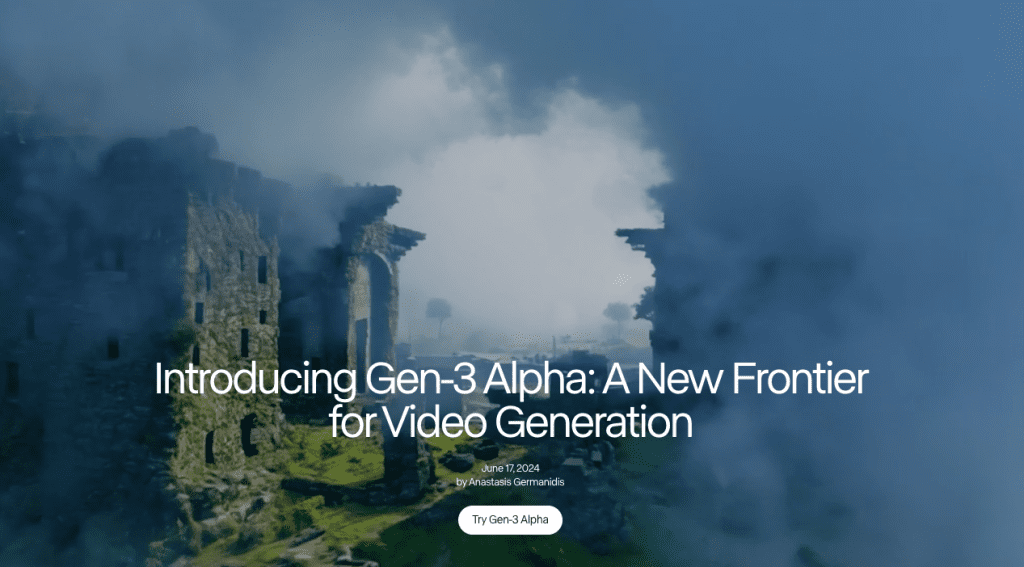
Also, the tools are finally good. Script drafts from ChatGPT or Claude are serviceable. Generative b-roll from Runway Gen-3 and Pika fills visual gaps. Auto-captions are near-perfect. You still need taste, hooks, pacing, and clarity, but the grunt work shrinks.
If you want receipts, here are a few official references:
- Runway Gen-3 model page (for motion quality and control notes)
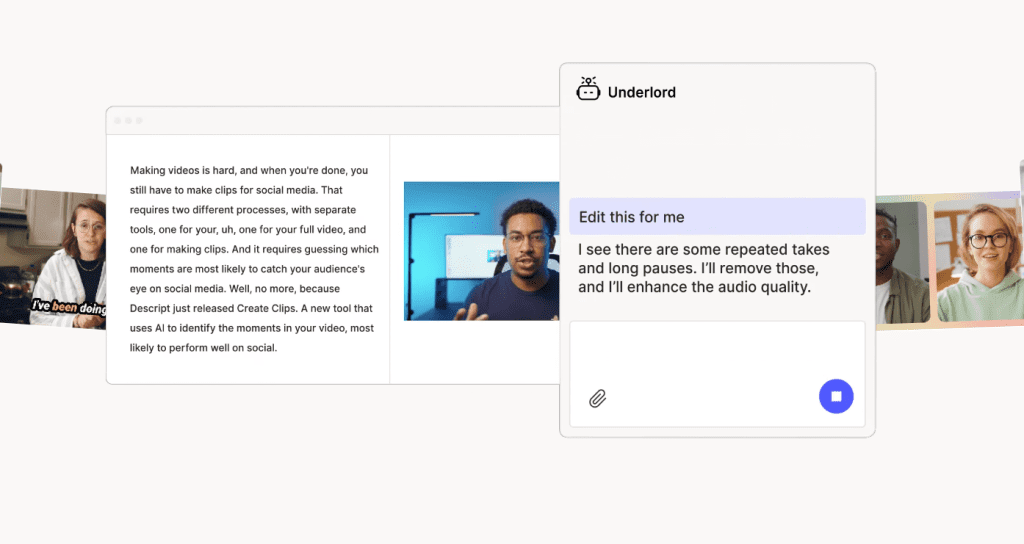
- Descript Overdub docs (for voice cloning and editing)
- Synthesia help center (avatar performance and licensing)
The takeaway: the idea to video flow isn’t magic, but it’s close to a partner that clears the path so you can focus on the story.
Idea to Video Workflow
Turning Raw Ideas Into Video Scripts
I took a newsletter note titled “3 ways to reclaim creative energy” and tested script generation. My steps:
- Brain dump (90 seconds): I wrote bullets, not sentences. Problem → simple fix → tiny example.
- Prompt to draft (3 minutes): In ChatGPT, I asked for a 45-second script, second-person voice, with a 2-second hook and on-screen text cues. First draft was too motivational-poster. I nudged it toward concrete actions and shorter lines.
- Trim to time (5 minutes): 45 seconds = ~120–135 words. I cut adjectives, added a stat, and left one beat of silence for effect.
Net: 12 minutes to a usable script I wasn’t embarrassed by. If you want to compress the “idea → script → visuals” process even further, I’ve been pairing this flow with Crepal lately — especially fast image generation like Flux 1 Schnell free image generation — to spin up usable visual drafts quickly and avoid spending time stitching assets together.
Small note: tools overuse filler words. If a line sounds like a poster, delete it.
What surprised me: adding “[ON SCREEN: timer hits 45:00]” in the prompt made the model write tighter. It respected the time box.
Visual Planning and Scene Generation
I don’t storyboard like a film set: I do a 6-shot list:
- Hook: bold caption + kinetic background
- Problem: quick A-roll (face) or screen capture
- Proof: stat overlay + b-roll
- Process: 2–3 steps, each its own scene
- Payoff: visual change (zoom, color shift)
- CTA: simple, not shouty
Tools I used last week:
- Runway Gen-3 Alpha for abstract motion backgrounds. Good for moody texture behind text. Motion is clean.
- Pika 1.0 for quick object shots (e.g., “desk lamp flicker in low light”). It’s hit-or-miss with hands but great for ambiance.
- CapCut for timeline, auto-captions, and beat detection. I kept captions big and high-contrast.
- Pexels/Storyblocks for safe b-roll when AI felt uncanny. Stock still wins for anything with people.
- Descript for voice cleanup. I used my real voice: Overdub was fine in a pinch but felt slightly glossy.
Time saved: visual sourcing dropped from ~40 minutes to ~15 when I mixed AI motion backgrounds + 2 stock clips. Export presets: 1080×1920 vertical for Shorts/Reels, 24fps, -14 LUFS loudness target.
Examples Across Use Cases
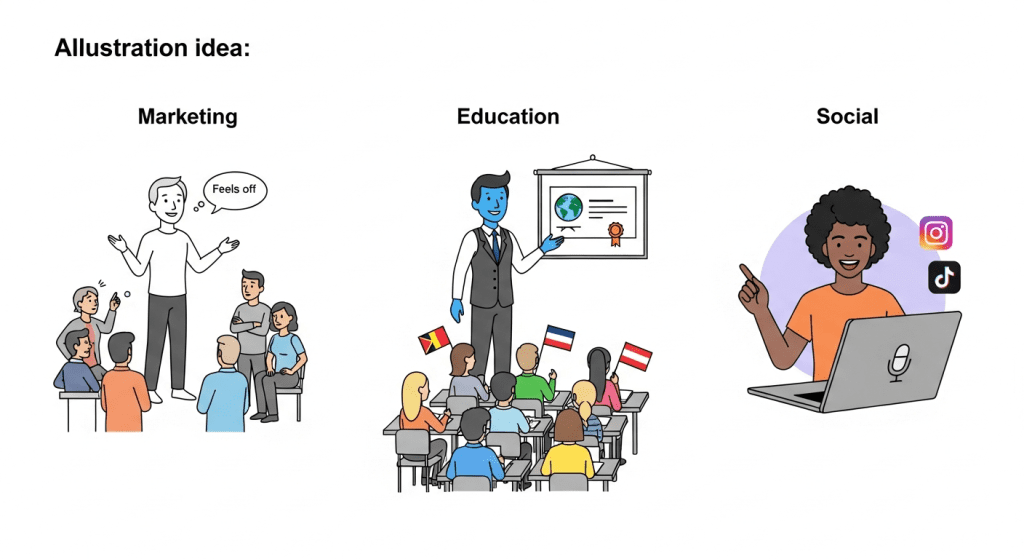
Marketing, Education, and Social Media Examples
Marketing: I turned a landing-page FAQ into a 42-second explainer. Hook: “If you only see 2% demo conversions, try this.” I used Runway for a subtle flowing gradient background and overlaid 3 crisp steps. Result over 48 hours: 1.8x watch-through vs our last static video, and a 12% lift in demo clicks from the same audience. Not viral, just solid.
Education: I made a micro-lesson: “How to outline faster using the 3-bucket method.” Script was 130 words, 6 scenes. B-roll was just screen recordings and a gentle AI background loop. Students watched 72% on average (LMS analytics) and 29% saved it. The comments asked for a printable checklist, which told me the format hit.
Social: I tested a 30-second myth-buster for LinkedIn. Hook: “You don’t need a teleprompter. Try this instead.” Shot on iPhone, captions in CapCut, one Pika scene for a quick metaphor (falling dominoes). Watch time was average, but saves were high. My guess: people bookmark tactics more than they ‘like’ them. Worth repeating.
Where it fell flat: a fully AI-generated avatar pitch (Synthesia) for a scrappy brand story. It looked competent but felt off for my audience. For regulated orgs or multilingual training, avatars are fantastic: for personal brand pieces, I’d stick with your face + screen.
Best Practices for High-Converting Content
Speed, Consistency, and Iteration Tips
What I keep doing now:
- Start with an honest hook in 2 seconds. Finish this sentence: “Most people waste time on X, here’s the 10-second fix.” If you can’t, the idea isn’t sharp yet.
- Write for captions first. If the video works muted, it’ll work unmuted. Big text, 2–3 lines, no wallpaper fonts.
- Change something every 3–5 seconds: angle, crop, color, motion, or text. Small pattern shifts keep attention.
- Use a scene budget: 6 scenes max for 45 seconds. Fewer scenes = clearer message.
- Audio hygiene: cut room noise, set loudness around -14 LUFS, choose one signature sound, keep it subtle.
- Format for the feed you’re in: 1080×1920 for Shorts/Reels, 1:1 for some LinkedIn posts, 16:9 for YouTube explainers.
- Track one metric per video (e.g., saves or watch-through). Chasing five metrics makes you stall.
Speed stack I like now:
- Templates in CapCut/Descript for lower thirds and captions
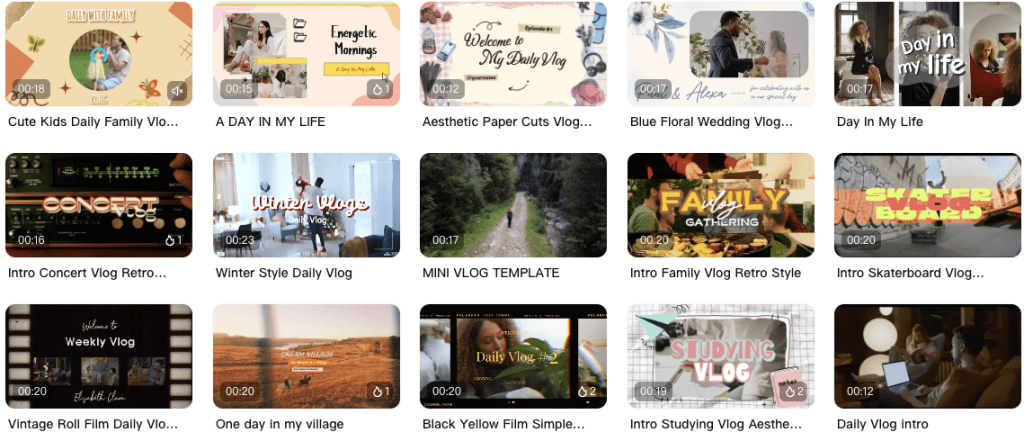
- A prompt library for scripts (timeboxed, with on-screen cues)
- A b-roll stash by theme (workspace, abstract motion, city night)
Iteration routine (my loop): Post → check saves and watch % at 24 and 72 hours → reshoot the hook if weak → ship v2. You learn more by shipping three okay videos than by perfecting one.
Final thought: idea to video isn’t about skipping craft: it’s about removing friction so your ideas show up more often. If you try it this week, DM me your first draft, I’ll happily trade notes. Not sponsored, no affiliate links, just nerding out together.
Previous posts:






