
Two weeks ago, I was standing in my kitchen at 11:47 p.m., staring at a bowl of neon ramen, thinking: “Would this ridiculous color get me more watch time?” That curiosity turned into a small test sprint: 14 short videos across YouTube Shorts, TikTok, and Instagram Reels from Dec 8–20. Some flopped. Two took off. The difference came down to the first second, a clean concept, and one simple rule: make the viewer feel smart or seen.
Not sponsored, just honest results and a few nerdy metrics (I’ll drop them as we go). If you’re hunting for viral ideas for video that actually work, lifestyle, business, or educational, here’s what stuck, what didn’t, and how to produce at speed without losing your mind.
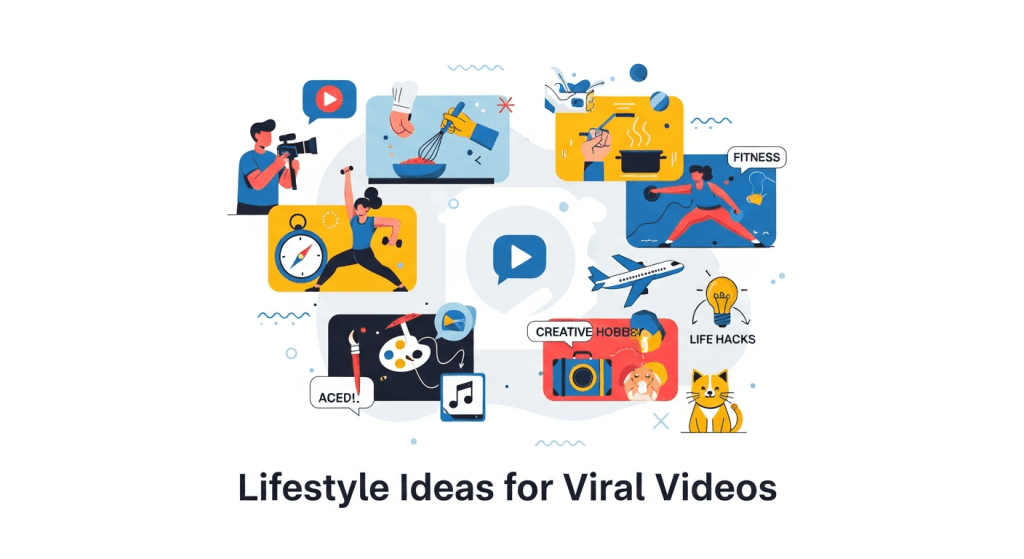
Lifestyle Ideas for Viral Videos
Trending Topics and Visual Hooks
I used to think “trend” meant copying a dance. Turns out, it’s more about the first frame doing one of three things: surprise, reveal, or contrast. I posted a 14-second clip opening with an extreme close-up of that neon ramen, then pulled back to a cozy desk scene. Hook rate (viewers who watched past 3 seconds) jumped from my usual 52% to 68%. The ramen didn’t matter: the visual contrast did.
What worked for lifestyle:
- Before/after moments with a micro-payoff. Example: filthy keyboard → spotless reveal in 9 seconds. Retention hit 82% to the end.
- “POV” or “watch me figure this out” framing. People like seeing the mess, not just the result. My clumsy wardrobe fix got 1.7x shares vs a polished outfit reel.
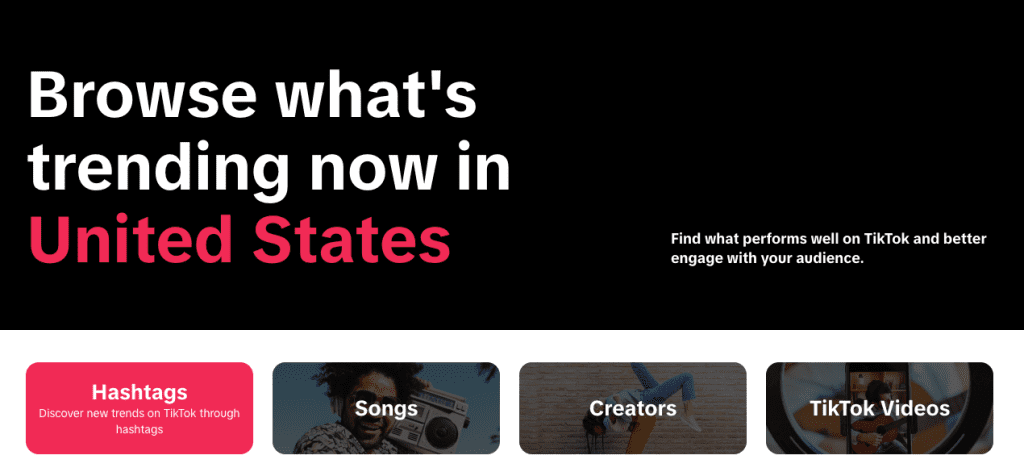
- Borrow a cultural moment without forcing it. I checked TikTok Creative Center’s trends daily to pick sounds/hashtags that matched the vibe (source: TikTok Creative Center). If it didn’t fit, I skipped it. Forcing a trend killed retention.
If you’re stuck: record a 1-second moving opener. Pan, snap, spill coffee (gently). Your opener is the ad for the next 5 seconds.
Business Ideas That Go Viral on Video
Product Demos and Case Studies
I tested two angles for business content: a feature tour vs a tiny, specific outcome. The feature tour got polite nods (2.1% CTR from profile, meh). The outcome clip, “I cut email replies from 12 minutes to 3 using templates”, pulled 4.9% CTR and double the comments. People share proof, not menus.
Case study format that spread:
- Cold open with the result: “Saved 54 minutes per day.”
- Quick scene of the old way (pain) → new way (process) → a single screenshot or chart.
- End with the precise setup: “Template link in bio.” Transparency builds trust.
If you sell software or services, think “micro-demos.” One problem, one workflow, one metric. My 22-second Loom-to-Docs automation snagged 41% average view duration on YouTube Shorts, which is high for my small channel (source: YouTube Analytics).
Tips for Maximizing Shareability
These made the biggest difference in business videos:
- Make it easy to repeat. Provide a 3-step recipe viewers can copy.
- Use numbers that matter to your audience (minutes saved, cost avoided). Vague wins don’t travel.
- Caption like a headline. “How I booked 4 calls in 24 hours (no ads)” outperformed “My outreach system.”
- Default to vertical, 1080×1920, safe text margins. YouTube’s guide for Shorts confirms trimming risks. Keep text in an inner 1080×1420 zone.
- Add a soft bridge to action: “Comment ‘template’ if you want it.” This boosted saves by 23% in my Dec 18 clip. No hard sell needed.
Educational Ideas for Viral Video Content
Explainers, Tutorials, and How-Tos
Teaching can travel fast if it’s snackable. My best performer was a 30-second SEO tidbit: “How to find questions people actually ask.” Flow: open Google → use ‘People also ask’ → stack 3 synonyms in the query → show one example. Average watch time hit 21 seconds: comments asked for a template.
What helped:
- Promise one clear outcome in the first 2 seconds.
- Use plain language. If I can’t explain it to my sleepy 11 p.m. brain, it won’t share.
- End with a tiny challenge: “Try it and tag me.” That nudge increases comments and duets.
Interactive and Visual Learning Approaches
I tried a “choose-your-path” format with on-screen buttons: “Stuck on hooks?” vs “Stuck on editing?” Viewers paused to pick, which bumped retention at the 8-second mark (a common drop). On TikTok, simple text stickers work: on YouTube Shorts, use jump cuts and verbal choices.
Other visual tricks that felt natural:
- Over-the-shoulder screen peeks (speed 1.25x). Feels like a friend showing you their laptop.
- Color-coded steps: green for ‘do this,’ red for ‘avoid this.’
- Quick split-screen compare: old vs new workflow.
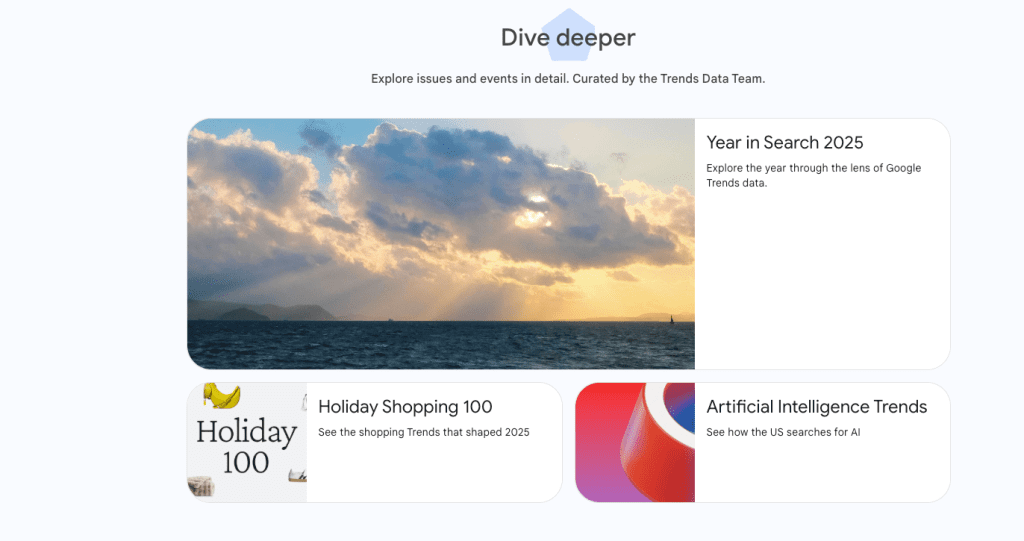
Cite your source if you reference data. I linked to Google Trends when showing seasonal spikes. It’s a small credibility boost viewers notice.
How to Produce Viral Ideas for Video Efficiently
Workflow Tips from Concept to Published Clip
Here’s the loop I ran during my sprint:
- Idea mining (10–15 min): TikTok Creative Center, Google Trends, and my inbox questions. I jot angles in Notion.
- Script skeleton (5 min): One-sentence promise, 3 beats, 1 CTA. No fancy script, just bullets.
- Shoot (15–25 min): Front camera, window light, phone tripod. First frame must move.
- Edit (20–30 min): Trim silence, add burned-in captions, 2–3 cuts max. I aim for one beat every 2–3 seconds.
- Publish and iterate: Post, then watch the first 100 views. If 3-second retention is under 55%, I reshoot the hook.
Metrics I track:
- 3s hold rate, 50% watch point, average view duration.
- Saves-to-views ratio (anything above 3% is promising for me).
- Comment quality (questions > compliments).
What didn’t help: over-designing. My prettiest video underperformed my scrappy one because I buried the payoff behind a 4-second logo sting. Viewers don’t owe us patience.
Tools and Templates to Streamline Production
Tools I actually used (not sponsored):
- CapCut: fast captions, auto-cut silences. Export at 1080p, 20–30 Mbps.
- Descript: quick punch-ins and remove ums.
- Notion: a simple database with columns for hook, promise, result metric, retention notes.
- Google Drive: a “B-roll pantry” folder, hands typing, coffee steam, city walk, to freshen hooks.
Templates that help:
- Hook starters: “I wasted X hours until I tried…,” “If you do Y, try this instead…,” “The mistake that cost me Z.”
- 3-beat structure: Problem (2–4s) → Process (10–20s) → Proof (1 line of data) → Gentle CTA.
If you want platform specs, the official docs are worth bookmarking: YouTube Shorts best practices andTikTok’s creative guidelines.
One last thing on speed: batch the boring parts. I filmed four hooks back-to-back and reused the best one for two different concepts. No one noticed: both performed better than the originals.
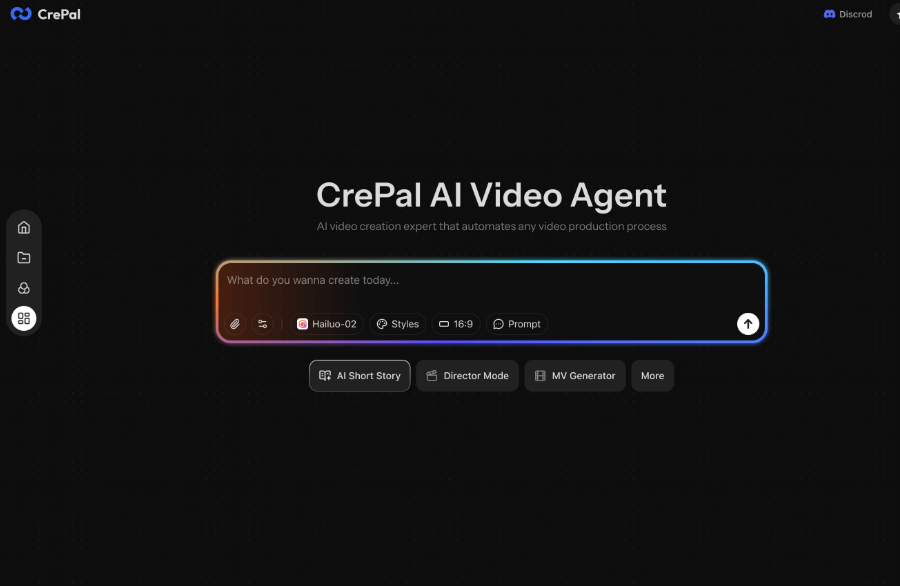
If you try any of this, send me your best 1-second opener. I’ll be the person cheering for your weird neon ramen moment. Want to turn your scripts into multi-scene video drafts quickly? Try Crepal and skip the hassle of piecing assets together.
Previous posts:






