
If you’re hearing “youtube long video ai” everywhere and wondering if it’s worth your time, I get it. I make a living testing AI tools for real production work, mostly around image generation and text accuracy, but those same habits translate nicely to long-form video. The short version: with the right workflow, you can produce watchable 10–45 minute videos faster, keep your brand clean, and avoid the dreaded “automation junk” look. And yes, we’ll cover how I keep on-screen graphics and thumbnails readable, AI images with accurate text matter just as much on YouTube.
Why Long-Form YouTube Videos Matter
Long videos drive session time, ad revenue, and trust. Shorts can spike discovery, but it’s long-form that convinces people you actually know your stuff. For independent creators and marketers, a single well-structured 20-minute explainer can feed weeks of repurposed clips, blog posts, and email content.
Here’s what I noticed while analyzing retention graphs on my own channel and client projects:
- Long-form converts subscribers better when chapters are clear and visuals stay consistent.
- Voice quality matters more than you think. TTS, that’s 5% more natural, can add minutes of watch time.
- Clean on-screen text and lower-thirds reduce friction. If viewers squint, they bail.
Benefits of YouTube Long Video AI
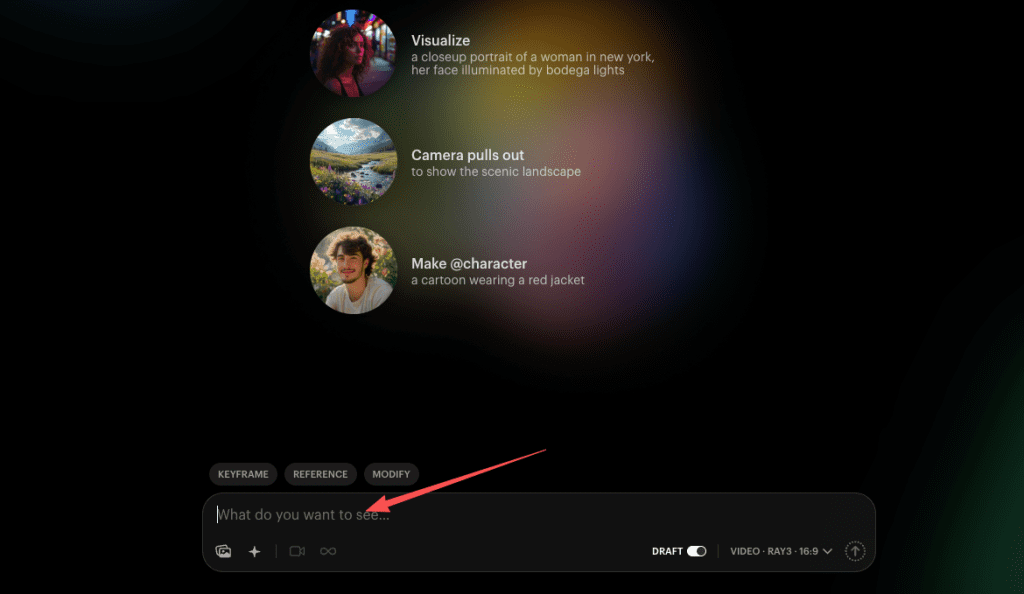
- Faster first drafts: I use AI to outline, research citations, and generate B-roll ideas, so I’m not staring at a blank doc for hours. For rapid concept visuals and quick mockups, I also experiment with Crepal, which helps me brainstorm ideas without slowing down the production flow.
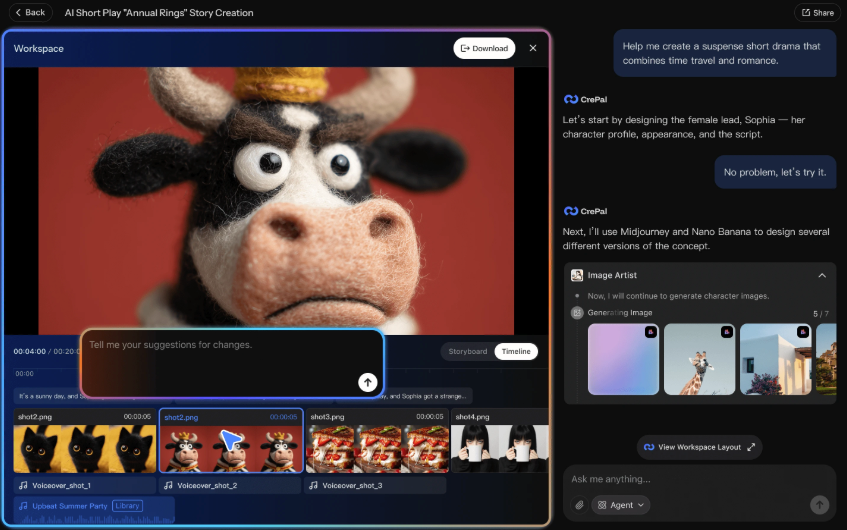
- Consistent brand visuals: Templates + AI image tools produce realistic AI images for marketing with the same fonts and colors each episode.
- Accessibility and reach: Auto-captions, translated subtitles, and voice cloning open new audiences.
- Cost control: Instead of a full team, I lean on AI tools for designers and video editors to handle the repetitive work.
One more practical angle: long videos give you more inventory for mid-roll ads and sponsor segments. If monetization’s the goal, “youtube long video ai” isn’t a gimmick, it’s leverage.
YouTube Long Video AI Workflow
I’ll walk you through the exact pipeline I use when I need a 20–30 minute video in under 48 hours. This isn’t theory: it’s what survived my own deadlines.
Step-by-Step Production Process
- Topic and brief (30–45 min)
- I start with a clear angle and promise. Then I ask a model (Claude 3.5 Sonnet or GPT-4o) for a structured outline with chapters, timestamps, and research gaps to fill manually.
- Prompt gist: “Act as a YouTube editor. Create a 7-chapter outline for a 25-min video on [topic], with hook, conflict, examples, and a visual plan for each chapter.”
- Script draft and voice
- I write the intro and closer myself to keep the voice human. For the body, I let AI draft, then I rewrite for flow and add first-person experience.
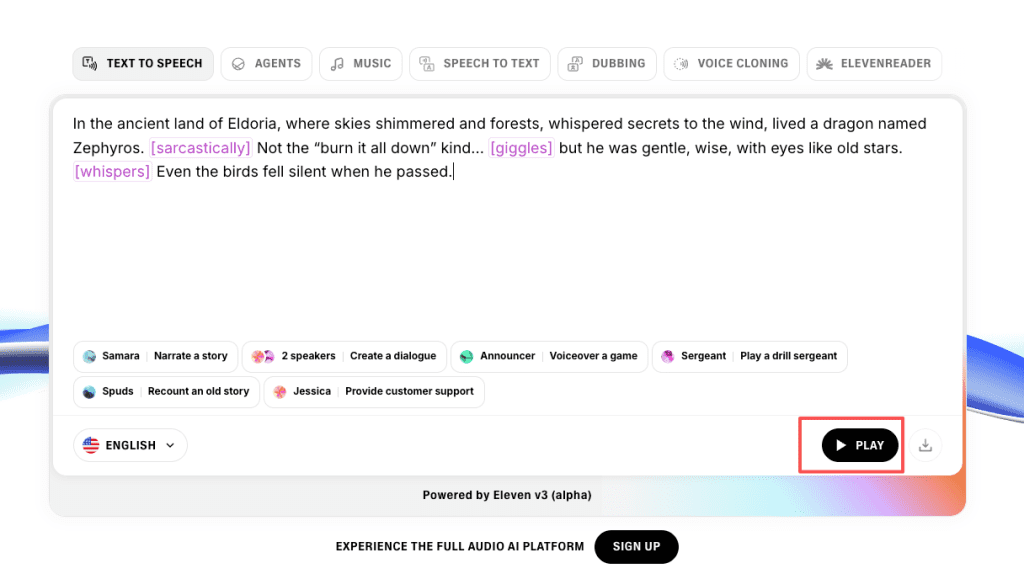
- TTS: ElevenLabs or PlayHT with speed ~0.92–0.98, clarity +10–15%. I insert micro-pauses before key stats.
- Visual plan and B-roll
- For explainer footage, I pair stock (Artgrid/Pexels Pro) with AI-generated B-roll (Runway Gen-3, Luma Dream Machine, or Pika). Generation settings: 24 fps, 5–8 second clips, subtle camera moves. Keep it neutral, flashy motion hurts retention on dense topics.
- On-screen graphics: IOn-screen graphics: I generate panels with Stable Diffusion 3.5 Large or Flux for style, then fix typography in Figma. If I need AI images with accurate text (charts, headlines), I use Photoshop/Firefly Generative Fill for placement and manually set the type to guarantee correctness. This is where the best AI image generator for text still loses to a real font.
- Assembly and timing
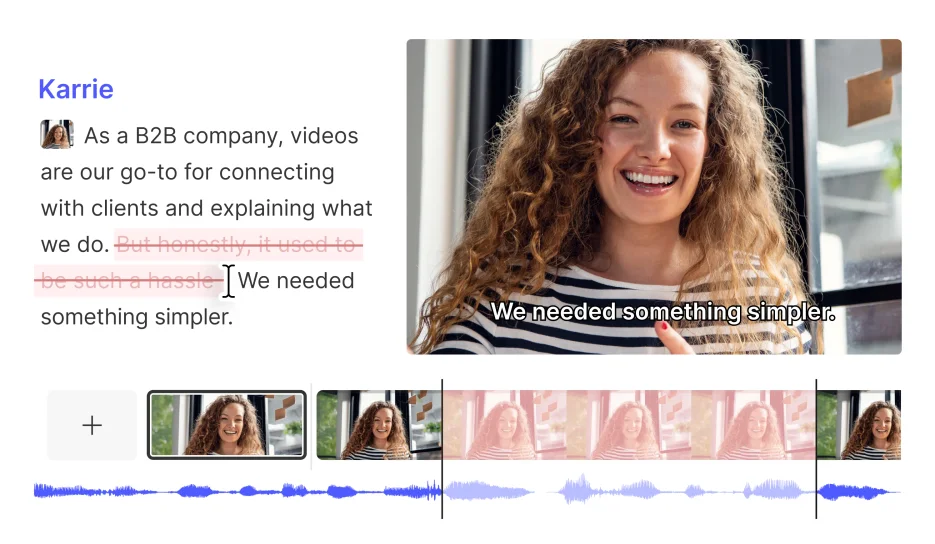
- Editing tools: Descript or CapCut for rough, Premiere for final. I lock chapters early, then pace to the voice track. I watch the first 90 seconds at 1x to check hook clarity and lower-third readability.
- Captions, chapters, and thumbnails
- Captions: export SRT from Descript: quick proofread. Chapters go in the description and pinned comment.
- Thumbnail workflow: I composite a clean subject image, then add big, readable words set manually. I don’t trust AI to kern small text, production-ready means no guesswork.
- QC and rights
- Double-check stock licenses and AI tool terms. Some models restrict commercial use for certain assets, don’t assume. I keep a spreadsheet with asset sources and license notes.
This flow keeps me fast without looking automated. It’s also modular, swap tools as needed without breaking the system.
Example YouTube Long Video Channels
I avoid naming specific creators unless they’ve publicly shared their stack, but here are patterns I’ve studied in channels producing strong long-form with AI assist:
Top Channels Using AI for Long Videos
- Faceless explainers (finance, productivity, AI news): Narration-first, heavy on chapter cards, consistent B-roll. AI helps with outline, research summaries, and TTS: humans lock the hook and claims.
- True crime and history essays: AI supports timeline builds, map animations, and stock discovery. Script voice stays human to maintain tone.
- Educational software walkthroughs: Mixed screen capture, templated lower-thirds, and AI-generated interstitials. Great fit for AI tools for designers who need repeatable visuals.
- Brand documentaries and case studies: Hybrid approach, human interviews, AI for filler shots and motion graphics, meticulous typography for credibility.
What they have in common: clear pacing, readable on-screen text, and restraint. The videos feel researched, not auto-generated. If you want inspiration, watch how they structure chapters and reuse visuals across episodes.
Best Tools for YouTube Long Video AI
I rotate tools based on project constraints. Here’s what’s been reliable lately.
Software & Platform Recommendations
- Scripting and research
- Claude 3.5 Sonnet or GPT-4o: outline + draft, then I rewrite. Pros: structured thinking. Cons: citations need manual verification.
- Voice
- ElevenLabs, PlayHT: natural TTS with style controls. Pros: fast iteration. Cons: subtle artifacts on long reads, spot-check.
- Video generation and B-roll
- Runway Gen-3, Luma Dream Machine, Pika: short, tasteful inserts. Pros: cinematic motion. Cons: text on objects is unreliable, don’t ask it to render product labels.
- Editing
- Descript for assembly, Premiere/Resolve for finish. Pros: speed + control. Cons: exports need color checks.
- Images and graphics
- Stable Diffusion XL, Flux, Midjourney for concept images: Photoshop + Firefly for compositing. For realistic AI images for marketing, I still typeset real text manually. It’s faster than fixing AI typos later.
Quick comparison
| Task | My pick | Why |
| Outline/chapters | Claude 3.5 | Cleaner structure |
| Script polish | GPT-4o | Strong on rhythm |
| TTS | ElevenLabs | Natural pauses |
| AI B-roll | Runway Gen-3 | Stable motion |
| Edit | Premiere | Precise timing |
| Thumbnails | Photoshop + fonts | Guaranteed legibility |
Pros of the stack
- Speed: Draft-to-publish in 24–48 hours for 20–30 minutes.
- Consistency: Templates keep branding tight across episodes.
- Control: Human checks where AI is weak, claims, typography, and pacing.
Cons and limits
- Hallucinated facts: I fact-check everything with primary sources. No exceptions.
- Typography: AI still struggles: I typeset critical text. It’s the only way to get AI images with accurate text.
- Licensing: Some AI assets have unclear commercial terms. Keep records.
Where this shines
- Educational explainers, product tutorials, and brand stories that need a steady cadence.
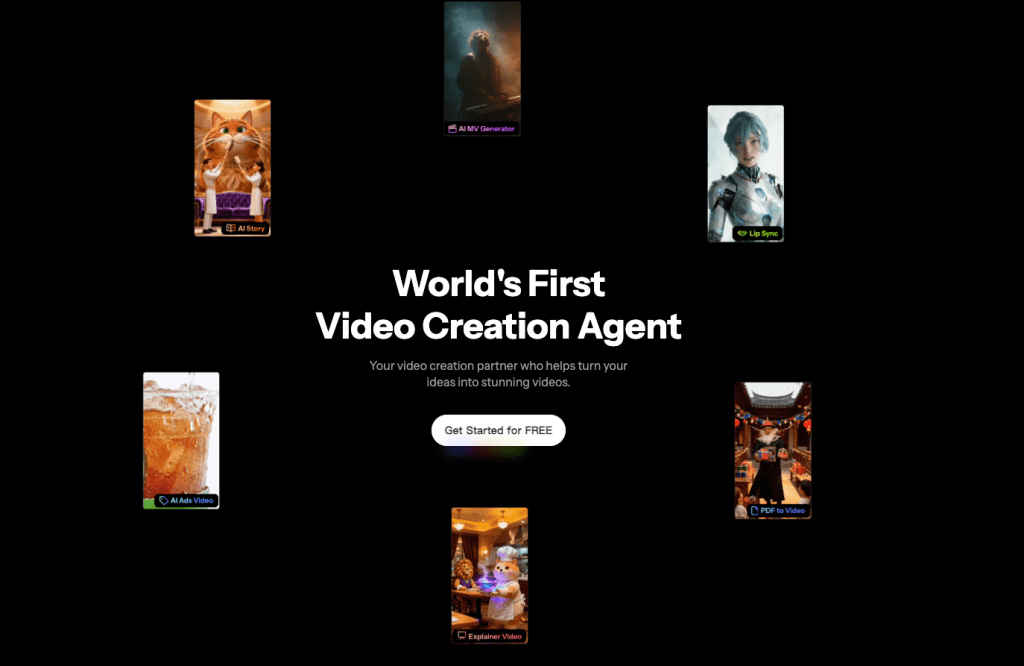
If you’re looking for a shortcut to produce clean visual assets for these types of videos, Crepal.ai can speed up early-stage planning and concept work.
Where I don’t recommend it
- Heavy dialogue scenes, complex live action, or videos where precise logos/packaging must match legal standards.
If you’re just starting with “youtube long video ai,” begin with one episode. Ship it, check retention at 30 seconds and 3 minutes, and fix only what the data calls out. Clean, simple, and human, your viewers will feel the difference.
Previous posts:






