Hey, buddy. How’s going on? I’m Dora. I kept seeing “Seedance 2.0 multi shot” pop up in creator threads and thought: is this the thing that finally makes multi-shot video less… finicky? I ran a few experiments, short marketing clips, a how-to demo, and a quick product testimonial, to see how reliably Seedance held identity and style across multiple shots. I’ll share what surprised me, what I had to baby-step around, and practical rules I used to save time (and hair-pulling).
Why multi-shot is hard (and why it’s worth it
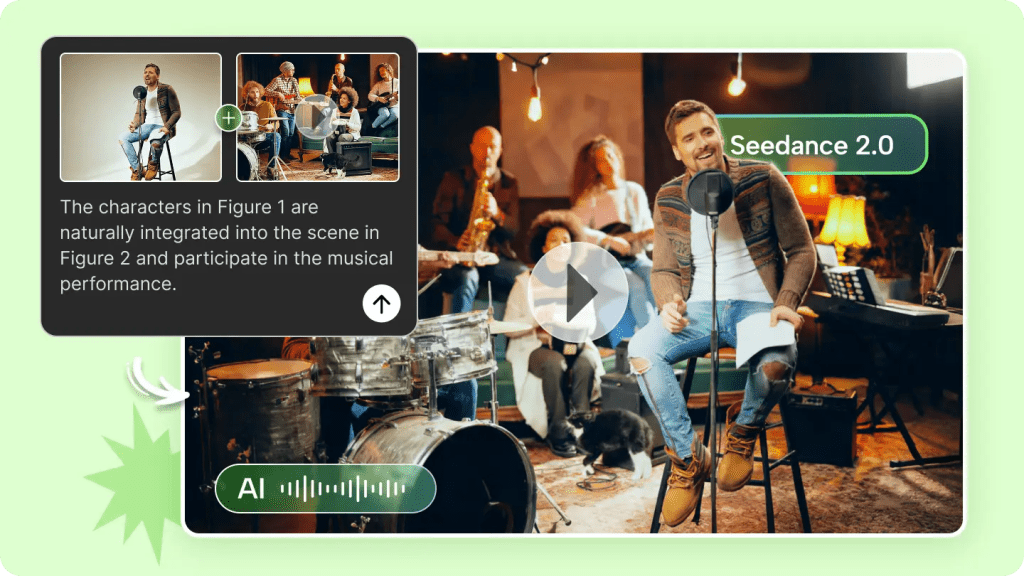
The 2 consistency layers: identity + style
I learned the hard way that multi-shot video has two distinct problems: keeping the subject looking like the same person (identity) and keeping the visuals feeling like the same scene (style). They’re related but not the same.
Identity: this is about facial features, head shape, proportions, and small repeatable quirks (a dimple when you smile, the way someone tilts their head). In Seedance 2.0 multi shot tests, I saw identity hold up well when I locked facial tokens and kept camera angles consistent. But when I intentionally changed angles, the model tried to “improve” the face and you can feel a personality slip, subtle, but noticeable.
Style: lighting, color temperature, camera lens characteristics, and background depth. Style drift is sneakier. I had two shots filmed five minutes apart: same room, same light source, but slightly different exposure. Seedance matched the face across shots, yet the skin tone and shadow depth shifted. That’s the difference between a convincing multi-shot edit and something that reads as stitched-together.
Why it’s worth it: get multi-shot right and you unlock narrative pacing. You can cut, zoom, and breathe life into short marketing clips without hauling an entire crew. For solo creators and small teams, that’s efficiency plus creative control, when it works, it’s joyful.
Plan first: a 5-shot structure that works for most marketing videos
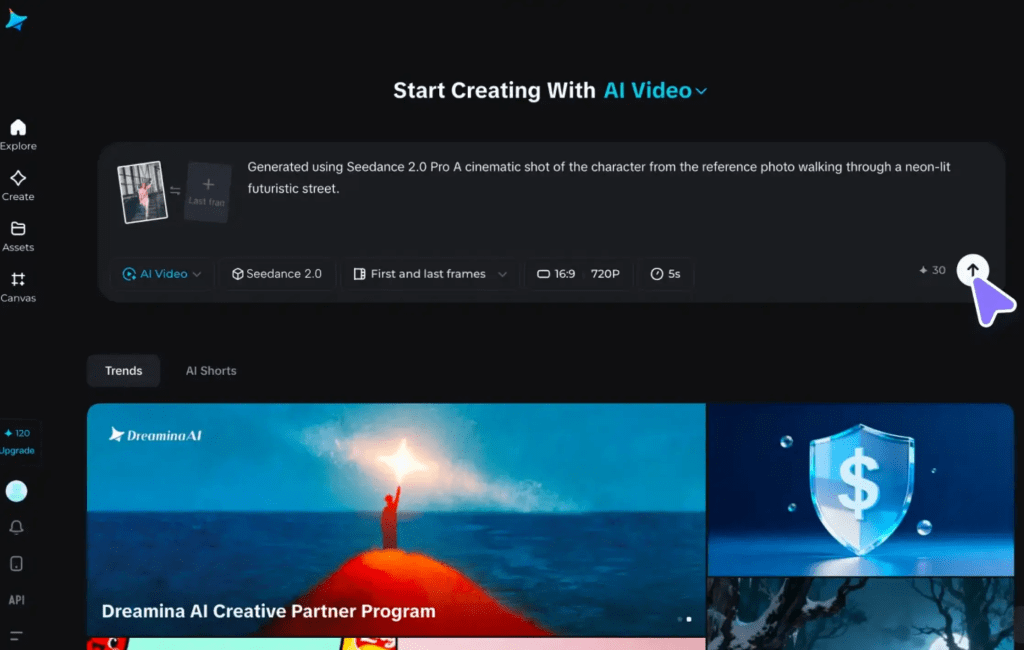
Hook → Problem → Demo → Proof → CTA
I now always start with a simple five-shot plan before I touch Seedance 2.0 multi shot. It’s predictable, covers storytelling basics, and maps to editing rhythm.
- Hook (3–5s): quick, curious visual, a close-up or motion that stops thumbs.
- Problem (5–8s): show the pain point without lecturing, an annoyed expression, a pile of messy tabs, or a stalled workflow.
- Demo (8–15s): the solution in action. This is where multi-shot shines: close-ups, mid shots, and over-the-shoulder angles.
- Proof (5–8s): quick social proof, a short quote graphic or a rapid data overlay.
- CTA (3–5s): clean final shot, invite action.
During my sessions I scripted these beats and recorded five short takes per beat (one reliable take per beat), then used Seedance to generate matched shot variants. The structure reduced guesswork and let me focus on continuity prompts instead of inventing shots on the fly.
Prompting for continuity (what to keep fixed)
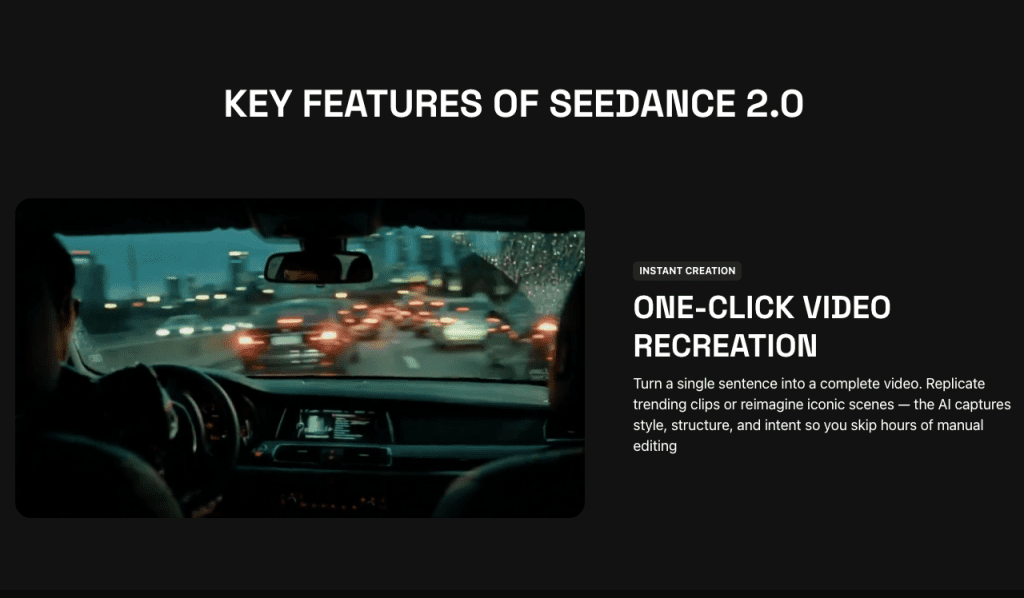
The “locked tokens” checklist
Prompting is where most wins happen. I keep a checklist of tokens I lock so the model knows what mustn’t change across shots. I literally paste this into every prompt.
- Identity tokens: gender, approximate age range, key facial descriptors (e.g., “round face, small nose, light freckling, thin eyebrows”).
- Camera tokens: lens type (“50mm medium depth”), shot framing (“close-up, mid-shot, over-the-shoulder”), and angle (“slightly above eye level”).
- Lighting tokens: direction and quality (“soft window light from left, warm 3200K”), plus shadow strength.
- Wardrobe tokens: “navy sweater, no logos”, small wardrobe changes can break continuity.
- Background tokens: “wood bookshelf, shallow depth” or “plain warm wall”.
A real example from my run: I locked “50mm, mid shot, soft left window light, navy sweater, plain warm wall” across three prompts. The result kept a consistent head size and light falloff: without the wardrobe token, Seedance swapped collar styles between shots. Little things matter.
Prompt tip: use short, consistent descriptors. Don’t try to rephrase the same token between prompts, treat them like constants.
When to re-generate vs when to edit/assemble
The cost/time decision rule
Seedance 2.0 multi shot is fast but not free (in time or compute). I developed a simple decision rule while testing:
- Re-generate when the failure affects identity or core motion (face warping, wrong eye color, major head-shape changes).
- Edit/assemble when the failure is stylistic and fixable in an NLE (minor color shift, small lighting mismatch, or a cut that needs smoothing).
Why? Re-generating can solve identity problems cleanly, but you risk losing a take you liked. Editing is cheaper: a 5–10% color grade or a few frames of morph cut often makes a clip usable. I re-generated one test because the face subtly smoothed and lost a mole that was part of the subject’s identity, important enough to redo.
Time-cost shorthand I use:
- Identity issue: re-gen (time cost moderate, quality high).
- Style drift: edit in Premiere/FCP (time cost low, quality moderate).
- Pacing or content problem: re-record the performance: generative fixes struggle with authentic timing and micro-expressions.
This rule saved me from endless re-renders.
After running these experiments, I realized the biggest time sink wasn’t Seedance itself, it was remembering what worked, what failed, and why.That’s exactly why we built Crepal. It doesn’t make creative decisions for you. It just makes sure you don’t have to rediscover the same ones twice.
Try Crepal here now!
Fixing common multi-shot failures
Drift, lighting jumps, camera mismatch, pacing
Here are the typical failures I hit and how I patched them.
Drift
- Symptom: the face slowly changes across shots (jawline softens, nose shifts).
- Fix: re-generate with stricter identity tokens and add a reference image (one stable frame). If that fails, rebuild the sequence using the best consistent segment and re-generate other shots to match it.
Lighting jumps
- Symptom: two shots with the same prompt but different shadow strength or color.
- Fix: in-shot, add a match-light layer (simple color grade: adjust highlights/shadows, tint). If grading doesn’t hold, re-generate with explicit temperature and shadow descriptors (“warm 3200K, soft shadow, no rim light”).
Camera mismatch
- Symptom: head size or perspective changes between shots.
- Fix: lock lens and distance tokens in prompts. If you only notice in edit, use slight scale/crop adjustments or a subtle push-in to normalize perspective.
Pacing
- Symptom: generated micro-expressions don’t line up with voiceover or beats.
- Fix: prefer re-recording the performance if timing is critical. For short fixes, nudge frames, add micro-cut edits, or use speed ramps.
Honest note: sometimes you need a hybrid approach, re-generate the troublesome shot, then lightly grade to match the rest.
Export + assembly tips for a seamless final cut
I keep my final assembly workflow short and predictable.
- Export settings: render each generated shot at the highest available bit-depth Seedance offers and match frame rate to your timeline (I used 24fps for marketing clips). Export with alpha if you plan to composite.
- Normalize color first: create a reference frame (a single stable mid-shot) and apply a node-based grade to match all shots to that frame. This reduces perceived jumps.
- Audio-first timeline: lay down the final VO or music track first, then trim shots to the beat. Seedance clips can feel “too perfect,” so leaving some natural pauses helps.
- Use subtle transitions: 100–200ms cross dissolves or 1–2 frame speed ramps hide small misalignments better than slamming cuts.
- Final polish: add a slight film grain and a shared LUT across the sequence, it’s a small homogenizer that sells continuity. According to MasterClass’s LUT guide, LUTs (Look-Up Tables) are “color presets that filmmakers can readily turn to” for consistent color grading across clips.
Practical result: my edits finished 30–40% faster than purely manual reshoots. That said, I still re-shot one performance when the emotion didn’t translate, tools don’t replace honest expression.
Export note: keep a versioned folder with raw generated files and a document listing prompt tokens + timestamps, so you can reproduce or iterate later.
Previous posts: