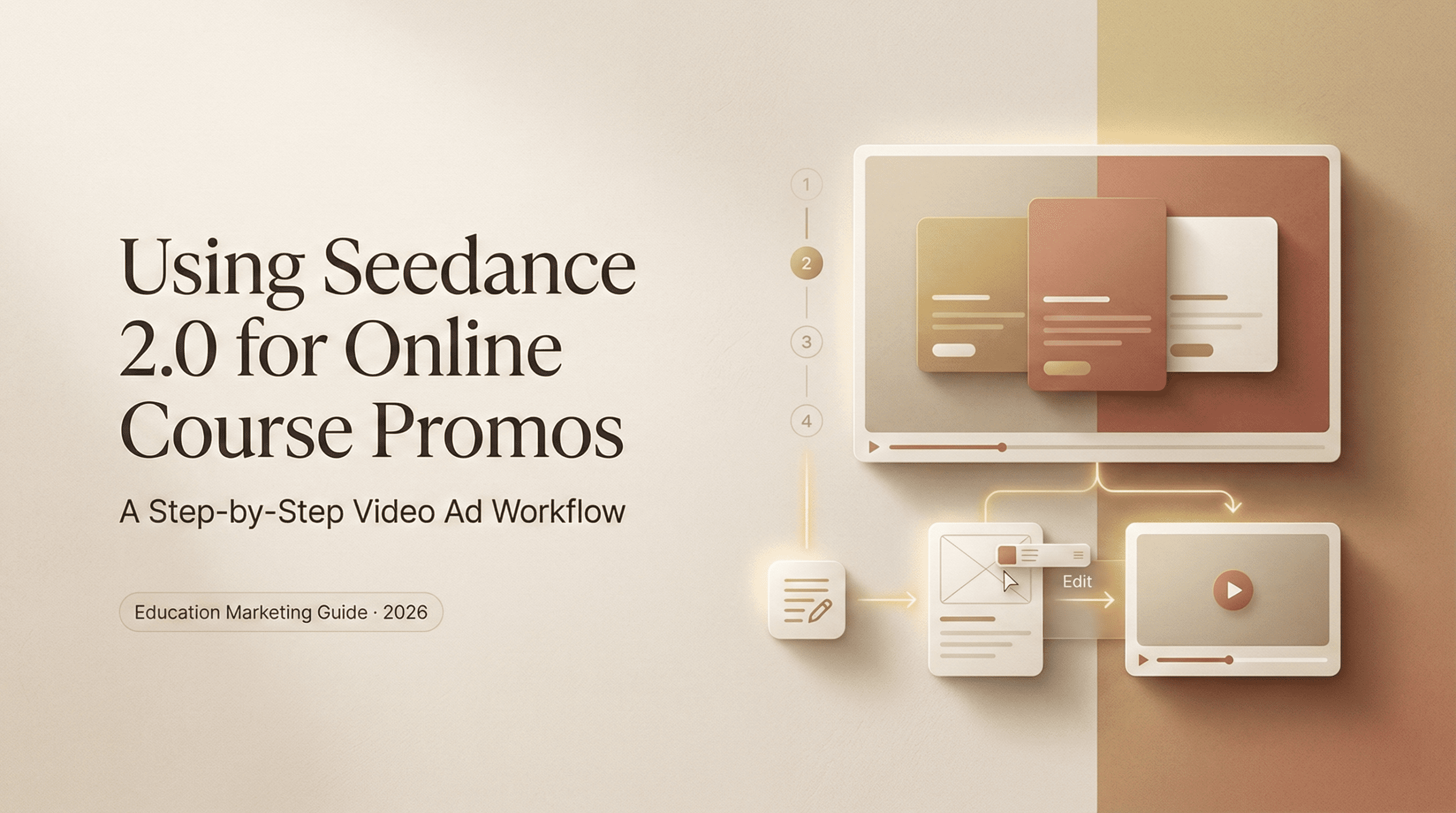
Hello, I’m Dora. Last weekend night, I opened Seedance 2.0 with a classic mix of curiosity and “please don’t waste my night.” I’d been dragging my feet on a promo for a new mini-course. I didn’t want another generic montage with lo-fi beats and floating buzzwords. I wanted something that felt clean, credible, and quick to produce.
So I tested Seedance 2.0 on a real deliverable: a 60‑second online course promo. I kept light notes while I worked and measured time spent. From first prompt to export, it took me 47 minutes to get to a cut I’d be comfortable running on a course landing page. Here’s what worked, what didn’t, and the exact structure I’d use again.
The course promo video formula that converts
I’ve shipped enough promos to know the difference between “pretty” and “persuasive.” Pretty is nice. Persuasive sells the click.
Here’s the simple formula I used inside Seedance 2.0 for an online course video that doesn’t feel like fluff:
- Cold-open problem (0–4s): Start with the pain in plain language. One line. One beat. No jargon. Example I used: “Spending hours rewriting content that still sounds robotic?” You want an instant nod from your audience.
- Outcome snapshot (4–10s): Cut fast to the promised state. Think: clean dashboard, finished deliverable, or a before/after swipe. This buys attention because it answers “why should I care?”
- Proof pulse (10–22s): Show credibility in micro‑moments. Logos, quick metric overlays, real student quote. Keep each on screen 1–2 seconds, any longer and it feels boastful.
- Core transformation beats (22–42s): Three tiny stories that demonstrate change: time saved, quality gained, stress reduced. I used rapid B‑roll with bold captions to keep pace.
- Instructor presence (42–52s): Humanize it. You don’t need talking head footage (more on that below). A face, a signature line, a calm slide with your voice or text is enough.
- CTA with frictionless next step (52–60s): “Watch the first lesson free,” or “Get the workbook template.” Give a concrete, immediate action.
Seedance 2.0 helped because I could assemble this arc quickly: B-roll style shots, text layers, and pacing tools felt geared for short promos. If you’re still comparing platforms, I put together a breakdown of the best free AI video tools.
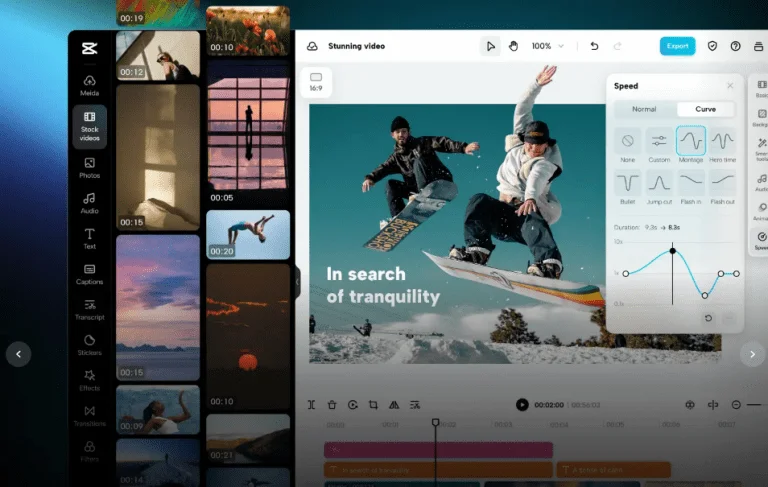
What I didn’t love: some default transitions lean flashy. I dialed those down to simple cuts and 8–12px text motion. Cleaner, more trustworthy.
Which Seedance 2.0 shots work for education content
When I say “shots,” I mean short, focused visuals that carry a single idea. Seedance 2.0 has a mix of prebuilt sequences and promptable scenes. I tested both. My notes from the session:
- Hand + screen macro: Over‑the‑shoulder or keystroke close‑ups. Great for “process clarity.” I used these to show a messy draft turning into clean copy.
- UI abstraction loops: Soft-focus interface elements that imply software use without showing proprietary screens. These make everything feel premium, just don’t overuse them.
- Text-over-background plates: Simple backgrounds with kinetic type. Perfect for your crisp value lines. I kept movement under 200ms to avoid motion sickness.
- Device-in-context: Laptop on desk, tablet on couch. These ground the course in real life. I matched colors to my brand palette (hex #111827, #4F46E5) so it didn’t look like stock.
- Human reaction cutaways: Subtle nods, a relieved exhale, a small smile. These say “I feel that” without cheesy acting.
What didn’t land for me: overly literal “lightbulb” metaphors and glitch effects. Education buyers don’t need drama. They need calm confidence.
Transformation, credibility, and results shots
- Transformation: Show the switch, not just tell it. I used a 2‑frame wipe: messy doc, > clean structure, > polished headline. If you can, layer micro‑metrics like “Draft to publish: 38 min.” Even if it’s approximate, it signals efficiency.
- Credibility: Seedance’s logo grid template was fine, but swapping in real, context-rich proof was better: a student review screenshot (with permission), a chart of lesson completion rates, or a quick clip of a live Q&A grid. Keep it human and tiny, like pebbles, not boulders.
- Results: Use screen captures of outputs: a blog post outline, a sales email draft, a content calendar. Blur sensitive parts and highlight exactly what improved. I overlaid “+31% faster first drafts (Feb 2026 cohort, n=42)” from my own Airtable log. Real numbers beat claims every time.
Prompting for professional, trust-building visuals
I wrote my prompts like I was briefing a junior videographer: concrete, visual, and paced. Seedance 2.0 responded better to specifics than vibes. A few patterns that worked:
- For clean process shots: “Macro shot of hands refining a Google Doc outline on a laptop, soft morning light, neutral desk, shallow depth of field, gentle parallax, 2 seconds.”
- For outcome snapshots: “Finished content calendar on a widescreen monitor, color‑coded, tidy: camera locked off: slow 8% push‑in: no dramatic transitions.”
- For credibility beats: “Overlay a real student quote in sans-serif, 16pt, left aligned: subtle bottom‑to‑top fade, 200ms: include name + role: background: muted studio texture, 10% noise.”
- For human presence without cheese: “Close, natural smile: eye level: soft key light: neutral background: hold for 1 second: no lens flares.”
Adding instructor presence without live footage
I didn’t want to set up lights at 10 p.m., so I tried a “presence without performance” approach. Surprisingly effective.
What I used:
- Signature line on screen. A single, steady frame: “I’m Camille, I’ll teach you how to go from blank page to publish in under an hour.” White type on a charcoal plate. Calm. Human.
- Still portrait with parallax. A well‑lit headshot with a 10% parallax effect felt alive without being a talking head. Keep it subtle.
- Micro‑voice moments. If you’re up for it, record a 6–8 second VO on your phone under a blanket (yes, the classic studio). Say one line in your normal voice. It anchors the whole piece. I kept mine to: “I built this to save you from endless rewrites. Join me.”
- Screen-as-presence. A quick capture of my cursor rearranging a lesson outline says “I’m here, I work this way,” which builds trust better than a stiff intro.
What I skipped:
- Avatars. For an education promo, synthetic faces can feel uncanny unless your brand is literally about avatars. I tested one and nixed it.
- Over-animated lower thirds. If the name tag has more choreography than your content, it steals credibility.
If you must avoid voice entirely, pair your portrait plate with a handwritten signature scan and a short line in first person. The combo reads intimate without being salesy.
Putting it together: 60-second promo structure
Here’s the exact 60‑second cut I built in Seedance 2.0(exported 1080p, 24fps, H.264). Use it as a scaffold and tweak to your course.
0:00–0:04, Cold open problem
- Text plate over soft desk texture: “Still spending hours fixing robotic drafts?”
- Quick keystroke macro under it. Tiny keyboard click SFX works if you like.
0:04–0:10, Outcome snapshot
- Smooth cut to a clean content calendar and a polished email draft side‑by‑side.
- Caption: “From messy to publish‑ready, in one sitting.”
0:10–0:16, Proof pulse #1
- Student quote pops in: “First draft in 35 minutes. Finally shipped.”, Maya, PM
- Small lockup of cohort badge: “Feb 2026, 42 learners.”
0:16–0:22, Proof pulse #2
- Metric overlay from my Airtable: “+31% faster first drafts after Lesson 2.”
- Keep it on for just 2 seconds. Blink and gone. That’s the point.
0:22–0:30, Transformation beat #1 (Time)
- Screen capture: rearranging a blog outline with drag‑and‑drop.
- Caption: “Clear structure in minutes.”
0:30–0:38, Transformation beat #2 (Quality)
- Before/after swipe: clunky email, > tight, friendly copy.
- Caption: “Sound like you. Not a bot.”
0:38–0:42, Transformation beat #3 (Calm)
- Human reaction: relieved smile, shoulders drop. Quick breath.
- Caption: “Less dread. More done.”
0:42–0:48, Instructor presence
- Portrait with subtle parallax.
- On‑screen line: “I’m Camille. I’ll guide you, step by step.”
- Optional VO: one sentence, natural pace.
0:48–0:56, Course snapshot
- Tile of 6 lesson thumbnails with short titles.
- Highlight Lesson 1 with a soft glow. Caption: “Start free: Lesson 1.”
0:56–1:00, CTA
- Clean, centered: “Join the next cohort • Spots open now.”
- Sub‑caption: “Watch the first lesson free.”
- Button graphic that matches your site color (#4F46E5 worked nicely).
If you try this, save your prompts as presets. On my second run, I rebuilt a variant in 23 minutes. Same bones, new course. That’s the real win: less fiddling, more shipping.
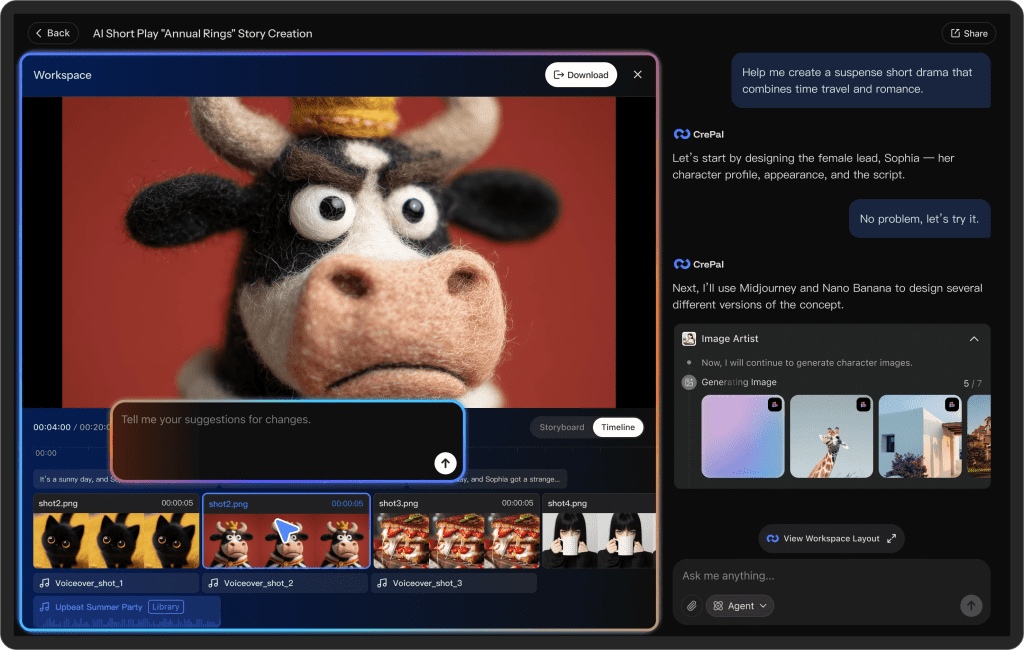
After building a few promos like this, we realized the real friction wasn’t editing — it was keeping multiple courses, versions, and assets organized across launches.
That’s something our team is working on with Crepal.
Previous posts: