Hello, everyone. I’m Dora. Two weeks ago, I was doomscrolling after midnight when a short product demo for Seedance 2.0 popped up in my feed. I told myself I’d “just click for 30 seconds.” Twenty minutes later I had a rough explainer video on my desktop and a new question in my head: could I turn this into a real freelance offer without drowning in revisions or rendering times?
I tested Seedance 2.0 across three small projects: a 45-second promo, a captioned LinkedIn clip, and a two-minute tutorial. Here’s what I learned about building a Seedance 2.0 freelance video service that’s actually sellable, and where the tool still gets in its own way.
Why AI video is a real freelance opportunity right now
I’m not here to pitch “AI changes everything.” I’m here because clients keep asking for short, useful video without a production budget. That gap is your opening.
What clicked for me with Seedance 2.0 is the speed from idea to shareable first draft. I could paste a script, pick a style, auto-generate scenes, and export with baked-in captions in minutes. In my tests, most 60–90 second vertical videos rendered in under five minutes, which is fast enough to iterate on feedback in a single call.
Why that matters for freelancing:
- You can productize. When steps are predictable, you can sell clear packages with set prices and turnaround times, no muddy “it depends” estimates.
- You can offer async revisions. Clients love seeing a near-final cut early. AI scenes and one-click text edits let you move faster than “traditional” editing cycles.
- You can stack value without extra labor: on-brand subtitles, multiple aspect ratios, clean thumbnails, all the small things teams forget until the upload window.
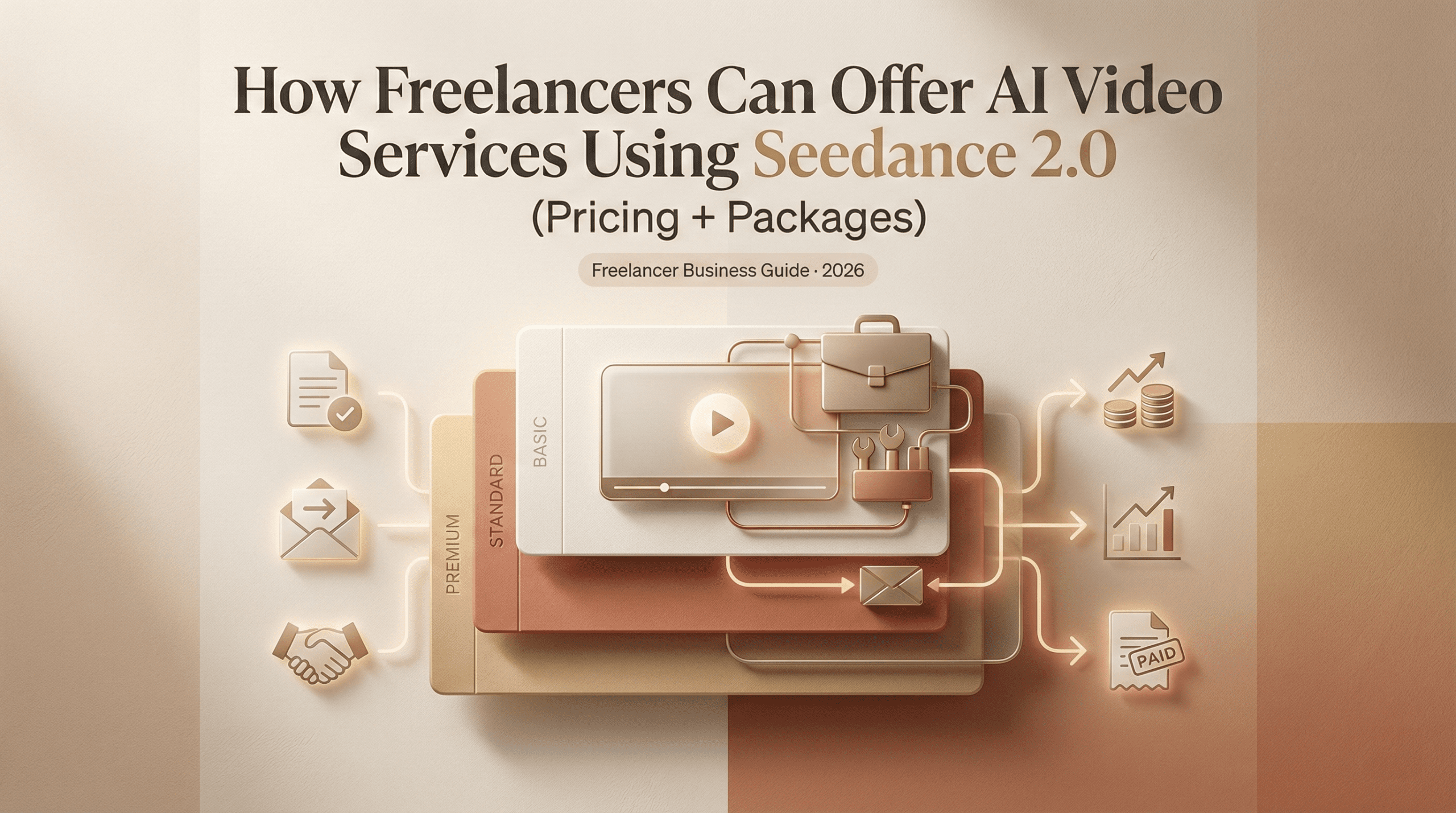
3 service packages you can build around Seedance 2.0
Starter, Standard, Premium, scope + pricing
Here’s how I’d package a Seedance 2.0 freelance video service based on what I actually delivered in February. Pricing is USD and assumes North America/Europe small-business clients. Adjust up or down for your market and experience.
- Starter, $250–$450
Best for: founders or marketers who need a fast, clean short.
Scope:
- 1 video up to 60 seconds (portrait or square)
- Client provides rough script or bullet points (you light-edit)
- 1 style pass using a Seedance template, with basic brand colors and logo
- Auto-captions + light B‑roll from stock
- 1 round of revisions (text, timing, minor swaps)
Turnaround: 3 business days
Deliverables: MP4, captions (SRT), thumbnail frame
Why it works: you’re productizing speed. Seedance’s scene generation + captions make this feasible.
- Standard, $600–$1,200
Best for: product explainers, feature launches, and LinkedIn/TikTok content.
Scope:
- 2 videos up to 90 seconds each, or 1 video up to 2 minutes
- Script collaboration (you refine: you can draft from outline)
- Custom brand kit (fonts/colors), intro/outro tags
- Captions with brand styling, safe margins for mobile
- Light localization: one alternate aspect ratio (9:16 + 1:1 or 16:9)
- 2 rounds of revisions (structure, visuals, VO swap)
Turnaround: 7–10 business days
Deliverables: final MP4s, SRTs, editable project link for continuity
Why it works: it balances creative control with repeatability.
- Premium, $1,500–$3,500+
Best for: campaigns, training modules, or launch content with multiple cuts.
Scope:
- 3–5 videos (mix of 30–120 seconds) with a coherent look
- Scriptwriting from kickoff doc + interview or brief call
- Scene-level customization: on-brand lower thirds, callouts, CTA end cards
- Voiceover options (AI voice selection or client-provided VO)
- Localization add-ons: subtitles in 1–2 languages, text layer swaps
- 3 rounds of revisions + stakeholder review checklist
Turnaround: 2–4 weeks
Deliverables: a content kit, final files, SRTs, project links, thumbnail set, usage notes
Why it works: Seedance handles the heavy lift (timing, captions, style consistency), so you can focus on story, clarity, and distribution needs.
What I don’t include by default: bespoke 2D/3D motion design, custom character animation, or live-action shoots. I price those as add-ons or refer out. Keeps expectations, and your calendar, clean.
How to scope a project (questions to ask clients)
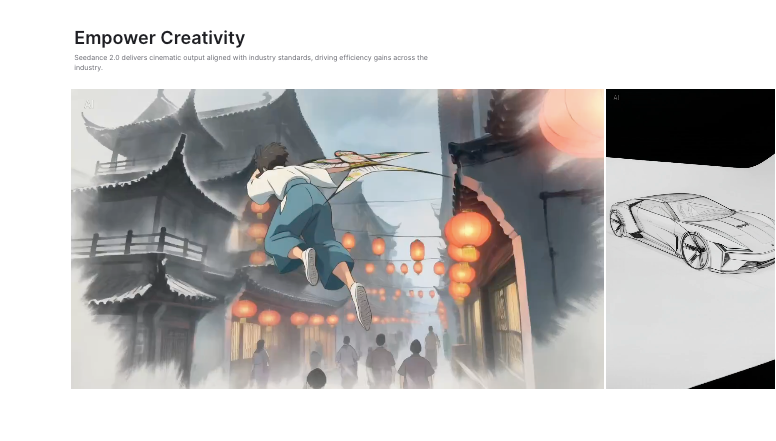
Scoping with AI video is 80% alignment, 20% clicking. Here are the questions that saved me from endless back-and-forth last week.
- Goal in one sentence? “After watching, the viewer should…”
- Who’s the viewer? Role, problem, and where they’ll see it (TikTok? internal wiki?)
- Key message hierarchy: if we cut 10 seconds, what survives?
- Brand constraints: fonts, color codes, logo safe zones, tone words (“casual but precise,” etc.)
- Example links: 2 you like, 1 you don’t, and why.
- Footage: do we have product screens, logos, B‑roll? Any absolutely-can’t-use stock topics?
- Voice & music: AI voice acceptable? Preferred accent/energy? Music style and volume floor/ceiling.
- Accessibility: captions required by policy? On-screen contrast minimums?
- Formats: which aspect ratios and file sizes? Platform quirks (e.g., LinkedIn’s auto-crop).
- Review logistics: who signs off? How many rounds? Deadlines that actually matter.
I drop these into a one-page brief and get written confirmation. Sounds formal, but it avoids the classic “Oh, we actually need a 4:5 cut for Meta ads” email the night before launch.
Workflow that lets you deliver fast without burning out
Here’s the exact loop I followed that kept me sane and on schedule.
- Kickoff (30–45 min)
- Live note-taking in the brief. Confirm scope, audience, and one success metric.
- Pull 2–3 reference videos and decide the “north star” for pacing and visuals.
- Script and structure (1–2 hours)
- Draft a tight script (aim for ~130–150 words per minute of finished video).
- Mark scene beats in the doc: Hook, Problem, Solution, Proof, CTA. Short lines. No walls of text.
- Seedance 2.0 first build (45–90 min)
If you’re building your first client project and want a clearer step-by-step structure, I broke down the full process in this Seedance 2.0 demo video workflow guide.
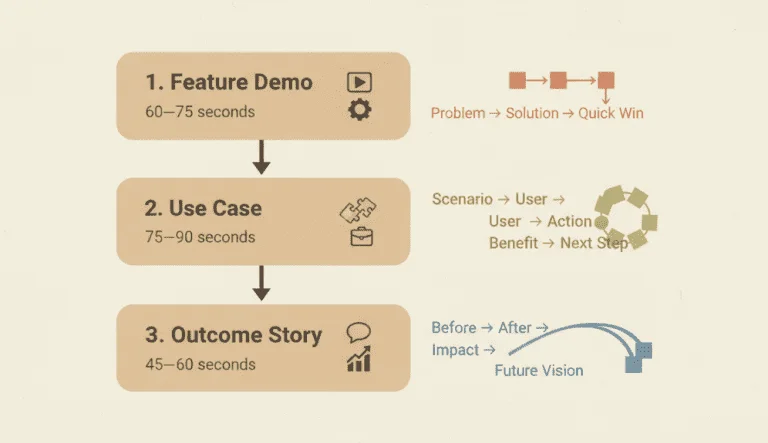
- Import script. Use AI scene generation to block out sections.
- Set the brand kit once: save as template. This pays dividends later.
- Add captions immediately, test legibility on mobile (I resize to 1080×1920 and check a phone).
- Drop in B‑roll or product shots. Keep motion gentle: avoid visual whiplash.
- Review pass (20–30 min)
- Watch at 1x with sound off. If it works silent, it’ll work in feeds.
- Trim dead air between lines. Tighten transitions to keep momentum.
- Client preview (same day)
- Send watermarked draft or low-res export. Ask 3 micro-questions: “Is the message right? Any off-brand phrases? Anything confusing?”
- Limit to one consolidated feedback doc.
- Revisions (1–2 hours)
- Prioritize meaning changes first (script), then visuals, then polish.
- If a stakeholder requests a big detour, offer a scope trade: “We can add that path and swap X.”
- Mastering and deliverables (45–60 min)
- Export in final aspect ratios (e.g., 9:16 + 1:1). Generate SRTs and a version with burned-in captions.
- Create a simple thumbnail set (3 frames with subtle text).
- Share a content kit folder: finals, captions, project link, brand template file, and a one-sheet on usage.
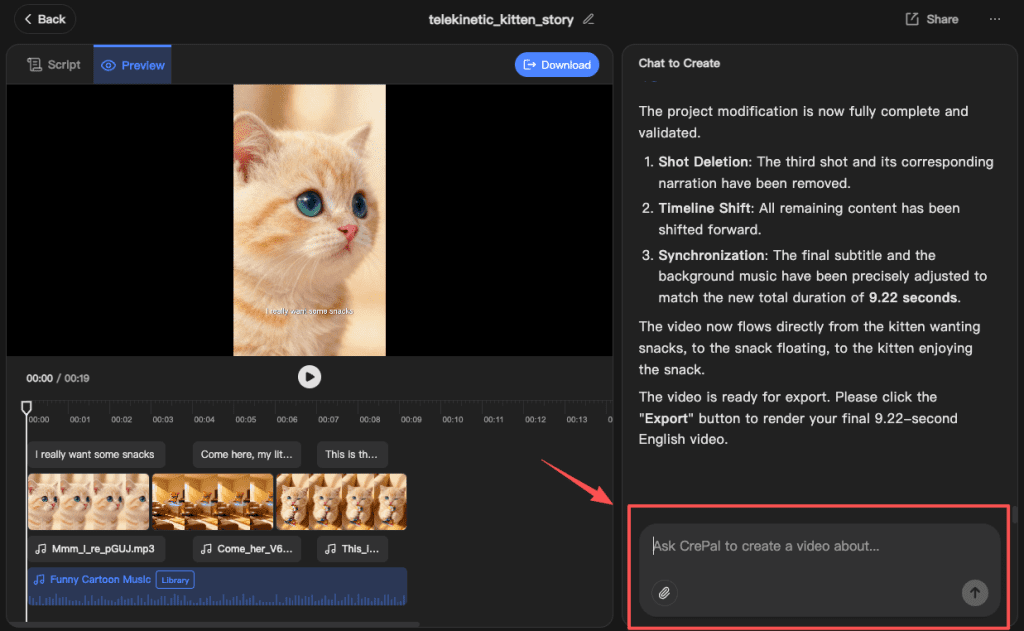
After starting to handle multiple client projects, you might encounter the same situation as me: version confusion will rapidly intensify. Different aspect ratios, subtitle files, draft links, thumbnails, revision rounds… all these items add up and can quickly become difficult to manage. At this point, our Crepal plays a crucial role.
You can use it to keep image, video, and audio drafts organized in one workspace, track different versions across projects, and avoid the classic “final_final_v7.mp4” spiral.
Mistakes new AI video freelancers make
I made a few of these early. Some, I dodged by luck.
- Promising “anything is possible.” AI video is fast, not magic. Be clear where Seedance 2.0 shines (explainers, promos, captions, multi-cut exports) and where it struggles (bespoke motion, finicky brand animation).
- Skipping the script. “We’ll fix it in post” becomes “We’ll pay for it in revisions.” Nail the message before you touch scenes.
- Ignoring audio. Music that’s 10% too loud makes a video feel cheap. I keep VO peaks around −3 dB and music roughly −18 to −14 LUFS relative. Simple, but it saves client ears.
- Not testing on a phone. Looks fine on desktop: unreadable in the feed. I preview every cut on a real device before sending.
- No brand guardrails. If you don’t lock fonts, colors, and caption styling upfront, you’ll spend hours redoing the “feel.” Save a Seedance template per client.
- Endless micro-revisions. Cap revision rounds in your contract and give a clear checklist. Structure beats: message, visuals, polish. Once a stage closes, it closes.
- Underpricing the boring parts. File naming, aspect ratio swaps, exports, thumbnails, they take time. Price for the whole journey, not just the editor window.
Where Seedance 2.0 impressed me: fast captioning, quick scene swaps, and template consistency. Where it fell short for me: fine-grained motion on graphic elements. I could nudge timing, but I wouldn’t sell complex kinetic typography without a motion tool in the stack.
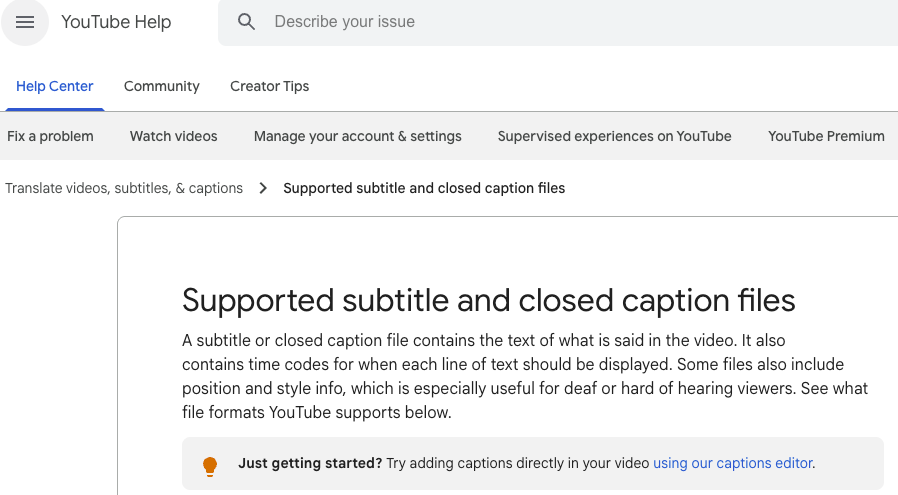
If you want to dig deeper, check platform guidelines for video specs and caption standards, they’re oddly calming guardrails. For example, the YouTube help center on captions is a solid reference, and LinkedIn’s video ad specs are handy for aspect ratios and file sizes.
Final thought, friend to friend: if you’re AI‑curious and video‑shy, Seedance 2.0 is a low-friction way to start selling value fast. Pick one package, write one tight script, and ship one honest draft. If a client smiles on the first watch, that tiny spark, you’ll know you’re onto something.
Previous posts: