Meta Description:
Discover the best AI character voice generator tools in 2026 with real pros, cons, pricing, and free tiers. Find the perfect cartoon voice generator for your content today.
Feeling stuck creating realistic character voices?
You’ve probably tried multiple ai character voice generator tools — switching between platforms, rewriting scripts, and still ending up with voices that sound flat or robotic.
Most text to speech character voices still lack emotional depth, making your animation or content feel unnatural.
At the same time, creating high-quality voiceovers traditionally costs hundreds of dollars and takes days to produce.
In this guide, you’ll discover the best tools in 2026 — including realistic voice engines, cartoon voice generator options, and all-in-one workflows that can dramatically speed up your content creation.
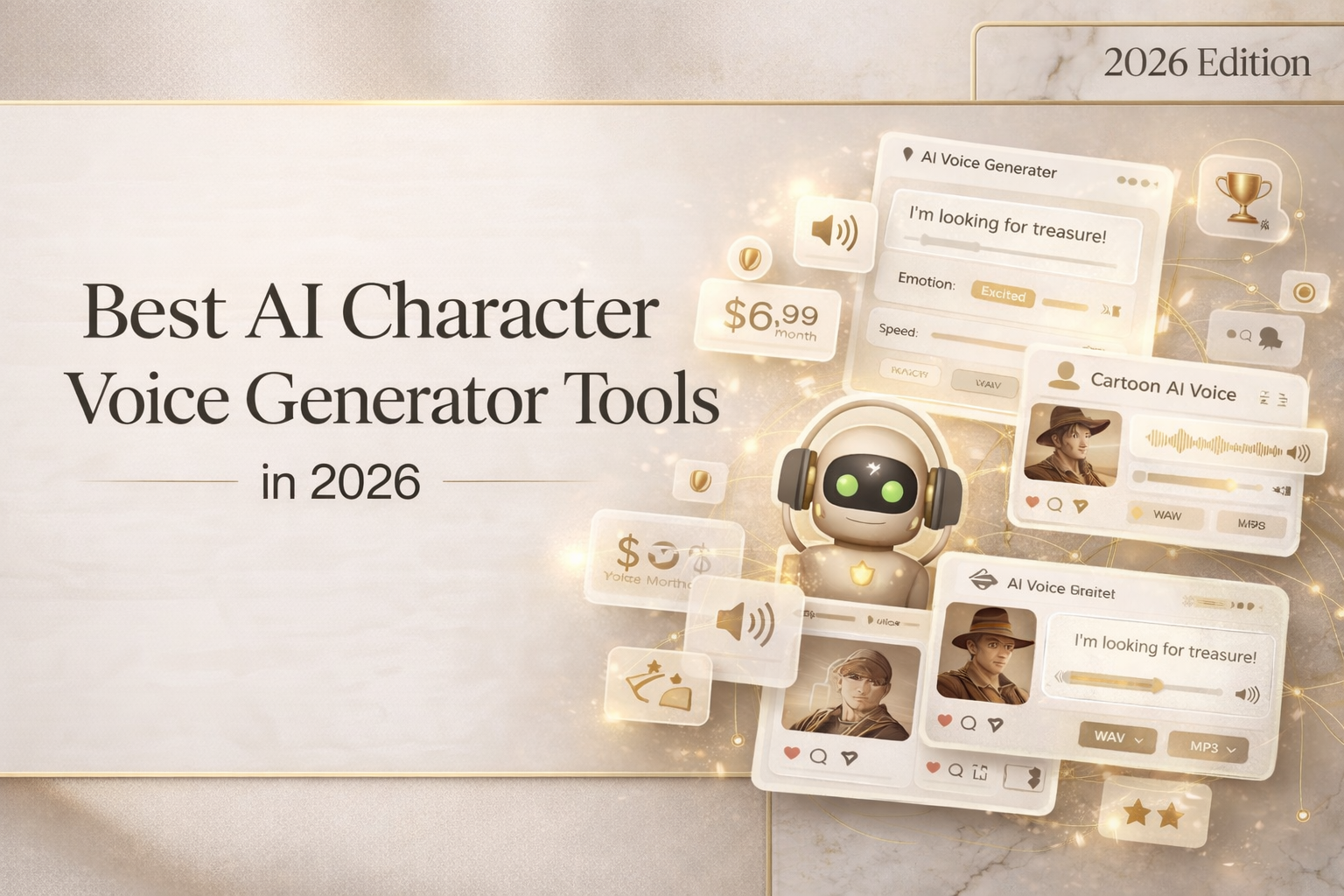
What is an AI character voice generator
An AI character voice generator converts text into expressive, stylized voices designed for characters rather than simple narration.
These tools go beyond standard speech synthesis by adding personality, tone variation, and emotional nuance.
How it differs from standard TTS
Standard TTS (text-to-speech) systems prioritize clarity and accuracy. They’re commonly used for accessibility or narration.
AI character voice tools go further by adding emotional range, accents, and unique vocal identities.
This means instead of a neutral voice reading your script, you get a character that feels alive — whether it’s a villain, narrator, or cartoon persona.
Use cases: animation, gaming, content creation
AI character voices are widely used across industries:
- Animation: Create distinct voices for characters without hiring actors
- Gaming: Generate NPC dialogue at scale
- Content creation: Produce TikTok, YouTube, or Reels with engaging narration
- Marketing: Add personality to ads and brand storytelling
Best AI character voice generators in 2026
Here are the top tools based on voice quality, emotional control, pricing, and free tier availability.
Tool-by-tool: voice range, pricing, free tier, quality
- ElevenLabs
- Voice range: Extremely realistic human-like voices
- Emotion control: Advanced — tone, pacing, and emphasis
- Free tier: Yes (limited characters)
- Pricing: Paid plans scale with usage
- Quality: Best-in-class realism
Pros:
- Highly natural voices
- Strong voice cloning features
Cons:
- Requires careful handling of voice consent
- Limited cartoon-style presets
- CrePal.ai (Best all-in-one AI Director workflow)
Unlike traditional tools, CrePal is not just a voice generator — it’s an AI Director Agent that creates full videos, including voice, script, and visuals.
- Voice range: Character + narrative voices
- Emotion control: Context-aware (scene-based)
- Free tier: Yes
- Pricing: Freemium
- Quality: Strong for storytelling
Pros:
- Voice automatically synced with video
- No need to switch between tools
- Reduces production time from days → minutes
Cons:
- Less suited for audio-only workflows
→ Explore features: AI video creation workflow
- PlayHT (Best for developers)
- Voice range: Wide library
- Emotion control: Moderate
- Free tier: Yes
- Pricing: Subscription
Pros:
- API-friendly
- Good scalability
Cons:
- Less expressive than top tools
- Voicemod (Best cartoon voice generator)
If you’re focused on cartoon character voice generator use cases, Voicemod stands out.
- Voice range: Stylized cartoon voices
- Emotion control: Real-time modulation
- Free tier: Yes
- Pricing: Affordable
Pros:
- Ideal for gaming and streaming
- Fun, expressive voices
Cons:
- Not suited for professional narration
- LOVO AI (Best multilingual support)
- Voice range: 100+ languages
- Emotion control: Moderate
- Free tier: Yes
- Pricing: Flexible
Pros:
- Strong localization
- Good for marketing
Cons:
- Some voices still sound synthetic
How to use one (step-by-step)
Using an AI character voice generator is straightforward once you understand the workflow.
Write your script
Start with a clear script.
Focus on dialogue and tone — for example, whether your character is excited, serious, or humorous.
Choose character voice type
Select a voice that matches your use case:
- Cartoon character voice generator for animation
- Realistic narrator for storytelling
- Stylized voices for gaming
Adjust tone, speed, emotion
Most tools allow you to tweak:
- Pitch and speed
- Emotional intensity
- Pauses and emphasis
This step is critical for making voices sound natural rather than robotic.
Export and integrate with video
Export formats typically include:
- MP3
- WAV
- Sometimes direct integration with video tools
You can then sync audio with animation or video content.
Limitations and trade-offs
Despite rapid improvements, AI character voice tools still have limitations.
Voice cloning consent issues
Voice cloning raises ethical and legal concerns.
Always ensure you have permission before replicating someone’s voice — especially for commercial use.
Robotic artifacts on emotion-heavy scripts
Even advanced tools can struggle with:
- Complex emotional transitions
- Sarcasm or subtle humor
This can result in slightly unnatural delivery.
Language and accent support gaps
While many tools support multiple languages, accents and dialects may still feel inconsistent or limited.
What to look for when choosing
When selecting the best AI character voice generator, consider:
- Naturalness: Does it sound human-like?
- Emotion control: Can you adjust tone and expression?
- Voice variety: Are there enough character styles?
- Export formats: Does it support your workflow?
- Free tier: Can you test before committing?
- Ethical safeguards: Does it handle voice cloning responsibly?
Verdict: which tool for which creator
Choosing the right tool depends on your goals:
- For ultra-realistic voices: ElevenLabs
- For developers and APIs: PlayHT
- For beginners: Murf AI
- For fun/cartoon content: Voicemod
- For multilingual projects: LOVO AI
But here’s the bigger picture — voice is just one part of storytelling.
If you’re creating full videos, combining voice, visuals, music, and editing can quickly become complex and time-consuming.
That’s where CrePal.ai comes in.
What is CrePal
CrePal is an AI Director Agent that orchestrates multiple AI tools to create complete videos from a single prompt.
Unlike standalone tools that only generate voice or visuals, CrePal acts as the “director” — coordinating scriptwriting, voice generation, scene creation, and editing.
The result: up to 90% lower production cost and minutes instead of days to produce a full video.
Core features that go beyond voice
AI Story Generation
Creating engaging narratives is difficult.
CrePal automatically turns your idea into a structured script using advanced AI models.
You get a complete storyline ready for production.
For example, you can input: “A short animated story about a lost robot,” and get a full script instantly.
Multi-model orchestration
Managing multiple AI tools is time-consuming.
CrePal integrates leading models into one workflow.
This means no switching between platforms.
You simply describe your idea, and everything is handled behind the scenes.
AI voice + video integration
Generating voice separately often leads to sync issues.
CrePal aligns character voices with scenes automatically.
The result is a cohesive, professional video.
Perfect for animation, ads, or social content.
Conversational editing
Editing videos usually requires technical skills.
CrePal lets you edit through simple text instructions.
You can say: “Make the tone more dramatic” or “Change the voice style.”
No editing software needed.
Who is it for
- Content Creators → Daily videos → TikTok/YouTube content
- Create engaging videos with AI character voices and visuals in minutes.
- Marketing Teams → Ad testing → Multiple creatives
- Generate different voice styles and video versions for A/B testing.
- Educators → Learning materials → Explainer videos
- Turn lessons into animated content with clear narration.
- Small Businesses → Branding → Product videos
- Create professional promotional videos without hiring agencies.
- Agencies → Client delivery → Scalable production
- Produce high-quality videos faster and at lower cost.
Why CrePal
| Feature | Traditional Tools | CrePal |
| Workflow | Fragmented | Unified |
| Speed | Days | Minutes |
| Cost | High ($500–$2000) | Low |
| Ease of use | Technical | Simple |
| Output | Isolated assets | Full videos |
CrePal isn’t just another tool — it’s an AI director that understands your creative intent and executes it seamlessly.
How to get started
Step 1: Describe your idea
Tell CrePal what you want in plain language.
Step 2: AI Director creates your video
It writes scripts, generates voices, builds scenes, and compiles everything.
Step 3: Edit through conversation
Make changes instantly using simple prompts.
Final thoughts
AI character voice generator tools have transformed how creators produce audio — making it faster, cheaper, and more accessible than ever.
But the real breakthrough comes when voice, visuals, and storytelling are unified.
CrePal makes that possible by acting as your AI director — turning ideas into complete videos effortlessly.
Start creating today — no experience required, no risk, just your ideas brought to life.
FAQ
Q: What is CrePal.ai?
A: CrePal.ai is an AI Director Agent that orchestrates multiple AI video models to create complete multi-scene videos from a single prompt.
Q: How is CrePal different from other AI video tools?
A: Unlike tools that generate isolated clips, CrePal coordinates multiple AI models to produce full, cohesive videos.
Q: Can CrePal generate a full video from a short prompt?
A: Yes, a single sentence can be expanded into a complete video with script, scenes, and audio.
Q: What types of videos can I create with CrePal?
A: You can create ads, animations, explainer videos, music videos, and more.
Q: Is CrePal free to use?
A: Yes, CrePal offers a free plan with optional upgrades for advanced features.