Hi, Dora here. A friend sent me a video last week. Someone I trust. “Did you see this?” No context, just the clip. It was a politician saying something genuinely shocking—clear audio, steady camera, completely believable body language. I watched it twice before something fell off. A slight flicker at the collar. One blink that looked like it skipped a frame.
It was AI-generated. Completely synthetic. And I almost shared it.
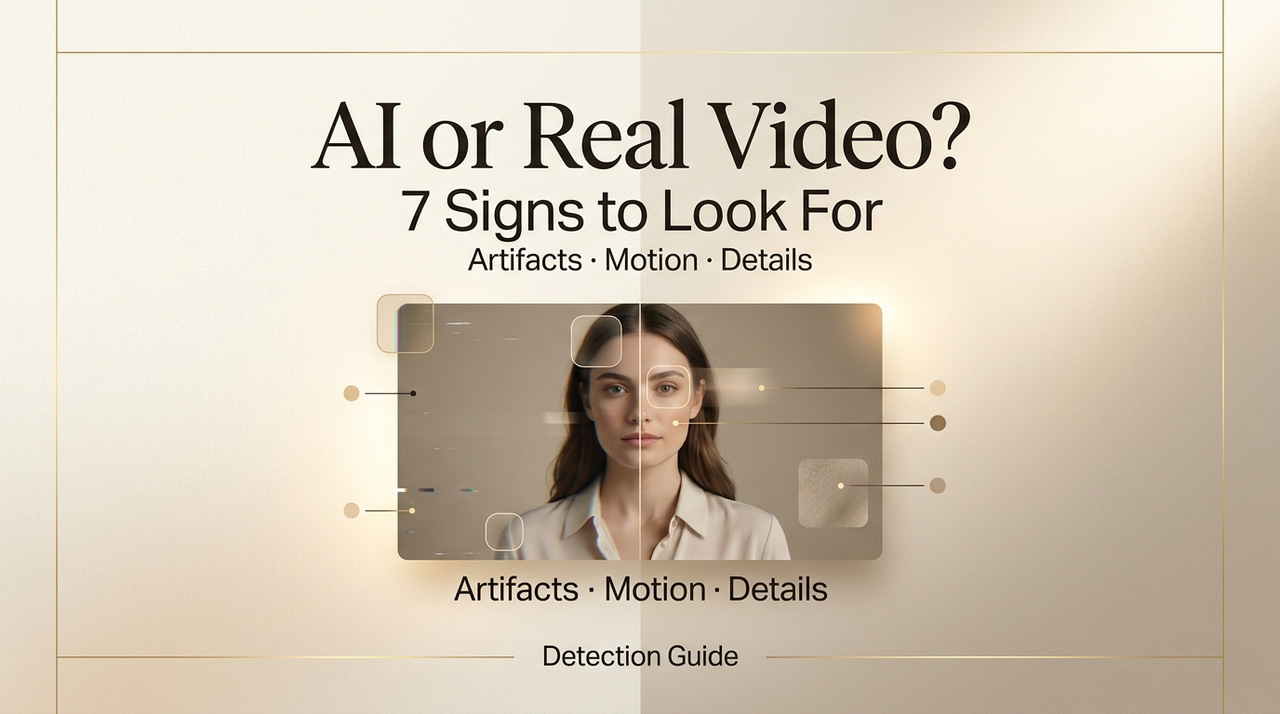
That moment stuck with me. Not because I was naive, but because I work with AI video tools every day—and even I almost missed it. So if you’ve ever found yourself unsure whether a clip is real before hitting retweet, this is the article I wish I’d had six months ago. I’ll walk you through the seven signs that still give AI away, even in 2026, plus a few tools worth actually trying.
Quick heads-up before we dive in: none of this is foolproof. Detection is a moving target. Models improve constantly. But these tells still show up—often enough that knowing them genuinely helps.
Why This Matters Now
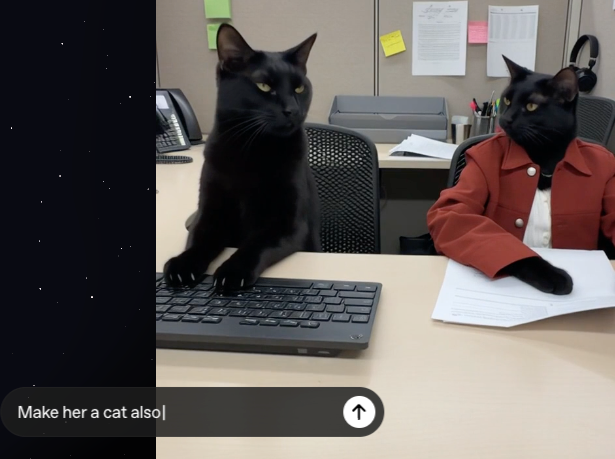
The honest reason to care isn’t academic. AI video used to be the thing that made Will Smith eat spaghetti in a nightmare loop. Now tools like Sora and Veo 3 can produce footage that passes casual inspection on first watch.
The barrier to entry has basically collapsed. A capable gaming PC and open-source models are all it takes to produce convincing synthetic video. What used to cost a studio budget and a team of VFX artists now costs someone an afternoon.
That shift changes what “watching a video” even means. The easy tells are mostly gone. What’s left are the harder-to-fake things—biological quirks, physics edge cases, the kind of stuff that’s computationally expensive to render convincingly.
7 Signs a Video Might Be AI Generated
Unnatural Motion
This is still the biggest one, and it shows up in two ways.
First, human movement. Real people shift their weight, fidget, have asymmetric micro-gestures. AI tends to smooth all of that out. The result is motion that looks just slightly too fluid—like someone moving in a very expensive video game. Watch elbows when a person turns. Watch how weight transfers when someone walks. If it feels like a character on rails, trust that feeling.
Second, incidental objects. Hands remain the most obvious place AI breaks down—MIT Media Lab’s deepfake research has pointed to hands and fine motion details as consistently hard for models to render correctly. Watch for fingers that drift through each other, or a glass that changes shape mid-pour. Objects appearing and disappearing is another classic tell, though the newer models are getting better at hiding it.
Face and Skin Artifacts
AI faces are getting eerily good at the macro level—overall structure, skin tone, general expression. Where they still fail is at the edges of human behavior.
Watch the eyes. Real people blink spontaneously, roughly every 2–10 seconds, with tiny muscle movements around the eyes when they do. AI blinks often look mechanical—the lids move without the surrounding tissue responding. Some models skip natural blinks entirely and generate a stare that reads as unsettling without you immediately knowing why. That’s the uncanny valley doing its job.
Also look at skin texture, especially in high resolution. Real 4K footage shows pores, fine lines, subtle shadow variation. AI skin tends to look polished in a way that feels more like a high-end phone filter than a real human. Hair is a similar giveaway—in real footage, individual strands move and catch light independently. AI hair often moves as a single mass, or barely moves at all.

Background Inconsistencies
This one’s underrated. People focus on the face, which is what the model wants you to do.
AI backgrounds have their own failure modes. Edges where the subject meets the background can blur or blend in ways that don’t match real depth-of-field. Repeated texture patterns that the model tiled to fill space. Environmental details—a sign in the background, a clock on the wall—that have the right shape but garbled or nonsensical text. AI struggles badly with rendered text; if you can zoom in and read something in the background, and it’s scrambled letters, that’s a flag.
Also worth checking: does the environment match the context? Journalists at GIJN’s detection guide call this the “30-second red flag check”—season, weather, clothing, and architecture should all be internally consistent. A sophisticated AI video faked as breaking news from a specific location might get the face right but put leafless trees in a “summer” crowd scene.
Audio Sync Issues
Your brain is surprisingly sensitive to audio-visual timing. Research suggests humans can detect audio delays as small as 100 milliseconds. AI video synthesis has to solve this synchronization problem, and it doesn’t always nail it.
Listen for lip movement that’s slightly ahead or behind the audio. Watch for breath sounds that appear at grammatically wrong moments—right in the middle of a word rather than between phrases. Real outdoor speech has ambient noise that blends naturally with voice; AI audio sometimes sounds studio-clean even when the visual setting is outdoors.
Voice cloning is a separate but related issue. Cloned voices often get the timbre right but miss the subtle prosody—the tiny variations in pace and pitch that come from someone actually feeling what they’re saying. It can sound “flat” in a way you feel before you can name it.
Prompt-Style Visuals
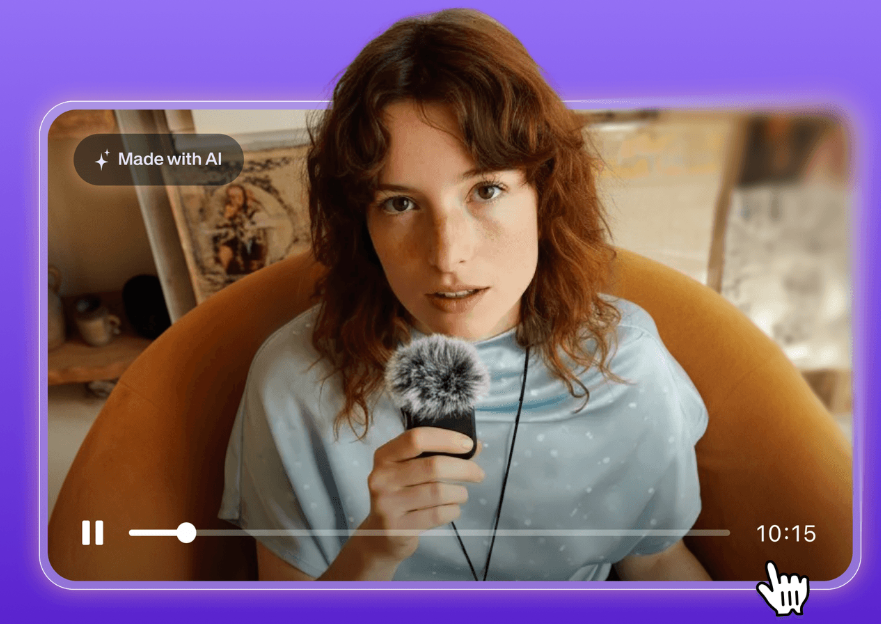
This is harder to explain but easier to recognize once you’ve seen a lot of AI output. There’s a certain aesthetic that AI video models tend toward—hyper-saturated colors, cinematic lens flares that feel applied rather than organic, lighting that’s technically beautiful but somehow too even. Faces that look like stock photography brought to life.
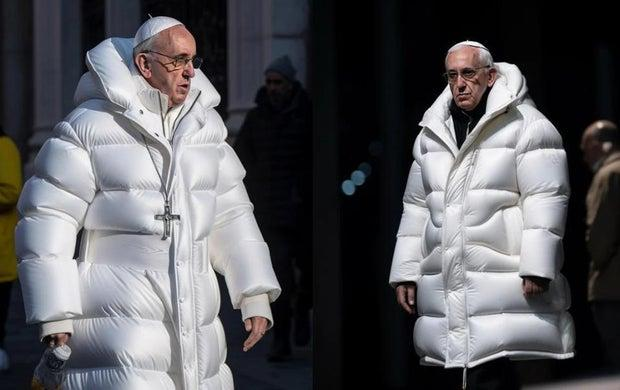
The “too perfect” quality matters here. Real cameras have aberrations. Real footage has noise. A subject who looks magazine-ready while supposedly standing in a conflict zone or a chaotic protest is a signal worth pausing on.
This works the other way too—AI sometimes generates weirdly specific visual artifacts that feel like the model hallucinating detail rather than rendering reality. Fabric patterns that tessellate strangely. Architecture that looks right from a distance but collapses when you zoom in.
Metadata Clues
This one requires a bit more effort but is worth knowing. Every real camera-shot video file carries metadata: creation date, device information, GPS if location services were on, color profile, even compression format.
AI-generated videos often lack standard camera metadata entirely, or carry metadata from a video editing application rather than a camera. On a desktop, right-clicking a video file and checking Properties (Windows) or Get Info (Mac) takes thirty seconds. Tools like ExifTool give you more granular analysis if you want to go deeper.
No metadata isn’t automatic proof of synthesis—lots of real videos get stripped when uploaded to social platforms. But metadata that shows “rendered by [software application]” rather than a camera model is a meaningful flag.
AI Detection Tools
I’ll be honest: these are more useful than I expected, and less reliable than their marketing suggests.
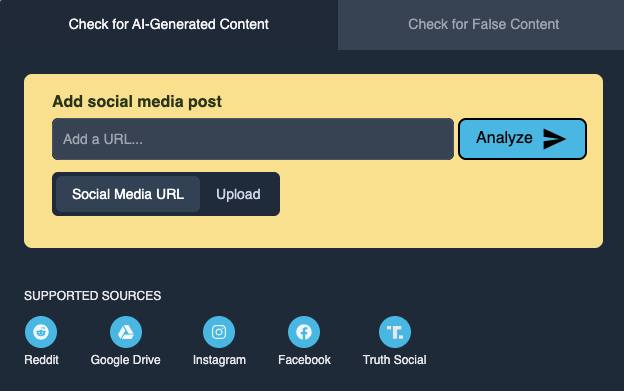
TrueMedia.org is the one I’d recommend starting with, especially if you’re trying to verify something that looks like political content. It’s nonprofit, built explicitly for fact-checking workflows, and transparent about what it can and can’t detect. Free to use, no signup required.
Hive Moderation is a step up in sophistication—their API claims high accuracy on deepfakes and does frame-by-frame analysis of facial consistency and audio-visual sync. It’s more of an enterprise tool, but they have a consumer-facing detection interface worth bookmarking.
Reality Defender is another solid option with a free trial tier if you want to test something more seriously.
Here’s the important caveat, though: all of these tools are in an ongoing arms race with the models generating the content. New generative models are specifically trained to defeat existing detectors. A clean result from a detection tool is evidence, not proof. Use them as one signal among several, not a final verdict.
AI Video Detection Tools Worth Trying
| Tool | Best For | Cost | Key Strength |
| TrueMedia.org | Fact-checkers, journalists | Free | Transparency, political content |
| Hive Moderation | Platform teams, businesses | Enterprise | High-volume, multi-modal |
| Reality Defender | Mixed use | Free trial + enterprise | Self-serve API access |
| Sensity AI | Specialized deepfakes | Enterprise | Forensic-grade analysis |
None of these are magic. If a piece of content clears multiple human inspection points and passes a tool check, it’s more likely real. If multiple checks fails multiple checks—trust that.
What AI Video Still Can’t Fake
Here’s something I find genuinely reassuring: the hardest things to fake aren’t the most obvious things.
Real people have micro-expressions. These are sub-second flickers of emotion—a flash of real surprise before the composed reaction sets in—that happen below conscious control. AI has to generate expressions from learned patterns; it doesn’t experience them. The timing is wrong in ways you feel rather than analyze.
Physics at the small scale is still hard. Individual hair strands. The fabric settles when someone sits down. The way a real hand grips an object with actual pressure. Real reflections in eyes—which should show the environment around the camera, not a generic light source. These failures trace back to the same root cause: today’s models approximate rather than simulate underlying physical and biological laws.
And contextual coherence. A real video taken at a specific place and time will have hundreds of internally consistent details—shadows pointing the same direction, weather that matches the date, background activity that makes sense for the location. AI synthesis frequently gets the subject right and misses the world around them.
Conclusion
I think the shift we’re really navigating isn’t about any single tell or detection tool. It’s about rebuilding the habit of verification that fast-scroll culture trained out of us.
Before I share anything that surprised me—any video that made me feel a strong reaction, positive or negative—I give it thirty extra seconds now. Watch the hands. Listen for breathing. Check if the background makes geographic sense. Run it through TrueMedia if it’s something that matters.
It doesn’t catch everything. But neither does looking both ways before you cross the street. You do it anyway.
FAQ
Q: Can AI detection tools guarantee whether a video is real or fake No. Tools like TrueMedia.org or Hive Moderation can provide useful signals, but they are not definitive. AI generation and detection are evolving together, so results should always be combined with human judgment.
Q: What is the most reliable sign that a video is AI-generated There’s no single “perfect” indicator, but unnatural motion and subtle inconsistencies—especially in hands, facial micro-expressions, and background details—remain the most reliable clues. These are areas where AI still struggles to fully replicate real-world behavior.
Q: Are AI-generated videos always easy to spot? Not anymore. With tools like OpenAI Sora, many AI videos can pass a casual first viewing. In most cases, it takes slowing down, replaying, or zooming in to notice small inconsistencies.
Previous Posts: