Editor’s Note: All tools, features, and pricing limits listed below were independently verified and re-tested in April 2026 to ensure accuracy regarding watermark policies, pricing, and commercial usage rights.
You usually start looking for an unrestricted ai video generator after the same frustrating cycle repeats: one tool writes the script, another makes clips, another handles voice, and then a moderation rule, watermark, or export limit breaks the workflow. Traditional video production can still cost hundreds or thousands of dollars and take days, while many AI tools still feel like disconnected parts rather than a complete system. CrePal is important here because it positions itself as an AI Director Agent that coordinates the process instead of only generating one isolated asset, and you can see how that workflow works. In this guide, you will learn what “unrestricted” really means, why most cloud tools still impose limits, which platforms are worth testing in 2026, and where the real freedom-versus-quality trade-off begins.
What “Unrestricted” Really Means in AI Video Generation
In AI video, “unrestricted” does not usually mean “anything goes.” In practice, it usually points to one of three realities: local open-source control, cloud tools with relatively relaxed policies, or commercial platforms that feel more flexible than mainstream apps but still operate inside hosted business rules.
The closest version of true freedom is still local or self-hosted generation. If the workflow runs on local hardware, the user usually controls prompts, storage, and model behavior more directly. That is the purest form of an ai video generator unrestricted setup, but it also comes with technical setup, hardware cost, and weaker out-of-the-box polish.
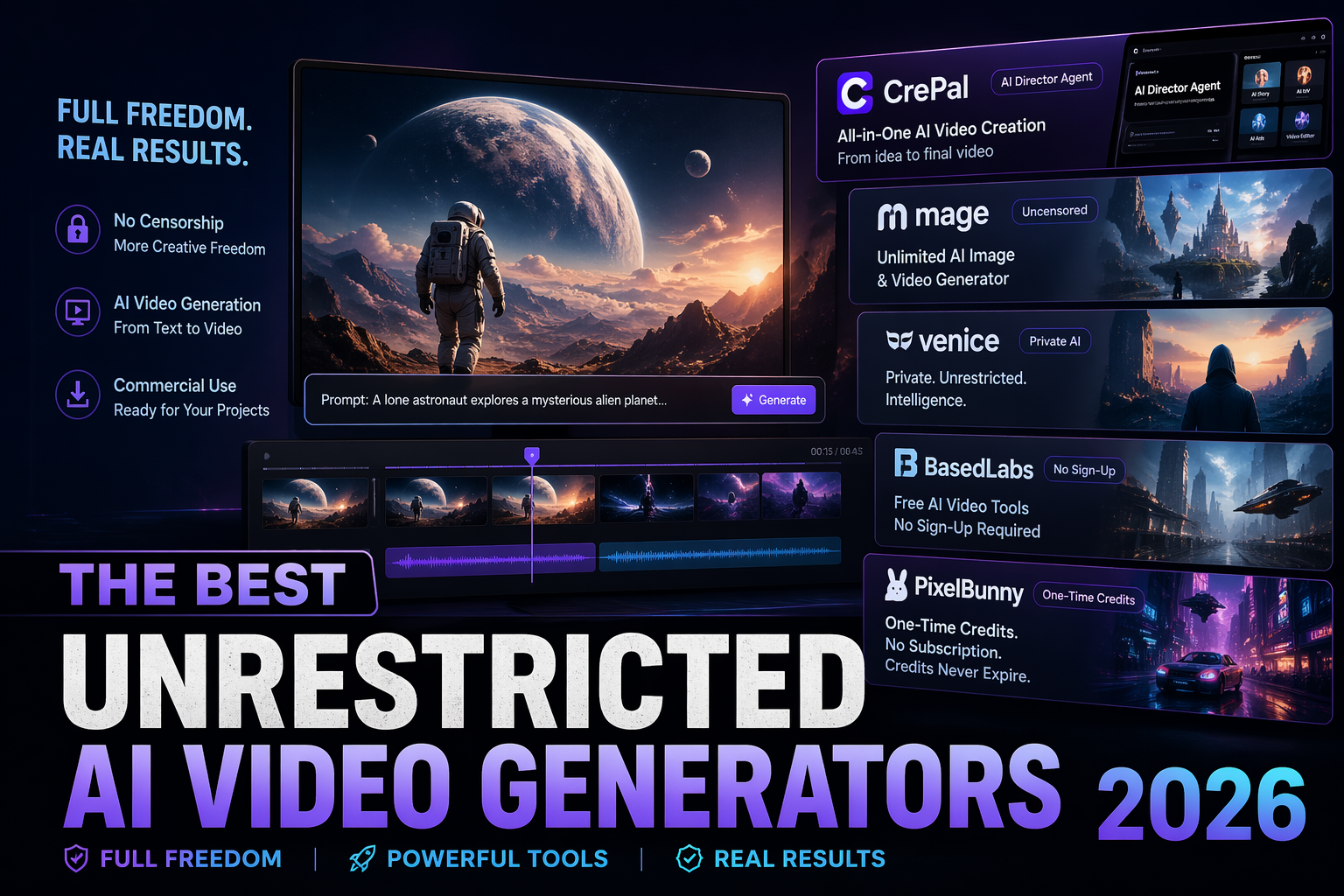
For most creators, though, “unrestricted” really means “I want fewer interruptions and fewer blocked ideas.” That is where platforms like Mage, Venice, BasedLabs, and PixelBunny become relevant. CrePal belongs in the conversation too, but from a different angle: it is not the most radically open option, yet it is often the most practical if the real goal is to move from idea to finished video with less chaos. If that is the use case, it helps to explore CrePal pricing plans.
Image description: Screenshot of CrePal’s homepage showing its AI Director Agent positioning and multi-step AI video workflow.
CrePal is the world’s first AI Director Agent for video creation. Unlike single-purpose tools that only generate short clips or visuals, CrePal orchestrates planning, image generation, video generation, and conversational editing in one place. The result is a workflow designed to reduce production cost and shrink turnaround from days to minutes for many common creator and marketing tasks.
Why Most Cloud Tools Have Restrictions (And Why That’s Unlikely to Change)
Most cloud tools have restrictions because they are not just model interfaces. They also handle payments, hosting, account abuse, platform liability, and commercial-use expectations. That makes public-facing AI video tools fundamentally different from local open-source workflows.
That is unlikely to change soon. The U.S. Copyright Office has continued to emphasize that copyright protection depends on human authorship, and its AI initiative remains centered on how AI-generated outputs fit within existing copyright rules. For creators using AI video commercially, that means ownership and reuse questions still matter, especially when the final output is heavily machine-generated. If you want the legal baseline, review the U.S. Copyright Office guidance on AI authorship.
The European policy direction points the same way. The European Commission’s work on marking and labelling AI-generated content reinforces the idea that synthetic media transparency is becoming more important, not less. In other words, even if a tool feels permissive, the wider environment around disclosure and responsible use is getting stricter. For that context, review the EU guidance on AI-generated content labeling.
Best Unrestricted AI Video Generators
The data in this section reflects hands-on testing conducted in April 2026. Platform policies, pricing, and free-tier limits may change over time, so always verify final licensing terms on the official website before commercial use.
Open-source local (true unrestricted)
If the goal is maximum freedom, local open-source video workflows still come closest. They offer the highest level of control over prompts, model choice, and output handling, which makes them the strongest answer for users who care more about flexibility than convenience.
But that freedom has a cost. Local setups usually require stronger hardware, more troubleshooting, more manual tuning, and more patience with inconsistent first-pass quality. For advanced users, that trade can be worth it. For most commercial creators, it is often more freedom than they realistically need.
Cloud tools with relaxed policies
CrePal should come first because it solves the workflow problem more completely than the others. Many people searching for a full freedom ai video tool do not actually want raw access alone. They want a way to turn an idea into a coherent video without jumping between separate apps for scriptwriting, visuals, sound, and editing. CrePal’s official site highlights AI Story, AI MV Generator, Lip Sync, AI Ads Video, Explainer Video, and PDF to Video, plus conversational editing and HD export. Paid plans on the pricing page include Plus, Pro, and Max, with access to all image and video models and watermark-free export on paid tiers. If your priority is a guided production workflow, you can browse CrePal’s AI video tools.
Mage is one of the clearest relaxed-policy options in the cloud market. Its homepage explicitly describes it as an unlimited and uncensored AI image and video generator, which makes it attractive for experimentation and broad prompt latitude. The trade-off is that it feels more like a flexible playground than a polished end-to-end video director.
Image description: Screenshot of Mage’s homepage showing its unlimited and uncensored AI image and video generator positioning.
Venice is a strong choice for users who care about privacy and permissive positioning. Its site emphasizes private AI and unrestricted intelligence, while the pricing page shows a free tier and a Pro tier at $18 per month with video, music, and premium generation handled through credits. That makes Venice useful as a broader private AI studio, but less specialized for structured video production than CrePal.
Image description: Screenshot of Venice’s homepage or pricing page showing private AI messaging and credit-based video generation access.
BasedLabs is attractive because it lowers friction differently. Its official site promotes free AI image and video tools, and public pages emphasize no-signup entry points for some video tools. That makes it practical for quick experimentation, although it still feels more like a flexible toolkit than a director-style workflow.
Image description: Screenshot of BasedLabs’ homepage or AI video tool page showing free access and no-signup video generation messaging.
PixelBunny stands out for occasional users. Search results from its site highlight one-time credits, no subscription, credits that never expire, and commercial usage rights. That is convenient for intermittent testing, but payment flexibility should not be confused with top-tier cinematic output.
Image description: Screenshot of PixelBunny’s homepage or pricing page showing one-time credits, no subscription, and credits-never-expire messaging.
Comparison Table
| Tool | Freedom Level | Best For | Free Access | Pricing Model | Main Trade-Off |
| CrePal | Medium to High | Finished multi-scene videos | Yes | Free + subscriptions | More guided than fully open |
| Mage | High | Broad experimentation | Yes | Free + premium | Less polished workflow |
| Venice | High | Private, permissive creation | Yes | Free + subscription + credits | Video remains credit-bound |
| BasedLabs | Medium to High | Fast testing and flexible creation | Yes | Mixed free entry points | More toolkit than director |
| PixelBunny | Medium to High | Occasional use without subscription | Yes | One-time credits | Quality varies by task |
| Open-source local | Very High | Maximum control | No managed free tier | Hardware + setup cost | Highest friction |
CrePal’s difference is not that it is “more unrestricted” than everything else. Its advantage is that it acts more like an AI director than a single tool. That matters when the real job is not generating one clip, but shipping a finished video faster.
Reality Check: Output Quality vs Freedom Trade-Off
Open-source = more freedom, lower quality out-of-the-box
This is the trade-off many users do not expect. Open-source and local workflows often give the most freedom, but not the best default results. They usually require more tuning, more manual assembly, and more repair work before the output looks publishable.
That means “unrestricted” often translates into technical freedom, not creative convenience. The user gains control but also inherits the burden of consistency, pacing, and cleanup.
Cloud = better quality, more restrictions
Cloud tools usually reverse that equation. They offer better interfaces, faster rendering, cleaner exports, and easier onboarding. CrePal benefits most from this because its value is not just model access; it is workflow orchestration. Mage and Venice lean harder into permissive positioning, while BasedLabs and PixelBunny reduce financial friction. But once finish and consistency matter, more guided systems tend to pull ahead.
Hard Legal Limits That Always Apply
Even the most permissive AI video tool does not remove legal limits. Copyright, consent, likeness, and disclosure still matter. That is especially true for commercial usage, celebrity likenesses, deceptive media, and branded content.
The safest assumption is simple: a tool can be flexible, but it cannot grant immunity from copyright or synthetic-media rules. That is why creators should verify platform licensing terms and understand the basic policy context before publishing or selling output.
Conclusion
The best unrestricted ai video generator in 2026 depends on what kind of freedom you actually need. If maximum control matters most, open-source local workflows still come closest to true unrestricted generation. If broad experimentation matters more, Mage and Venice are the clearest cloud options. If flexible, low-commitment access matters most, BasedLabs and PixelBunny are worth testing.
But if the real goal is to turn an idea into a finished multi-scene video with less friction, CrePal is the strongest overall choice here. It is not just another generator. It is an AI Director Agent built for creators who care about output, speed, and workflow coherence. If that is your priority, read more AI video tool comparisons and start with the CrePal homepage.
FAQ
Q: What is CrePal.ai? A: CrePal.ai is an AI Director Agent that orchestrates multiple AI video models to create complete multi-scene videos. It handles planning, generation, and conversational editing inside one workflow.
Q: How is CrePal different from other AI video tools? A: Most AI tools generate isolated clips or assets. CrePal is designed as a coordinating layer that helps connect scripting, visuals, music, and editing into a fuller production process.
Q: Can CrePal generate a full video from a short prompt? A: Yes. Its workflow is built around turning natural-language ideas into structured video outputs through an AI-directed process.
Q: Is there a truly unrestricted ai video generator online? A: Not in a perfect sense. Local open-source workflows come closest, while cloud tools usually remain permissive only within hosted business, credit, and legal limits.
Q: Is CrePal free to use? A: Yes. CrePal offers a free plan, and its paid tiers expand credits, model access, task concurrency, and watermark-free export.