It was 1:47 AM. One tab held a half-finished script; the other showed my tired face on webcam. I wasn’t going on camera that night.
So I tried something else — pasted my script into an AI tool and hit generate. Forty minutes later, I had a finished video. It racked up 11k views. I haven’t looked back.
Faceless AI video in 2026 is surprisingly good. The challenge? Too many tools, too many “free” traps, and very little honest guidance.
This guide shares what actually works — the tools I use daily, what I recommend, and whether you can truly monetize faceless AI videos on YouTube right now (yes, but with important caveats).
What Is a Faceless AI Video Generator?
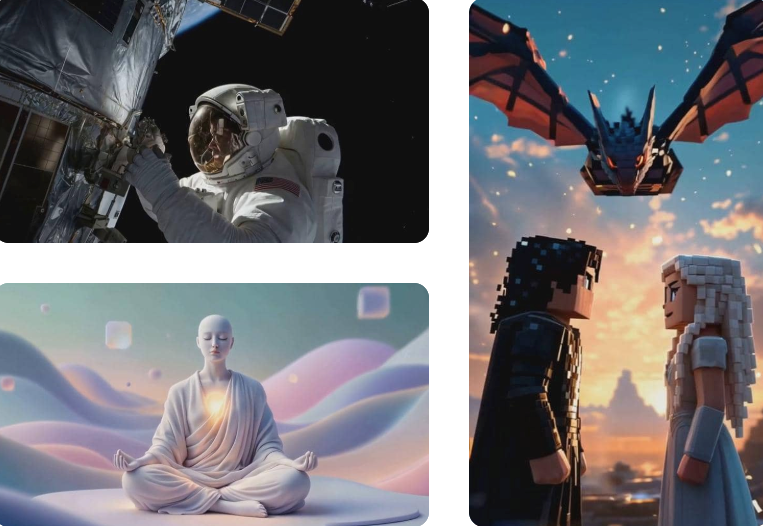
A faceless AI video generator creates complete videos without any on-camera human presence — no face, no body, no filming setup. You feed the tool a prompt, script, PDF, or even just a topic, and the AI assembles everything: generated or stock visuals, AI voiceover, captions, music, and pacing.
Modern tools go far beyond old-school screen recordings or slideshows. They produce polished, scene-based videos that feel like the work of a small professional team.
The key components you’ll find across most tools:
- Script generation — AI writes the narration from your prompt or topic
- Visual sourcing — either pulling stock footage or generating original clips
- AI voiceover — synthesized narration, sometimes with voice cloning
- Captions and subtitles — usually auto-generated
- Export — ready to post on YouTube, TikTok, or Reels
What varies significantly between tools is how much control you have over each piece, how good the output looks, and what “free” actually means in practice.
Why Creators Are Going Faceless
Faceless content is no longer just for camera-shy creators — it’s a deliberate, high-efficiency format chosen by experts who value scale and privacy.
Production scales effortlessly: you can create three videos in the time it once took to film one. No lighting, no quiet room, no bad-hair days. For multi-channel creators or those covering multiple niches, the operational advantage is obvious.
Privacy is a bigger driver than many admit: finance pros avoiding compliance risks, educators protecting their day jobs, or anyone who prefers their ideas to stand alone without their face attached.
The numbers speak for themselves. Spend five minutes on YouTube Shorts or TikTok and you’ll see massive channels in history, psychology, productivity, and true crime thriving with voiceover-plus-visuals formats — often outperforming on-camera creators in the same niches.
The format works. The real question isn’t if — it’s which tool gets you there without eating your entire afternoon.
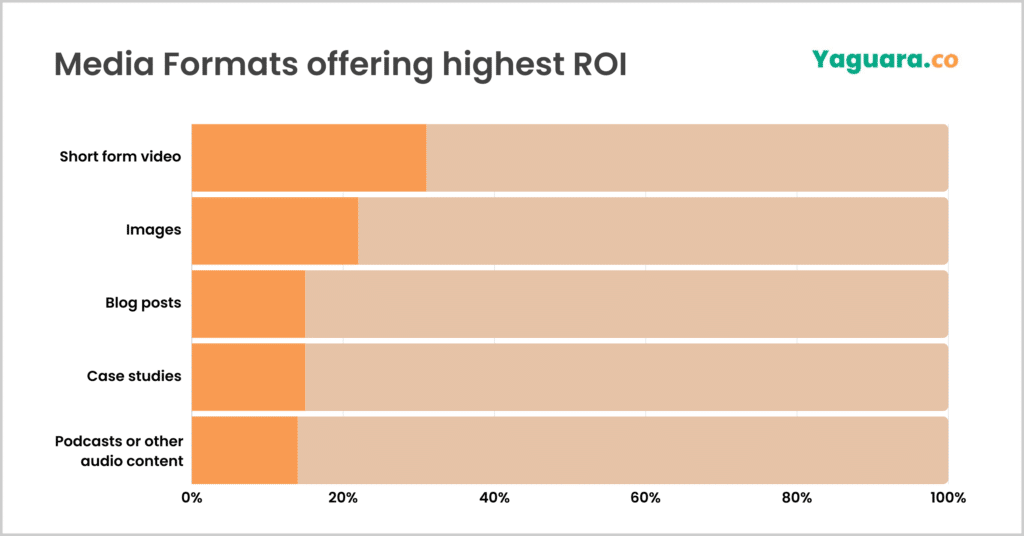
And this shift isn’t anecdotal. According to Statista’s social media research, short-form and scalable content formats continue to dominate platform growth — which is exactly why faceless video is becoming a strategic choice, not a fallback.
Best Free Faceless AI Video Tools
Quick reality check before diving in: “free” means different things across these tools. Some have permanently free tiers with watermarks. Some give you trial credits that expire. Some are genuinely free for a meaningful amount of output. I’ll flag what you’re actually getting.
Best for YouTube: InVideo AI
Free tier: 4 exports per week, watermarked, limited AI generation minutes — but it’s permanent, not a trial
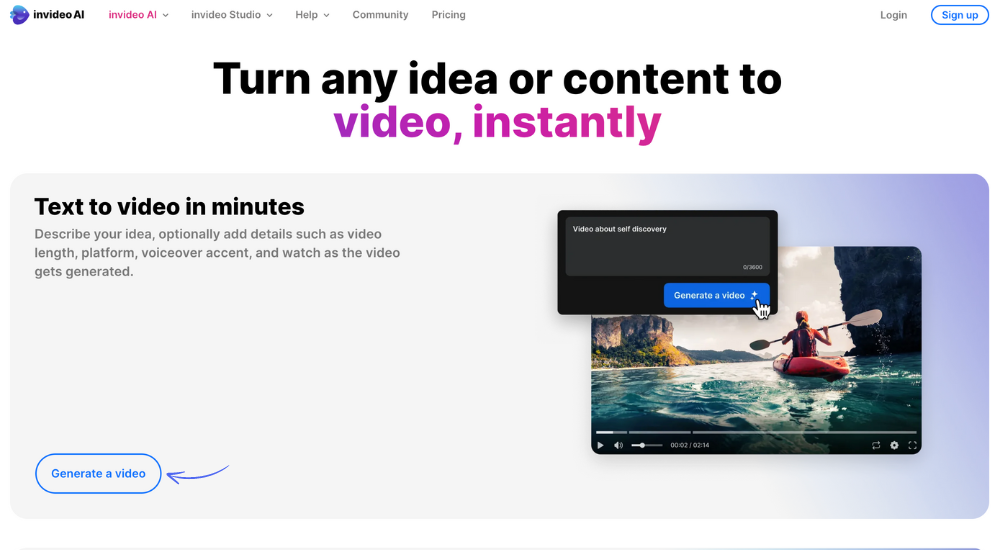
InVideo AI remains my top pick for YouTube-oriented faceless videos. Type a topic or paste a script, and it handles narration, pulls from a 16M+ stock library, builds scenes, adds voiceover, music, and subtitles in one seamless pipeline. The “Magic Box” text commands let you refine instantly (“make the third scene outdoors” or “more casual tone”).
It shines for longer 8–12 minute educational or explainer videos with no strict length caps on the free tier. Paid plans (~$28/month) unlock voice cloning, commercial rights, and advanced generative visuals (Sora and Veo 3.1 integration).
Pro tip: Stock footage can feel generic on niche topics — expect 15–20 minutes of clip-swapping on early videos.
What I’d watch: Stock footage can feel generic for niche topics. In a test about very specific historical events, about a third of the b-roll was technically relevant but weirdly chosen. Expect to spend 15–20 minutes swapping clips on first-generation videos.
Best for TikTok: Pictory
Free tier: 3 trial videos — then paid plans from ~$19/month
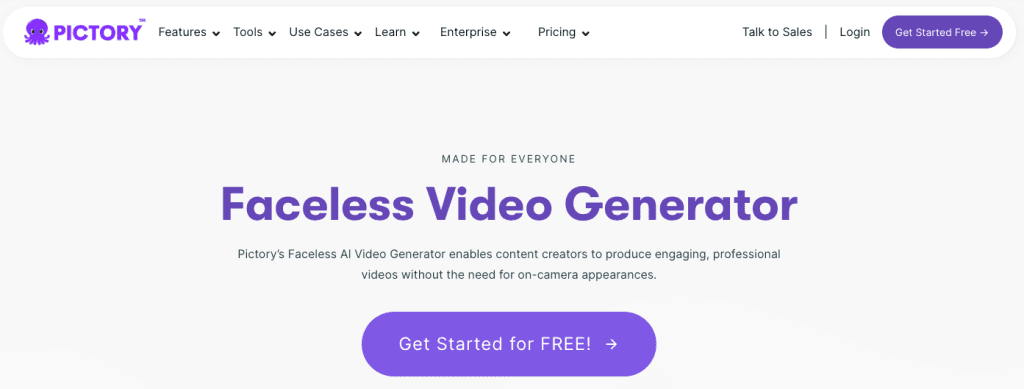
I’ll be honest: Pictory isn’t my personal go-to for daily use, but for TikTok-style content built from written source material — blog posts, articles, newsletters — it’s genuinely the fastest thing I’ve found.
Pictory’s faceless video workflow starts with text. You paste a blog post, article, or script, and it chops the content into scenes, matches each chunk with relevant footage, adds a voice, and outputs a 9:16 cut ready for Reels or Shorts. The scene logic is actually pretty smart — it doesn’t just split text into equal chunks, it tries to find narrative breaks.
The strongest case for Pictory is if you already have a writing operation. If you publish weekly newsletters, maintain a blog, or produce research that lives in document form, Pictory is the most direct path from that content to short-form video. For TikTok channels in education, personal finance, psychology, or productivity — categories where repurposing long-form thinking into short clips is a core strategy — it maps cleanly.
The free tier is tight (three videos, full stop), but it’s enough to test whether the workflow fits your content type before paying.
How to Make a Faceless Video Step-by-Step
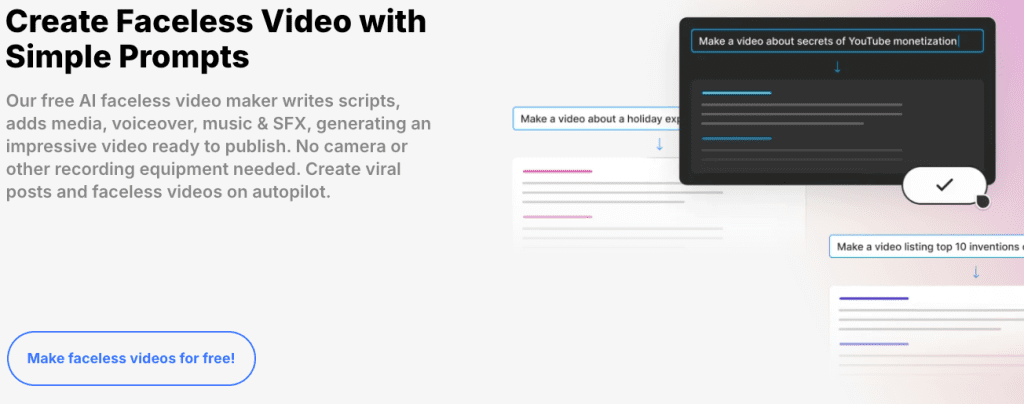
This workflow works across InVideo, Pictory, CrePal, and similar tools.
- Write your hook by hand — The first 15 seconds must stop the scroll. AI is still inconsistent here.
- Prompt or paste your script — Be specific: “4-minute beginner explainer on compound interest with real-world examples.”
- Generate and preview — Watch once for overall pacing and tone.
- Edit b-roll and voiceover — Swap mismatched visuals and tweak tone/speed via text commands.
- Review captions — Fix key terms, names, and numbers (85–90% accurate).
- Export and enhance for platform — For TikTok/Reels, add native trending audio in-app.
Typical time: 45–60 minutes for a 3–5 minute YouTube video; 20–30 minutes for a 60-second Short once you’re familiar.
Monetization: Can You Use These on YouTube?
This is the section I get asked about most, so I want to be straight with you.
Short answer: yes, but YouTube’s rules have tightened significantly, and the gap between “monetizable” and “at risk of demonetization” is narrower than most faceless video tutorials will tell you.
In July 2025, YouTube renamed its “repetitious content” policy to “inauthentic content” and made enforcement substantially stricter. The January 2026 wave hit thousands of channels. What YouTube is targeting, as explained in YouTube’s inauthentic content policy, is content that looks mass-produced, template-driven, or machine-generated without meaningful human creative input — not AI tools themselves.
The distinction matters a lot in practice.
What gets flagged: channels uploading 8–10 AI-generated videos per day with identical structures, stock-photo slideshows with robotic narration and no added analysis, videos where the “human input” was typing one prompt and pressing publish.
What stays monetizable: videos where your editorial judgment is clearly present — your script structure, your specific examples, your voice choosing what to emphasize and what to skip. The AI can do heavy production lifting. Thinking still needs to be yours.
Per the TubeBuddy breakdown of YouTube’s AI monetization framework, the platform rewards creators who use AI as an amplifier of their human perspective, not a replacement for having one. If you can’t articulate what your point of view is in the video — beyond the AI’s default interpretation of the topic — that’s a signal the video.
Practical rules I follow:
- Write or substantially rewrite your own script before feeding it to the tool
- Make sure every video has at least one observation, comparison, or specific example that came from actual research or experience — not just the AI’s output
- Vary your format meaningfully between videos; don’t run the same template 50 times
- Disclose AI-generated visuals when realistic synthetic media is involved (YouTube’s rules on this are getting more explicit)
One more thing: the YouTube Partner Program thresholds (1,000 subscribers + 4,000 valid watch hours) apply to faceless channels exactly the same as any other channel. Faceless content doesn’t get special treatment in either direction. A channel with great content that happens to be faceless will grow. A channel with low-effort AI output will get flagged — and that’s happening at scale right now.
Limitations and Realistic Expectations
- Stock footage repeats quickly in popular niches.
- Voiceovers are improving fast; voice cloning on paid plans sounds natural.
- Niche topics require more manual visual curation.
- Free tiers have hidden limits on premium features.
- TikTok favors raw, high-energy aesthetics over overly polished AI output.
Conclusion
Faceless AI video in 2026 is genuinely capable — the gap between “this looks AI-generated” and “this looks like content” has shrunk considerably in the past 18 months. But the tools aren’t magic. They’re production accelerators that work well when you bring a clear point of view and thoughtful direction to the process.
For YouTube, start with InVideo AI. The free tier is real enough to test whether your topic works, and the pipeline is the most complete I’ve found for longer-form content. For TikTok repurposing from written work, Pictory is the fastest path. For more original visual production and chat-based iteration, CrePal is worth exploring — especially if you want to move past stock footage.
The monetization question has a straightforward answer: faceless works on YouTube if your content has actual editorial value. The platform isn’t penalizing no-camera content. It’s penalizing content that treats the audience like an algorithm variable rather than a person with a real question that deserves a real answer.
Pick one tool, test it with three or four videos, and see what you learn. The workflow compounds fast once you find what clicks.
FAQ
Q: Are faceless AI videos allowed on YouTube? Yes — YouTube allows faceless AI-generated videos, but only if they include meaningful human input. Fully automated, repetitive, or low-effort AI content is likely to be flagged under “inauthentic content” policies. To stay safe, creators should add original scripting, insights, and editing decisions.
Q: Can you monetize a faceless AI YouTube channel? Yes, faceless AI channels can be monetized through the YouTube Partner Program. However, your content must meet the standard requirements (1,000 subscribers and 4,000 watch hours) and demonstrate originality, value, and clear human involvement.
Q: How long does it take to make a faceless AI video? On average, a 3–5 minute YouTube video takes about 45–60 minutes to create using AI tools, including editing. A short-form video (under 60 seconds) can typically be produced in 20–30 minutes once you’re familiar with the workflow.
Previous Posts: