Hey, it’s Dora. It started because a friend sent me a 30-second clip in our group chat at midnight. No context. Just a message that said “I made this.”
It was an anime opening—full dramatic reveal, character silhouettes against a sunset, that signature fast-cut montage energy—and it looked genuinely good. Not “good for AI.” Just good. I sat there staring at it for a solid three minutes trying to figure out if they’d hired someone.
They hadn’t. One prompt. Twenty minutes. Done.
I didn’t sleep that night. I spent the next six hours testing every AI anime opening generator I could get my hands on, and honestly? The results surprised me—in both directions.
If you’ve been wondering whether AI can actually pull off that distinct anime opening feel (cel-shading, dramatic music timing, character reveal pacing—all of it), this is what I found after real-world testing. The tools that deliver, the prompting tricks that actually work, the limitations that still matter, and the exact workflows that get publishable results.
What Is an AI Anime Opening Generator?
An “AI anime opening generator” isn’t one single thing. Some are text-to-video engines. Others are image-to-video or full workflow platforms that handle scripting, character consistency, and animation in one place.
What makes anime openings uniquely hard: they demand cel-shading (flat colors, bold black outlines, minimal gradients), rock-solid character consistency across cuts, anime-specific motion language (dramatic pauses, power poses, fast-cut montages), and sub-genre literacy (shonen energy vs. slice-of-life warmth).
Current top models have improved dramatically on these points, but they still require deliberate prompting and post-production assembly.
Top Tools for AI Anime Openings
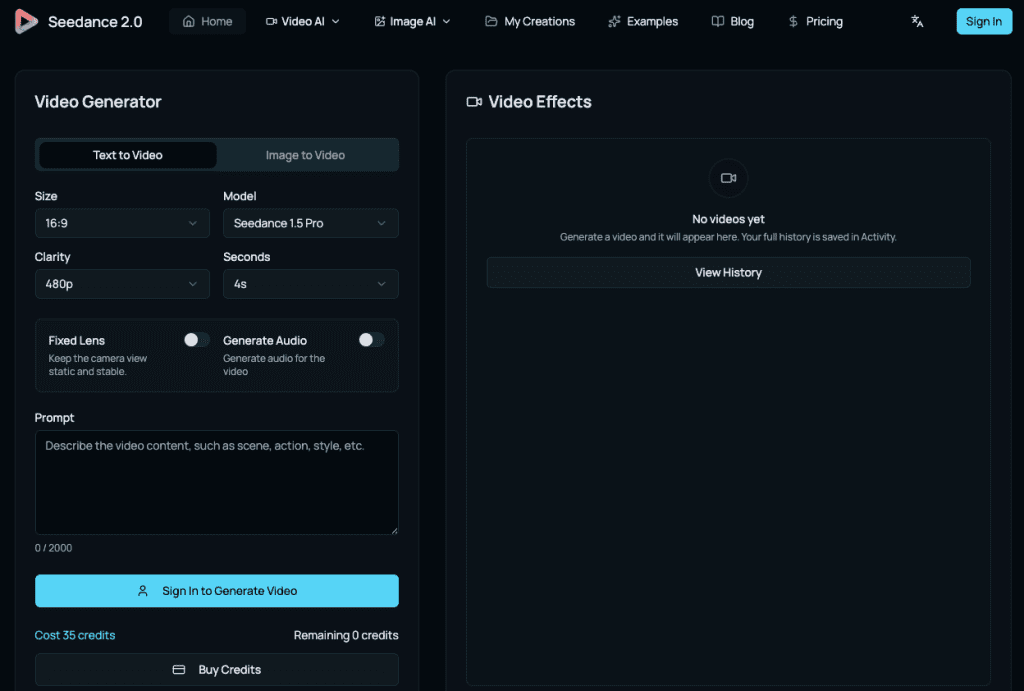
Tool 1 — Seedance 2.0: Best Style Accuracy
Official site:ByteDance Seedance 2.0 | Seedance 2.0 platform
ByteDance’s Seedance 2.0 is currently the strongest pure video model for anime-style work. It supports full multi-modal inputs (text + up to 9 images + up to 3 videos + audio, total ≤15 seconds) and delivers exceptional cel-shading, motion stability, and style adherence.
In independent 2026 anime tests (including fight scenes and manga-to-anime conversions), it consistently outperforms competitors on flat-color rendering, bold outlines, and dramatic camera control.
Best for: Shonen, mecha, fantasy anime openings. Anything with dramatic action energy.
Watch out for: Character consistency on longer sequences. Plan your clips as 5–8 second segments and assemble them.
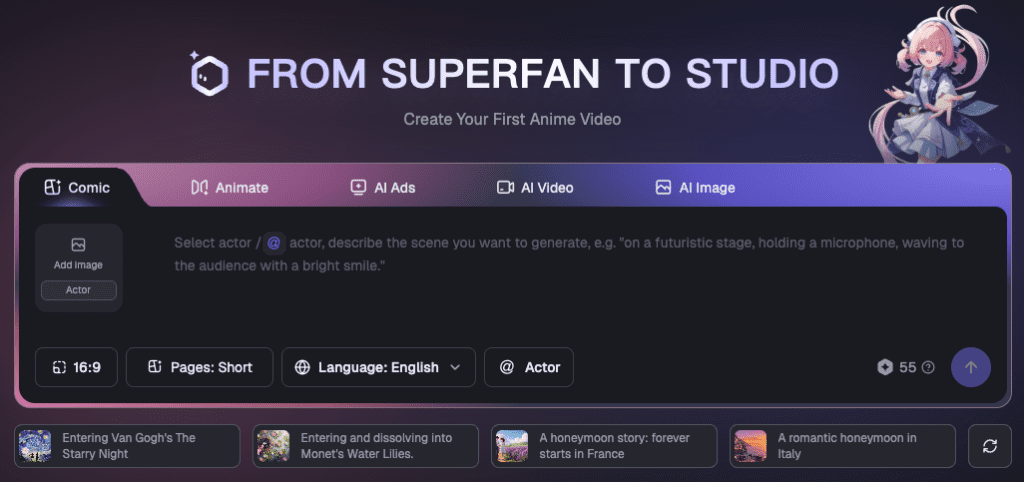
Tool 2 — Elser AI: Best Free Option
Official site:Elser AI
Elser AI is built specifically as an anime-first creative studio. It handles character creation, multi-scene scripting, video generation, voice, and lip-sync in one platform. New users get a generous free trial that actually lets you build a complete 20–30 second opening (some users report full 30-minute anime shorts from a single prompt).
It’s not the absolute highest visual fidelity, but the template library and built-in character consistency make it the fastest way to prototype professional-looking results.
Best for: First-time users, budget-conscious creators, anyone who wants to test the concept before committing.
Watch out for: Slightly inconsistent style adherence compared to dedicated video models. Works better with their pre-built templates than pure open prompts.
Tool 3 — DomoAI: Best for Parody and Style Transfer
Official site:DomoAI.app
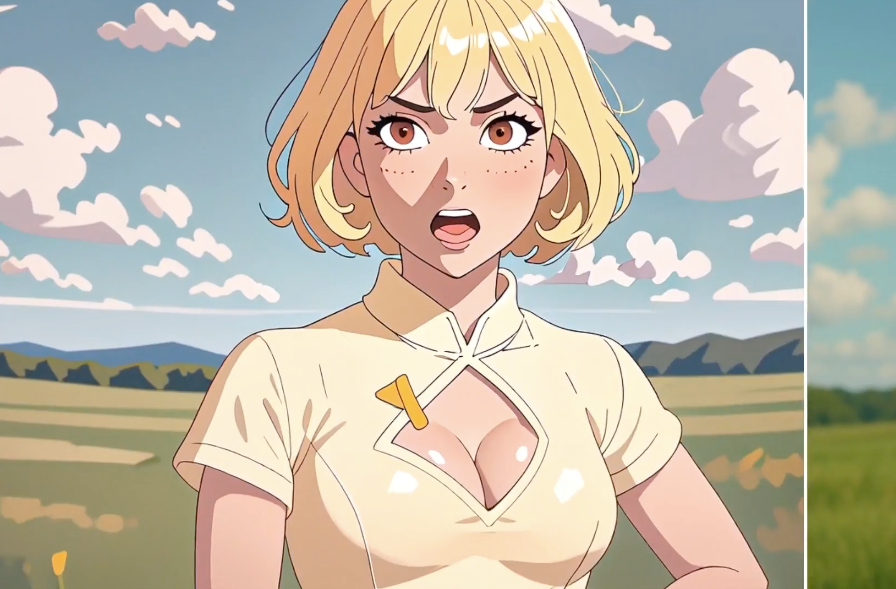
DomoAI’s killer feature is real-time video-to-video style transfer. Feed it any footage (gameplay, live-action skit, phone video) plus an anime reference image or text prompt, and it turns the motion into cel-shaded anime while preserving original timing.
Perfect for parody openings or “real person becomes anime protagonist” content.
Best for: Parody openings, style-transfer projects, fan edits, comedy content.
Watch out for: Not ideal for original character-driven openings. The “start from footage” requirement is a constraint if you’re building from scratch.
How to Prompt for Anime Opening Style
This is the section I actually needed six hours ago. Let me save you time.
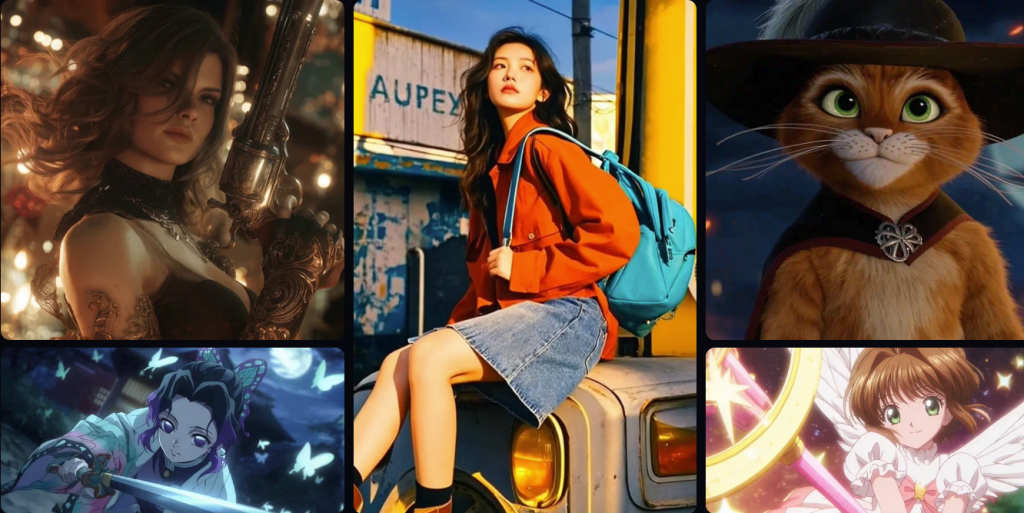
The core mistake most people make: they treat the AI like it knows what an anime opening feels like, not just what it looks like. You can prompt “anime opening style” and get something that’s visually anime but rhythmically wrong—no sense of dramatic pacing, character reveals that don’t land, transitions that feel random.
Key Style Descriptors
These are the actual words that move the needle, based on my testing across multiple models:
For cel-shading accuracy: “flat color shading, bold black outlines, minimal color gradients, vibrant saturated palette, hard shadow edges”
For opening sequence energy: “dynamic character reveal, dramatic pause before motion, fast cut montage, silhouette against gradient sky”
For sub-genre specifics:
- Shonen: “high-energy action poses, explosive motion blur, protagonist power stance”
- Slice-of-life: “soft pastel tones, gentle camera drift, warm afternoon light”
- Dark fantasy: “desaturated background with high-contrast character, ominous atmosphere, slow reveal”
- Isekai: “world-transition visual effect, protagonist looking at unfamiliar sky, sense of wonder framing”
Example Prompts
Shonen opening (15-second clip):anime opening style, cel-shaded rendering, silver-haired male protagonist, dramatic reveal from silhouette, rooftop at golden hour, fast-cut to action poses, bold black outlines, high-energy dynamic composition, wind-swept hair
Parody opening (for DomoAI-style transfer):anime art style transformation, vibrant saturated colors, flat cel shading, bold outlines, preserve original movement timing, shonen energy aesthetic
Fantasy ensemble reveal:anime opening sequence, multiple character reveals, cel-shaded, epic mountain backdrop, each character framed in dramatic pose, orchestral timing implied in visual rhythm, hand-drawn aesthetic
One thing that helps across all tools: rather than conversational prompts or command-based requests, describe what you want to see visually. Style descriptors can convey general motion style and aesthetic and should be appended as you refine results. Think like a storyboard artist writing shot descriptions, not someone giving instructions to a person.
Output Quality: What to Expect
Honest version:
The first generation almost never looks exactly like what you imagined. This isn’t a failure—it. It’s how the workflow actually works. Plan for 3–5 iterations per scene, minimum.
Character consistency is still the hardest problem. Character designs stay consistent across every cut without re-prompting when the tool is built specifically for anime—but most general-purpose video models still struggle here. A character’s face can shift subtly between clips in ways that break the illusion of a continuous opening.
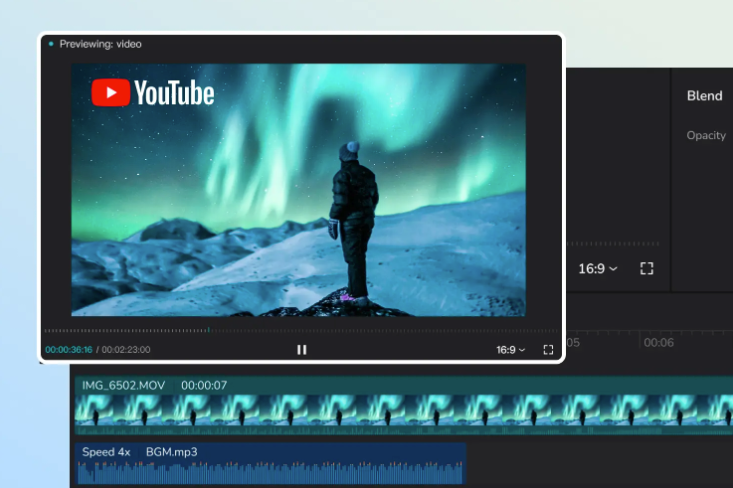
The practical workaround: treat each clip as a separate character moment rather than a continuous sequence, then assemble them in a video editor. Embrace the fast-cut nature of real anime openings—most actual anime OPs cut every 1–3 seconds anyway, which means you don’t need perfect continuity between shots.
Music timing is something these tools don’t solve for you. You’ll need to import your audio separately and cut your generated clips to match the beat. The AI can nail the visual aesthetic; rhythmic sync is your job.
Limitations
No point pretending these don’t exist.
Character consistency: Still the weakest point across all tools. Multi-scene character coherence requires careful prompting and manual curation.
Text rendering: Anime openings often have dramatic kanji or stylized title cards. AI video models are notoriously bad at generating readable text within video. Generate title cards separately as images and composite them in.
Long sequences: Current tools generate 5–10 second clips well. A 90-second full opening requires planning your shots and assembling segments—which is also how actual anime studios do it, but it requires more workflow thinking than just “generate opening.”
Style drift: Even within a single clip, the aesthetic can drift if the model loses track of the style anchor. Adding style descriptors at the end of your prompt, not just the beginning, helps with this.
Who These Tools Are For
- YouTube/TikTok creators wanting pro anime intros → Start with Elser AI (free) then upgrade to Seedance 2.0.
- Parody or fan-content creators → DomoAI is unbeatable.
- Indie game devs or serious storytellers → Seedance 2.0 + Runway Gen-4 combo.
- Anyone expecting one prompt = finished 90-second OP → Not there yet, but three hours of smart work gets you something that looked impossible two years ago.
Conclusion
That clip my friend sent me? They’d spent about three hours total on it. Two hours testing prompts and curating which clips worked, one hour assembling and syncing to music.
Three hours for something that looks like a real anime opening. I keep coming back to that.
The tools aren’t perfect. Character consistency is still annoying. You’ll burn through credits on iterations that don’t quite land. The music sync is fully manual and will test your patience.
But the ceiling keeps moving. Early adopters who develop strong prompting instincts will have a lasting advantage as the technology matures—and right now, the gap between “knows good anime opening prompts” and “doesn’t” is producing very different results in the same tools.
Worth learning now. Especially if you’re the kind of person who’s going to be up until 2 AM testing this stuff anyway.
FAQ
Q: What is the best AI anime opening generator right now? The best tool depends on your goal. For high-quality visuals and accurate cel-shading, Seedance 2.0 performs best. If you’re looking for a free option to experiment with, Elser AI is a strong starting point. For parody or style-transfer projects, DomoAI offers unique capabilities that other tools don’t.
Q: Can AI really create a full anime opening sequence? Yes—but not in one click. Most AI tools generate short clips (5–10 seconds), so creating a full anime opening requires generating multiple scenes and editing them together. You’ll also need to handle music syncing manually for the best result.
Q: How do you prompt AI to get an anime opening style? The key is to describe visuals, not commands. Use specific style terms like “cel-shading,” “bold outlines,” and “dramatic character reveal,” and think in terms of scenes or shots. Adding sub-genre cues like “shonen action” or “slice-of-life tone” also improves results significantly.
Previous Posts: