Hey, guys. I’m Dora. I was making coffee last Tuesday when a friend DMed me a slick product clip and said, “Made this in Seedance 2.0 in 3 minutes.” Three minutes? I paused the kettle and opened a fresh tab. By 7:45 a.m., I had three test clips… and one was weirdly perfect while the other two looked like stock footage with stage fright.
That little contrast hooked me. Over the past week, I poked at Seedance 2.0 every morning, tweaking prompts and logging what actually moved the needle. If you’re chasing prompts that hold motion, style, and camera without wobbling, here’s what worked for me and what fell flat.
Why Most Seedance 2.0 Prompts Underperform
If your Seedance 2.0 clips feel mushy or generic, it’s usually not the model, it’s the prompt scaffold. I kept seeing the same three failure patterns in my early runs and in community examples.
The 3 Structural Errors Beginners Make
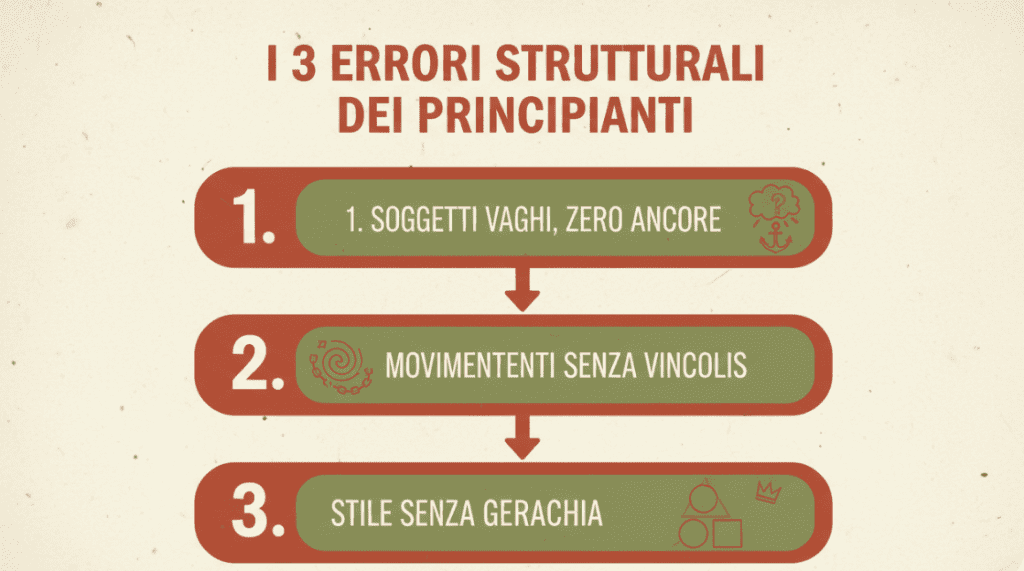
- Vague subjects, zero anchors
- “A person walking in a city” gives Seedance way too much freedom. Which person? What mood? What time of day? The model shrugs and gives you the average of the internet. Anchor with specifics: subject type, wardrobe, setting, time, mood.
- Motions without constraints
- Motion verbs like “walks, spins, zooms” need boundaries. If you don’t add pace, direction, and duration, the model guesses, and you get slippery or drifting motion. Add short clocking cues like “for 3 seconds,” “slow pan left,” or “looped subtle hand tilt.”
- Style without hierarchy
- Piling styles, “cinematic, editorial, glossy, vlog, documentary”, is like mixing five dress codes. The engine picks one at random or blends them into beige. Choose a primary style and, at most, one supporting style, then add lighting and lens cues that reinforce that choice.
Once I fixed these, my hit rate went way up. My best clips kept the same subject identity across frames, held the camera path, and stayed true to the style without turning plastic.
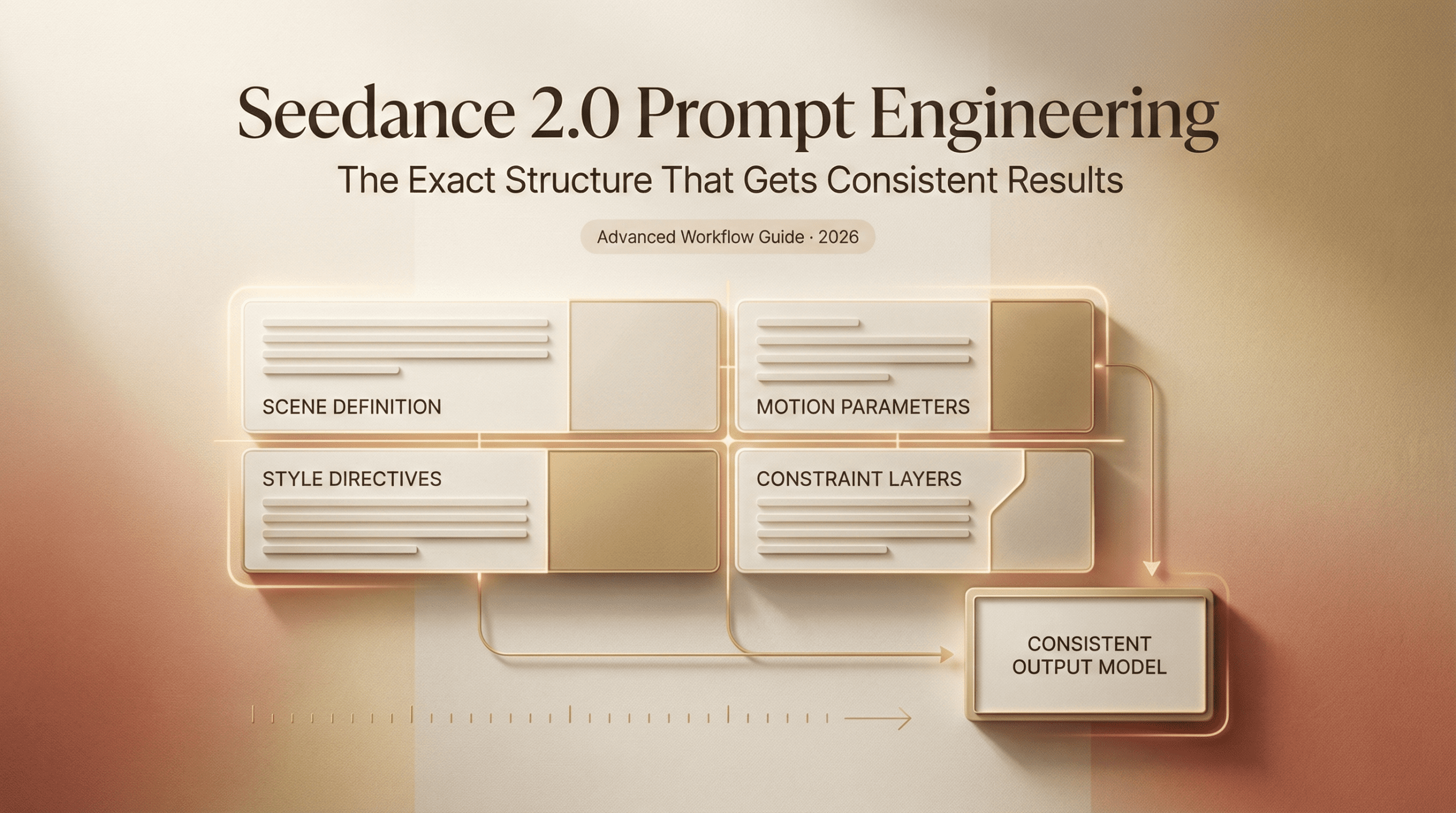
The Prompt Anatomy That Works (Subject / Motion / Style / Camera)
I stopped writing prompts as paragraphs and started writing them as four clean blocks. Think of it like giving a film crew a one-page brief.
- Subject: Who/what, wardrobe/props, setting, time, mood
- Motion: Subject action + pace + duration + loop intent
- Style: One core aesthetic + lighting + color grade
- Camera: Framing + lens + movement + restraints (start/end if needed)
I also keep a quiet line for “negatives” (things to avoid) when the output leans cheesy.
Here’s the skeleton I actually paste into Seedance 2.0:
Subject: [clear identity, wardrobe, setting, time, mood]
Motion: [action + pace + duration]
Style: [one primary aesthetic + lighting + color]
Camera: [framing + lens + movement + constraints]
Negatives: [what to avoid]
Annotated Prompt Examples, Good vs Bad
Bad (mushy):
“A woman in a kitchen making coffee, cinematic.”
- Why it fails: no wardrobe, no time-of-day, no pace, no camera plan. “Cinematic” is doing all the work, and failing.
Good (holds):
Subject: 30s woman in a minimalist kitchen, oatmeal sweater, steam from kettle, dawn light, calm focus
Motion: lifts pour-over kettle, slow clockwise pour, gentle steam drift for 4 seconds
Style: cinematic natural light, soft contrast, warm grade, filmic grain subtle
Camera: medium close-up at counter height, 50mm look, locked tripod, micro push-in 3%
Negatives: no logo mugs, no cheesy smile, no speed ramp
- Result: On my run (timestamp 00:03–00:07 of the clip), the steam held shape, the hands stayed consistent, and the push-in didn’t wobble.
Pro tip: If your subject identity keeps morphing, bump the subject block to the very first line and add a consistent anchor like “same person across frames.” Seedance 2.0 seems to weight early tokens heavier.
Style Control Tokens: Cinematic, Editorial, Product-Focused
“Cinematic,” “editorial,” and “product-focused” aren’t just vibes: they’re bundles of lighting, composition, and texture cues. In my tests, Seedance 2.0 responds best when you pair the token with two to three concrete reinforcements.
Cinematic
- Reinforcements: natural light or motivated practicals, soft contrast, gentle film grain, shallow depth of field by lens cue (35–85mm look), warm or teal-orange lean
- What it fixes: plastic skin, sterile lighting, cardboard shadows
- Pitfall: If you stack “cinematic” with glossy studio terms, it cancels out and turns gray
Editorial
- Reinforcements: high micro-contrast, crisp textures, cooler grade, available light feel, handheld or minimal gimbal sway
- What it fixes: over-smooth faces, oversaturated colors
- Pitfall: Add too much bokeh or heavy LUT talk and it wanders into cinema territory
Product-Focused
- Reinforcements: clean studio light, controlled reflections, specular highlights, precise focus rack, 50–85mm macro-friendly framing
- What it fixes: brand assets going mushy, labels unreadable
- Pitfall: If you don’t specify background and surface, Seedance invents busy sets
Quick pairs that worked for me:
- “cinematic, soft contrast, warm grade, 50mm”
- “editorial, high micro-contrast, cool grade, handheld micro-sway”
- “product-focused, controlled reflections, white sweep background, 85mm macro feel”
If the style still drifts, add “style lock: [token]” at the end of the style line. It’s a light nudge, not a magic switch, but on three of my runs it reduced color wobble.
Camera Movement Prompts That Actually Hold
Camera is where Seedance 2.0 surprises, in good and bad ways. Simple, bounded moves hold best. When I got greedy with complex arcs, things slipped. Interestingly, some of these stability quirks remind me of what I saw in earlier builds — I compared those differences more closely in my Seedance 1.5 Pro review if you’re curious how the motion handling evolved.
Moves that held consistently:
- Locked with micro push-in (1–3%)
- Slow pan left or right with a stop point (“ends on subject’s eyes”)
- Low-angle track with constant speed (“0 to 3m left-to-right” feeling)
- Static top-down for product (no drift)
Moves that often broke:
- Big 180° wraps without landmarks
- Crash zooms with subject motion
- Spiral dollies (look cool, wobble often)
Useful camera phrases:
- “locked tripod, micro push-in 2%”
- “gimbal-stable, slow pan left, 3 seconds, stop on center”
- “24mm wide, low angle, track right at constant pace”
- “top-down, product centered, no parallax, no roll”
If your move keeps drifting, add a brace: “no horizon tilt,” “no reframing,” or “keep background fixed.” I sometimes include an end state: “lands on label,” “holds hands center frame,” which cut the last-frame jitter in two of my morning tests.
Copy-Paste Prompt Templates by Video Type
Here are the exact templates I’ve been using. Tweak the nouns and keep the structure. I left small notes in parentheses so you can adapt fast.
- Talking-head explainer (editorial)
Subject: mid-30s researcher at a desk, neutral backdrop, soft desk lamp, relaxed tone (describe age/role/backdrop)
Motion: natural head nods and hand gestures, subtle breath, 5 seconds
Style: editorial, high micro-contrast, gentle cool grade, natural skin texture
Camera: medium shot, 50mm look, locked tripod, micro push-in 2%
Negatives: no teleprompter eye-drift, no jump cuts
Why it works: Feels human but crisp: avoids the glossy “commercial host” sheen.
- Product hero spin (product-focused)
Subject: matte-black wireless earbuds on dark gray acrylic riser, clean reflections
Motion: slow 360° turntable, label readable at 2 seconds, steam not present
Style: product-focused, controlled reflections, specular highlights, neutral color
Camera: close-up, 85mm macro feel, top light plus rim light, locked
Negatives: no fingerprints, no smudges, no extra props
Tip: If the turntable falters, switch to “gentle 180° arc” and specify “start wide, end tight.”
- Food pour shot (cinematic)
Subject: stack of pancakes, butter melting, morning sun, rustic table
Motion: maple syrup pour, thick stream, slow, 4 seconds
Style: cinematic, soft contrast, warm grade, subtle grain
Camera: 50mm, shallow depth, locked, micro push-in 3%
Negatives: no fake steam, no cartoon shine
Note: If syrup jitters, add “viscous flow, continuous stream.”
- Fashion street cutaway (editorial)
Subject: 20s model in beige trench on crosswalk, overcast city light
Motion: turns to camera, hair lift in breeze, 3 seconds
Style: editorial street, cool tonal bias, crisp fabrics
Camera: low angle, 35mm, slow pan left, ends on eyes
Negatives: no beauty filter skin, no heavy bloom
Why it works: The micro-contrast plus low angle sells the magazine feel.
- App demo loop (product-focused screens)
Subject: smartphone on white sweep, app home screen visible, clean bezels
Motion: finger tap, screen scroll down 15%, pause, scroll up, 5 seconds total
Style: product-focused, even softbox light, neutral white balance
Camera: top-down, 50mm look, no parallax, locked
Negatives: no moiré, no glare, no reflections
Tip: Add “screen content sharp, legible text” to protect UI.
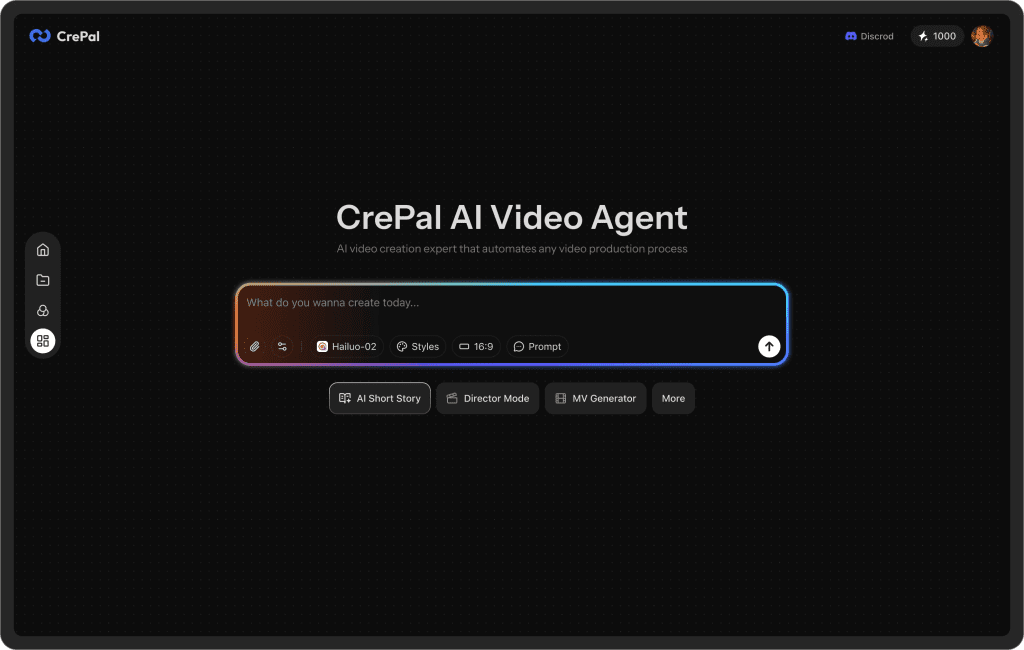
One thing I noticed after dialing in prompts like this: generating clips got easier, but organizing them into actual videos still meant jumping between tools. That’s part of why we built Crepal. It helps move from generated clips to structured video drafts in one place.
If you’re feeling that friction too, try it here!
Previous posts: