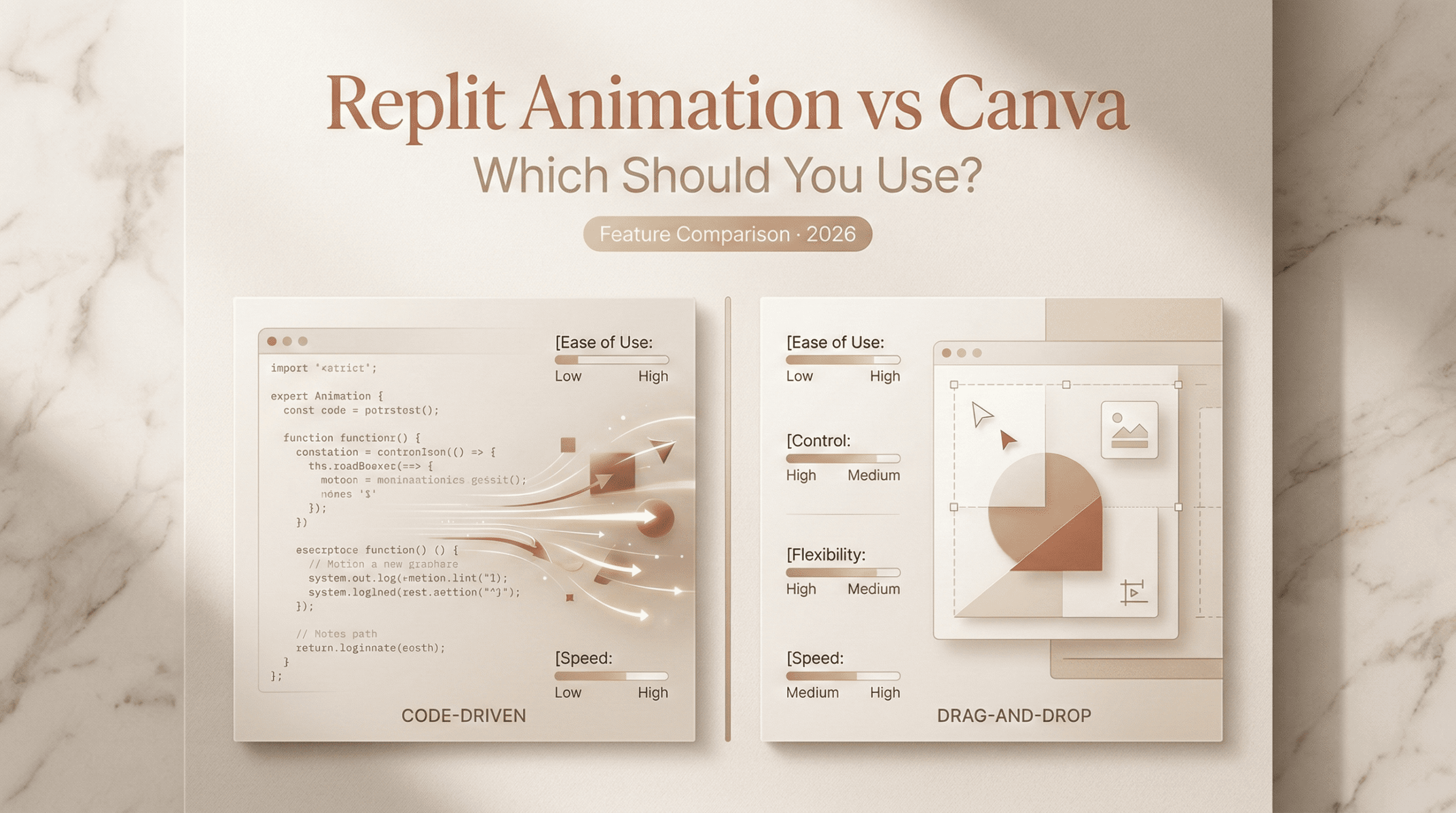
Hi,I’m Dora. It started with a stubborn lower-third. On Feb 26, 2026, I needed a simple, looping name tag animation for a YouTube short. I opened Canva out of habit… and then I wondered, could I get a cleaner, more custom motion if I just generated it with code in Replit? Fifteen minutes later I had two tabs, two exports, and a mild identity crisis about my workflow. Here’s what actually happened, field notes, not hype. Not sponsored.
Two Different Approaches
Replit, conversational, code-generated
I treated Replit like a motion lab. On Feb 27, 2026 at 10:20 AM, I opened a new Repl (Node + p5.js) and asked the AI chat to “generate a smooth 3-second lower-third with a slide-in, overshoot, and subtle grain.” It scaffolded p5.js code and a tiny easing function. I tweaked two variables, duration and overshoot, and got pixel-precise motion on a 1920×1080 canvas. Export was a quick ffmpeg pass the agent suggested.
What surprised me wasn’t the code (pretty standard) but the speed of iteration. I could ask for “slower ease-out” or “less stutter on frame 1” and the AI adjusted bezier timings. If you’ve ever nudged keyframes one pixel at a time, this feels… liberating. It’s programmatic design: reproducible, versionable, and weirdly fun.
Caveats:
- You’re owning the pipeline. Canvas setup, frame rate, render script, yep, that’s on you (with AI help). If that scares you, fair.
- Typography and brand kits? You can import fonts and color variables, but there’s no turnkey brand panel like in Canva.
If you want to try similar, Replit’s docs are decent: see Replit Docs and the p5.js reference at p5.js.
Canva, drag-and-drop, template-driven
Then there’s Canva. At 11:05 AM the same day, I searched “lower third” in Canva’s Video editor, grabbed a template, swapped colors to my brand palette, and typed the name. Done. The timeline UI is friendly, and the animation presets, Fade, Slide, Wipe, Pop, are good enough most of the time. For social-size output, Canva’s instant gratification is hard to beat.
Where it shines:
- Brand kits, quick resizing, and stock assets inside one canvas.
- Magic Design can rough in a theme if you’re starting cold.
Limits:
- Fine-tuned motion curves aren’t exposed. You get presets, not control points.
- Custom exports like alpha-channel WebM or frame-by-frame sprites are hit-or-miss.
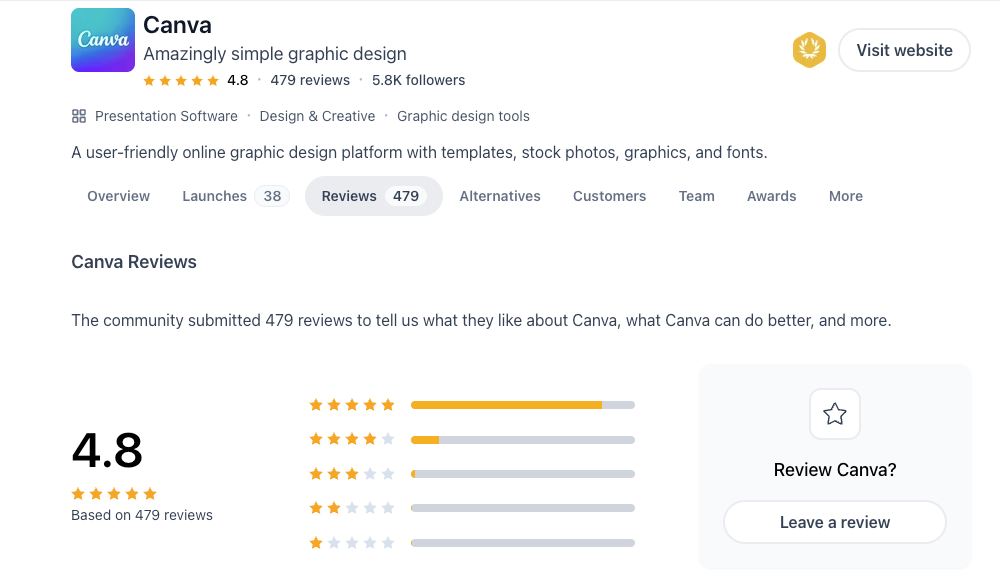
If you want the official how-tos, see Canva’s video help center.
Output Style Differences
Replit: clean programmatic motion graphics
On Mar 1, 2026, I generated a looping geometric background in Replit, circles scaling with a cubic-bezier(0.18, 0.89, 0.32, 1.28). The result looked like something you’d see in a tech conference bumper: minimal, crisp, mathematically smooth. File: 6-second 1080p MP4, 2.9 MB at 6 Mbps: also exported a transparent WebM for overlay.
Why it matters: programmatic systems give you consistency and parameters you can save. Need ten variants in your brand colors? Change a JSON config and rerun. Need pixel-perfect loop points? Control the easing and frame math. For data-driven visuals, bar transitions, oscilloscopes, network flows, code wins.
Weak spots: you’re doing more plumbing. If you need subtitles, music timing, or multi-scene storytelling, you’ll stitch tools (ffmpeg, a timeline editor, or a JS library like Remotion). It’s motion as code, not a studio.
Canva: polished template-based video
Using Canva on the same date, I built a 12-second explainer opener with a stock scene, icon animations, and a text wipe. Export: 1080p MP4, 7.6 MB with audio baked in. It looked like a polished marketing snippet, friendly colors, smooth transitions, auto-aligned spacing.
Why it matters: for social video, ads, quick intros, and slide-to-video conversions, Canva outputs something you’d be comfortable shipping fast. You don’t worry about easing equations: you drag, type, and publish. The trade-off is sameness, viewers can spot a Canva vibe. If your brand demands a distinct motion language, templates may cap your ceiling.
Ease of Use
Learning curve for each
Replit’s curve depends on how allergic you are to code. If you’re okay pasting snippets and letting the AI explain them, you can get far in a weekend. I asked the Replit agent to “explain the easing like I’m five,” and it rewrote the function with a neat little ASCII curve. Charming, and helpful.
But you will touch concepts like frame rates, canvases, and encoders. If that sounds like a headache between meetings, your brain might vote no.
Canva’s curve is a gentle slope. If you can build a slide deck, you can animate in Canva in under 30 minutes. The friction points are minor: layer order, timing trims, and remembering which preset lives where. That’s it.
Who gets results faster
For a branded lower-third or a quick social clip, Canva is faster, like, 5–10 minutes from blank page to export fast. When I timed it on Feb 27: Canva took 8 minutes: Replit took 23 including one re-render.
But for custom motion you’ll reuse, say, a dynamic waveform that reacts to your podcast intro, Replit pays dividends. I spent an hour building it once, then generated 4 colorways in 6 minutes each. Canva could fake it, but it wouldn’t be as smooth or as flexible.
Simple rule of thumb I’m using now:
- One-off marketing snippets → Canva first.
- Reusable, parameter-driven motion or anything data-ish → Replit.
Pricing Comparison 2026
Which Fits Your Workflow
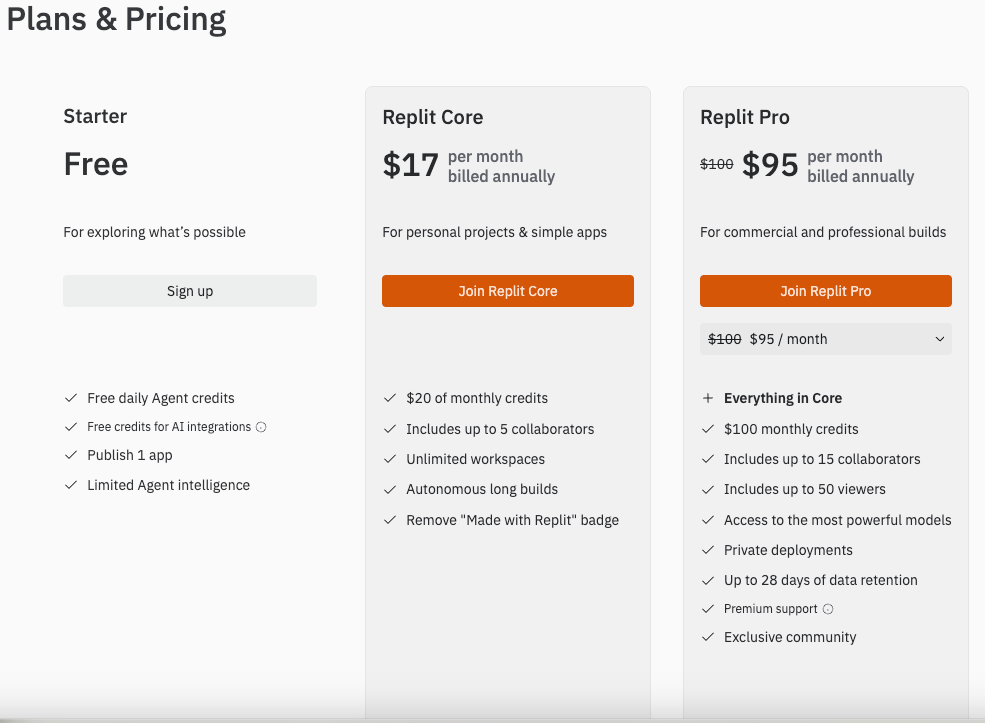
Prices shift, but here’s what I paid or verified as of Mar 2, 2026. Always check the official pages before you buy.
- Replit: Free tier is fine for small projects. Replit Core has hovered around $20/month for extras (more compute, private repos, AI credits). If you lean on AI generation and need faster machines for rendering, Core is the comfort tier. See the latest on Replit pricingor the account billing page.
- Canva: Free tier is generous for basic video. Canva Pro is typically $12.99/month per person billed monthly in the US: Teams pricing per user is a bit higher and adds collaboration. Check Canva pricing for your region.
Hidden costs to consider:
- Replit may nudge you into a render pipeline (ffmpeg, maybe a separate storage/CDN if you crank out a lot of assets). Mostly free/open-source, but there’s time cost.
- Canva’s stock audio/video can add licensing steps if you republish on paid channels. Not a huge deal, just read the license notes in the asset panel.
Content creators needing custom motion assets → Replit
If your workflow includes:
- Reusable motion systems (lower-thirds, backgrounds, data viz)
- Transparent exports, spritesheets, or WebM alphas
- Engineering-friendly review (diff your motion parameters like code)
Then Replit makes sense. You’ll trade setup time for long-term control. I now keep a small “motion-starter” Repl with p5.js, brand colors, and a Render script. New project? Fork, tweak, ship.
Non-technical creators needing quick template video → Canva
If your day is meetings, social posts, and slides, Canva is the stress-free lane. Templates get you 80% there, and the last 20% is swapping fonts, images, and timings. Magic Switch for resizing is a lifesaver for repurposing 16:9 to 9:16 without crying over crops.
Small knock: motion precision. If you care about perfect bezier curves or sub-frame offsets, you’ll hit a ceiling. Most folks won’t. If you will, you’ll feel it right away.
When Neither Tool Is Enough
When you need full AI video production
Both tools top out when you want multi-scene, voiceover-synced, character-driven video with script-to-screen AI. On Mar 3, 2026, I tried stitching a 45-second product demo: screen captures, tracked callouts, TTS voice, auto captions, logo sting. Replit handled the motion assets, Canva handled the assembly, but timing the voice and captions felt clunky in both.
If your deliverable is “one button → video draft with scenes, voice, b-roll, and captions,” you’ll want a dedicated AI video editor.
What to use instead
I’ve had decent luck with:
- Descript for script-based editing and captions: it keeps voice, timeline, and screen recordings in sync.
- CapCut for quick punchy edits, mobile-first formats, and auto captions with better timing.
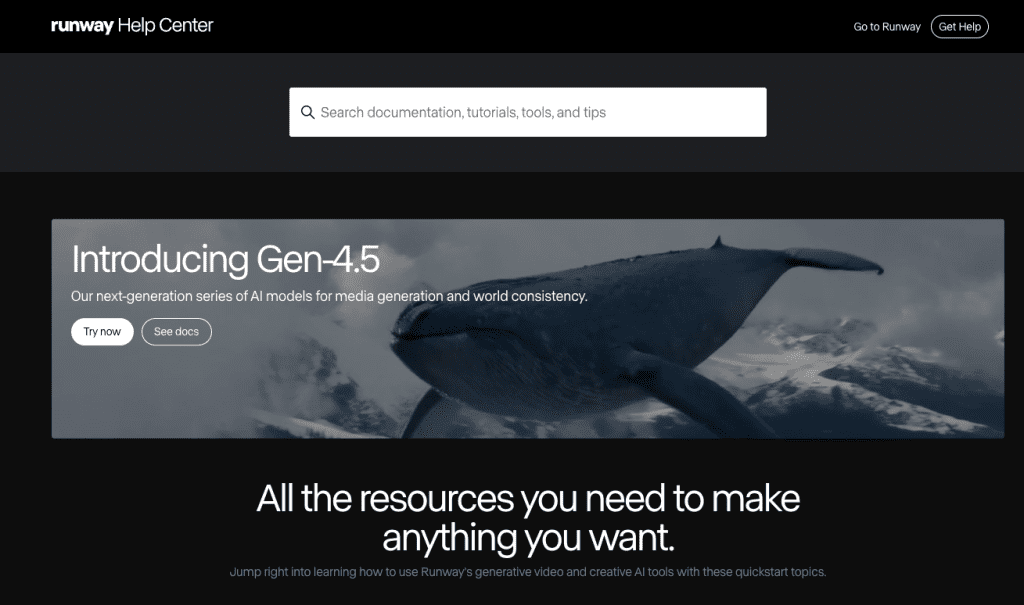
- Runway for AI-generated b-roll or style transfers when you need something unusual.
These can slot alongside either Replit or Canva: generate bespoke motion in Replit, drop it into Descript or CapCut, and finish there. Or start in Canva for the structure, then polish audio and captions elsewhere.
If you want to dig deeper, check official docs: Descript Help, CapCut Learn, Runway Docs.
Final quick take, friend to friend: Canva is my sprint: Replit is my studio. I open Canva when a post is due in an hour. I open Replit when I care about the motion language and plan to reuse it. And yes, that lower-third? The Replit version won. Smaller file, smoother curve, tiny spark of delight.
Previous Posts: