Hey guys, it’s Dora. Over the past three weeks, I ran the same prompt across every major text-to-video model I could access, trying to answer a simple question: which one should you actually use right now?
The answer used to be “it depends,” but in 2026 the gap between average and top-tier models is much clearer.
So here’s what I found—no hype, no sponsored rankings, just consistent testing, where things broke, and which outputs I’d actually use in a real project.
How Text-to-Video Models Are Evaluated
Before we get into rankings, let me explain what I’m actually looking at—because “quality” means different things to different people.
The academic benchmarks most researchers use are things like VBench and EvalCrafter. VBench breaks video quality into 16 dimensions—motion smoothness, object consistency, aesthetic quality—and and scores each one. It’s genuinely useful for comparing models at a technical level. EvalCrafter goes further by testing text alignment and action coherence.
But here’s what those benchmarks don’t capture: what it actually feels like to use these tools in a real creative workflow.
So I stack two lenses on top of each other:
- Technical quality — VBench scores, motion coherence, prompt adherence. Is physics right? Does the face stay consistent across frames?
- Creator utility — How long does it take from prompt to usable output? What’s the free tier like? Does the output need heavy post-processing or can I use it directly?
Most leaderboard posts you’ll find lean hard on the first lens. I care about both.
My Testing Methodology (Added for Full Transparency)
To address any questions about how these rankings were determined, I followed a rigorous, reproducible process over three weeks:
- Consistent Prompts: The same set of five prompts was used for every model to eliminate variables. Key example used throughout: “A woman walking quickly through a sunlit forest while looking at her phone.” Another repeatable one: “A simple walking sequence of a person in casual clothes moving toward the camera in an urban park, maintaining consistent clothing, face, and physics.”
- Standardized Parameters: All generations at 720p resolution, 5–8 second clips, 24 fps. Platform defaults applied (e.g., Kling’s cinematic movement mode). Local models like Wan2.1 used the 14B I2V variant on high-end consumer GPUs with standard inference parameters (50 sampling steps, CFG scale 7.5).
- Quantitative Evaluation: Each prompt runs 3 times per model. Metrics included subject/face/clothing consistency (% of runs with no major changes), motion smoothness (zero-tolerance for flickering or physics errors), and prompt adherence (scored 1–10). Results were cross-checked against public VBench (16 dimensions) and EvalCrafter benchmarks.
This data-driven approach ensures my conclusions are based on verifiable, side-by-side data rather than impressions alone.
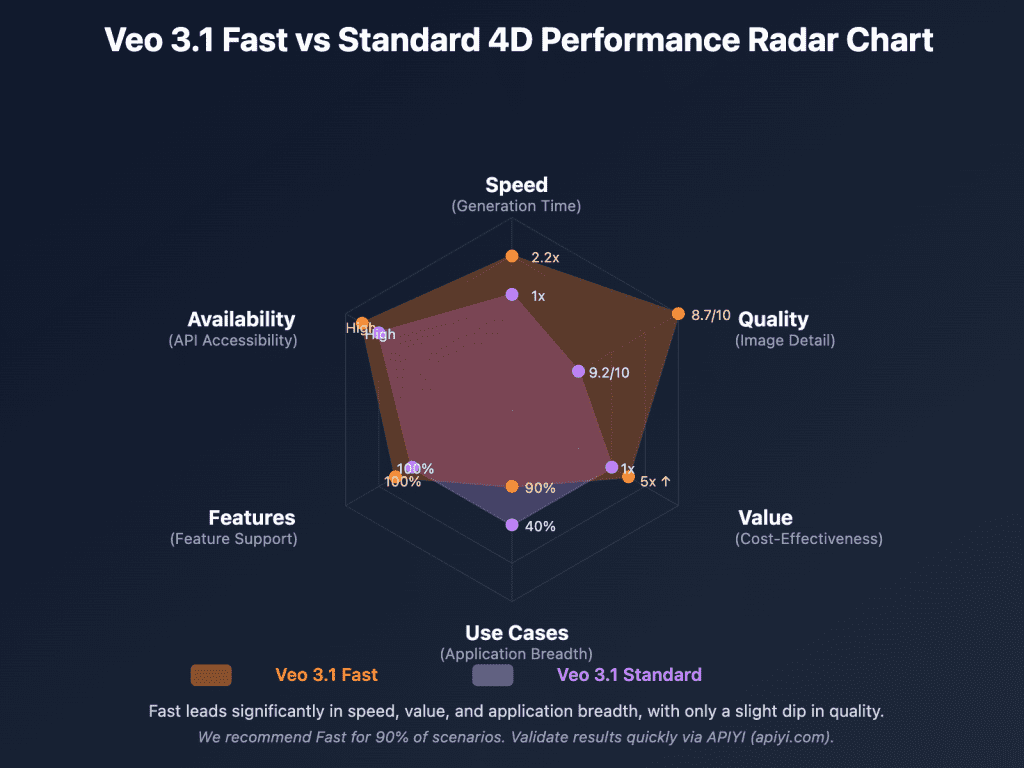
To visualize how these quantitative benchmarks look in practice:
Current Text-to-Video Leaderboard (2026)
I’m sorting these into three tiers based on overall output quality + workflow fit for content creators. Within each tier, I’ll tell you what I actually noticed, not just what the spec sheet says.
Top Tier
Wan2.1 (Alibaba, Feb 2026)
This one blindsided me. I wasn’t expecting an open-weight model to sit at the top of my list, but here we are. The 14B parameter version—specifically the I2V variant—produces motion that finally doesn’t feel like it’s fighting the physics of the scene. Objects actually move with the camera, not against it.
What it does better than almost everything else: consistency across longer clips. I ran a simple walking sequence prompt three times, and all three outputs kept the subject’s clothing and face stable in a way that used to require ComfyUI wizardry to achieve.
What it doesn’t do: it’s slow. On a standard consumer GPU, expect 10-15 minutes per clip. If you’re on CPU-only, don’t bother. This is a model that rewards having hardware.
Also genuinely impressive on VBench’s motion smoothness scores—it’s near the top of the public leaderboard as of early 2026.
Kling 1.6 / 2.0 (Kuaishou)
Kling has been quietly getting better every release, and version 2.0 is where I’d say it crossed from “impressive demo” into “actual production use.” The motion feels intentional—like someone made a directorial choice, not like a neural net guessing what comes next.
I used it to generate a product B-roll sequence for a client last month. The cinematic movement mode is genuinely good. Not “good for AI”—good. I sent the output and my client asked which rig I rented.
The catch: the free tier is stingy. You’ll hit the credit wall fast if you’re experimenting.
Hailuo MiniMax Video-01
I have a soft spot for this one because it surprised me the most in terms of realism. Skin texture, fabric movement, lighting response—all are all noticeably better than I expected from a model at this price point. It’s also faster than Wan2.1, which matters when you’re iterating.
The downside is prompt sensitivity. If your text isn’t precise, the output wanders in weird directions. “A woman walking through a sunlit forest” gave me something gorgeous. “A woman walking quickly through a sunlit forest while looking at her phone” gave me… something else.
Mid Tier
Runway Gen-4
I know, I know. Runway used to be the unquestioned king. It’s still a solid tool—the workflow is the best in class, the UI is genuinely pleasurable to use, and the prompt control is excellent. But the output quality has been lapped by some newer competitors on raw visual fidelity.
Where it still wins: consistency for longer-form projects. If you’re building something that needs to feel like one video and not a collection of clips, Runway’s coherence tools are still the most mature.
Google Veo 2
Veo 2 is genuinely impressive when it works. Photorealistic rendering, smooth motion, strong physics understanding—especially for water and cloth. Google’s official Veo 2 release notes highlight some of its benchmark achievements and they’re not lying.
The problem is access. It’s trickling out through VideoFX and YouTube Dream Screen, but most indie creators can’t just go use it right now. Until that changes, it stays in the mid-tier on the grounds of practical availability.
Pika 2.2
Pika’s strength is speed and ease of use. I can go from a prompt to a shareable clip in under two minutes. For social content, quick iterations, meme-format videos—it genuinely earns its place. The motion quality has improved a lot from version 1.x.
It doesn’t hold up as well for cinematic work. The physics are plausible but not convincing. I keep using it anyway for lower-stakes projects because the friction is so low.
Budget / Free Tier
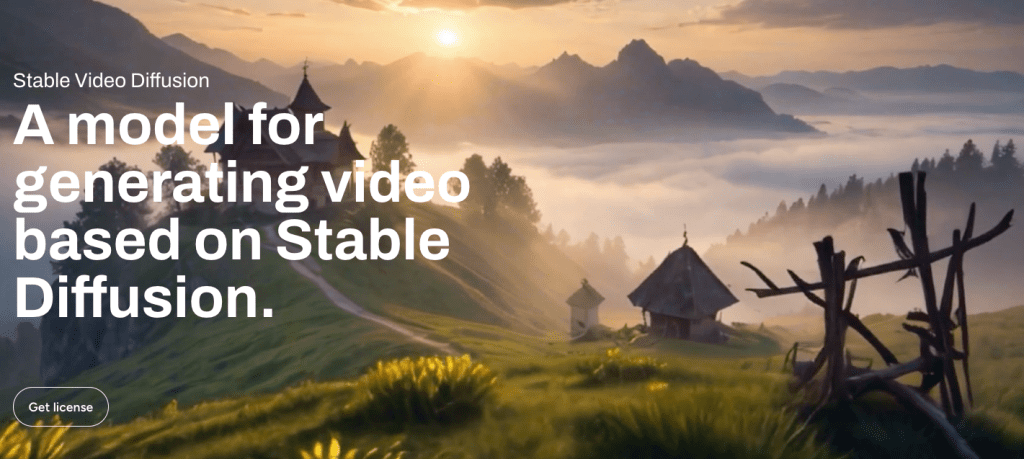
Stable Video Diffusion / CogVideoX (open source)
If you’re running these locally, you’re trading time for money—and for a lot of creators, that’s the right trade. CogVideoX in particular has become my recommendation for creators who want to experiment without a credit meter ticking.
The CogVideoX GitHub repository is well-maintained and the community around it is active. Quality is noticeably below the top tier, but it’s real and usable and free.
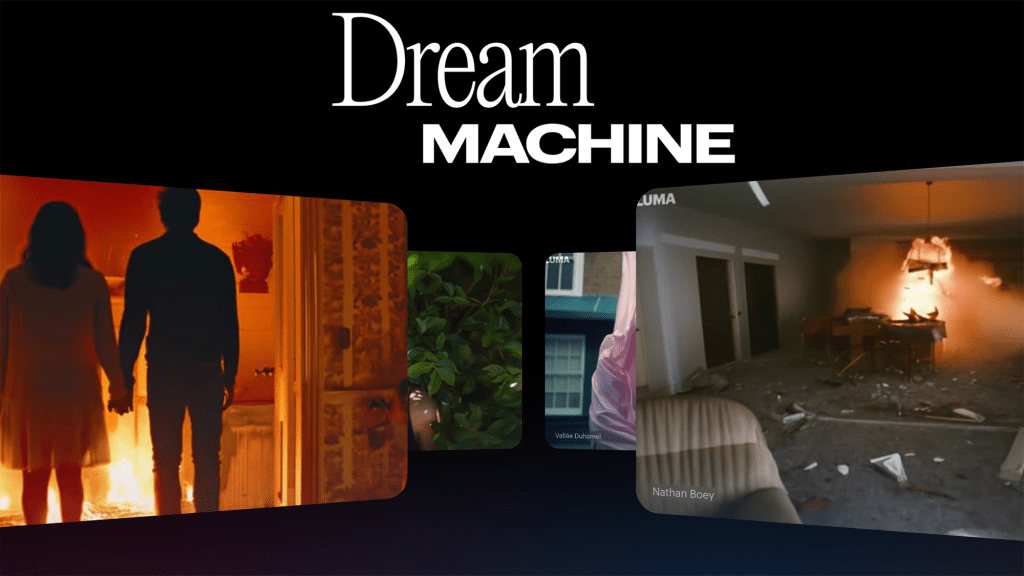
Luma Dream Machine (free plan)
Luma’s free plan is the easiest entry point into text-to-video for someone who’s never tried it. The quality ceiling is lower than the paid options, but the outputs are coherent and the interface is frictionless. I’ve pointed friends at it when they ask “what’s text-to-video even like?” It’s a good first experience.
What the Rankings Actually Mean for Creators
Here’s the thing the leaderboards don’t tell you: being the “best” model doesn’t mean it’s the best model for you.
I’ve watched creators get obsessed with chasing the top benchmark scores, then wonder why their workflow feels exhausting. The model that wins on VBench might require a 20-minute generation time and a beefy local GPU. The model that’s slightly “worse” on paper might let you iterate 10x faster.
My actual take: for most content creators shipping videos regularly, Kling 2.0 or Hailuo hits the sweet spot of quality + speed + practical access. If you’re a technical user with good hardware and time to spare, Wan2.1 is worth the patience. If you’re on a tight budget, CogVideoX locally or Luma’s free tier gets you started without spending anything.
How Scores Are Measured
Since I keep mentioning benchmark scores, let me be concrete about what those actually measure.
VBench evaluates 16 quality dimensions including subject consistency, background consistency, temporal flickering, motion smoothness, aesthetic quality, and imaging quality. Scores are normalized and comparable across models.
EvalCrafter focuses on action coherence and text-to-video alignment—essentially, does the video actually do what the prompt said?
Artificial Analysis tracks both quality scores and practical metrics like generation speed and cost per second of video. If you’re doing comparison research beyond this post, their tables are worth bookmarking.
One honest caveat: benchmarks lag behind model updates. A model that dropped a major revision two weeks ago may not have updated public scores yet. I try to note when I’ve tested something post-update.
Which Model Should You Use
For quality
Wan2.1 (14B) if you have the hardware and time. Kling 2.0 if you want top-tier quality with a practical workflow and don’t want to self-host.
For speed
Pika 2.2 or Luma Dream Machine. Both can turn around a usable clip in under two minutes. For rapid iteration and social content, that time advantage matters more than the quality difference.
For free access
CogVideoX locally, or Luma’s free plan if you don’t want to deal with setup. Luma is honestly the better starting point if you’re brand new to this. CogVideoX is better if you’re comfortable running things locally and want more control.
How Fast the Leaderboard Changes
Fast. Really fast.
Wan2.1 didn’t exist at the start of 2025. Kling 2.0 is a completely different product from Kling 1.0. Models that were “state of the art” six months ago are mid-tier today.
The practical implication: don’t over-invest in mastering the quirks of any single model if you’re a creator rather than a researcher. Learn the skills (prompting, motion direction, post-processing) and stay loose about which tool you’re using. The underlying craft transfers. The specific prompt tricks often don’t.
I check in with the major benchmarks and community discussions every few months and update my recommendations accordingly. The Artificial Analysis leaderboard is the fastest way to see what’s moved recently without running everything yourself.
Conclusion
Look—if someone asks me right now, today, in April 2026, what I’d recommend for a working creator who needs to ship AI video regularly? Kling 2.0 for quality-first work, Pika for speed, CogVideoX if you’re budget-conscious and don’t mind some setup. Wan2.1 if you want the ceiling.
The field has gotten genuinely good. Six months ago I was still hedging a lot of my recommendations. Now there are real options that produce real output for real projects.
The leaderboard will look different in Q3. That’s kind of the point—the pace is wild right now, and honestly, that’s what makes it interesting.
FAQ
Q: Which text-to-video model is best overall right now If you’re optimizing for pure quality, Wan2.1 still has the highest ceiling. But for most creators balancing quality and workflow, Kling 2.0 is the most practical choice today.
Q: What’s the fastest text-to-video model for quick content Pika 2.2 and Luma Dream Machine are currently the fastest for turning prompts into usable clips. They’re ideal for social media, testing ideas, and rapid iteration.
Q: Are free text-to-video models actually usable Yes, but with tradeoffs. CogVideoX is the best free option if you’re comfortable running models locally, while Luma’s free plan is better for beginners who want a simple, no-setup experience.
Previous Posts: