Hi, Leo here. A friend pinged me last month: “Bro, this faceless.video thing — legit or scam? Trustpilot looks brutal.” I’d seen the same ads pop up in my feed for weeks. So I did what I usually do — opened a virtual card with a $20 cap, signed up, and ran a real two-week test on a new channel.
This is the honest faceless.video review I wish I’d read before I clicked subscribe. No affiliate links, no “game-changer” theater. Just what I saw, what burned me, and where I think it actually fits.
Quick context: faceless.video is one of those auto-pilot tools — pick a niche, it generates AI scripts, pulls stock visuals, narrates, captions, schedules, posts. The pitch is “set it and forget it.” The reality is more complicated.
Let me break it down.
What Faceless.video Is
Who it is built for and what workflow it automates
Faceless.video sits in a very specific corner of the AI video market. It’s not a video editor. It’s not a generation model like Runway or Veo. It’s a workflow automation tool for faceless YouTube Shorts / TikTok / Reels channels — the kind where stock footage scrolls behind an AI voice telling you a Reddit story or a “10 things you didn’t know about ancient Rome.”
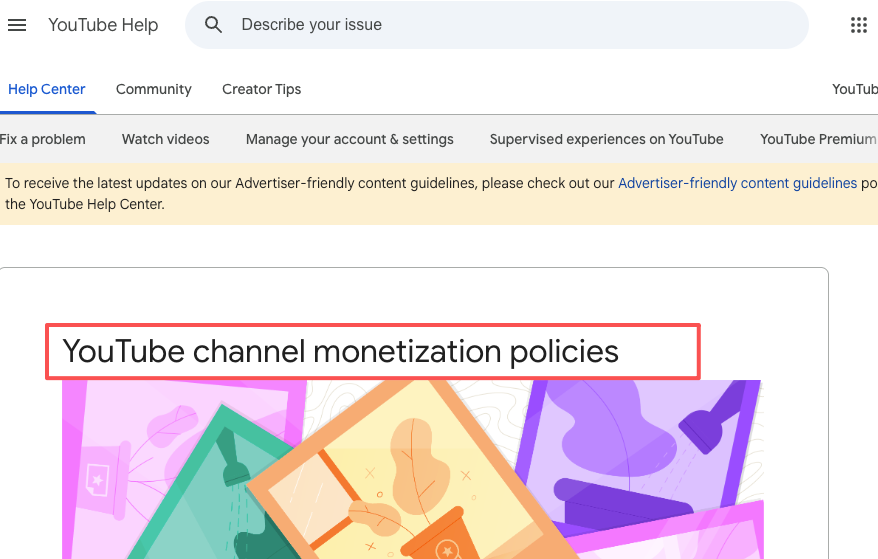
This kind of mass-produced, formula-driven short-form content is exactly what platforms have started watching more carefully — YouTube’s 2025 monetization policy update made that direction official. Worth keeping in mind before any faceless.video review turns into a recommendation.
The workflow it automates, end to end:
- You pick a niche (motivational, horror, true crime, Reddit, history, etc.)
- You pick a voice and visual style
- You set a posting schedule
- The platform writes the script, fetches visuals, narrates, captions, and pushes the finished video directly to your connected YouTube / TikTok / Instagram
If that loop sounds appealing, you’re the target user. If you want shot-level control or a real timeline editor, this isn’t that tool — and that mismatch is where most negative reviews start.
One thing the product page underplays: each “series” is a separate subscription. Running two niches means two payments. I missed that on my first read.
Key Features Tested
Script generation, visuals, voiceover, captions, and scheduling
I tested a “weird history facts” series on a fresh YouTube channel for 14 days, three videos a week. Here’s what each piece actually felt like in practice.
Script generation. Honestly, better than I expected for the first two videos. By video four, I started seeing the same sentence patterns recycle. The AI clearly has a template it likes — short hook, three facts, “comment if you knew that one” outro. Works once. Gets old fast. Editing scripts before generation is possible, but it slows you down enough that the “automation” promise starts to crack.
Visuals. This is the weakest link. The stock library skews generic — same wide landscape shots, same anonymous historical paintings — and the AI doesn’t always match the visual to what the narrator is saying. Two of my videos had a “Roman emperor” mentioned while a clearly Greek statue filled the screen. Small thing. But you notice.
Voiceover. Decent. Multiple voices to choose from, multilingual support is real, and the pacing is okay. Not as natural as ElevenLabs, but acceptable for short-form where viewers are scrolling fast.
Captions. Auto-generated, animated, and synced reasonably well. I’d say this is the most polished feature of the whole stack. If you only used faceless.video for captioning, you’d probably leave a positive review.
Auto-posting. This is where my experience matched a lot of the public complaints. Out of 6 scheduled posts in week one, 4 went up on time. 1 was 6 hours late. 1 silently failed and I only noticed when checking analytics. I got an “Uh Oh, we couldn’t post your video” email two days after the fact. If the whole reason you’re paying is the autopilot, that hit rate is a problem.
Pricing and Free-Tier Notes
What to verify before publishing or subscribing
Pricing tiers are structured by posting frequency per series, and they shift fairly often, so check the live page before you commit. The general shape during my test:
| Plan | Approx. price (monthly) | Posts per week | Notes |
| Starter | ~$15 | 3 | Per series, auto-posting, basic voices |
| Mid tier | ~$30 | Daily | More voices, no watermark on paid plans |
| Top tier | ~$50+ | 2x daily | Higher caps, premium models |
Yearly commitment knocks roughly 40% off, which sounds great until you remember the no-refund clause in their terms. That’s a real lock-in.
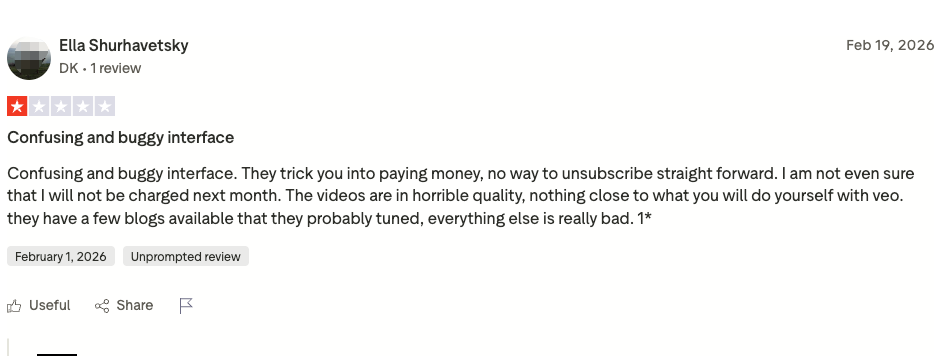
Is faceless video free? Short answer: no, not really. There’s a free trial, not a permanent free tier. And the free trial is also where the bulk of complaints originate — users report being charged unexpectedly after what they thought was a cancellation, plus a “20 credits then upgrade prompt” funnel that feels more like a wall than a trial.
Before subscribing, two things I’d verify directly on the site:
- Exactly what your tier includes — credit counts, watermark policy, model access. The marketing page and the dashboard don’t always agree.
- How cancellation actually works — find the cancel button before you pay, not after. Multiple users on recent Trustpilot reviews report difficulty unsubscribing.
If you’re testing it, use a virtual card. Seriously. I did, and after seeing the complaint patterns I’m glad.
Output Quality and Real Use Cases
Shorts, narration videos, and simple channel workflows
Here’s the part where I’ll be more useful than the affiliate reviews: quality depends entirely on your niche.
Faceless.video works decently for niches where viewers don’t scrutinize visuals — meditation backgrounds, Reddit-story narration, basic motivational quotes, sleep stories. The audio carries the video. The stock footage is wallpaper.
It struggles in any niche where visuals carry meaning — product reviews, tutorials, anything tied to a specific person or place, anything tied to recent events. The AI can’t fetch a screenshot of last week’s iPhone launch. It’ll show you a stock photo of “a phone” and call it a day.
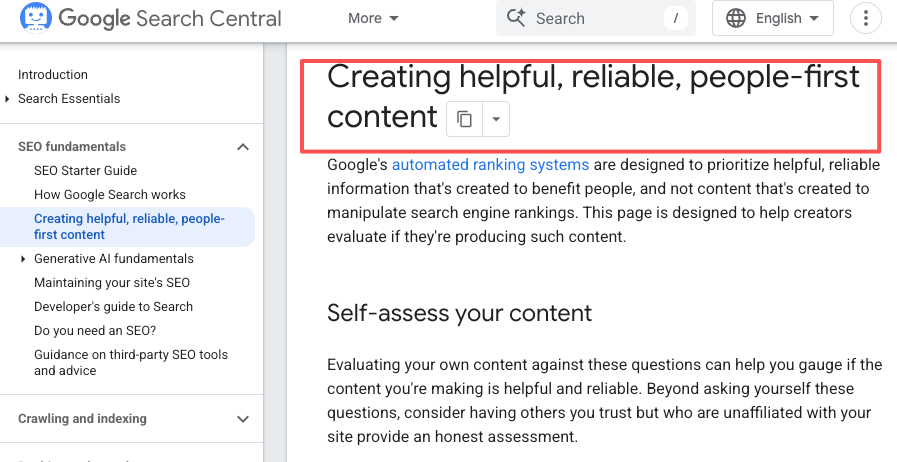
A pattern I’ve seen across faceless tools generally, and faceless.video specifically: the videos that perform on YouTube are the ones where you intervened. Edited the script. Swapped a clip. Tweaked the hook. The pure “set it and forget it” outputs tend to look like every other AI-generated channel, and YouTube’s algorithm has gotten noticeably better at noticing that. Google’s people-first content guidance reflects the same direction across platforms — original human input keeps winning, automation-only loses ground.
Which leads to the part nobody wants to talk about.
Pros and Cons
Speed benefits vs creative control limits
Pros — what’s actually real:
- Speed is legit. From signup to first published video took me about 25 minutes. Manually, that workflow is 3-4 hours.
- Captioning quality is strong.
- Multilingual voiceover support is broader than most competitors at this price.
- Auto-posting when it works genuinely removes a step.
Cons — what burned me or worried me:
- Auto-posting reliability is inconsistent. ~17% failure rate in my test. Your mileage may vary.
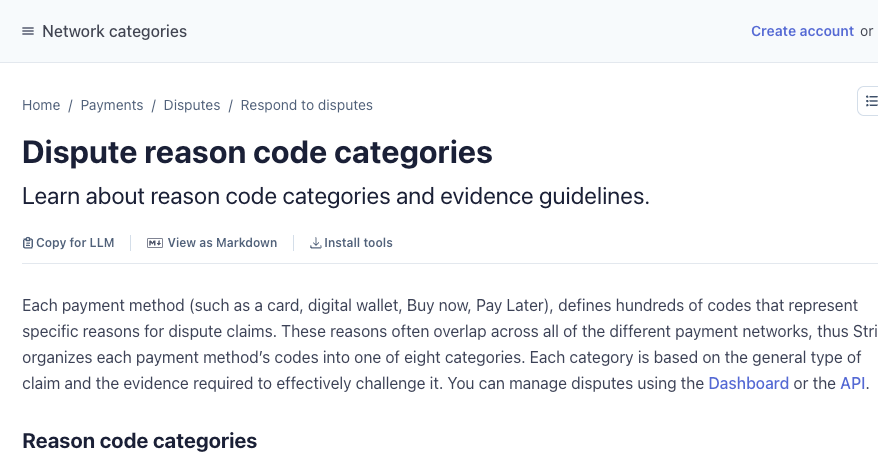
- Refund and billing complaints are a real pattern, not isolated incidents. Reading through recent Trustpilot reviews, the same complaints repeat: charged during trial, can’t cancel, no refund. The company does respond publicly, but the volume is concerning. If you do hit a billing dispute and the in-app channel goes silent, your fallback is usually your card issuer — Stripe’s dispute categories cover most of the scenarios users describe.
- Generic output. Without manual intervention, the videos look exactly like every other AI faceless channel. That’s a platform-policy risk now — see next section.
- Per-series pricing can balloon costs fast if you run more than one channel.
- Limited creative control by design. If you want to swap a single clip mid-video, you’re often forced to regenerate the whole thing.
The platform-policy risk deserves its own line. YouTube’s inauthentic content policy in mid-2025 specifically targets mass-produced, repetitive, AI-generated content with little human input. That’s a direct hit on the faceless.video workflow if you don’t customize. Multiple users on Trustpilot reported channel termination. This isn’t faceless.video’s fault per se — it’s an industry-wide shift — but if you’re paying for full automation and the platform you’re posting to is punishing full automation, the math gets harder.
Who It Is For
Beginners, faceless channel operators, and small teams
Honestly? After two weeks, here’s my read on who this actually fits:
Good fit:
- Total beginners who want to see what a faceless channel workflow looks like before committing to building their own.
- Niche operators in low-scrutiny verticals (meditation, sleep, ambient narration).
- Anyone who treats the $15-30/month as an experiment cap and uses a virtual card.
Bad fit:
- Anyone running a brand-aligned channel where visual quality matters.
- Anyone who wants reliable auto-posting they don’t have to babysit.
- Anyone uncomfortable with a no-refund clause.
- Anyone trying to scale to multiple channels (per-series pricing kills the unit economics).
A more honest framing of the question — is faceless video legit — isn’t yes or no. The service exists, the videos do generate, the company is real (registered, has a support email, responds on Trustpilot). But “legit” in the sense of “will it consistently deliver what’s advertised” — that’s where the answer gets uncomfortable. Read 20 recent reviews before you decide.
Verdict
When to use it and when to pick a more flexible tool
I’m not going to wrap this up with “highly recommended” or “stay away.” Both would be lazy.
Here’s the actual verdict, based on a real test on my own dime:
Use faceless.video if:
- You want to learn the faceless-channel workflow with minimal upfront effort
- Your niche genuinely tolerates generic visuals
- You’ll cap your spend and treat the first month as pure validation
Skip it if:
- You care about output that doesn’t look AI-generated at a glance
- You need reliable auto-posting
- You’re already comfortable stitching tools together — there are more flexible workflows now where you keep the orchestration but get more control at each step (think modular AI video agents rather than locked pipelines)
Personally, after the test ended, I cancelled. The output didn’t justify the cost for the kind of work I ship to clients, and the auto-post failures meant I was checking the dashboard manually anyway — which defeats the whole point.
If you do try it, use a virtual card and screenshot every step of the cancellation flow. That’s the single most useful piece of advice I can give you from two weeks of poking at this thing.
The faceless-video space is moving fast. A year from now, this faceless.video review is probably stale. But right now, in 2026, the tool sits in an awkward middle ground — real capability and real reliability problems in the same box. Your job as the buyer is to decide which one outweighs the other for your specific use case.
If you want to cross-reference what I found, read a handful of recent faceless video reviews alongside this one. Pay attention to the dates — anything older than six months is describing a different product, because the pricing structure and feature set have shifted noticeably in the last year.
FAQ
How reliable is the auto-posting feature in practice?
Many users report inconsistent results. Some videos post on schedule, while others are delayed by several hours or fail silently. This is one of the most common pain points — even on paid plans. If your entire strategy depends on completely hands-off posting, you should plan to monitor the dashboard regularly, at least in the beginning.
How much does it cost?
Pricing starts around $15/month for a Starter plan with three posts per week, scales up to roughly $50+/month for daily or 2x-daily posting on premium tiers. Each content series is billed separately — running two niches doubles your bill. Annual commitment offers a discount (~40%), but the terms include a no-refund clause, so the lock-in is real. Always verify the current pricing on their site before subscribing.
Is faceless.video suitable for long-term channel growth?
It depends on how much you customize. Pure automation works for very generic, low-competition niches, but most successful faceless channels in 2026 combine tools like this with human oversight — editing hooks, improving storytelling, and varying the format. Relying on full automation alone often leads to plateaued or declining performance.
Notes on this review: I tested faceless.video on a Starter-tier subscription for 14 days in 2026, posting to a fresh YouTube channel in the “weird history facts” niche. No affiliate relationship with faceless.video or any alternative mentioned. Used a virtual card capped at $20 for the test. Cancelled at the end of the trial period — successfully, after two attempts.
Previous posts: