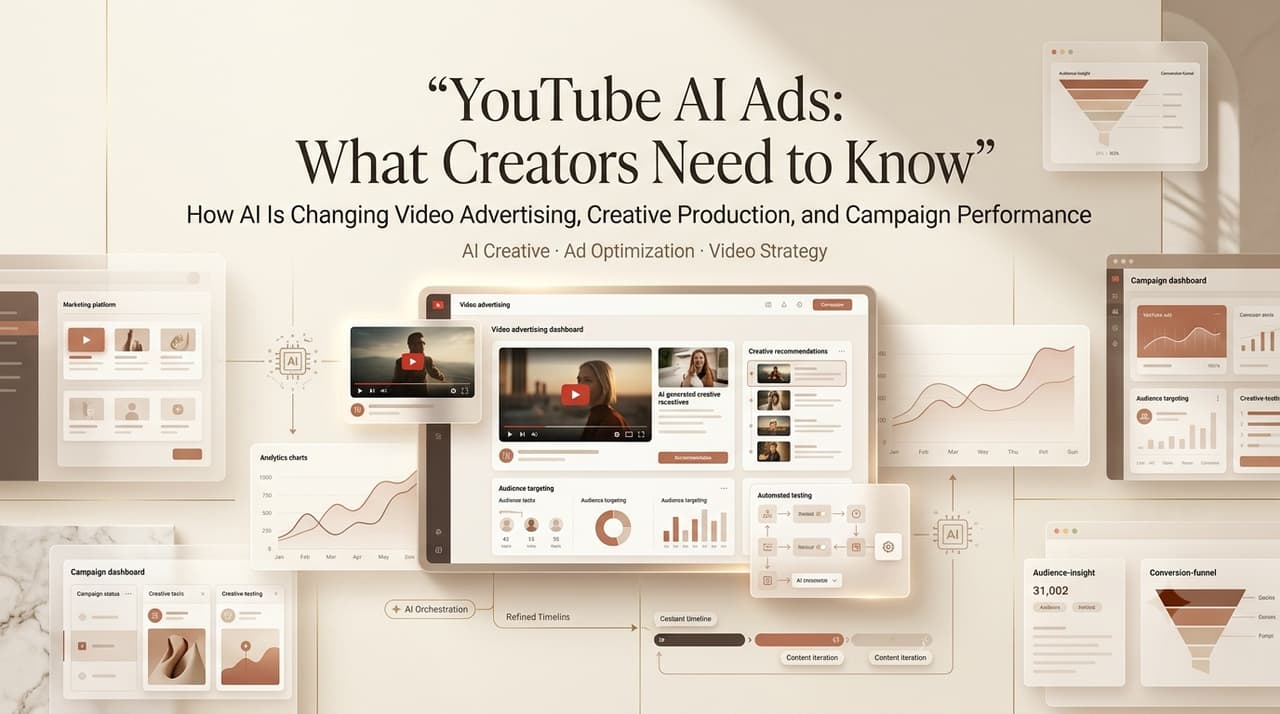
I’m Leo. Someone dropped a client brief in our group chat last month — 15-second YouTube pre-roll, AI-generated visuals, AI voiceover, tight turnaround. Three people immediately replied: “Wait, do we need to disclose that?” One said yes. One said no. One said “depends.”
That was the moment I realized YouTube AI ads in 2026 aren’t a settled conversation. The rules exist. Most people just haven’t read them carefully enough.
I’ve been running AI-generated ad creative through Google Ads campaigns since mid-2024 — pre-rolls, bumpers, Demand Gen — and went back through a dozen projects specifically to write this. Not a policy explainer. A workflow note from someone who’s had to answer “do we disclose this?” in real time with a client on a deadline.
So here’s what actually matters before you publish.
What YouTube AI Ads Means
Worth splitting this into two things that get conflated constantly.
The first: using an ai video ad maker — tools like CrePal, Pika, Sora, or any generator — to produce the actual ad creative. You make the video with AI, then upload it to YouTube as a paid placement.
The second: AI in ads as a Google Ads ecosystem feature — where Google’s own systems help optimize, deliver, and now even create video assets inside campaigns. Performance Max can auto-generate video from your assets. These are different workflows.
Creators and small teams usually deal with the first. Advertisers running Performance Max deal with the second. Increasingly, you’re doing both — which is exactly where things get complicated.
Writer Verification Checklist Before Publishing
This is the section I wish I’d had six months ago. Three things to verify every time.
YouTube Altered or Synthetic Content Disclosure
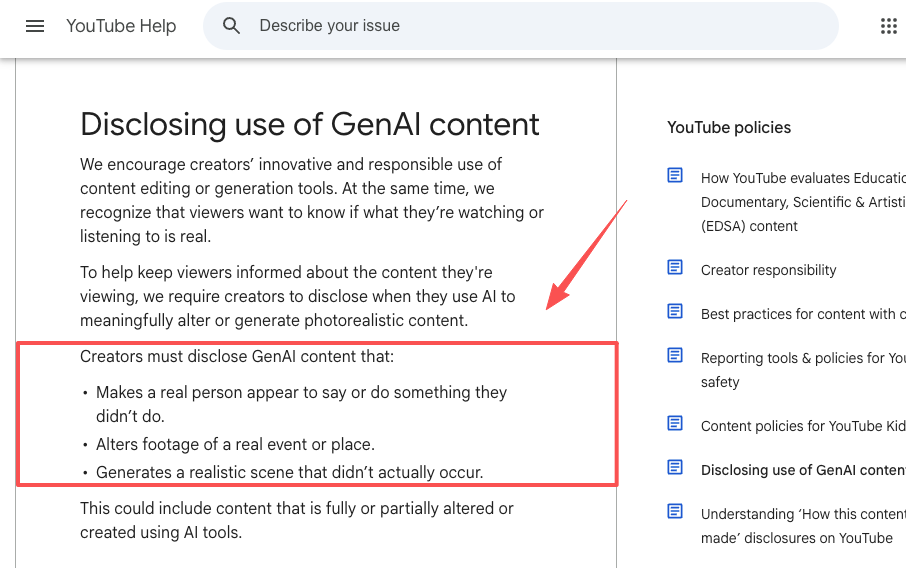
YouTube has a mandatory disclosure system — and it’s more nuanced than most tutorials make it sound.
The toggle lives in YouTube Studio under “Attributes” → “AI use” during upload. The trigger question is what actually requires it.
According to YouTube’s official GenAI disclosure guidelines, you must disclose when content:
- Makes a real person appear to say or do something they didn’t do
- Alters footage of a real event or place
- Generates a realistic scene that didn’t actually occur
What you don’t need to disclose: clearly animated or unrealistic content, beauty filters, color grading, using AI to write a script or generate a thumbnail, cloning your own voice for voiceover. Production assistance doesn’t require disclosure.
For a typical AI ad: if your video uses a photorealistic human avatar, a synthetic spokesperson who looks like a real person, or depicts a realistic-looking place or event that never happened — disclose. If it’s visibly stylized or animated — probably not.
One thing YouTube has confirmed explicitly: the disclosure label does not affect algorithmic distribution or monetization eligibility. It’s a transparency signal, not a ranking penalty. That said, repeated non-disclosure can escalate to monetization suspension. When in doubt, check the box. Policy wording here has shifted a few times since the disclosure toggle launched in late 2023 — the page linked above is the live version. If you’re checking this more than a few months after this post was written, the threshold examples on that page are more reliable than what’s summarized here.
Google Ads Connection and Campaign Setup
This is where google ads ai touches YouTube in ways creators often miss.
If you’re running YouTube pre-rolls through Google Ads, your creative doesn’t live in a vacuum. Performance Max campaigns — Google’s AI-driven format running across YouTube, Search, Display, Discover, Gmail, and Maps — now include a native video creation workflow inside campaign setup. New in 2026. You can build video assets without leaving the Google Ads interface.
What that means practically: if you haven’t provided a video, Google may auto-generate one from your existing assets. Those auto-generated assets carry their own disclosure questions when they run as YouTube placements.
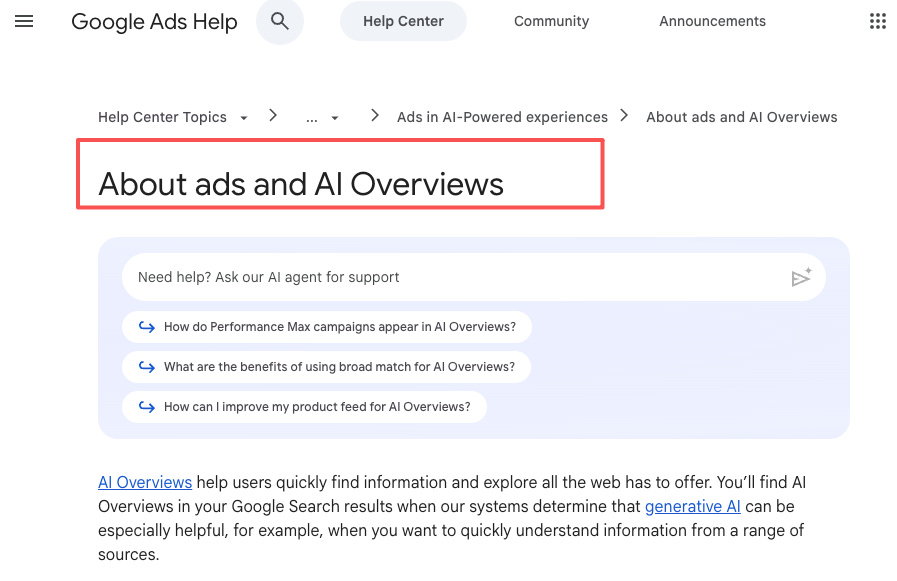
There’s also the AI Overview ads side to understand. Google’s AI Overviews now appear across a broad enough slice of search results that search advertising guidance from Google has had to specify which ad formats are eligible to appear alongside them — and under what conditions. The short answer: text and shopping ads from existing campaigns can serve around AI Overviews; video ads don’t currently appear inside the unit itself.
Current Policy Date and Source Links
Policies updated fast through early 2026. The two most important pages to bookmark directly:
- YouTube’s altered or synthetic content disclosure policy covers the disclosure threshold and toggle mechanics — the same page linked in the section above, worth revisiting directly rather than relying on any summary.
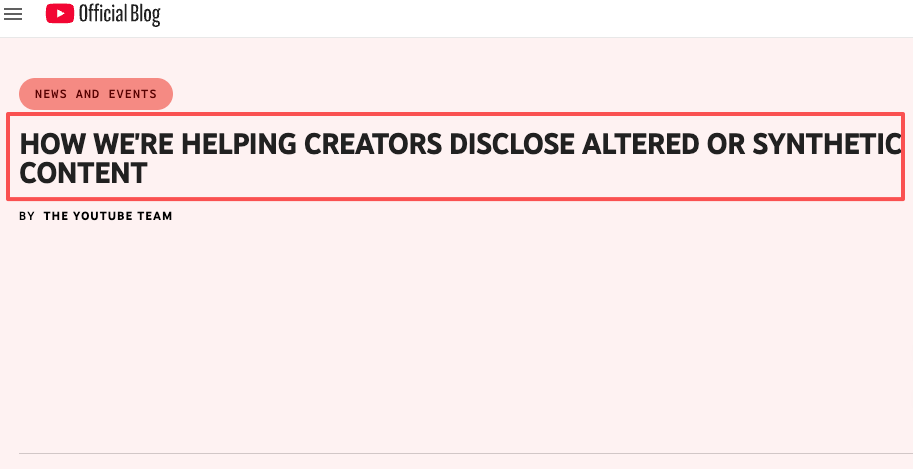
- YouTube’s original announcement of the synthetic content disclosure system is useful for understanding the intent behind the policy — how YouTube framed the problem when the requirement launched, which helps make sense of edge cases the current policy page doesn’t spell out.
- YouTube’s original synthetic content announcement
Don’t rely on secondhand summaries — including this one.rectly. Don’t rely on secondhand summaries — including this one.
How AI Changes YouTube Ad Creative
Here’s what’s actually shifted for short-form ad production.
The old workflow: shoot footage (or license stock), edit, export, upload. Expensive and slow if you need multiple aspect ratios or A/B variants.
With modern AI in ads tools, you can turn a brief into a rough video cut in minutes. Tools like CrePal treat it as an orchestrated workflow — script to storyboard to generation to export — rather than forcing five-tool handoffs.
What I’ve seen across real projects: AI video generators still struggle with consistent character identity across cuts and complex motion. For a 6-second bumper or 15-second awareness ad? Viable. For anything needing shot-to-shot continuity with a recurring character — run it several times before committing. On a recent 15-second pre-roll for a DTC skincare brand, I generated the same six-shot sequence four times before getting a version where the product didn’t morph between cuts. Third attempt was the one we shipped. That’s the production math you need to build into your timeline — not one generation, closer to three to five.
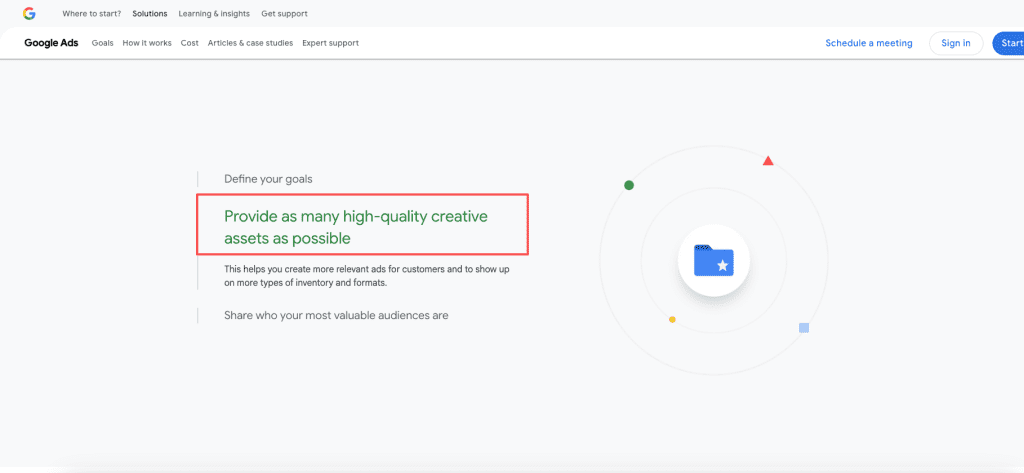
Google Ads Help documentation on video asset best practices shows that Performance Max performs better with five or more video assets in multiple aspect ratios — more creative variety gives the algorithm more to work with for audience matching.
That changes the production math: one hero video isn’t enough if you’re running PMax seriously.
What Creators Should Avoid
Two mistakes I’ve seen come up consistently:
The disclosure requirement follows the video, not the distribution method. If you upload an AI-generated video to YouTube — even if the only place it ever runs is a paid pre-roll through Google Ads — it’s still a YouTube upload, and the synthetic content policy still applies. The toggle lives in YouTube Studio during upload, not inside the Google Ads campaign interface. I’ve seen teams skip this because the campaign manager doesn’t own the YouTube channel access. That’s a workflow problem worth solving before launch, not a policy loophole. The second one is a production assumption that doesn’t hold up once you’re running Performance Max.
One 16:9 video isn‘t enough for PMax coverage. The campaign will run across YouTube, Shorts, Display, and Discover — each with different aspect ratio expectations. If you’re only providing one format, the algorithm either skips placements or auto-generates variants from your assets, which takes the creative decision out of your hands. Generating 9:16 and 1:1 versions from the same AI workflow adds maybe 25 minutes. Not doing it can mean your 9:16 Shorts placements run with a cropped version Google made, not the one you intended.
FAQ
Can creators use AI-generated videos in YouTube ads as of May 2026?
Yes. Fully AI-generated video ads are eligible to run. There’s no platform ban on AI-generated ad creative — the requirements are about disclosure and content policy, not the technology itself.
Do YouTube AI ads need synthetic content disclosure in 2026?
It depends on what’s in the video. Photorealistic AI-generated humans, realistic synthetic depictions of places or events, or cloned voices of real identifiable people — yes, disclose using the YouTube Studio AI use toggle. Animated, clearly stylized content, or AI-assisted production (scripts, thumbnails) typically doesn’t require it. Check YouTube’s current policy directly — the “realistic vs. clearly unrealistic” line requires judgment, and the page includes current examples.
How are YouTube AI ads connected to Google Ads in 2026?
YouTube video placements run through Google Ads campaigns — primarily Performance Max and Demand Gen. Google Ads AI now includes native video creation inside campaign setup. Separately, Search, Shopping, and Performance Max ads are eligible to appear alongside AI Overviews in Google Search, though video ads don’t currently show inside the AI Overview unit itself.
What should creators check before publishing AI video ads?
Three things: (1) Does the video meet YouTube’s realistic content threshold? If yes, toggle AI disclosure in YouTube Studio. (2) Do you have multiple aspect ratio exports ready for the placements you’re targeting? (3) Does any content depict a real person in a realistic, potentially misleading way without consent? That’s prohibited outright — disclosure alone isn’t sufficient.
Conclusion
YouTube AI ads in 2026 come down to decisions you make before upload, not after: does your content trigger the disclosure requirement, have you got the right format variants, and have you actually checked the current policy rather than relying on something you read six months ago?
The tools are good enough now to ship real ad creative entirely with AI. The rules aren’t a blocker — they’re documentation you need to read once and stay current on.
If you’re already running AI-generated ads, share what’s working in the comments. Especially curious whether anyone’s cracked multi-format production without burning half a day on it.
Previous posts: